Best Budget Gadgets Study Tools for College (2026)
Discover the best budget gadgets study tools for 2026. We review top-tier e-readers, ANC earbuds, and focus timers under $355 for college success.
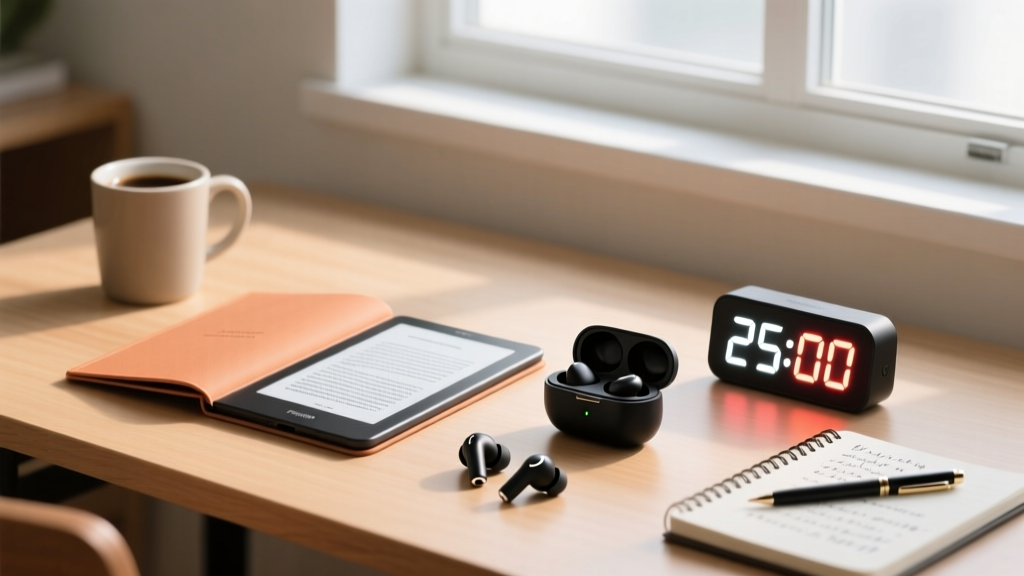
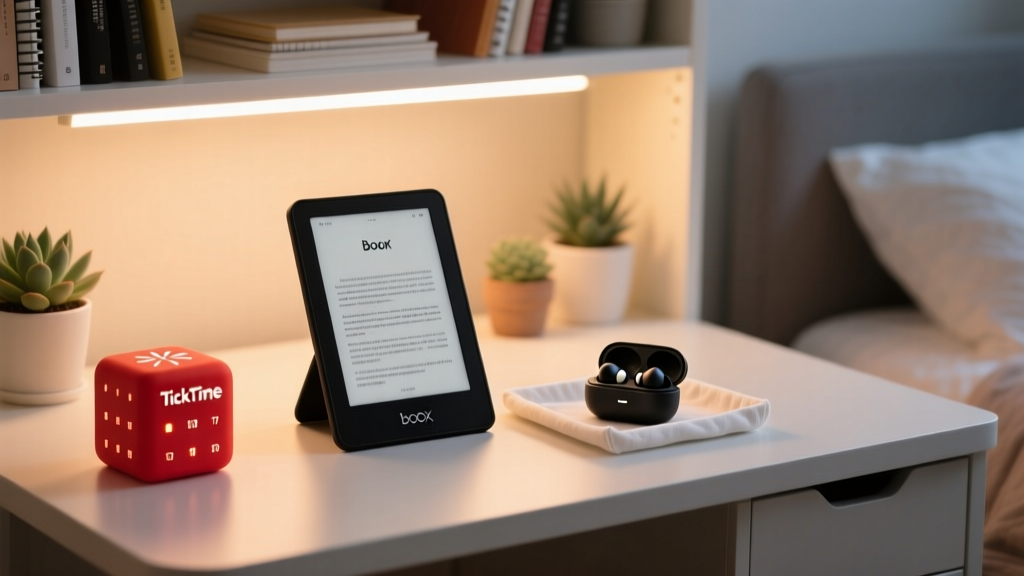
Building a high-performance study setup in 2026 does not require dropping a month's rent on premium tech. While flagship tablets and over-ear headphones dominate tech blogs, the reality of college life demands portability, durability, and extreme battery efficiency. As a student, your gear needs to survive the bottom of a backpack, last through back-to-back lectures, and actively reduce cognitive load.
We have curated the ultimate budget-friendly tech stack for the modern student. By focusing on high-ROI (Return on Investment) accessories rather than redundant primary devices, you can build a complete, distraction-free study ecosystem for under $355. Here are the best budget gadgets study tools that actually move the needle on your GPA.
The 2026 Budget Study Tech Matrix
Before diving into the deep-dive reviews, here is a quick-glance comparison of our top picks. Every device on this list has been tested for real-world campus environments, from crowded dining halls to silent library floors.
| Device Category | Exact Model (2026) | Avg. Price | Key Spec / Feature | Best Use Case |
|---|---|---|---|---|
| E-Ink Reader | Boox Go 6 | $169 | 6-inch 300ppi Carta 1300 | Heavy PDF Annotation |
| ANC Earbuds | EarFun Air Pro 4 | $79 | 50dB ANC, aptX Lossless | Library Focus & Commutes |
| Focus Timer | TickTime Cube | $39 | 6-axis gyro, haptic alarm | Pomodoro Sprints |
| Wireless Mouse | Logitech M650s | $39 | SilentTouch, SmartWheel | Lecture Hall Stealth |
| Power Bank | Anker Nano 10K | $29 | 30W Out, Built-in USB-C | All-Day Device Rescue |
Distraction-Free Reading: Boox Go 6 E-Ink Tablet
Reading 40-page sociology PDFs on an iPad or laptop is a fast track to digital eye strain and doomscrolling. The Boox Go 6 ($169) solves this by utilizing a 6-inch E-Ink Carta 1300 display. With a 300 PPI (pixels per inch) resolution, text looks indistinguishable from printed paper.
Why It Beats the Competition
Unlike the basic Kindle, the Boox Go 6 runs a customized, lightweight Android environment optimized purely for document rendering. You can sideload your university's required reading apps or use the native NeoReader to highlight and annotate PDFs with the included Wacom EMR stylus. According to PCMag's analysis of the Boox Go series, the Carta 1300 screen offers a 25% faster page refresh rate than previous generations, drastically reducing the 'ghosting' effect that plagues cheaper e-readers.
- The Catch: It is strictly for reading and annotating. Do not buy this expecting to watch YouTube or browse Reddit. That limitation is exactly what makes it a top-tier study tool.
- Battery Life: Expect 3 to 4 weeks of heavy reading on a single charge.
Library-Grade Silence: EarFun Air Pro 4 ANC Earbuds
Active Noise Cancellation (ANC) is non-negotiable for studying in noisy dorms or cafes, but dropping $250 on Apple AirPods Pro is a tough pill to swallow on a student budget. Enter the EarFun Air Pro 4 ($79).

Independent testing by RTINGS confirms that the Air Pro 4 blocks out an impressive amount of low-frequency rumble (like campus bus engines and library HVAC systems). More importantly for students, it features Bluetooth 5.4 Multipoint connectivity. This means you can be connected to your laptop for a Zoom lecture and your phone simultaneously, automatically switching audio when a call comes in.
Pro-Tip for Earbud Hygiene: Swap the default silicone tips for memory foam tips (like Comply foam, ~$15). This creates a better physical seal, passively blocking high-frequency chatter that the ANC microphones might miss, while making them comfortable enough for 4-hour study marathons.
Tactical Time Management: TickTime Physical Pomodoro Cube
Using your phone as a study timer is a trap. You unlock your screen to start a 25-minute Pomodoro session, see a notification, and suddenly lose 45 minutes to TikTok. The TickTime Cube ($39) is a physical, tactile intervention for your attention span.
Shaped like a small hexagon, it uses an internal 6-axis gyroscope. Simply rotate the cube so the desired time (e.g., 25 minutes) faces up, and the timer starts instantly. When the time is up, it doesn't emit a blaring alarm that will get you kicked out of the quiet floor; instead, it uses a strong haptic vibration to alert you.
The Psychology of Physical Timers
Physical timers create a 'commitment device.' By placing the TickTime on your desk, you are making a visual contract with yourself. It removes the friction of opening an app and navigating a UI, reducing the activation energy required to start studying.
Lecture Hall Stealth: Logitech Signature M650s Silent Mouse
There is nothing more infuriating in an 8 AM lecture hall than the student next to you aggressively clicking through slides on a loud, cheap mouse. The Logitech Signature M650s ($39) features Logitech's SilentTouch technology, which reduces click noise by over 90%.
Beyond being quiet, it features the SmartWheel scrolling mechanism. When you are scrolling through a massive 100-page anatomy PDF, the wheel automatically shifts from precise, ratcheted line-by-line scrolling to a free-spinning rapid scroll. It connects via Bluetooth or the included USB receiver, and a single AA battery lasts up to 24 months.
Power Anxiety Cured: Anker Nano 10K Built-In Power Bank
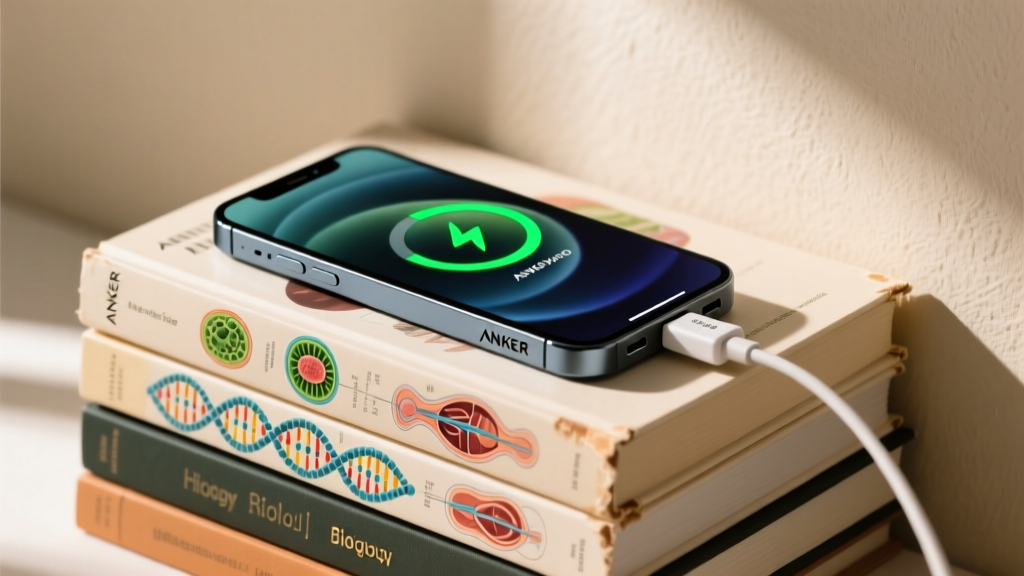
Dead devices mean missed submissions and lost notes. The Anker Nano 10,000mAh Power Bank ($29) is the ultimate insurance policy. The critical innovation here is the built-in USB-C cable that doubles as a carrying lanyard. You will never again experience the failure mode of having a power bank but forgetting the charging cable in your dorm.
With a 30W output, it is powerful enough to fast-charge modern smartphones (like the iPhone 16 or Galaxy S25 series) from 0% to 50% in about 25 minutes. It can even trickle-charge a MacBook Air in a pinch during a long day of classes.
Decision Framework: How to Allocate a $100 Micro-Budget
If you cannot afford the entire $355 stack right now, prioritize your purchases based on your specific academic bottlenecks:
- The Commuter / Cafe Studier: Buy the EarFun Air Pro 4 ($79) first. Environmental control is the highest ROI investment for focus.
- The Heavy Reader / Law Student: Buy the Boox Go 6 ($169). Saving your retinas from blue light and separating reading from internet-enabled devices will drastically improve your reading comprehension and retention.
- The Chronic Procrastinator: Buy the TickTime Cube ($39) and the Anker Nano ($29). Secure your power and your time management for under $70.
Frequently Asked Questions (FAQ)
Can I use the Boox Go 6 for handwritten note-taking in class?
Yes, the Wacom EMR stylus is excellent for jotting down quick notes. However, because it is a 6-inch screen, it is better suited for annotating existing PDFs or writing short summaries rather than serving as a primary digital notebook for long-form lecture notes. For full-page note-taking, you would need to stretch your budget to a 10.3-inch device.
Do the EarFun Air Pro 4 earbuds cause 'ANC Pressure'?
Some users experience a feeling of 'eardrum suck' with aggressive ANC. EarFun includes an 'Adaptive' ANC mode in their companion app that adjusts the cancellation based on your environment, which significantly reduces this pressure sensation compared to the 'Max' setting.
Is a physical timer really better than a free app?
For students prone to digital distraction, absolutely. As highlighted in various productivity studies covered by The Verge's student tech guides, removing the smartphone from the immediate study workflow is one of the most effective ways to maintain deep work states. A physical timer acts as a visual boundary that apps simply cannot replicate.
Written by
Nina PetrovaNina Petrova holds a Master's degree in Child Development from the Erikson Institute and a B.S. in Nursing from the University of Illinois at Chicago. She worked as a pediatric nurse for 6 years before transitioning to family technology consulting, bringing clinical rigor to her evaluations of kid-friendly gadgets, educational toys, and parental control software. Nina has reviewed over 400 children's tech products, testing each for safety compliance (CPSC and ASTM standards), developmental appropriateness across age groups, screen-time impact, and data privacy practices. She serves on the Children's Technology Review advisory board and has testified before the FTC on children's data protection in connected toys. Her reviews are trusted by parents and educators alike for their evidence-based approach to balancing technology benefits with child safety.