Next-Gen Gadgets Education Buyer's Guide: 2026 College Tech
Discover the best tech for campus with our 2026 gadgets education buyer's guide. Compare e-ink tablets, smart pens, and AI study tools for college success.
The 2026 Campus Tech Landscape: Beyond the Laptop
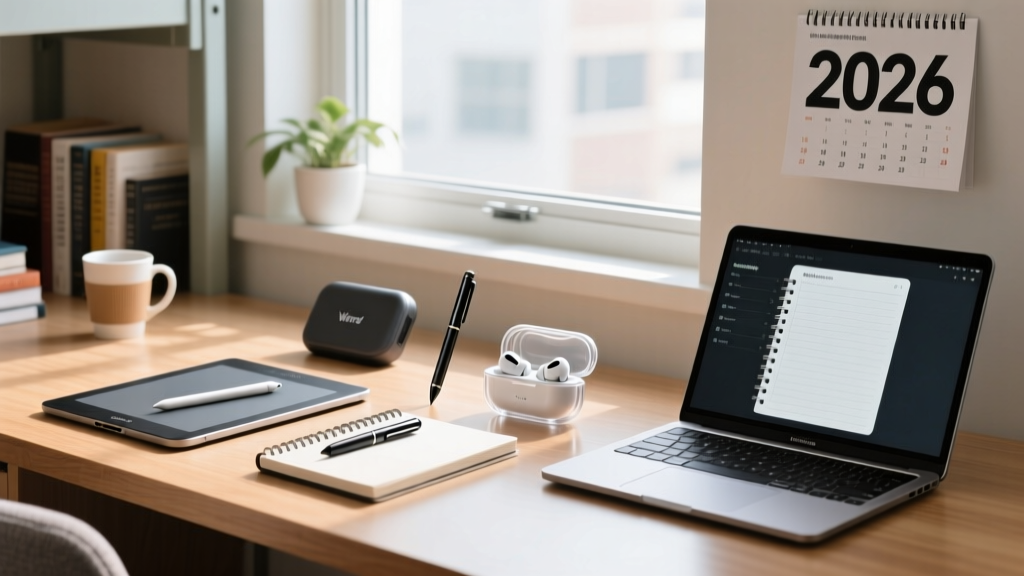
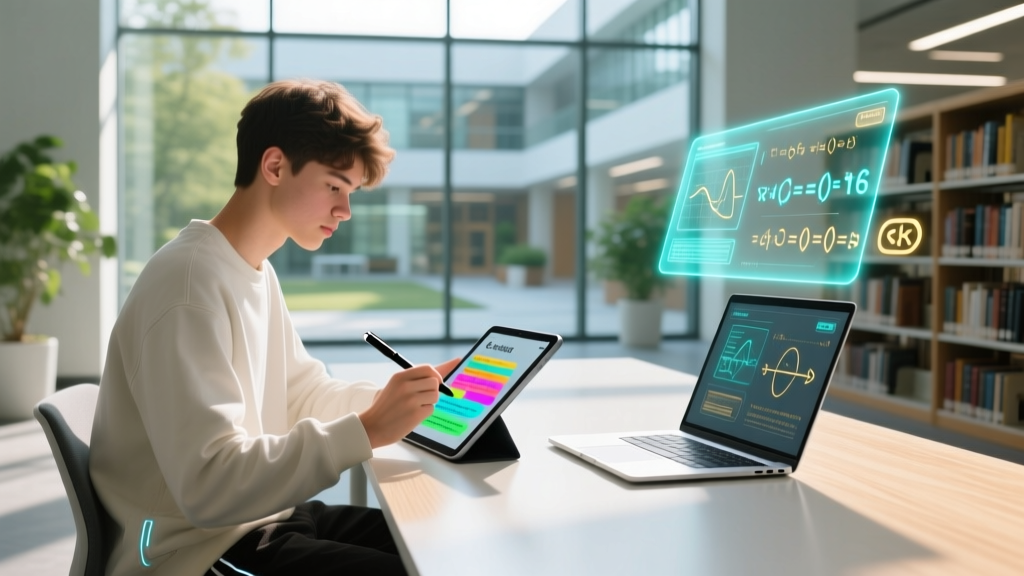
As we navigate the 2026 academic year, the definition of essential campus technology has shifted dramatically. While a reliable laptop remains the baseline, the most successful students are augmenting their workflows with specialized peripheral tech. According to the latest EDUCAUSE Horizon Report, the integration of AI-assisted hardware and distraction-free digital paper has moved from early adoption to mainstream necessity in higher education. This comprehensive gadgets education buyer's guide cuts through the marketing noise to evaluate the exact hardware models, pricing, and use-cases that deliver a measurable return on investment for your degree.
E-Ink Note-Taking Tablets: Distraction-Free Deep Work
For law, pre-med, and humanities students drowning in PDFs and case studies, standard LCD tablets cause eye strain and invite distraction. The 2026 e-ink market has finally solved the color and latency issues of the past, offering true paper-like experiences with digital backups.
reMarkable Paper Pro vs. Supernote Nomad
The reMarkable Paper Pro (2025/2026 refresh) features an 11.8-inch E Ink Gallery 3 color display with a 12ms refresh rate, making it ideal for annotating complex, color-coded anatomical diagrams or legal briefs. Priced at $599, it includes a built-in adjustable reading light and an active stylus that requires no charging. Conversely, the Supernote Nomad (A6X2) at $399 offers a more compact 7.8-inch form factor but dominates in writing feel thanks to its proprietary ceramic nib and soft-film screen texture. The Supernote also features a unique 'heartbeat' autosave system that ensures you never lose a stroke, even if the battery dies mid-lecture.
| Feature | reMarkable Paper Pro | Supernote Nomad (A6X2) |
|---|---|---|
| Price (2026) | $599 | $399 |
| Display Size | 11.8-inch Color E Ink | 7.8-inch Monochrome |
| Stylus Latency | 12ms | 9ms |
| Best For | Heavy PDF reading, color diagrams | Deep writing, journaling, portability |
| Cloud Sync | Proprietary / Google Drive | Dropbox / OneDrive / Supernote Cloud |
Smart Pens and Digitizers for STEM Majors
Engineering, mathematics, and physics students face a unique challenge: typing complex formulas and 3D spatial diagrams is inefficient. Smart pens bridge the gap between analog problem-solving and digital organization.
Neo Smartpen M1+ vs. Wacom Bamboo Ink Plus
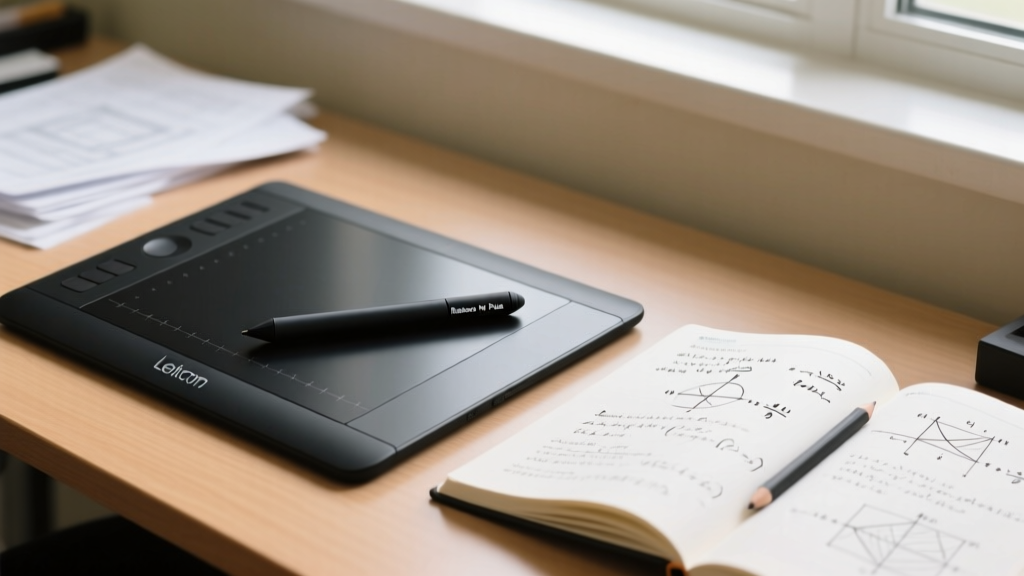
The Neo Smartpen M1+ ($189) is a powerhouse for traditionalists. It uses an infrared camera near the tip to track your handwriting on specialized Ncode dot-grid paper, instantly digitizing your calculus derivations into vector PDFs. The battery lasts an impressive 120 hours, and it weighs just 22 grams. For students who prefer working directly on their 2-in-1 Windows laptops or Surface devices, the Wacom Bamboo Ink Plus ($79) is the superior digitizer. It supports both AES and MPP protocols, meaning it seamlessly pairs with almost any touch-screen laptop on the market. Its 4,096 levels of pressure sensitivity allow for precise line-weight variations when sketching circuit diagrams or free-body diagrams.
Pro-Tip for STEM Students: Pair the Wacom Bamboo Ink Plus with Microsoft OneNote's 'Ink to Math' feature. As of the 2026 update, the AI accurately converts handwritten integrals and matrices into typed LaTeX code with 94% accuracy, saving hours of formatting time.
AI-Powered Audio Recorders for Lecture Capture
The days of manually transcribing a professor's 90-minute monologue are over. Wearable AI recorders have become a staple in the gadgets education ecosystem, particularly for journalism, sociology, and business students who need to capture interviews and fast-paced seminars.
Plaud NotePin 2 vs. OtterPilot AI Mic
The Plaud NotePin 2 ($169) is a discreet, lapel-worn device that records up to 40 hours of audio. Its standout feature is the onboard AI chip that processes and summarizes lectures locally, meaning your data isn't immediately sent to the cloud, addressing strict privacy concerns in medical or law schools. It automatically generates mind maps and action items via its companion app. The OtterPilot AI Mic ($129) is a desktop-centric alternative that excels in boardroom-style seminars. It uses a 6-microphone array to isolate the speaker's voice from background HVAC noise, and it integrates directly with Zoom and Microsoft Teams to pull live transcripts from hybrid lectures.
Decision Framework: Matching Gadgets to Your Major
Buying tech without a workflow strategy is a waste of capital. Use this framework to align your purchases with your academic demands:
- Pre-Law & Humanities: Prioritize the reMarkable Paper Pro. You will read thousands of pages of dense text; the 11.8-inch color e-ink screen reduces cognitive load and eye fatigue compared to OLED tablets.
- Engineering & Mathematics: Invest in the Wacom Bamboo Ink Plus and a high-quality 2-in-1 laptop. Your workflow requires spatial drawing and formula manipulation that keyboards cannot handle.
- Journalism & Business: The Plaud NotePin 2 is non-negotiable. The ability to instantly search a 2-hour audio recording for a specific quote or financial metric will cut your research time in half.
- Computer Science & Data Science: Skip the note-taking gadgets and reallocate that budget to a secondary vertical monitor (like the ASUS ZenScreen MB169CK, $199) to view code and output simultaneously.
Budgeting for Educational Gadgets in 2026

College budgets are tight, but viewing these devices as depreciating consumer electronics is the wrong mindset. As highlighted by WIRED's Back-to-School Tech Guide, the right peripheral hardware acts as a productivity multiplier that can directly impact your GPA and post-grad earning potential. Here is a realistic budget breakdown for a comprehensive 2026 tech stack:
| Gadget Category | Budget Tier | Premium Tier | Expected Lifespan |
|---|---|---|---|
| E-Ink Tablet | Supernote Nomad ($399) | reMarkable Paper Pro ($599) | 4-5 Years |
| Smart Pen / Digitizer | Wacom Bamboo Ink ($79) | Neo Smartpen M1+ ($189) | 3-4 Years |
| AI Audio Recorder | OtterPilot Mic ($129) | Plaud NotePin 2 ($169) | 3 Years |
| Total Investment | $607 | $957 | Through Graduation |
Frequently Asked Questions (FAQ)
Do I really need an e-ink tablet if I already have an iPad?
If your major involves heavy, continuous reading (like Law or History), yes. The iPad's OLED/LCD emissive light causes eye strain over 3+ hour study sessions. E-ink reflects ambient light, mimicking paper, which drastically improves focus and retention while eliminating notification-based distractions.
Are AI recorders legal to use in university lectures?
This varies by institution and state. Most universities require two-party consent or explicit professor approval to record audio. Always check your student handbook and ask for permission at the start of the semester. Devices like the Plaud NotePin 2 have a physical mute switch and an LED indicator to ensure ethical recording.
Can smart pens work with any notebook?
No. Pens like the Neo Smartpen M1+ require specialized Ncode dot-grid paper, which is slightly more expensive than standard college-ruled paper (roughly $12 per 100-page notebook). However, the digital organization and searchability of your handwritten notes offset the recurring cost.
What is the best way to sync these gadgets across devices?
Adopt a unified cloud ecosystem. Use Supernote Cloud or reMarkable's native integration to push notes to Google Drive, and configure your AI recorders to dump transcripts into Notion or Obsidian. Creating a centralized 'Second Brain' ensures that a math formula sketched on your Wacom pen and a quote captured on your Plaud recorder end up in the same project folder.
Written by
Nina PetrovaNina Petrova holds a Master's degree in Child Development from the Erikson Institute and a B.S. in Nursing from the University of Illinois at Chicago. She worked as a pediatric nurse for 6 years before transitioning to family technology consulting, bringing clinical rigor to her evaluations of kid-friendly gadgets, educational toys, and parental control software. Nina has reviewed over 400 children's tech products, testing each for safety compliance (CPSC and ASTM standards), developmental appropriateness across age groups, screen-time impact, and data privacy practices. She serves on the Children's Technology Review advisory board and has testified before the FTC on children's data protection in connected toys. Her reviews are trusted by parents and educators alike for their evidence-based approach to balancing technology benefits with child safety.