Best Desk Gadgets for Outdoor Patios & Seasonal Workspaces 2026
Discover the best desk gadgets for 2026 outdoor patios and seasonal workspaces, featuring anti-glare tech, portable power, and climate control.
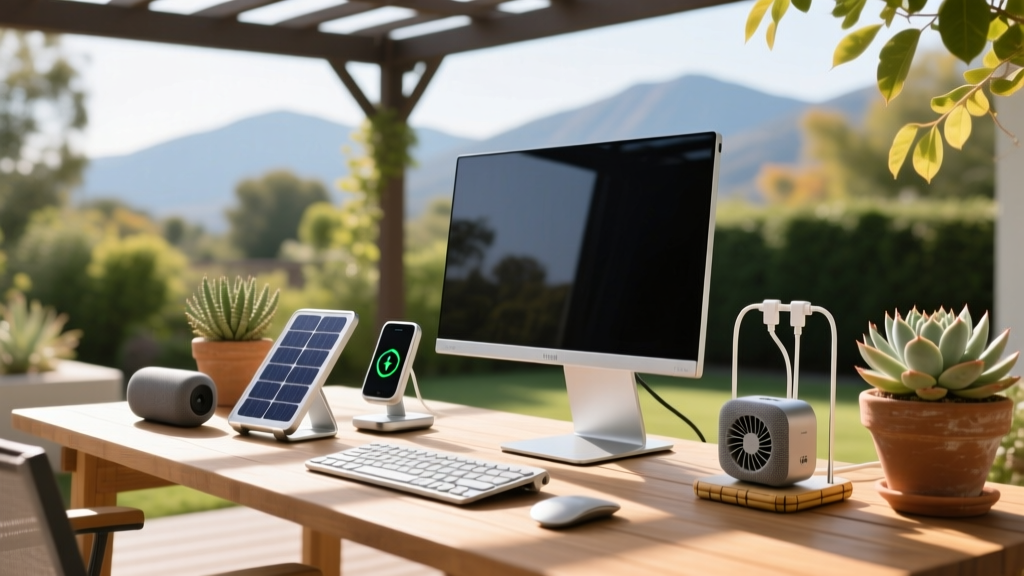
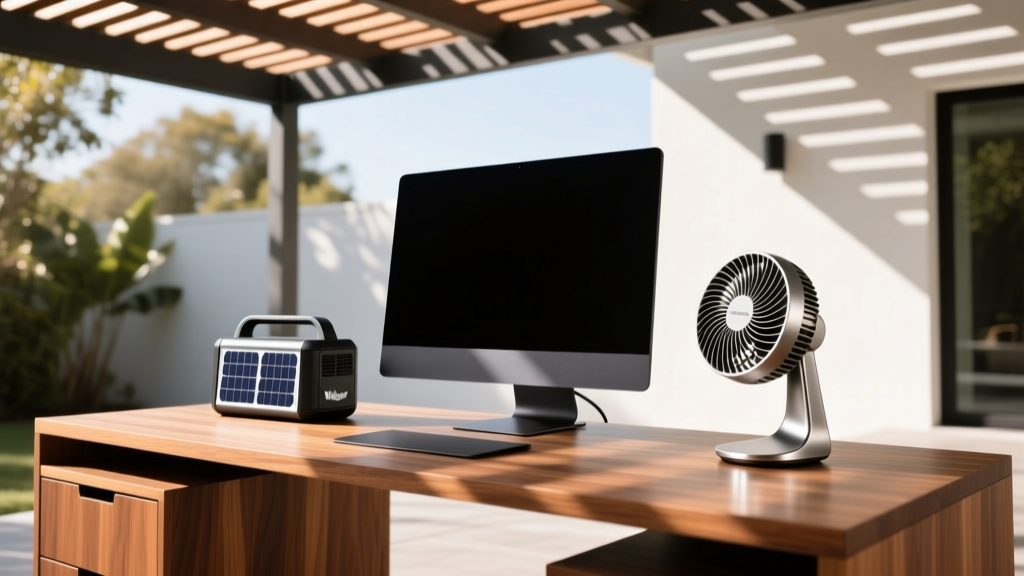
The Hidden Challenges of Seasonal and Outdoor Workspaces
Taking your home office to the patio, balcony, or a glass-walled sunroom sounds like a productivity dream. However, the reality of outdoor and seasonal workspaces is fraught with environmental hurdles. According to Cornell University's Ergonomics Department, direct outdoor sunlight can exceed 10,000 lux, creating severe screen glare and eye strain compared to the recommended 300-500 lux for standard indoor office work. Furthermore, consumer laptops are generally engineered to operate safely only between 50°F and 95°F (10°C to 35°C). Pushing beyond these thresholds leads to thermal throttling, sudden shutdowns, and long-term battery degradation.
If you want to maintain a high-performance workflow outside or in a seasonally shifting room, you need specialized gear. In this guide, we break down the best desk gadgets for 2026 that solve the unique problems of UV exposure, off-grid power, and temperature fluctuations.
2026 Outdoor & Seasonal Desk Gadget Matrix
Before diving into the deep-dive reviews, here is a quick-reference matrix of the top-performing gear for seasonal workspaces this year.
| Gadget Category | Top 2026 Model | Avg. Price | Best For | Key Spec / Rating |
|---|---|---|---|---|
| Anti-Glare Protection | Moshi iVisor AG | $35 - $45 | Direct sun readability | Zero-bubble, matte finish |
| Portable Power | Jackery Explorer 300 Plus | $399 | Off-grid laptop charging | 288Wh LiFePO4 Battery |
| Desktop Cooling | Vornado Flippi V6 | $29.99 | Targeted patio breeze | Articulating head, 2 speeds |
| Winter Warmth | Ember Mug 3 | $149 | Cold-weather beverage temp | 80-min battery, 135°F baseline |
| Task Lighting | BenQ ScreenBar Halo | $199 | Sunroom dusk transitions | Asymmetric optics, wireless dial |
Conquering Glare and UV Exposure
Screen Protection: Moshi iVisor AG
When working on a patio, a glossy laptop screen becomes a mirror. While you could buy a specialized rugged outdoor monitor, a more cost-effective solution for your existing MacBook or Dell XPS is the Moshi iVisor AG anti-glare screen protector. Unlike cheap, filmy alternatives that trap dust and ruin touch sensitivity, the iVisor AG uses a rigid, hard-coated PET material. It reduces surface reflection by up to 85% and blocks 100% of UV rays, protecting your display's polarizing layer from sun damage. Priced around $40, it is a washable, reusable investment that instantly makes your screen readable in high-ambient light.
Monitor Hoods: Elecdream Universal Sun Shade
For those using external monitors in a sunroom or under a pergola, a monitor hood is non-negotiable. The Elecdream Universal Monitor Hood ($45) features an adjustable depth mechanism that fits 24-inch to 32-inch displays. The interior is lined with light-absorbing matte velvet, preventing secondary bounce-light from washing out your IPS or OLED panel. This simple analog gadget is one of the best desk gadgets for preserving color accuracy when doing outdoor photo or video editing.
Off-Grid Power and Thermal Management
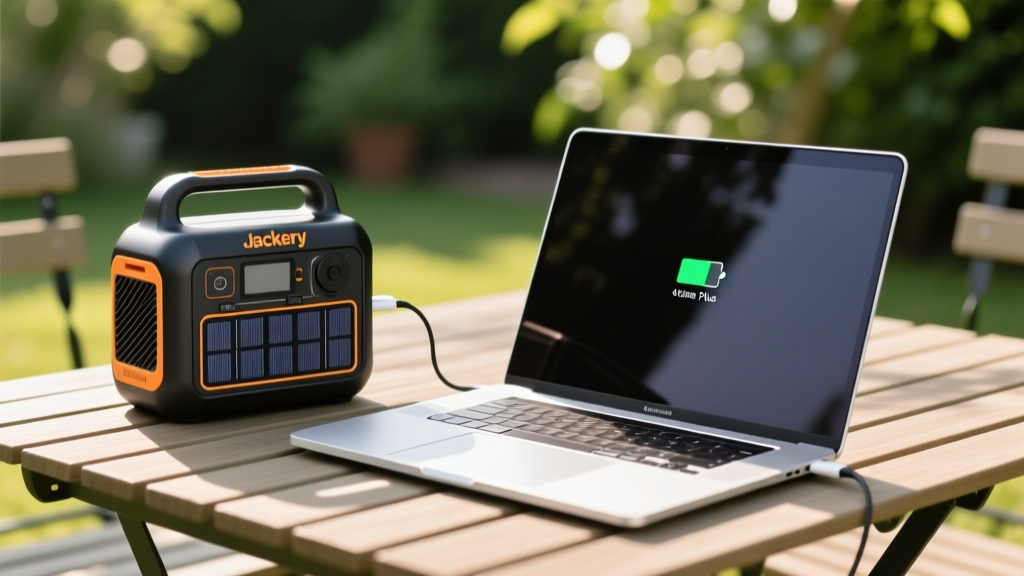
The Powerhouse: Jackery Explorer 300 Plus
Relying on outdoor extension cords is a tripping hazard and a weather risk. The Jackery Explorer 300 Plus has become the gold standard for patio power in 2026. Unlike older lithium-ion models, this unit utilizes a LiFePO4 (Lithium Iron Phosphate) battery chemistry, offering over 3,000 charge cycles before degrading to 80% capacity. With a 288Wh capacity and a 300W pure sine wave inverter, it can fully recharge a 60W ultrabook four times. When paired with the Jackery SolarSaga 100W panel, you can sustain a full 8-hour workday entirely off-grid. The built-in smart app allows you to monitor input/output wattage via Bluetooth, ensuring your laptop isn't drawing more than the inverter can handle during heavy rendering tasks.
Targeted Airflow: Vornado Flippi V6
Outdoor breezes are unpredictable. To prevent your laptop from overheating and to keep yourself comfortable, the Vornado Flippi V6 ($29.99) is a masterclass in desktop aerodynamics. Instead of pushing a wide, weak column of air, it uses vortex action to create a focused, high-velocity beam of air that can reach up to 20 feet. Its articulating hinge allows you to aim the airflow precisely at your laptop's intake vents or directly at your face. Drawing only 15 watts on high, it won't drain your portable power station.
Climate Comfort: Surviving the Seasonal Shifts
As the World Health Organization notes, prolonged exposure to temperature extremes significantly impairs cognitive function and focus. Managing your micro-climate is essential.
Winter Workspaces: Ember Mug 3 and Heated Desk Mats
Working in a drafty sunroom or an unheated garage in late autumn requires localized warmth. The Ember Mug 3 ($149) is a marvel of thermal engineering. It uses a micro-processor-controlled heating element at the base to maintain your coffee or tea at an exact temperature (we recommend 135°F for black coffee) for up to 80 minutes off the charging coaster. Pair this with a Sunbeam Therapeutic Heated Desk Mat ($60), which sits under your keyboard and mouse. The mat features three heat settings and an auto-shutoff timer, keeping your hands nimble and preventing the stiffness that comes from cold outdoor drafts.

Lighting the Transition: BenQ ScreenBar Halo
Seasonal workspaces suffer from rapidly shifting light temperatures. A sunroom that is bathed in cool, 6000K daylight at 2 PM transitions to dark, high-contrast shadows by 5 PM. The BenQ ScreenBar Halo ($199) solves this with its asymmetric optical design, which illuminates your desk space without casting a single lumen onto your monitor screen. The 2026 model includes a wireless puck dial for seamless color temperature adjustments (2700K to 6500K) and features a back-light module that reduces the contrast ratio between your bright screen and the darkening room, drastically reducing eye strain during winter evenings.
Decision Framework: How to Weatherproof Your Tech
When buying gadgets for outdoor or seasonal use, ignore marketing fluff and look strictly at environmental ratings. Use this framework before purchasing:
- IP Ratings Matter: For outdoor desk fans or lights, look for a minimum of IP44 (protected against splashing water from any direction). If a gadget is exposed to rain, demand IP65 (dust tight and protected against water jets).
- Battery Chemistry: If leaving a power station in a hot sunroom, avoid standard NMC (Nickel Manganese Cobalt) lithium batteries, which degrade rapidly above 90°F. Always choose LiFePO4 for superior thermal stability.
- UV Resistance: Plastics left on a patio will become brittle. Ensure external casings specify UV-stabilized ABS plastic or powder-coated aluminum.
Pro Tip: Never leave your laptop in a direct sunbeam, even if it is turned off. The internal greenhouse effect of a glass screen can push internal component temperatures past 140°F (60°C), which can permanently warp the battery cells and delaminate the display.
Frequently Asked Questions
Can I use my standard indoor power strip on a covered patio?
No. Even on a covered patio, ambient humidity and microscopic condensation can cause short circuits in standard indoor power strips. Always use a heavy-duty, outdoor-rated surge protector with a weatherproof casing (NEMA 3R rated) or rely on a portable power station like the Jackery Explorer.
Do anti-glare screen protectors reduce display resolution?
High-quality etched-glass or rigid PET protectors like the Moshi iVisor AG diffuse light rather than blurring it. While you may notice a very slight 'grain' on solid white backgrounds, text sharpness and 4K resolution integrity remain virtually intact, making them vastly superior to cheap, sticky matte films.
How do I clean my desk gadgets after a dusty summer?
Use a 50/50 mix of distilled water and isopropyl alcohol on a microfiber cloth. Avoid ammonia-based glass cleaners, as they will strip the anti-reflective and oleophobic coatings off your monitor hoods, screen protectors, and task lights.
Written by
Marcus WebbMarcus Webb served as a U.S. Army logistics officer for 8 years, where he managed field equipment procurement and tactical gear evaluation across three combat deployments. After honorable discharge, he earned a certification from the Professional Knife Makers Association and became a certified Wilderness First Responder (WFR). Marcus has tested over 500 EDC products in extreme environments — from -40°F in Alaska to 120°F in the Mojave Desert — using military-spec testing protocols. His reviews of multi-tools, tactical flashlights, and survival gear are known for their rigorous methodology: controlled drop tests from 6 feet, 120-minute water submersion at 2 meters, and lateral torque testing at 45 Nm. He is a member of the Blade Show judging panel and contributes to OutdoorGearLab.