Portable Monitors: Do You Need Go Gadget Insurance for Dual Screens?
Explore the best portable monitors and dual-screen accessories for 2026, and find out if you need Go Gadget Insurance to protect your mobile setup.
The Rise of the Mobile Command Center
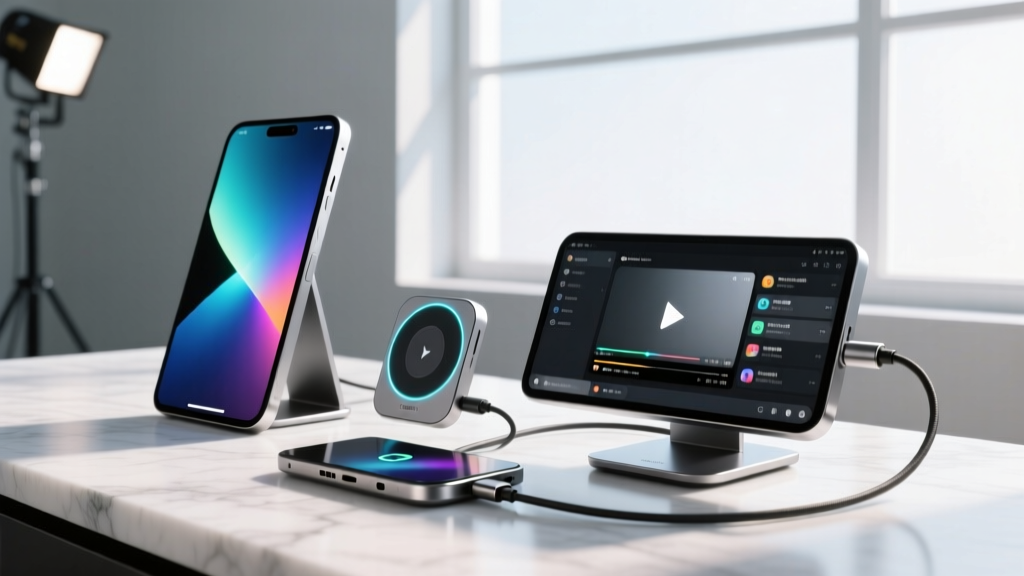
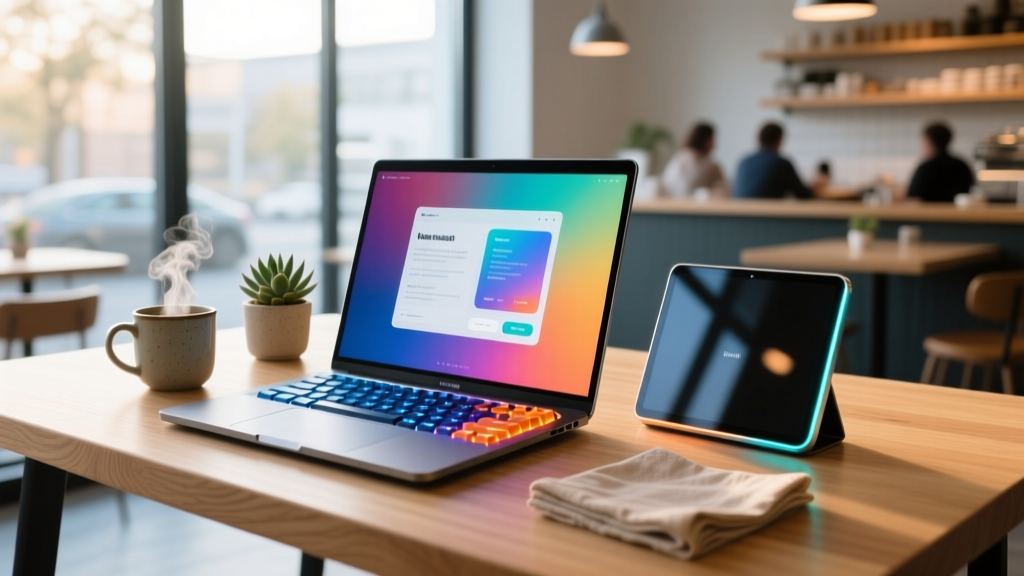
In 2026, the single-screen laptop is practically a relic for serious tech enthusiasts and digital nomads. The demand for mobile productivity has spawned an incredible market of portable monitors and dual-screen laptop accessories that transform any coffee shop table or airport lounge into a multi-display command center. But with cutting-edge portable OLED panels and complex magnetic hinge mechanisms comes a new reality: these unique finds are incredibly fragile and prohibitively expensive to repair. This brings up a critical question for mobile workers: is it time to look into specialized coverage and go gadget insurance for your portable displays?
Below, we break down the coolest dual-screen accessories on the market right now, analyze their unique failure points, and run the math on whether insuring your mobile workspace is a genius move or a waste of cash.
Cool & Unique Finds: Top Dual-Screen Accessories
1. Mobile Pixels Trio Max: The Attachable Powerhouse
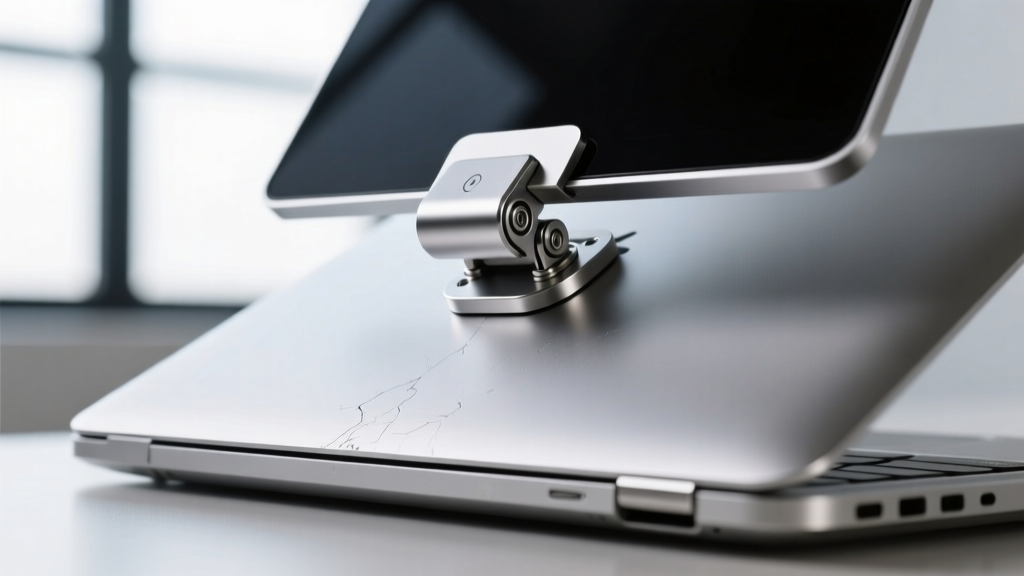
The Mobile Pixels Trio Max remains a heavyweight champion in the attachable monitor space. Featuring two 15.6-inch FHD IPS displays that fold out from a central magnetic hub, it effectively turns your laptop into a tri-screen setup. Priced around $399, it is a marvel of mechanical engineering. The built-in kickstand and adjustable sliders accommodate laptops from 13 to 16 inches. However, the sheer physical torque placed on your laptop’s lid hinge by the 2.6-pound accessory is a massive stress point. Over time, the constant mounting and dismounting can degrade both the Trio Max’s neodymium magnets and your laptop’s factory hinges.
2. ASUS ZenScreen OLED MQ16AH: The Color-Accurate Marvel
For creative professionals who refuse to compromise on color accuracy while traveling, the ASUS ZenScreen OLED MQ16AH is a revelation. At roughly $499, this 15.6-inch 1080p OLED panel delivers a 1ms response time and 100% DCI-P3 color gamut. According to Rtings' comprehensive review of the ASUS ZenScreen OLED, the contrast ratios are practically infinite, making it perfect for dark-room video editing. The catch? OLED burn-in. If you use this portable monitor for coding with static IDE sidebars or leave your taskbar permanently docked on the secondary screen, you risk permanent image retention. Furthermore, the single USB-C port handles both power and data; a bent pin from a clumsy bag-stuffing incident renders the entire $499 unit useless.
3. Lenovo ThinkBook Plus Gen 5 Hybrid: The Built-in Innovator
Lenovo has completely reimagined the dual-screen paradigm with the ThinkBook Plus Gen 5 Hybrid. Rather than relying on external attachments, this device features a detachable 14-inch OLED tablet that docks into a base housing a secondary e-ink display and a full Windows PC. Priced at a premium $1,699, it is the ultimate unique find for enthusiasts who want dual-OS functionality without carrying extra cables. The risk here is the proprietary pogo-pin docking connector. Dust accumulation or a hard drop while detaching the screen can short out the communication bridge between the Android tablet and Windows base.
The Hidden Risks of Mobile Multi-Monitor Setups
When you invest in portable displays, you are exposing your gear to a gauntlet of environmental and mechanical hazards that traditional desktop monitors never face:
- Hinge & Magnet Fatigue: Attachable monitors rely on tension and magnets. A sudden bump on a train can cause a $400 monitor to slide off and shatter on a concrete floor.
- USB-C Port Wobble: Portable monitors often use a single, recessed USB-C port. Tripping over the cable doesn't just break the cable; it can snap the internal motherboard connector inside the monitor.
- Pressure Cracks: Slim bezels and ultra-thin OLED panels (some measuring under 5mm thick) are highly susceptible to pressure cracks when packed tightly in a backpack alongside a laptop and power bricks.
Should You Go Gadget Insurance on Portable Displays?
This is where the concept of specialized tech coverage comes into play. Many enthusiasts rely on standard homeowner's or renter's insurance, but those policies often have high deductibles ($500+) and exclude 'mysterious disappearance' or accidental drops outside the home. When enthusiasts decide to go gadget insurance—meaning they opt for specialized mobile tech policies from providers like Worth Ave. Group, AKKO, or dedicated manufacturer protection plans—they are buying peace of mind tailored to mobile risks.
Specialized gadget insurance typically covers accidental damage, liquid spills, and sometimes even OLED burn-in or mechanical hinge failure, with deductibles as low as $50. But does the math make sense for a portable monitor setup?
| Expense Category | Out-of-Pocket Replacement | Specialized Gadget Insurance (2 Years) |
|---|---|---|
| Premium Portable OLED ($499) | $499 + Tax | $216 ($9/mo) + $50 Deductible |
| Attachable Tri-Screen ($399) | $399 + Tax | $216 ($9/mo) + $50 Deductible |
| Laptop Hinge Repair (Caused by Mount) | $250 - $400 | Covered (Depends on Policy Terms) |
| Total 2-Year Max Risk | ~$1,250+ | ~$482 |

Decision Framework: When to Insure Your Portable Tech
Not every tech enthusiast needs to rush out and buy a policy. Use this framework to decide if you should go gadget insurance for your mobile workspace:
Insure If:
- You travel more than 4 times a year with your portable monitors in checked or carry-on luggage.
- You use attachable magnetic monitors on commutes (trains, buses) where sudden jolts are common.
- Your setup exceeds $800 in combined portable display value.
- You work in environments where liquid spills (coffee shops, co-working spaces) are a daily hazard.
Skip Insurance If:
- Your portable monitor is a budget $120 IPS panel from Amazon (the insurance premiums will outpace the replacement cost).
- You only use the dual-screen setup on a stationary desk at home, negating the 'mobile' risks.
- You have a premium credit card that offers an extended warranty and purchase protection for the first 120 days.
'The most common failure we see with portable dual-screen setups isn't the screen itself dying; it's the proprietary magnetic pogo-pins or the USB-C logic board frying from a static shock or cable trip. Standard warranties don't cover user-inflicted cable trips, which is why specialized mobile coverage is becoming a necessity for digital nomads.' — Senior Hardware Technician, Independent Tech Repair Collective
Final Verdict on Mobile Workspaces
The portable monitor and dual-screen accessory market in 2026 is filled with incredible, boundary-pushing unique finds. From the vivid blacks of the ASUS ZenScreen OLED to the mechanical brilliance of the Mobile Pixels Trio Max, these devices fundamentally change how we work on the go. However, their slim profiles and complex attachment mechanisms make them inherently fragile. By understanding the specific failure modes of your gear and running a cost-benefit analysis on specialized coverage, you can confidently decide whether to go gadget insurance and protect your mobile command center against the unpredictable nature of travel.
For more insights on protecting your high-end tech, check out the Insurance Information Institute's guidelines on electronic equipment to understand the fine print of standard policies versus specialized tech coverage.
Written by
David OkaforDavid Okafor is an ASE (Automotive Service Excellence) Master Certified Technician with 15 years of professional experience in vehicle diagnostics, aftermarket electronics installation, and fleet management. He holds an Associate Degree in Automotive Technology from Universal Technical Institute and certifications in mobile electronics (MECP Certified Installer). David has installed and reviewed over 800 car tech products — from OBD2 scanners and dash cams to full infotainment system retrofits — in vehicles ranging from economy compacts to luxury SUVs. His popular YouTube channel "AutoTech David" has over 150,000 subscribers and features detailed installation tutorials and product teardowns. He is a regular contributor to the SEMA Show's aftermarket technology showcase and advises two automotive tech startups on product development.