Solar Power Setups for the Modern Mobile Notary Gadget
Discover the best solar-powered generators and off-grid energy solutions to keep your mobile notary gadget stack running anywhere in 2026.
The Off-Grid Dilemma: Powering the Mobile Notary Stack
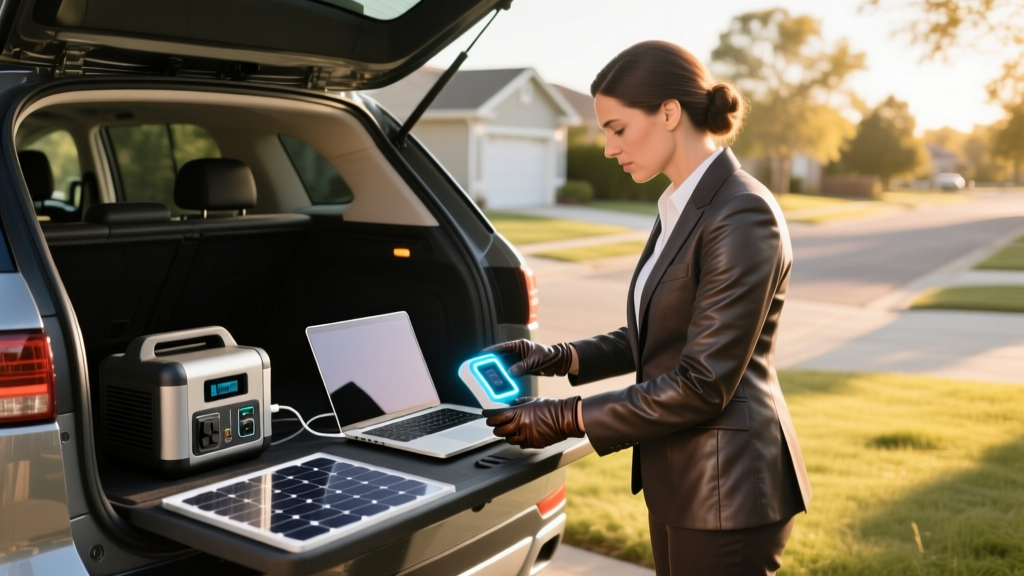
The landscape of mobile notarization has evolved dramatically. With the widespread adoption of Remote Online Notarization (RON) and the increasing demand for rural field signings, mobile notaries are frequently operating far from reliable grid power. Whether you are closing a real estate transaction in a remote cabin or verifying documents at an off-grid agricultural facility, your technology stack cannot afford to go dark.
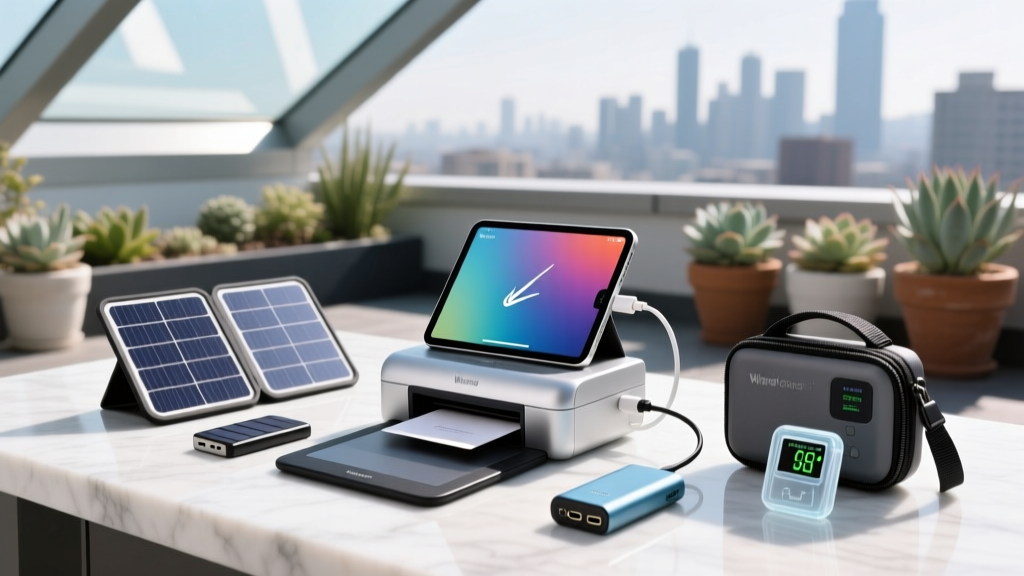
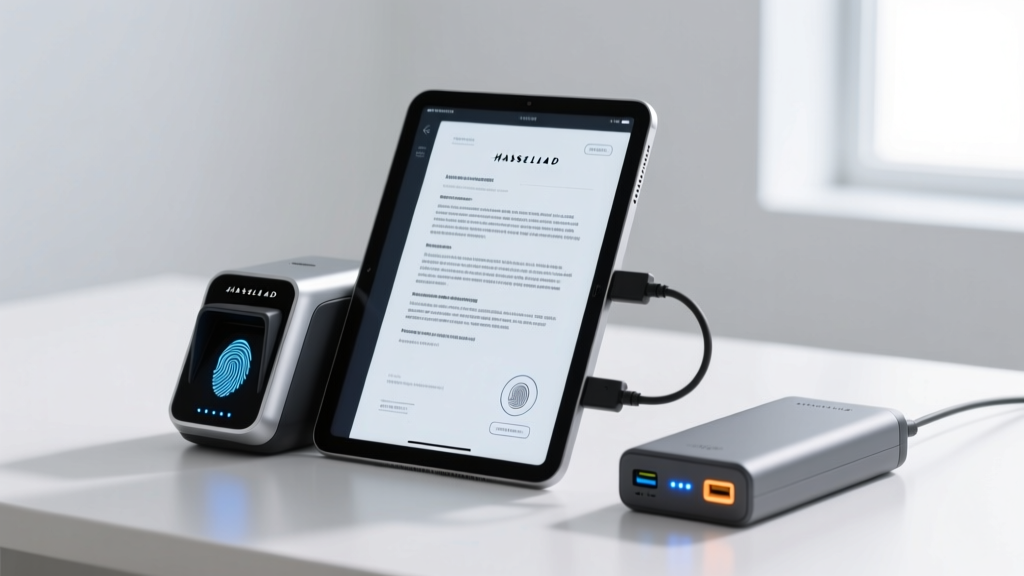
When assembling the ultimate mobile office, every essential notary gadget—from biometric ID scanners and electronic seal embossers to portable laser printers and 5G mobile hotspots—demands reliable electricity. Standard 10,000mAh USB power banks simply do not cut it when you need to power a 65W laptop and a 400W laser printer simultaneously. To maintain compliance and professionalism in the field, mobile notaries must pivot to robust, solar-powered off-grid energy solutions.
Calculating Your Notary Gadget Power Draw
Before investing in a solar generator, you must audit your specific tech stack. The National Notary Association outlines strict technological requirements for RON and mobile signings, which usually involve a webcam, a reliable internet connection, and specialized software running on a capable machine. Here is a realistic power consumption matrix for a modern mobile notary working a 4-hour field shift.
| Device / Notary Gadget | Typical Wattage | Estimated 4-Hour Draw | Surge / Peak Wattage |
|---|---|---|---|
| 14-inch Ultrabook (RON Software) | 65W | 260Wh | 90W |
| 5G Mobile Hotspot (e.g., Netgear M6) | 15W | 60Wh | 25W |
| Biometric Scanner / Tablet | 12W | 48Wh | 15W |
| Portable Laser Printer (e.g., Brother) | 400W (Active) | 200Wh (Intermittent) | 1,100W (Fuser Surge) |
| Total Estimated Requirement | ~492W | ~568Wh | ~1,230W Peak |
Note: Laser printers require a massive initial surge to heat the fuser. If your off-grid setup includes a printer, your power station’s inverter must handle at least a 1,200W pure sine wave surge.
Battery Chemistry: Why LiFePO4 is Mandatory in 2026
If you are still using older NMC (Nickel Manganese Cobalt) lithium-ion power stations, it is time to upgrade. In 2026, LiFePO4 (Lithium Iron Phosphate) is the undisputed standard for mobile professionals. LiFePO4 batteries offer over 3,000 charge cycles before degrading to 80% capacity, compared to the 500-800 cycles of older NMC cells. Furthermore, LiFePO4 chemistry is vastly more thermally stable, reducing the risk of thermal runaway when your gear is locked inside a hot vehicle during summer field assignments.
Top Solar Energy Solutions for Field Notaries
Based on the power matrix above, here are the two most practical solar-powered setups tailored for mobile notaries, categorized by your specific operational needs.
1. The Light-Duty RON Setup: EcoFlow River 3 Plus
If your mobile signings primarily involve digital documents, tablet-based biometric capture, and cloud uploads—meaning you leave the laser printer at the office—the EcoFlow River 3 Plus is a masterclass in portability.
- Capacity: 288Wh (LiFePO4)
- AC Output: 600W (1,200W X-Boost surge)
- Solar Input: Up to 220W via MPPT controller
- Weight: 7.7 lbs
- Estimated Cost: $299 (Station) + $199 (110W Solar Panel)
The Practical Pick: Pair this with EcoFlow’s 110W foldable solar panel. According to testing data verified by The Verge's extensive power station reviews, EcoFlow’s proprietary MPPT (Maximum Power Point Tracking) algorithm is incredibly efficient at harvesting energy in partial shade. You can easily recharge the unit in 3 hours of direct sunlight while conducting a morning signing, ensuring you have full power for the afternoon.
2. The Heavy-Duty Command Center: Bluetti AC180
For notaries who must print physical deeds, affidavits, and closing disclosures on-site, you need a unit that can handle the brutal 1,100W surge of a portable laser printer’s fuser without tripping the inverter.
- Capacity: 1,152Wh (LiFePO4)
- AC Output: 1,800W (2,700W Power Lifting surge)
- Solar Input: Up to 500W
- Weight: 35.2 lbs
- Estimated Cost: $799 (Station) + $399 (200W Solar Array)
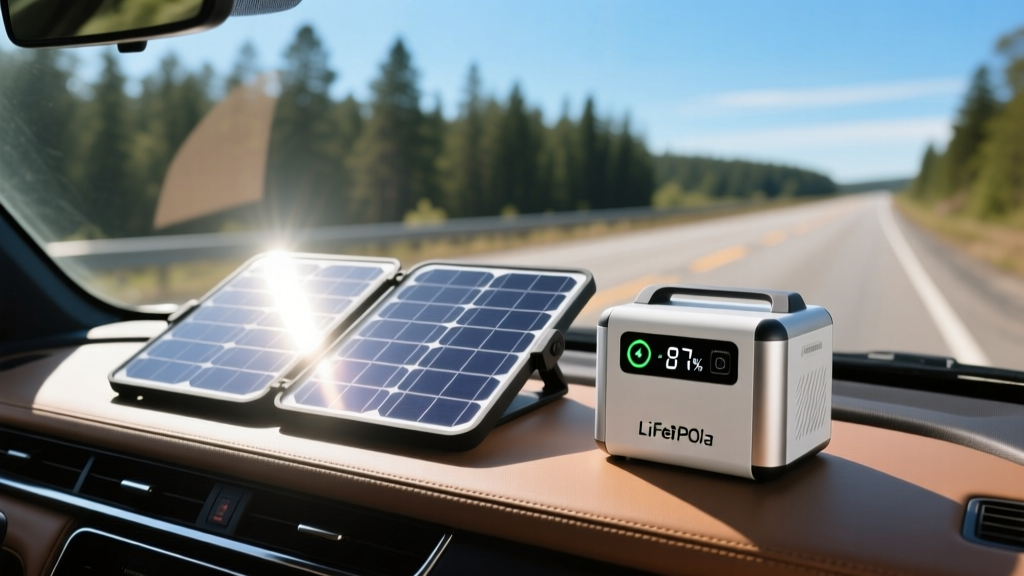
The Practical Pick: The Bluetti AC180’s 1,800W pure sine wave inverter will effortlessly trigger your Brother or HP portable laser printer. By deploying a 200W foldable solar array on the dashboard of your vehicle between appointments, you can input roughly 140W-160W of continuous charge through the windshield, effectively offsetting the power draw of your laptop and hotspot throughout the day.
Field Tactics: Maximizing Solar Harvest
Owning solar panels is only half the battle; deploying them efficiently in unpredictable field conditions requires strategy. Use the NREL PVWatts Calculator to understand the solar insolation (peak sun hours) in your specific county, then apply these field tactics:
Pro-Tip: MPPT vs. PWM Controllers
Always ensure your solar generator utilizes an MPPT (Maximum Power Point Tracking) charge controller rather than a cheaper PWM controller. MPPT dynamically adjusts the voltage to harvest up to 30% more power during cloudy conditions or early morning/late afternoon signings when the sun angle is low.
- The Windshield Hack: While modern windshields block UV rays, they still allow visible light to pass through. Placing a foldable 110W panel on your dashboard while driving to your next rural appointment can yield 40-60W of passive trickle charging.
- Angle of Incidence: Keep your panels perpendicular to the sun. In the Northern Hemisphere, face them true South. Use the built-in kickstands and adjust them seasonally (steeper in winter, flatter in summer).
- Thermal Management: Solar panels lose roughly 0.5% efficiency for every degree Celsius above 25°C (77°F). If deploying panels on your vehicle's hood, elevate them slightly with a small prop to allow airflow underneath, preventing heat soak from the engine block.
Frequently Asked Questions
Can I run my mobile laser printer directly off a solar panel?
No. Solar panels output fluctuating DC voltage based on cloud cover and angle. A laser printer requires a stable, high-amperage AC surge to heat the fuser. You must use a solar generator (power station) as a buffer to convert the DC solar energy into stable AC power via a pure sine wave inverter.
Are solar generators allowed in office buildings or client homes?
Yes, modern LiFePO4 portable power stations are completely silent (when the cooling fans are not actively triggered by heavy loads) and emit zero fumes, making them perfectly safe and unobtrusive to use indoors during a kitchen-table closing or in a corporate boardroom.
How do I maintain my notary gadget battery health during winter?
LiFePO4 batteries cannot be charged via solar if the internal battery temperature is below freezing (0°C / 32°F), as this causes permanent lithium plating. Premium 2026 models from EcoFlow and Bluetti include internal heating pads that automatically warm the cells using solar input before initiating the charge cycle. Always keep your unit insulated in your vehicle cabin rather than the trunk during winter months.
Written by
Sarah KimSarah Kim holds certifications from both NASM (National Academy of Sports Medicine) and ACE (American Council on Exercise), along with a B.S. in Kinesiology from UCLA. She has spent 7 years bridging the gap between exercise science and consumer technology, evaluating fitness trackers, smart scales, sleep monitors, and recovery devices with clinical precision. Sarah has tested over 200 health-focused wearables in controlled lab settings and real-world training environments, comparing device data against gold-standard medical equipment like ECG monitors and DEXA scans. She consults for three fitness app companies on data accuracy standards and has presented research on wearable reliability at the American College of Sports Medicine (ACSM) annual conference. Her reviews emphasize clinical validity over marketing claims.