Gadget App News: TheFinalMatrix Matter Hub Setup 2026
Latest gadget app news from TheFinalMatrix. Learn to configure Matter hubs, Thread sensors, and smart home automations for 2026.
Why TheFinalMatrix is Dominating Gadget App News
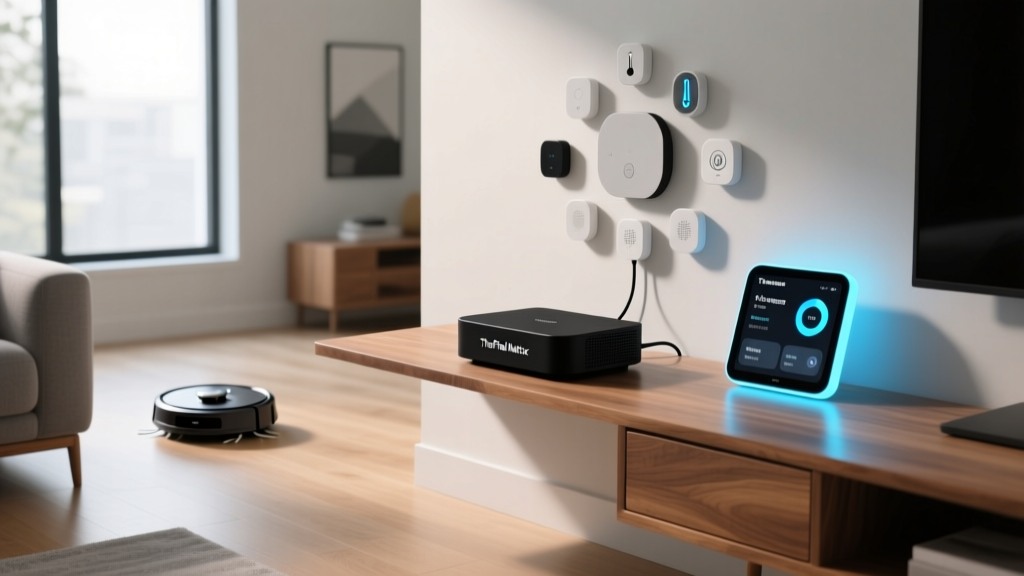
If you have been tracking the smart home industry in 2026, you already know that simple IFTTT-style applets and basic cloud-dependent routines are officially dead. As highlighted across recent gadget app news, TheFinalMatrix has emerged as the premier visual automation engine for enthusiasts who demand granular, state-machine logic without writing thousands of lines of YAML. Whether you are running Home Assistant, Hubitat, or a custom Docker container, TheFinalMatrix bridges the gap between raw code and intuitive node-based design.
Unlike legacy dashboard builders, TheFinalMatrix treats your smart home devices as programmable logic gates. It allows you to map Matter 1.3 energy clusters, Thread 1.4 multi-link sensor states, and local Zigbee meshes into a single, cohesive visual flowchart. In this comprehensive setup guide, we will walk you through provisioning a modern, local-first hardware stack and building your first advanced automation matrix.
The 2026 Hardware Stack: Hubs and Border Routers
Before launching the software, you need a robust local hub capable of handling high-throughput state changes. Cloud-reliant hubs will introduce latency that breaks complex matrix logic. Here is the recommended 2026 hardware stack for serious enthusiasts:
| Device | Protocol Support | Price (2026) | Best For |
|---|---|---|---|
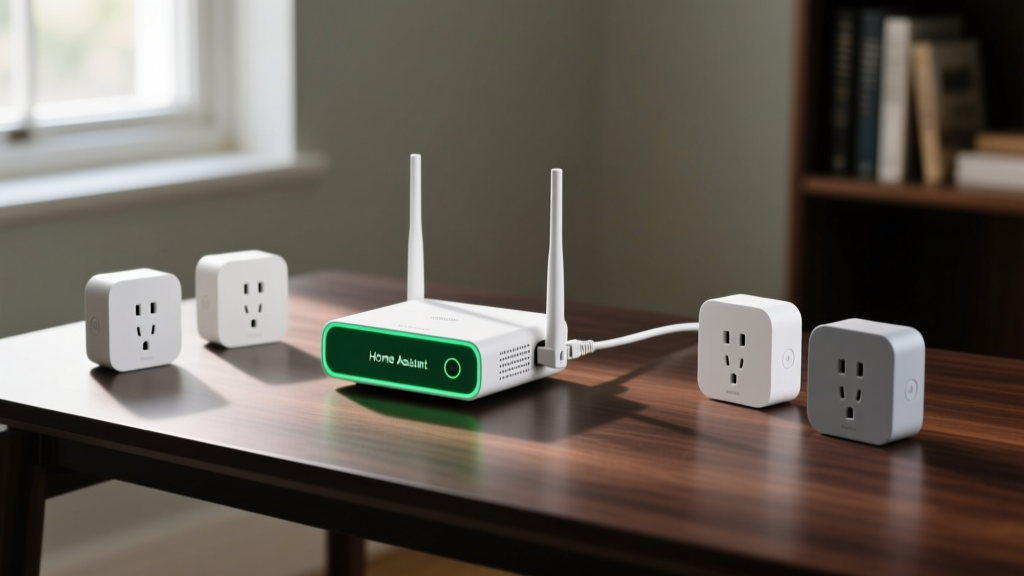
| Home Assistant Green | Matter 1.3, Thread 1.4, Ethernet | $99 | Visual Matrix Builders & Local Control |
| Hubitat Elevation C-8 | Zigbee, Z-Wave 800, Matter | $149 | Ultra-Low Latency Rule Execution |
| Apple TV 4K (3rd Gen) | Thread, Matter, HomeKit | $129 | Ecosystem Purists & Border Routing |
For this tutorial, we are using the Home Assistant Green ($99) paired with a SkyConnect USB dongle ($29). This combination provides the most flexible environment for integrating TheFinalMatrix via custom add-ons and Docker containers. According to the Home Assistant Matter Integration documentation, ensuring your hub is hardwired via Ethernet is non-negotiable when dealing with matrix-level polling rates.
Step 1: Provisioning the Core Hub and RF Planning
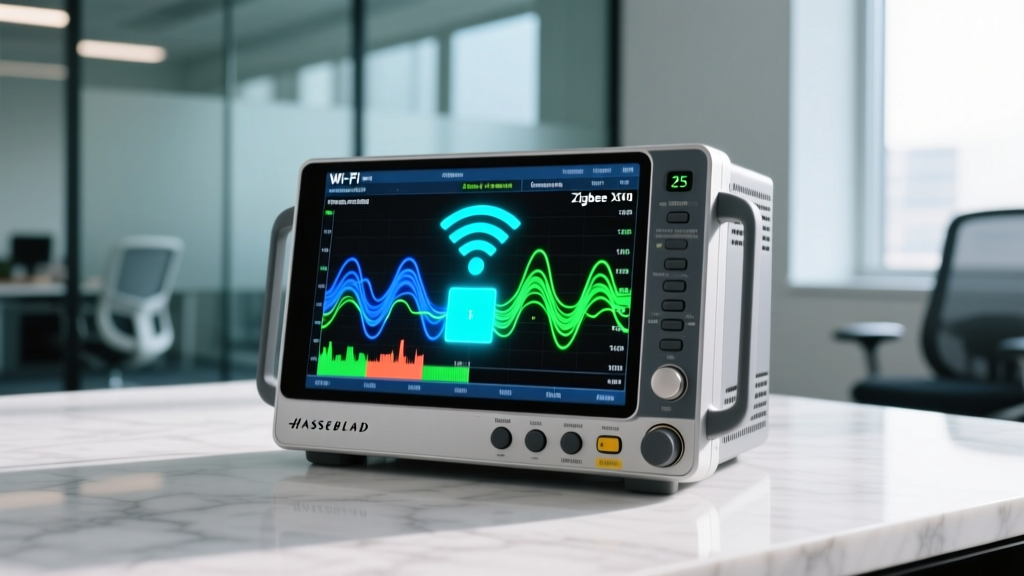
The most common point of failure in advanced smart home setups is not the software logic, but the underlying Radio Frequency (RF) environment. Thread and Zigbee both operate on the 2.4 GHz spectrum, which is notoriously congested.
Optimizing Channel Allocation
- Wi-Fi Routers: Lock your 2.4 GHz Wi-Fi to channels 1, 6, or 11.
- Zigbee Mesh: Set your SkyConnect dongle to Channel 25. This sits entirely outside the upper bounds of Wi-Fi Channel 11, eliminating packet collision.
- Thread Network: Thread 1.4 automatically scans for the cleanest spectrum, but ensuring your primary border router is centrally located away from microwave ovens and USB 3.0 hubs (which emit 2.4 GHz noise) is critical.
Target a Received Signal Strength Indicator (RSSI) of -65 dBm or better for critical devices like smart locks, and no worse than -85 dBm for ambient temperature sensors. You can verify this in the Zigbee2MQTT dashboard before importing the devices into TheFinalMatrix.
Step 2: Pairing Matter and Thread Sensors
With the RF environment stabilized, it is time to commission your endpoints. In 2026, Matter 1.3 and Thread 1.4 are the undisputed standards for new sensor deployments. We recommend the Aqara Door and Window Sensor P2 ($30) and the Eve Motion ($50) for their rapid wake-up times and Thread routing capabilities.
Expert Insight: When pairing Thread devices, always commission them within 3 feet of your primary Border Router. Once the device receives its Thread network credentials, you can move it to its final location. The mesh will automatically heal and establish peer-to-peer links with other Thread endpoints, as detailed in the Thread Group 1.4 Specification.
To pair, scan the Matter QR code using the companion app on your phone. The device will securely handshake with your hub, generating a unique Node ID. Take note of these Node IDs, as TheFinalMatrix uses them to bind hardware endpoints directly to visual logic nodes.
Step 3: Leveraging Matter 1.3 Energy Management
One of the most powerful features covered in recent Connectivity Standards Alliance (CSA) updates is the Matter 1.3 Energy Management cluster. This allows smart plugs to report real-time wattage, voltage, and cumulative energy usage directly to your hub without proprietary cloud polling.
Using the Eve Energy Smart Plug ($40), you can route real-time power draw data into TheFinalMatrix. For example, you can create a matrix node that monitors your home office setup. If the combined wattage of your PC and monitors drops below 40W for 15 minutes, the matrix triggers a state change to arm your security system and adjust the smart thermostat, knowing the room is vacant.
Step 4: Building Your First Automation Matrix
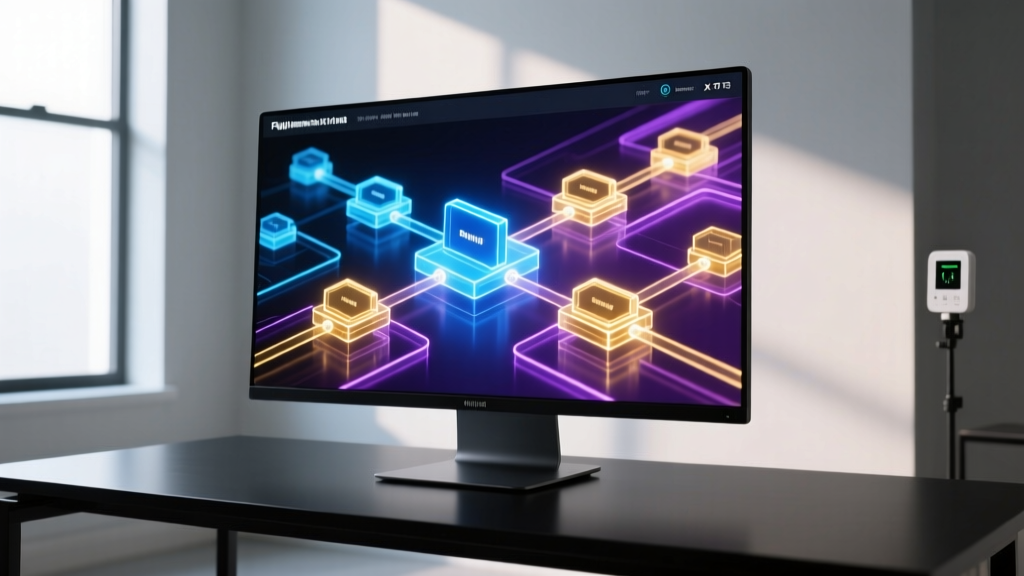
Now for the core of the setup. Open TheFinalMatrix and navigate to the Canvas view. Unlike linear automations (If X, then Y), a matrix allows for parallel state evaluation.
- Inject the Trigger Node: Drag a 'State Change' node onto the canvas and bind it to your Eve Motion sensor's occupancy entity.
- Add a Logic Gate: Connect the trigger to an 'AND' gate. For the second input, bind a 'Time Window' node restricted to 08:00 - 18:00.
- Implement Hysteresis: To prevent rapid toggling (flapping) when a pet walks through the room, route the output through a 'Delay/Filter' node set to 120 seconds. The state will only pass if occupancy remains true for the full duration.
- Execute the Action: Connect the filtered output to your smart thermostat's 'Eco Mode' entity.
This visual approach eliminates the need for complex YAML templates and makes debugging incredibly intuitive. If an automation fails, TheFinalMatrix highlights the exact node where the logic chain broke, displaying the real-time payload data.
Advanced Troubleshooting: Edge Cases and Failover
Even with a perfect setup, edge cases occur. Here is how to handle common mesh failures within your matrix:
- Thread Partitioning: If your network splits into two isolated Thread meshes due to a power outage on a border router, your devices may report 'unavailable'. Ensure you have at least three Always-On Thread Border Routers (like smart plugs or dedicated hubs) distributed across your floor plan to maintain mesh continuity.
- State Desynchronization: If a Zigbee device misses a 'poll' due to interference, TheFinalMatrix might act on stale data. Configure a 'Force Refresh' node that pings the device's Zigbee cluster every 6 hours to ensure the hub's state matches the physical hardware.
Frequently Asked Questions
Do I need a cloud subscription to use TheFinalMatrix?
No. TheFinalMatrix is designed for local-first processing. All logic gates, state tracking, and device polling occur entirely on your local hub (e.g., Home Assistant Green). This ensures your automations continue to function even during internet outages.
Can TheFinalMatrix integrate with legacy Wi-Fi smart plugs?
Yes, but with caveats. While it can ingest data from Wi-Fi plugs via local APIs (like Tuya Local or ESPHome), Wi-Fi devices introduce higher latency and network congestion compared to Thread or Zigbee. For matrix logic that requires sub-second reaction times, stick to Thread/Zigbee endpoints.
How much RAM does the visual matrix engine require?
The node-based rendering engine is lightweight, but complex matrices with hundreds of state evaluations can consume memory. The Home Assistant Green's 8GB of RAM is more than sufficient for homes with up to 250 devices and 50+ complex matrix automations running simultaneously.
Written by
Emma LarssonEmma Larsson holds an M.A. in International Relations from Sciences Po Paris and a B.A. in Communications from Stockholm University. A digital nomad since 2017, she has worked from over 45 countries across six continents, building deep expertise in portable power solutions, travel routers, compact computing, and connectivity gadgets that survive international travel. Emma is a certified member of the Travel Technology Association and has advised three travel gear startups on product-market fit for remote workers. Her reviews evaluate products against real travel scenarios — TSA compliance, voltage compatibility across 200+ countries, durability through 50+ checked bag cycles, and battery life under airplane mode vs. active use. She has been featured in Condé Nast Traveler's "Tech-Savvy Traveler" series and speaks at Remote Work Summit events.