Electrician Gadgets & Pet Tech: Beginner vs Expert Guide
Discover how beginners and experts differ in setting up pet tech gadgets. Learn which electrician gadgets elevate smart cameras, feeders, and GPS trackers.
The 2026 Pet Tech Paradigm: Plug-and-Play vs. Hardwired Ecosystems
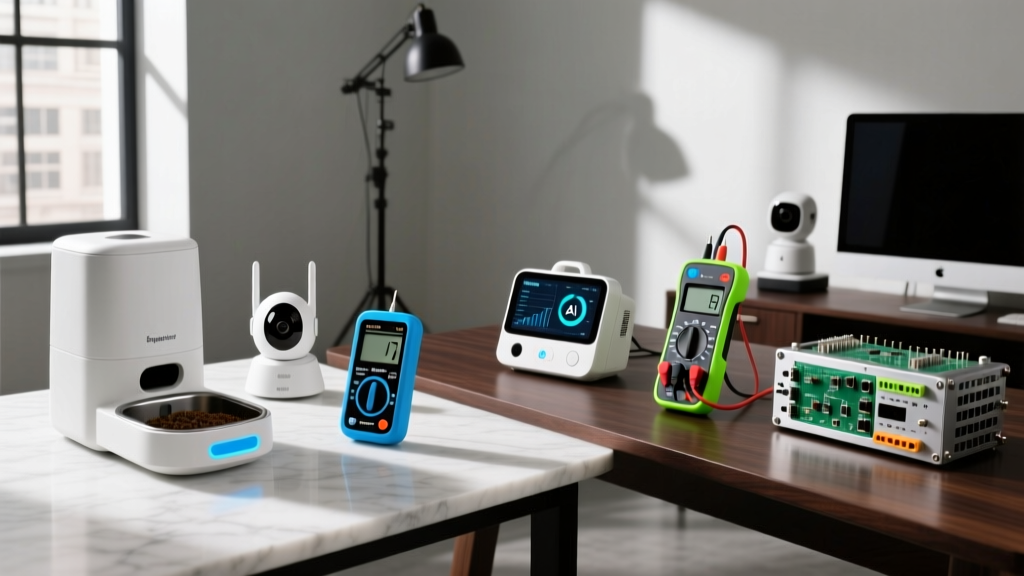
As we navigate through 2026, the pet tech industry has evolved far beyond simple Wi-Fi cameras and basic automated feeders. Today’s smart pet ecosystem involves ultra-wideband (UWB) GPS tracking, Power over Ethernet (PoE) treat-dispensing cameras, and AI-driven automated litter systems. However, a massive divide exists in how these devices are deployed. The beginner relies on plug-and-play convenience, often resulting in spotty Wi-Fi signals, overloaded power strips, and cellular dead zones. The expert, on the other hand, bridges the gap between consumer pet tech and professional infrastructure by utilizing specialized electrician gadgets to create a seamless, hardwired, and fail-proof environment.
In this guide, we break down the beginner vs. expert approaches to installing smart pet cameras, automated feeders, and GPS trackers, highlighting the exact tools, measurements, and electrical frameworks that separate a frustrating setup from a flawless smart home integration.
Smart Pet Cameras: Wi-Fi Convenience vs. PoE Reliability
Monitoring your pets while you are away is the cornerstone of modern pet tech. But how you power and connect these cameras dictates their reliability.
The Beginner Approach: Battery and Wi-Fi
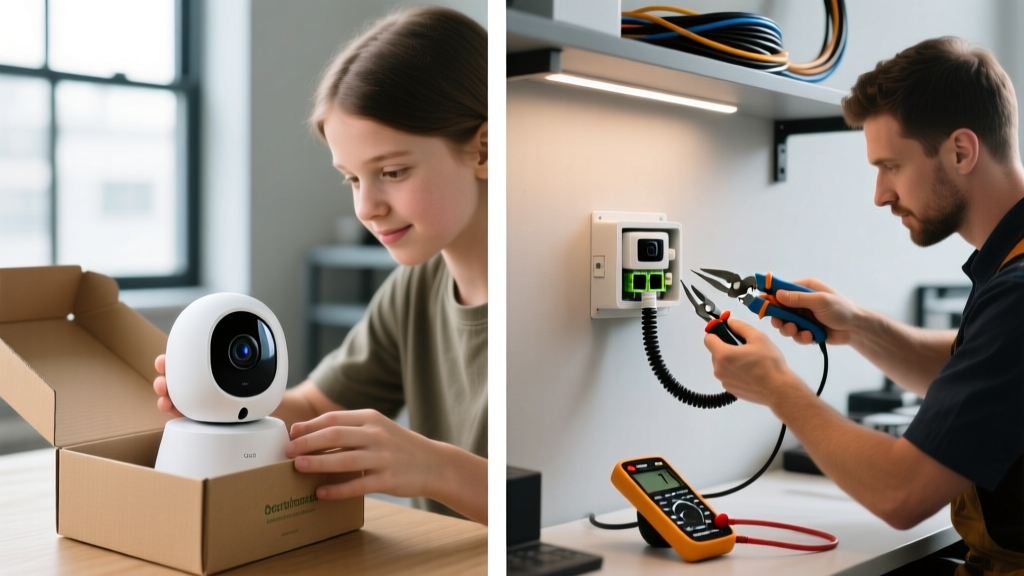
Beginners typically opt for battery-powered or standard USB-plugged Wi-Fi cameras like the Wyze Cam v4 ($35) or Ring Indoor Cam ($59). While easy to set up, these devices suffer from three critical flaws: battery degradation, Wi-Fi latency during treat-tossing, and vulnerability to power outages if not paired with a dedicated UPS (Uninterruptible Power Supply). Furthermore, placing these cameras near windows to monitor outdoor pet runs often results in severe Wi-Fi signal attenuation through double-pane Low-E glass.
The Expert Approach: Hardwired PoE Systems
Experts deploy PoE (Power over Ethernet) cameras like the Reolink RLC-810A ($85) or Ubiquiti UniFi Protect G5 ($129). By running Cat6 Ethernet cables directly through walls, experts deliver both data and up to 30W of power (via the IEEE 802.3at standard), which is essential for the mechanical motors in treat-dispensing and PTZ (Pan-Tilt-Zoom) cameras.
To achieve this, experts rely on professional electrician gadgets. Instead of fishing wires blindly, they use a Klein Tools 56415 Steel Fish Tape ($45) to navigate wall cavities and a Fluke IntelliTone Pro 200 tone generator ($280) to trace existing low-voltage pathways. According to Reolink's official PoE camera guide, hardwiring eliminates the 2.4GHz Wi-Fi congestion that plagues smart homes, ensuring zero-latency alerts when your dog jumps on the couch.

Automated Feeders and Litter Systems: Load Management
High-end automated pet care devices are power-hungry and sensitive to voltage fluctuations.
The Beginner Approach: The Power Strip Daisy Chain
A beginner will often plug a Litter-Robot 4 ($699), a smart water fountain, and an automated pet feeder into a single $15 power strip in the laundry room. This creates a localized heat hazard and risks tripping the breaker if the Litter-Robot’s motor encounters a jam and spikes in amperage during a cleaning cycle.
The Expert Approach: Circuit Mapping and GFCI Integration
Experts treat pet zones like kitchen appliances. Because pet areas often involve water (smart fountains, self-cleaning water bowls) and organic waste, experts install dedicated 20-amp GFCI (Ground Fault Circuit Interrupter) receptacles. Using a Fluke 117 True-RMS Multimeter ($210), an expert will measure the voltage drop across the circuit to ensure the Litter-Robot 4 receives a consistent 120V. Voltage drops below 114V can cause the base station’s logic board to throw false 'motor jam' errors, a common edge case documented in enthusiast forums.
Expert Insight: 'Never rely on a standard outlet for a smart litter system in a humid environment. Use a clamp meter to verify the circuit can handle the continuous 0.5A draw of the Litter-Robot 4 alongside a smart feeder’s peak 2A motor surge during dispensing.'
Comparison Matrix: The Pet Tech Setup Divide
| Feature | Beginner Setup | Expert Setup (Using Electrician Gadgets) |
|---|---|---|
| Camera Power | Wi-Fi / USB Wall Wart | Cat6 PoE (802.3at) via Fish Tape |
| Network Latency | High (2.4GHz Congestion) | Zero (Hardwired Gigabit Switch) |
| Litter System Power | Shared Power Strip | Dedicated 20A GFCI Receptacle |
| GPS Tracking | Cellular Only (Dead Zones) | UWB Anchors + Low-Voltage Wiring |
| Primary Tools Used | Screwdriver, Zip Ties | Multimeter, Tone Gen, Wire Strippers |
GPS Trackers and Smart Fences: Signal Mapping
Tracking your pet’s location in 2026 relies on a hybrid of satellite GPS, cellular LTE-M, and local UWB (Ultra-Wideband) networks.
The Beginner Approach: Cellular Blind Spots
Beginners purchase a Fi Series 3 GPS Collar ($149) and rely entirely on cellular towers. While Fi's technical breakdown of GPS dog collars highlights the efficiency of LTE-M, rural properties or homes with metal roofs create massive dead zones. The beginner accepts 'lost signal' alerts as a normal part of pet ownership.
The Expert Approach: UWB Anchor Mapping
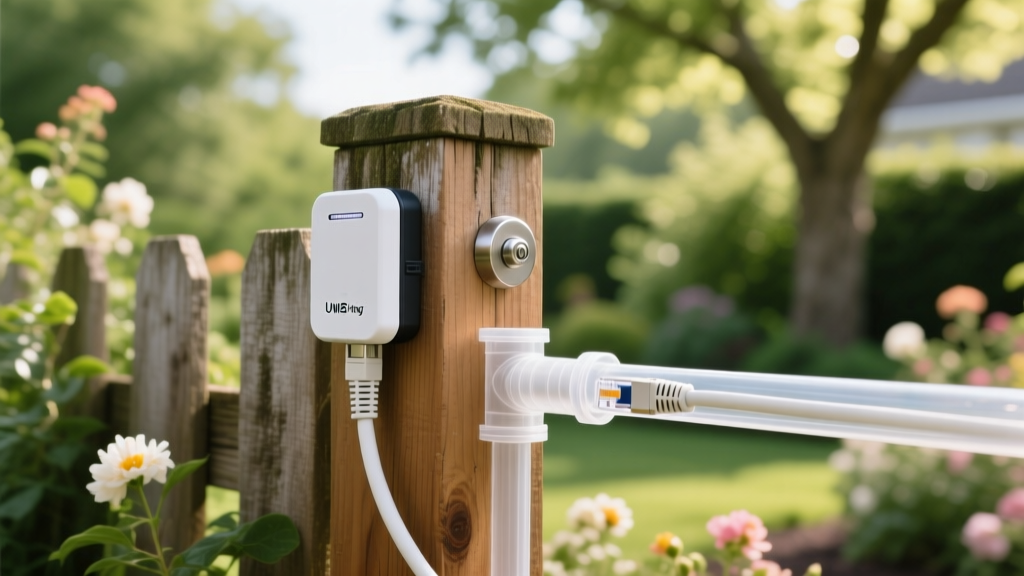
Experts build a localized UWB mesh network (operating on the 802.15.4z standard) to provide centimeter-level indoor and outdoor tracking without cellular reliance. To mount these UWB anchors (like the AirTag UWB Mesh Nodes or specialized enterprise pet trackers) around the perimeter of a 2-acre property, experts use low-voltage 18/2 thermostat wire. They utilize Southwire Tone and Probe Kits ($35) to map out existing underground irrigation wiring, ensuring they don't sever a sprinkler line while trenching for their pet-tech perimeter.
The Expert’s Toolkit: Essential Electrician Gadgets for Pet Tech
If you want to elevate your pet tech from 'consumer grade' to 'smart home integrated', these are the non-negotiable tools you need in your arsenal:
- Fluke 117 True-RMS Multimeter ($210): Essential for testing GFCI outlets and ensuring smart feeders receive clean, consistent voltage to prevent motor burnout.
- Klein Tools 56415 Fish Tape ($45): Mandatory for routing Cat6 Ethernet through insulated walls to mount PoE pet cameras without destroying drywall.
- Milwaukee M18 Cable Stripper ($89): Ensures clean termination of low-voltage wires for UWB anchors and smart pet door strike plates.
- Amprobe AT-3500 Cable Tracker ($150): Traces hidden wiring behind walls to avoid drilling into live 120V lines when mounting heavy automated pet doors.
Cost vs. ROI Analysis: Is the Expert Route Worth It?
Upgrading to an expert-level setup requires an upfront investment in both hardware and electrician gadgets. A beginner might spend $200 on Wi-Fi cameras and power strips. An expert will spend roughly $450 on PoE cameras, Cat6 spools, and a basic multimeter/fish tape kit. However, the ROI is realized in device longevity and data reliability. PoE cameras do not suffer from lithium-ion battery swelling, and dedicated GFCI circuits prevent the $699 Litter-Robot from frying its logic board during a power surge. For the tech enthusiast, the peace of mind and the sheer reliability of a hardwired pet ecosystem make the expert route the only logical choice.
Frequently Asked Questions
Can I install PoE pet cameras myself without an electrician?
Yes, running low-voltage Cat6 Ethernet for PoE cameras does not require a licensed electrician in most jurisdictions, as it falls under low-voltage data wiring. However, if you need to install new 120V circuits for dedicated pet zones, you should hire a professional.
Do smart pet feeders really need a dedicated circuit?
Not a dedicated breaker, but they should be on a circuit with enough headroom. Using a clamp meter to verify the total amperage of the room's outlets ensures that running a space heater alongside a smart feeder won't trip the breaker while you are away.
What is the maximum distance I can run Cat6 for a PoE pet camera?
The IEEE standard limits Cat6 PoE runs to 100 meters (328 feet). For larger properties tracking outdoor pet runs, experts use PoE extenders or fiber-optic uplinks to bridge the gap.
For more insights on optimizing your smart home, check out The Spruce Pets' smart camera roundup for the latest consumer recommendations, then grab your multimeter and start wiring like a pro.
Written by
Emma LarssonEmma Larsson holds an M.A. in International Relations from Sciences Po Paris and a B.A. in Communications from Stockholm University. A digital nomad since 2017, she has worked from over 45 countries across six continents, building deep expertise in portable power solutions, travel routers, compact computing, and connectivity gadgets that survive international travel. Emma is a certified member of the Travel Technology Association and has advised three travel gear startups on product-market fit for remote workers. Her reviews evaluate products against real travel scenarios — TSA compliance, voltage compatibility across 200+ countries, durability through 50+ checked bag cycles, and battery life under airplane mode vs. active use. She has been featured in Condé Nast Traveler's "Tech-Savvy Traveler" series and speaks at Remote Work Summit events.