12 Useful Home Gadgets for the Perfect Office Gift 2026
Discover the most useful home gadgets to gift remote workers in 2026. From smart desk accessories to ergonomic upgrades, find the perfect tech present.
Why Tech Gifts Win for Remote Workers in 2026
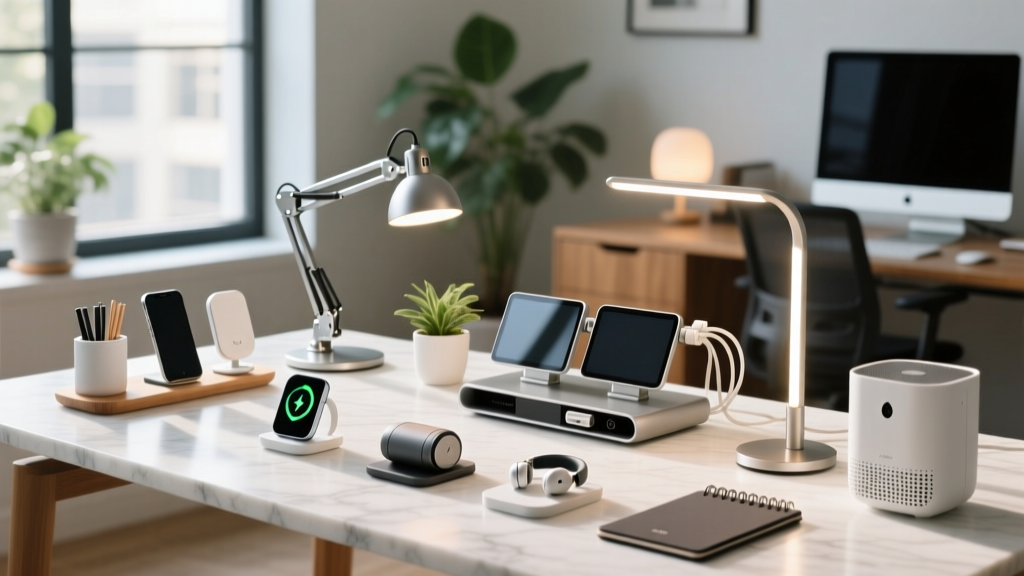
The hybrid work model has officially evolved from a temporary perk into a permanent lifestyle standard. As we settle into 2026, remote workers are no longer just looking for basic desks and chairs; they are actively seeking ways to optimize their daily workflows, reduce physical fatigue, and elevate the aesthetics of their workspaces. When it comes to holiday or birthday gifting, useful home gadgets consistently outperform generic gift cards or novelty items because they solve real, daily friction points.
Whether you are shopping for a software developer who spends 10 hours a day coding, a digital marketer juggling multiple monitors, or a freelance writer who values a tactile workspace, the right tech accessory can drastically improve their quality of life. In this comprehensive gift guide, we break down the most impactful workspace upgrades available today, categorized by budget and user persona.
The 2026 Gadget Gift Matrix: Quick Decision Guide
Not all home offices are created equal. Use this comparison matrix to match the recipient's primary pain point with the perfect hardware solution.
| Recipient Persona | Primary Pain Point | Recommended Gadget | Est. Price |
|---|---|---|---|
| The Night Owl Coder | Eye strain & screen glare | BenQ ScreenBar Halo | $229 |
| The Caffeine-Driven PM | Cold coffee during long meetings | Ember Mug 2 | $149 |
| The Macro-Obsessed Editor | Repetitive keyboard shortcuts | Elgato Stream Deck Neo | $99 |
| The Aesthetic Minimalist | Cluttered, cold desk surfaces | Grovemade Merino Desk Pad | $120 |
Premium Upgrades: The 'Wow' Factor Gifts ($150–$300)
When you want to make a lasting impression, premium desk accessories offer a mix of luxury materials and cutting-edge utility. These are the items remote workers rarely buy for themselves but will use every single day.
1. BenQ ScreenBar Halo Monitor Light ($229)
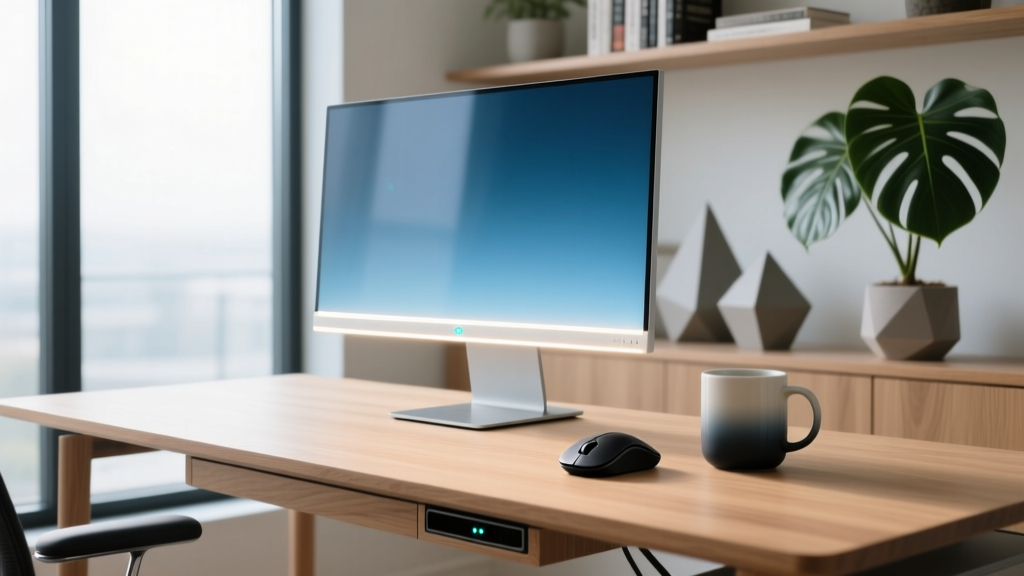
Overhead room lighting creates terrible screen glare, and standard desk lamps take up valuable keyboard space. The BenQ ScreenBar Halo solves this by mounting directly to the top of the monitor, projecting an asymmetric light path that illuminates the desk without hitting the screen. According to The Verge's lighting ergonomics guide, asymmetric lighting is critical for reducing the contrast ratio between a bright monitor and a dark room, which is a leading cause of digital eye strain.
- Key Spec: Delivers 1000 lux at the desk surface (45cm below the bar).
- The 'Halo' Feature: Includes a subtle back-light that softly illuminates the wall behind the monitor to further reduce eye fatigue.
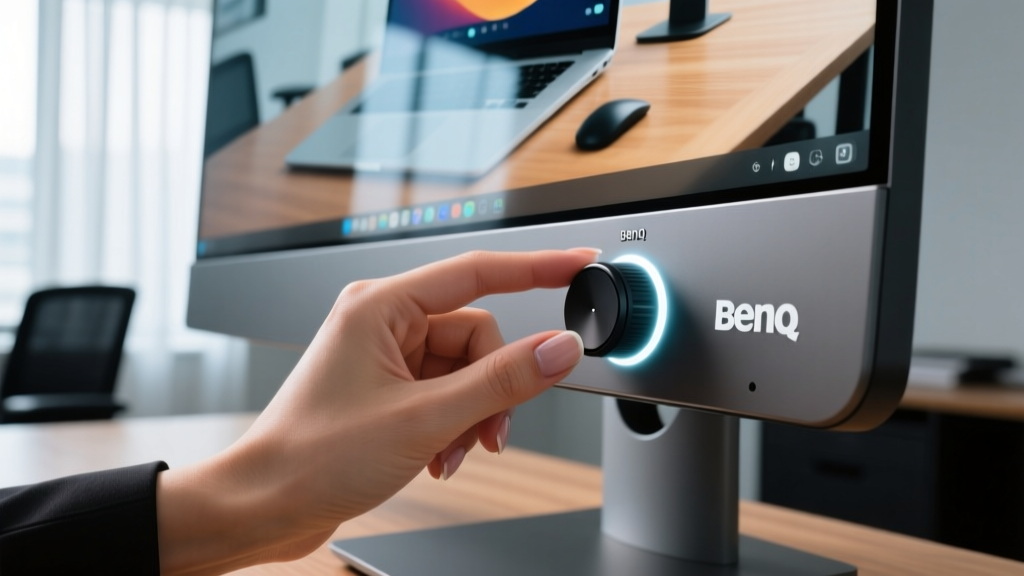
- Control: Comes with a heavy, wireless metallic puck dial that lets users adjust brightness and color temperature (2700K to 6500K) with zero desk clutter.
- Edge Case Warning: If the recipient uses a curved ultrawide monitor, ensure you purchase the separate $19 Curved Monitor Adapter to prevent the light bar from sliding forward.
2. Ember Mug 2 ($149)
For the remote worker whose morning coffee always goes cold during their 9:00 AM stand-up, the Ember Mug 2 is a revelation. Unlike standard insulated thermoses that just slow down heat loss, the Ember uses a built-in heating element and internal battery to maintain a precise liquid temperature.
Expert Insight: The Ember app allows users to set the exact temperature down to 0.5°F. Most coffee purists recommend setting the mug to 135°F (57°C) to preserve the delicate flavor notes of light-roast beans without scorching the liquid.
Battery life sits at roughly 80 minutes off the coaster, but the included smart coaster keeps it charged indefinitely while at the desk. It is an incredibly thoughtful gift that adds a touch of daily luxury to the morning routine.
Mid-Range Productivity Boosters ($50–$150)
This tier represents the sweet spot for gifting: high-quality tools that offer immediate ergonomic or workflow benefits without breaking the bank.
3. Logitech MX Master 3S Wireless Mouse ($99)
If your gift recipient is still using the flat, plastic mouse that came with their computer, upgrading them to the Logitech MX Master 3S is arguably the single best quality-of-life improvement you can offer. As noted in Wirecutter's extensive peripheral testing, the ergonomic sculpting of the MX series drastically reduces wrist pronation, aligning with OSHA's ergonomic guidelines for preventing repetitive strain injuries.
- MagSpeed Scroll Wheel: An electromagnetic wheel that allows users to scroll through 1,000-line spreadsheets in a single second, or switch to ratcheted, line-by-line precision with a click.
- Side Scroll Wheel: Perfect for video editors scrubbing through timelines or Excel power-users navigating wide datasets.
- Quiet Clicks: The '3S' model features dampened microswitches that reduce click noise by over 90%, making it ideal for shared living spaces or late-night work sessions.
4. Elgato Stream Deck Neo ($99)
Don't let the name fool you—the Stream Deck is no longer just for Twitch broadcasters. In 2026, the Stream Deck Neo is a mainstream productivity powerhouse. It features 8 customizable LCD keys and a touch-sensitive control strip at the bottom. Remote workers use it to launch complex macro sequences, mute their mic on Zoom with a single physical tap, open specific app folders, or trigger smart home lighting scenes when 'Deep Work' mode is activated.
Stocking Stuffers: Brilliant Desk Accessories (Under $50)
Great gifts don't always require a massive budget. These tactile, functional items make perfect stocking stuffers or Secret Santa presents.
5. Grovemade Cable Management Shelf ($45)
Cable clutter is the enemy of a focused mind. Grovemade's under-desk shelf uses heavy-duty 3M VHB tape (no drilling required) to mount beneath the desk, hiding power bricks and routers while keeping them easily accessible. Made from precision-machined aluminum and walnut, it turns an eyesore into an architectural feature.
6. Orbitkey Desk Mat Anchor ($29)
For the minimalist who hates cables tangling when they pull their laptop out of their bag, the Orbitkey Anchor is a weighted, leather-bound magnetic cable catcher. It sits on the desk and holds the laptop charging cable perfectly in place using a hidden neodymium magnet, ensuring the cord is always exactly where they left it.
Decision Framework: How to Choose the Right Gadget
Still unsure which useful home gadget to buy? Use this quick diagnostic framework based on their workspace complaints:
- If they complain about back/wrist pain: Avoid tech and go for ergonomic support. Gift the Humanscale NeatHub (under-desk wireless charger/cable organizer) to clear desk space for a proper forearm rest, or a high-quality gel wrist rest.
- If they are always losing focus: Gift the TickTime Cube. It is a physical, hexagonal desk timer that you flip to a specific side to start a Pomodoro countdown (e.g., 15, 25, or 45 minutes). It removes the temptation of using a phone-based timer.
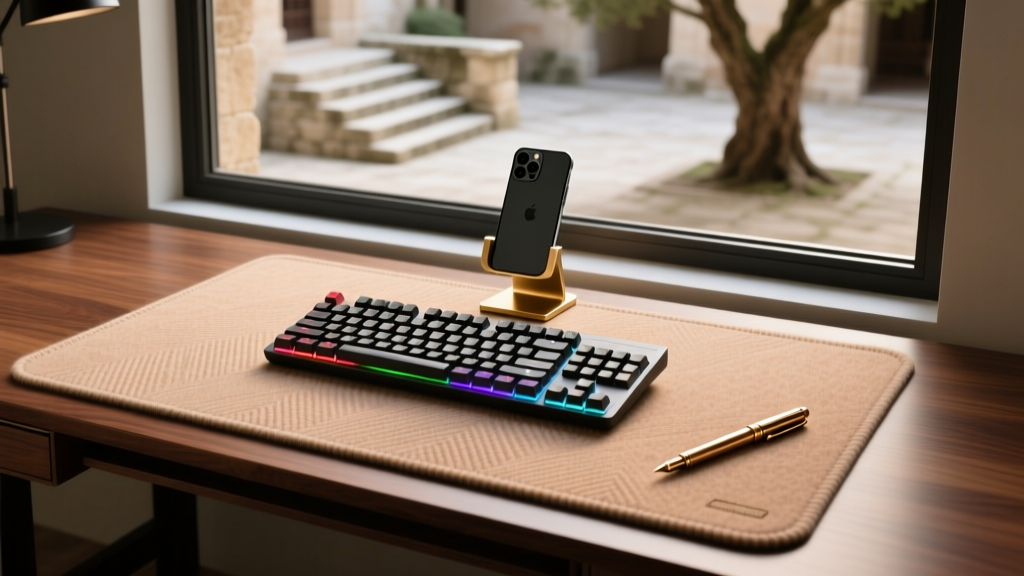
- If they hate their workspace aesthetics: Gift the Grovemade Merino Wool Desk Pad ($120). The natural temperature-regulating wool and cork base instantly warm up a sterile, corporate-feeling desk.
Frequently Asked Questions
Do smart desk gadgets require complex app setups?
Most premium gadgets in 2026, like the Ember Mug or Stream Deck, require a one-time companion app download for firmware updates and deep customization. However, their core functionalities (like keeping coffee hot or triggering a pre-set macro) work perfectly out of the box as plug-and-play devices, making them safe gifts for less tech-savvy recipients.
What if the recipient already has a favorite mouse or keyboard?
Peripheral preferences are highly subjective. If you know they are die-hard fans of their current Logitech or Razer gear, pivot to 'environmental' gadgets instead. Monitor light bars, under-desk cable management, or smart temperature-control mugs are universally appreciated because they enhance the space without replacing their preferred input devices.
Are these gadgets compatible with Mac and Windows?
Yes. Hardware like the BenQ ScreenBar and Ember Mug are entirely OS-agnostic. For software-driven gadgets like the Elgato Stream Deck or Logitech MX Master 3S, both brands provide robust, fully featured companion apps for both macOS and Windows 11/12, ensuring cross-platform compatibility.
Written by
Marcus WebbMarcus Webb served as a U.S. Army logistics officer for 8 years, where he managed field equipment procurement and tactical gear evaluation across three combat deployments. After honorable discharge, he earned a certification from the Professional Knife Makers Association and became a certified Wilderness First Responder (WFR). Marcus has tested over 500 EDC products in extreme environments — from -40°F in Alaska to 120°F in the Mojave Desert — using military-spec testing protocols. His reviews of multi-tools, tactical flashlights, and survival gear are known for their rigorous methodology: controlled drop tests from 6 feet, 120-minute water submersion at 2 meters, and lateral torque testing at 45 Nm. He is a member of the Blade Show judging panel and contributes to OutdoorGearLab.