Top 6 Unique Teacher Gadgets for 2026: Cool Classroom Tech
Discover 6 unique teacher gadgets for 2026 that go beyond the basics. From AI webcams to digital highlighters, upgrade your classroom tech today.
Why Standard Classroom Tech is Failing in 2026
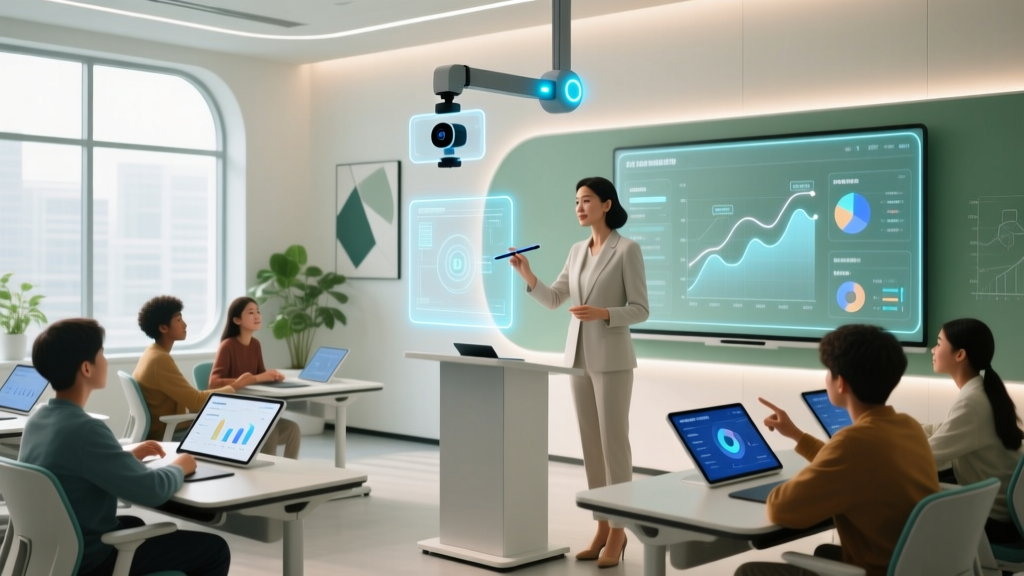
Walk into any school built in the last decade, and you will see the same baseline technology: a interactive flat panel, a cart of tablets, and a document camera that doubles as a paperweight. While these tools are foundational, they rarely solve the nuanced, daily friction points of modern teaching. According to a recent ISTE blog analysis, educator burnout is increasingly tied to 'tech fatigue'—the exhaustion of managing clunky, generalized systems rather than using specialized, intuitive tools.
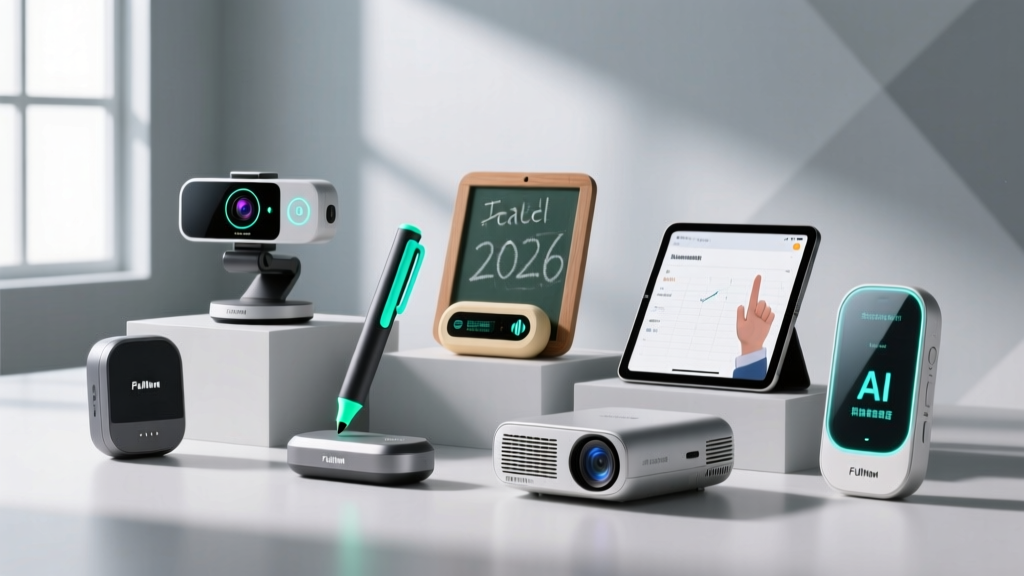
As we navigate the 2026 academic year, the most effective educators are pivoting toward highly specialized, unique teacher gadgets. These are not your standard dry-erase accessories or generic laser pointers. These are precision tools designed to preserve vocal cords, automate classroom management, and bridge the gap between physical and hybrid learning environments. Below, we break down six of the coolest, most unique classroom tech finds that actually deliver a return on investment.
The 6 Coolest Teacher Gadgets We Have Tested
1. OBSBOT Tiny 2 AI-Powered 4K Webcam
Best For: Hybrid classrooms, flipped learning, and active lecturers.
Price: $169 - $189
The Gadget: The OBSBOT Tiny 2 is not just a webcam; it is an automated cameraman. Featuring a 1/1.8-inch CMOS sensor and 4K resolution, it uses AI-driven gesture tracking to follow you as you move across the whiteboard or lab station. You can use specific hand gestures to zoom in on a science experiment or lock the frame on a specific student group during presentations.
- Pedagogical Impact: Eliminates the 'talking head' fatigue in recorded lectures. Students watching asynchronously feel a sense of spatial presence.
- Edge Case / Failure Mode: The AI tracking can stutter in classrooms with heavy, direct sunlight glare hitting the lens. It requires a minimum of 300 lux of diffused lighting to maintain smooth tracking.
2. Scanmarker Air Pro Digital Highlighter
Best For: Special education (IEPs), language teachers, and rapid grading.
Price: $139 - $159
The Gadget: Shaped like a thick highlighter, this Bluetooth-enabled OCR (Optical Character Recognition) pen scans printed text directly into your laptop or tablet at up to 30 lines per minute. It can instantly translate scanned text, read it aloud for accessibility, or export it to a Word document.
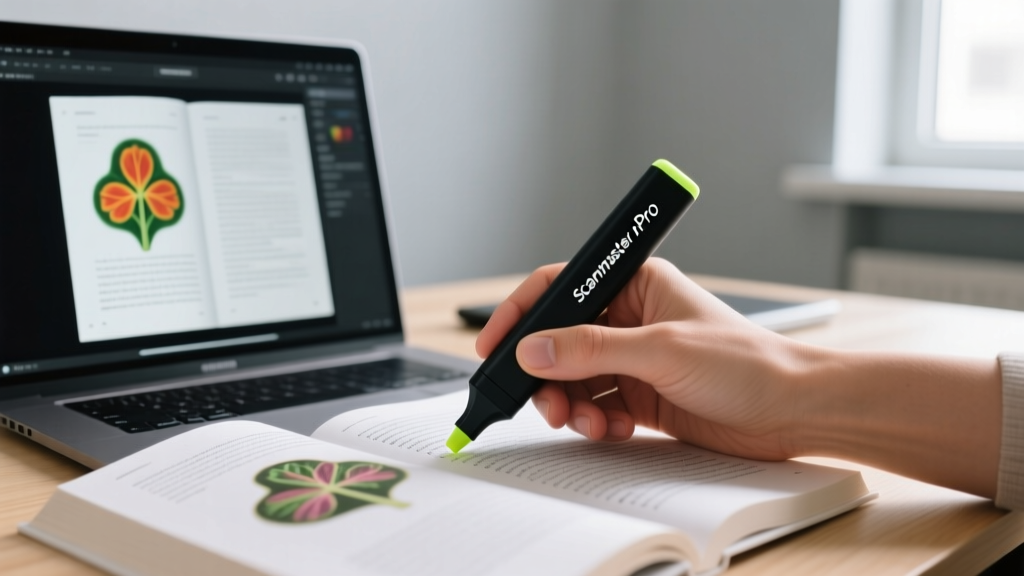
- Pedagogical Impact: A game-changer for creating customized, accessible reading materials for students with dyslexia or visual impairments without spending hours manually typing out excerpts.
- Edge Case / Failure Mode: The OCR engine struggles heavily with spiral-bound textbooks or heavily creased pages. The scanning surface must be relatively flat, or the text output will contain garbled characters.
3. IPEVO V4K Ultra HD USB Document Camera
Best For: STEM demonstrations, art critiques, and detailed manipulation.
Price: $119 - $135
The Gadget: Moving past the blurry, low-framerate document cameras of the 2010s, the IPEVO V4K utilizes a true 8-megapixel Sony sensor capable of 4K streaming at 30fps. It features a specialized folding arm that allows for extreme macro-level focus on circuit boards, insect specimens, or brushstroke techniques.
- Pedagogical Impact: Allows for whole-class visibility of micro-manipulations. When paired with a digital microscope adapter (sold separately), it turns a standard classroom into a biology lab.
- Edge Case / Failure Mode: Requires a USB 3.0 port to achieve 4K resolution. If plugged into an older USB 2.0 hub on a legacy teacher cart, it will default to a choppy 1080p/15fps stream.
4. reMarkable Paper Pro (11.8-inch Color E-Ink)
Best For: Deep-focus grading, lesson planning, and reducing screen fatigue.
Price: $599 - $649
The Gadget: The 2026 iteration of the reMarkable Paper Pro introduces the Color E-Ink Gallery 3 display. It feels exactly like marking up physical essays with a red pen, but with the organizational power of a cloud-synced tablet. The 11.8-inch screen perfectly matches standard A4 and US Letter paper sizes.
- Pedagogical Impact: Research highlighted by Edutopia suggests that reducing blue-light exposure and digital notifications drastically improves teacher focus and reduces evening burnout during grading sessions.
- Edge Case / Failure Mode: The color E-Ink refresh rate is still too slow for watching video tutorials or navigating complex web portals. It is strictly a reading and annotating device.
5. Flic 2 Smart Button (Classroom Routine Edition)
Best For: Classroom management, transition routines, and smart classroom integration.
Price: $34 per button (Hub required for advanced routines, ~$89)
The Gadget: A tactile, wireless Bluetooth button that can be stuck anywhere in the classroom. When pressed, it triggers IFTTT or native smart home routines. Teachers are using these to instantly dim smart lights and start a focus timer, trigger a 'clean up' playlist on the classroom speaker, or send a silent digital hall pass request to the main office.
- Pedagogical Impact: Builds Pavlovian transition routines for younger students. A physical button press accompanied by a lighting change signals a brain-state shift far better than a verbal command.
- Edge Case / Failure Mode: Relies heavily on stable Wi-Fi and Bluetooth mesh networks. In schools with aggressive firewall settings that block IoT device communication, the Flic Hub will fail to connect to external APIs.
6. Winbridge S922 Pro Voice Amplifier
Best For: Vocal cord preservation, large lecture halls, and outdoor education.
Price: $65 - $85
The Gadget: A compact, 25W waistband amplifier paired with a UHF wireless headset microphone. Unlike older models that emit a high-pitched whine, the S922 Pro uses digital feedback suppression and offers a 12-hour battery life on a single charge.
- Pedagogical Impact: Teacher vocal nodules are a leading cause of medical leave. Amplification ensures that students in the back row, or those with mild auditory processing disorders, receive clear, unstrained audio.
- Edge Case / Failure Mode: The UHF frequency can occasionally cross-talk with older wireless microphone systems used by the school's AV department in adjacent auditoriums. Frequency scanning is required before first use.
Comparison Matrix: Matching Gadgets to Teaching Styles
Not every gadget belongs in every classroom. Use this decision framework to match the tech to your specific pedagogical needs.
| Gadget | Primary Use Case | Setup Time | Learning Curve | Ideal Educator Profile |
|---|---|---|---|---|
| OBSBOT Tiny 2 | Hybrid/Recorded Lectures | 2 Minutes | Medium | Active lecturers, University Professors |
| Scanmarker Air Pro | Accessibility / IEPs | 1 Minute | Low | Special Ed, Language Teachers |
| IPEVO V4K | Visual Demonstrations | 3 Minutes | Low | STEM, Art, and Shop Teachers |
| reMarkable Paper Pro | Grading / Planning | Instant | Low | Heavy Essay Graders, Admin |
| Flic 2 Button | Classroom Management | 15 Minutes | High | Tech-savvy K-8 Teachers |
| Winbridge S922 Pro | Vocal Preservation | 1 Minute | Instant | All Educators, PE Teachers |
How to Integrate Unique Tech Without Overwhelming Students
'The biggest mistake educators make with new classroom technology is introducing it as a spectacle rather than a utility. The gadget should disappear into the routine, leaving only the learning outcome visible.' — Common Sense Education Framework, 2025.
When bringing unique teacher gadgets into your space, follow the 3-Day Integration Rule:
- Day 1 (The Reveal): Introduce the gadget. Show the students how it works, what its limitations are, and why you are using it. Let them ask questions.
- Day 2 (The Practice): Use the gadget in a low-stakes environment. If it is the Flic button, practice the transition routine without academic pressure.
- Day 3 (The Norm): The gadget is now just 'how the classroom works.' Do not draw attention to it; simply execute the routine.
Frequently Asked Questions (FAQ)
Are these gadgets typically covered by school district budgets?
Yes, but the categorization matters. Items like the Scanmarker Air Pro and Winbridge amplifiers can usually be expensed under 'Special Education Accessibility' or 'Ergonomic Health' budgets, which often have fewer restrictions than general 'Classroom Tech' funds. Always frame your purchase request around student outcomes or occupational health.
How do I secure AI-tracking webcams like the OBSBOT in a school environment?
Privacy is a valid concern in 2026. The OBSBOT Tiny 2 processes its AI tracking locally on the device's internal NPU (Neural Processing Unit). It does not send facial recognition data to the cloud. However, you must ensure your district's IT policy allows local video processing and that you have parental consent for recording asynchronous sessions.
What is the lifespan of the Flic 2 Smart Button battery?
The Flic 2 uses a standard CR2032 coin cell battery. In a classroom environment where it is pressed 10-15 times a day for transitions, the battery will last approximately 2.5 to 3 years before needing a replacement.
Written by
Nina PetrovaNina Petrova holds a Master's degree in Child Development from the Erikson Institute and a B.S. in Nursing from the University of Illinois at Chicago. She worked as a pediatric nurse for 6 years before transitioning to family technology consulting, bringing clinical rigor to her evaluations of kid-friendly gadgets, educational toys, and parental control software. Nina has reviewed over 400 children's tech products, testing each for safety compliance (CPSC and ASTM standards), developmental appropriateness across age groups, screen-time impact, and data privacy practices. She serves on the Children's Technology Review advisory board and has testified before the FTC on children's data protection in connected toys. Her reviews are trusted by parents and educators alike for their evidence-based approach to balancing technology benefits with child safety.