The 5 Most Awesome Gadgets for Teens Under $50 in 2026
Discover the best awesome gadgets for teens under $50 in 2026. Our expert roundup covers budget IEMs, smart lights, and GaN chargers for students.
The Sub-$50 Tech Trap: What to Avoid
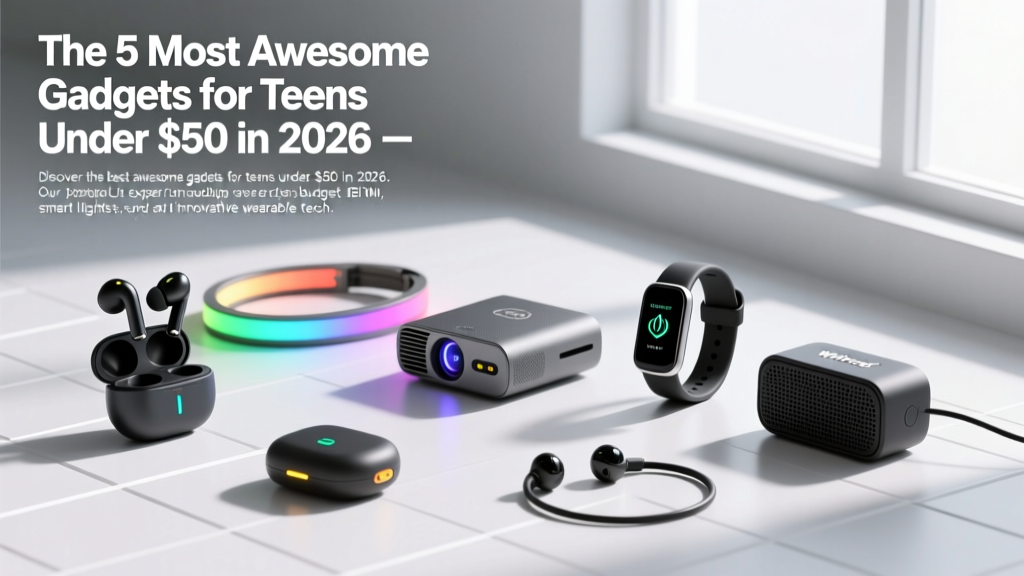
Finding truly awesome gadgets for teens that do not break the bank requires navigating a minefield of e-waste. The sub-$50 tech market is flooded with unbranded power banks that degrade after 40 charge cycles and 'smart' accessories that rely on abandoned, ad-heavy companion apps. When curating a budget-friendly tech stack for high schoolers in 2026, the priority shifts from sheer feature volume to longevity, repairability, and protocol compliance.
Below are five meticulously vetted, budget-friendly gadgets that deliver premium utility, survive the rigors of a high school environment, and cost less than a single textbook.
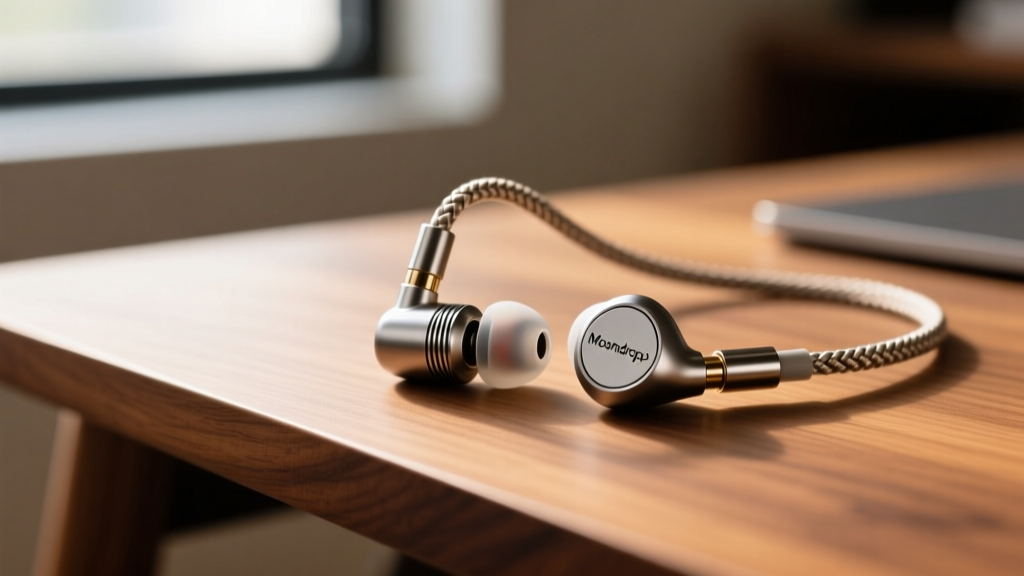
1. Moondrop Chu II IEMs ($22): The Audiophile Loophole
Most teens default to $20 true wireless earbuds that sound muddy and end up in a landfill when the non-replaceable battery dies after 14 months. The Moondrop Chu II wired In-Ear Monitors (IEMs) offer a massive acoustic upgrade for the price of a fast-food lunch.
- Acoustic Hardware: Features a 10mm aluminum-magnesium alloy dome diaphragm that delivers tight sub-bass and crisp highs, completely avoiding the bloated, distorted bass profile of budget Bluetooth buds.
- The Repairability Factor: The standout feature is the detachable 2-pin (0.78mm) cable. The #1 failure mode of wired earphones is a frayed wire near the jack. With the Chu II, a broken cable costs $12 to replace rather than trashing the entire $22 unit.
- Fit & Isolation: The zinc alloy faceplates provide a premium, heavy feel, while the included silicone tips offer passive noise isolation that rivals active noise cancellation (ANC) in noisy cafeteria environments.
According to SoundGuys' extensive testing on budget wired earbuds and IEMs, the Chu II punches well above its weight class in frequency response consistency, making it the definitive choice for teens studying for long hours or gaming on a PC/Steam Deck.
2. Govee RGBIC Wi-Fi LED Strip (16.4ft) ($16): Ambient Lighting Done Right
Room customization is a massive trend, but cheap LED strips from random marketplace sellers flicker, overheat, and only display one solid color at a time. The 16.4ft Govee RGBIC strip solves this through independent chip control.
RGBIC vs. Standard RGB: The Technical Difference
Standard RGB strips wire all LEDs in parallel, meaning the entire 16-foot strip must be a single color. RGBIC (Independent Chip) embeds a microcontroller at every few LEDs, allowing multiple colors to display simultaneously. This enables complex effects like 'rainbow chasing' or syncing specific colors to different zones of the room.
3. Anker Nano 30W GaN Charger ($20): Pocket-Sized Power
Carrying a bulky, 2018-era laptop brick to charge a modern smartphone is an inefficient use of backpack space. The Anker Nano 30W utilizes Gallium Nitride (GaN) semiconductor technology to shrink the charger to the size of a matchbox while maintaining high thermal efficiency.
- Protocol Compliance: It supports the PPS (Programmable Power Supply) protocol. This is a critical detail: without PPS, modern Samsung Galaxy devices will not trigger 'Super Fast Charging 2.0', capping charge speeds at a sluggish 15W. The Nano 30W negotiates the exact voltage required for maximum speed.
- Thermal Management: Anker’s ActiveShield 2.0 system monitors the internal temperature up to 50 million times a day, dynamically adjusting power output to prevent the charger from becoming a burn hazard in a crowded backpack.
For a deep dive into why GaN architecture outperforms traditional silicon chargers, Tom's Hardware's comprehensive USB-C charger testing methodology breaks down the exact thermal throttling thresholds of top-tier compact chargers.
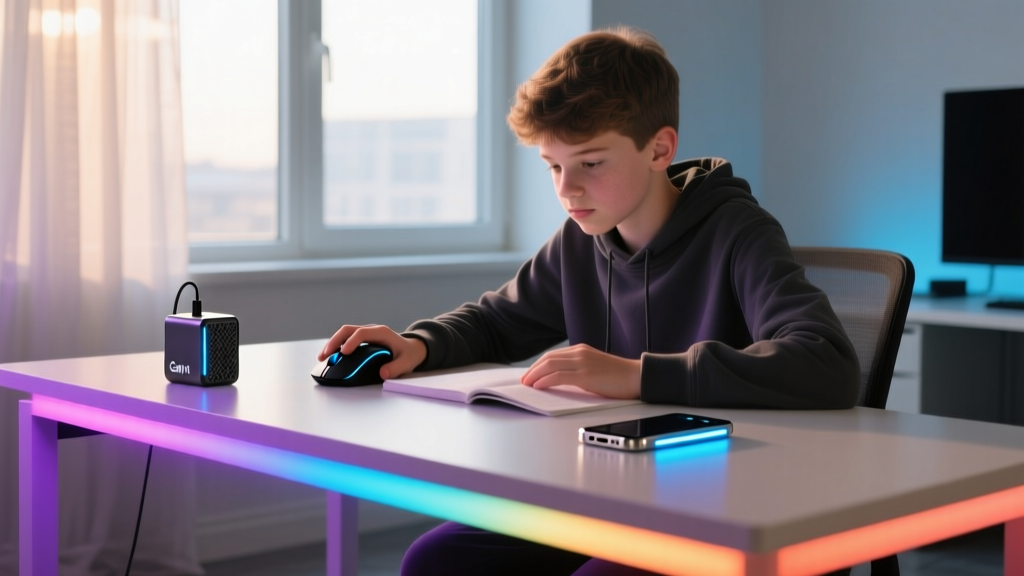
4. Logitech Pebble M350s Silent Mouse ($25): Library-Stealth Gaming
The loud, aggressive 'click' of a standard gaming mouse is a fast track to getting kicked out of a quiet study hall or library. The Logitech Pebble M350s is engineered specifically for acoustic discretion without sacrificing sensor reliability.
- SilentTouch Technology: Reduces clicking noise by over 90% compared to standard micro-switches. The tactile bump remains, but the high-frequency acoustic spike is entirely eliminated.
- Power Efficiency: Runs on a single AA battery for up to 18 months. It features an aggressive auto-sleep mode that engages the moment the optical sensor detects zero movement for 60 seconds.
5. Apple AirTag ($29): Ultra Wideband Loss Prevention
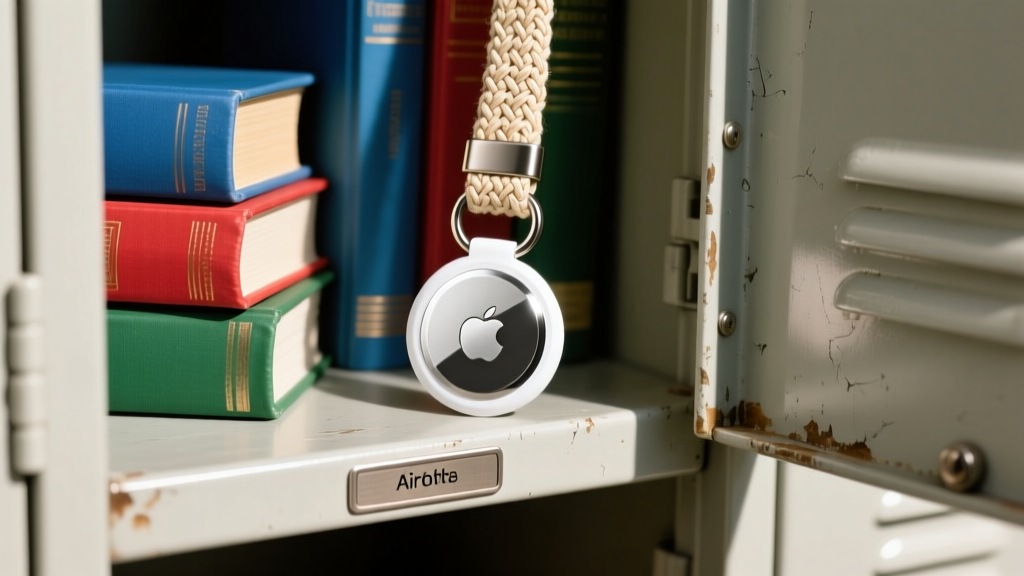
Between gym bags, lockers, and borrowed jackets, teens lose physical items at an alarming rate. The Apple AirTag leverages the massive Find My network and UWB (Ultra Wideband) technology to make losing expensive gear a thing of the past.
- Precision Finding: Unlike basic Bluetooth trackers that only tell you if an item is 'nearby', the AirTag's U1/U2 chip communicates with modern iPhones to provide exact distance and directional arrows (e.g., '4.2 feet to your left').
- Lost Mode & NFC: If a backpack is left on a bus, anyone with an NFC-enabled smartphone (including Android devices) can tap the white side of the AirTag to see a custom message and phone number.
- Maintenance Cost: Powered by a standard CR2032 coin cell battery that lasts roughly one year. Replacements cost about $1.50 each, making the long-term upkeep negligible.
For exact technical specifications regarding water resistance (IP67) and Bluetooth 5.0 range, refer directly to Apple's official AirTag technical specifications.
Comparison Matrix: Specs & Use Cases
| Gadget | Price (2026) | Power / Battery | Primary Use Case | Durability Score |
|---|---|---|---|---|
| Moondrop Chu II | $22 | Wired (Passive) | Studying, PC Gaming | 8/10 (Detachable cable) |
| Govee RGBIC Strip | $16 | Wall AC (5V/2A) | Room Ambiance | 6/10 (Adhesive fails) |
| Anker Nano 30W | $20 | GaN AC Brick | Fast Charging Phones | 9/10 (Foldable prongs) |
| Logitech M350s | $25 | 1x AA (18 mos) | Library / Quiet Study | 7/10 (Plastic shell) |
| Apple AirTag | $29 | CR2032 (1 yr) | Locker / Bag Tracking | 9/10 (IP67 Rated) |
Expert Buying Framework: The 'Cost-Per-Use' Metric
When evaluating awesome gadgets for teens on a strict budget, ignore the upfront price tag and calculate the Cost-Per-Use (CPU). A $20 gadget used once and shoved in a drawer has a CPU of $20. A $29 AirTag used every single school day for a year has a CPU of $0.07 per day.
Teens are highly susceptible to marketing gimmicks that prioritize RGB lighting on internal PC components or novelty shapes over core functionality. Stick to the framework above: prioritize protocol compliance (like PPS charging), repairability (like 2-pin audio cables), and ecosystem integration. By focusing on these technical pillars, you can build a highly functional, trend-resistant tech stack for under $120 total.
Written by
Nina PetrovaNina Petrova holds a Master's degree in Child Development from the Erikson Institute and a B.S. in Nursing from the University of Illinois at Chicago. She worked as a pediatric nurse for 6 years before transitioning to family technology consulting, bringing clinical rigor to her evaluations of kid-friendly gadgets, educational toys, and parental control software. Nina has reviewed over 400 children's tech products, testing each for safety compliance (CPSC and ASTM standards), developmental appropriateness across age groups, screen-time impact, and data privacy practices. She serves on the Children's Technology Review advisory board and has testified before the FTC on children's data protection in connected toys. Her reviews are trusted by parents and educators alike for their evidence-based approach to balancing technology benefits with child safety.