Coolest Gadgets for Men: Beginner vs Expert Picks 2026
Discover the coolest gadgets for men in 2026. We compare beginner vs expert picks across EDC, desk tech, and wearables to help you upgrade your gear.
The Gear Divide: Marketing vs. Material Science
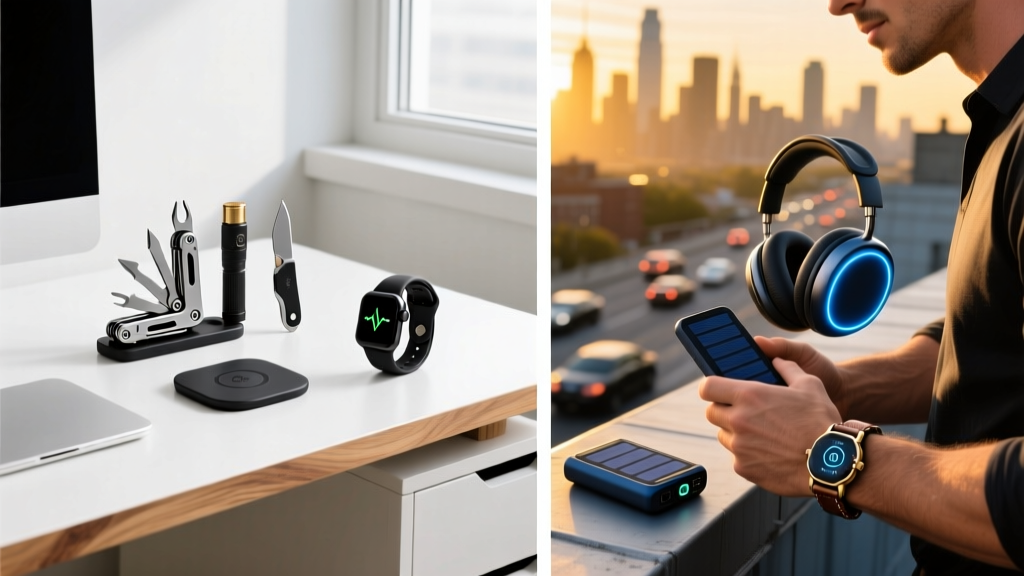
The gap between a novice gadget buyer and a seasoned enthusiast rarely comes down to budget. It comes down to an understanding of material science, firmware architecture, and long-term repairability. Beginners are drawn to feature lists and brand recognition; experts look at steel metallurgy, switch actuation curves, and satellite network protocols. When hunting for the coolest gadgets for men, the entry-level options will get the job done, but the expert-tier tools fundamentally change how you interact with your environment. This guide dissects three core categories—Everyday Carry (EDC), desktop productivity, and outdoor wearables—comparing the baseline choices against the enthusiast upgrades to show exactly where your money should go in 2026.
Everyday Carry: The Metallurgy of Multi-Tools
The multi-tool is the anchor of any EDC rotation. The beginner default is often a big-box store staple like the Gerber Suspension-NXT (around $45). It offers 15 tools and looks the part. However, it relies on 420HC stainless steel, typically heat-treated to a Rockwell Hardness (HRC) of 53-55. This makes the blade easy to sharpen but prone to rapid edge rolling and corrosion if exposed to sweat or humidity without constant oiling. The plier head also utilizes standard stamped steel pivots, leading to lateral wobble after a year of heavy use.
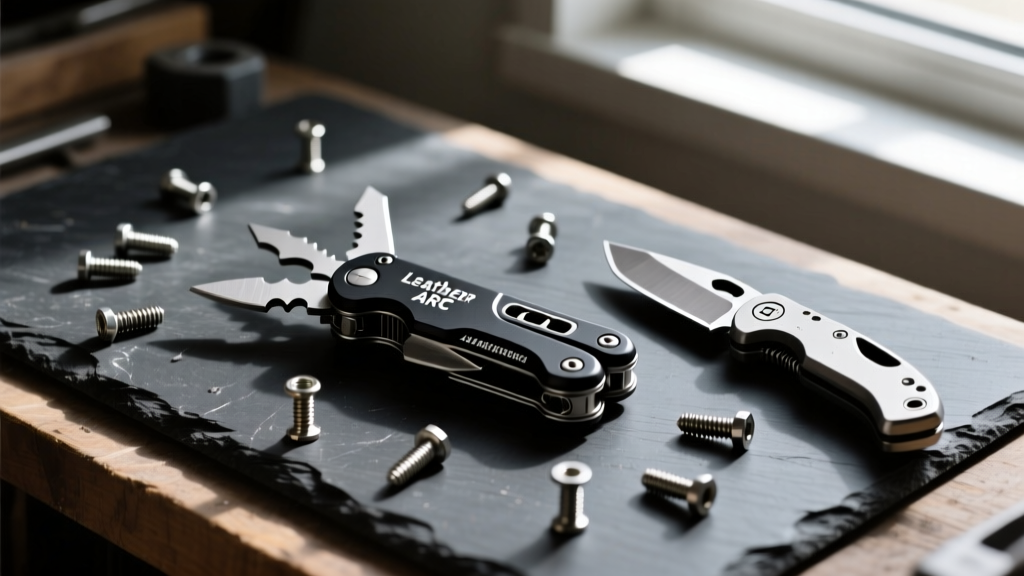
The expert choice is the Leatherman ARC ($229). The premium here is not just the titanium handle scales or the 154CM saw; it is the main blade steel. The ARC utilizes Crucible Industries' CPM MagnaCut, a particle metallurgy steel that has completely disrupted the knife industry. MagnaCut eliminates the chromium carbides that typically cause brittleness in high-hardness stainless steels.
Expert Insight: The MagnaCut Advantage
MagnaCut achieves an HRC of 62-64 while maintaining corrosion resistance that rivals LC200N (a steel normally reserved for dive knives). For the end user, this means the main blade will hold a working edge through months of cutting cardboard, zip-ties, and synthetic ropes, and it will not rust if left wet in a pocket. The beginner tool requires weekly maintenance; the expert tool requires only occasional stropping.
Desktop Productivity: Mechanical Switches vs. Magnetic Hall Effect
For desk setups, the beginner usually gravitates toward high-end wireless peripherals like the Logitech MX Master 3S ($99) or standard mechanical keyboards equipped with Cherry MX switches. While comfortable, traditional mechanical switches rely on physical metal contacts to register a keystroke. This introduces physical debounce delay (usually 5-10 milliseconds) and a fixed actuation point (typically 2.0mm). Over time, the physical contacts oxidize, leading to the infamous "double-click" failure mode.
The expert upgrade abandons physical contacts entirely. The Wooting 60HE+ ($175) utilizes Lekker Hall Effect magnetic switches. Instead of a metal leaf bending to close a circuit, a magnet on the switch stem moves past a Hall Effect sensor on the PCB, measuring the exact magnetic flux to determine key travel down to 0.1mm precision.
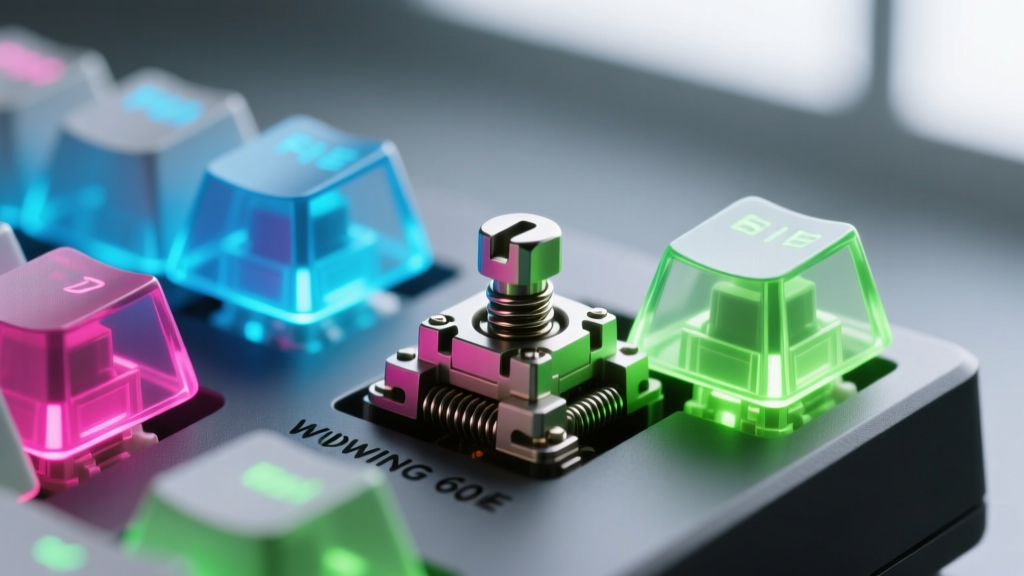
This technology enables Rapid Trigger, a feature where the key resets the instant you lift your finger, rather than waiting to pass a fixed physical reset point. For gaming, this allows for instantaneous counter-strafing. For productivity, the Wooting's analog input mode allows you to map key travel to variables like brush size in Photoshop or timeline scrubbing in Premiere Pro, turning a standard keyboard into a hybrid macro-pad and dial controller.
Peripheral Comparison Matrix
| Feature | Beginner Tier (MX Master / Standard Mech) | Expert Tier (Wooting 60HE+ / Hall Effect) |
|---|---|---|
| Actuation Mechanism | Physical metal contact leaf | Magnetic flux sensor (Hall Effect) |
| Actuation Point | Fixed (usually 2.0mm) | Adjustable (0.1mm to 4.0mm per key) |
| Debounce Delay | 5ms - 10ms required | 0ms (no physical bounce) |
| Lifespan | ~50M presses (contact degradation) | ~100M+ presses (no physical wear) |
| Firmware | Closed-source proprietary software | Web-based, open, no background bloatware |
Wearable Tech: Smartwatch Ecosystems vs. Satellite Survival
In the wearable space, the beginner almost exclusively defaults to the Apple Watch Ultra 2 ($799). It is a phenomenal smartwatch with a bright display, seamless iOS integration, and L1/L5 dual-frequency GPS. However, its limitations become glaringly apparent the moment you step outside cellular and Wi-Fi coverage. Its battery life caps out at roughly 36 hours under normal use, and its offline topographic mapping is rudimentary compared to dedicated outdoor units.
The expert configuration prioritizes autonomy, multi-band GNSS accuracy, and off-grid communication. The Garmin fēnix 8 AMOLED ($999+) paired with the inReach Mini 2 ($399) forms a comprehensive survival and tracking ecosystem. The fēnix 8 utilizes SatIQ technology, which automatically toggles between high-accuracy multi-band GPS and power-saving modes based on cloud cover and tree canopy, extending battery life up to 29 days in smartwatch mode.
"A smartwatch is a tether to your digital life; an expedition watch is a lifeline to the physical world. When you are 40 miles from the nearest cell tower with a twisted ankle, the ability to send a two-way satellite text via the Iridium network is the only metric that matters."
While the Apple Watch relies on third-party apps for advanced routing, the fēnix 8 stores detailed TopoActive maps locally on the device, complete with ski resort data, golf course maps, and multi-continent routing algorithms that calculate round-trip courses based on your remaining battery and stamina metrics. You can view the full specifications on the official Garmin fēnix 8 product page.

The Decision Framework: When to Buy What
Upgrading to expert-tier gadgets is not always the correct financial decision. Use this framework to determine where to allocate your budget:
- Buy Beginner Tier When: The tool serves a secondary or backup role. If you only need a multi-tool to open Amazon packages and tighten a loose screw once a month, the Gerber Suspension is perfectly adequate. If you work exclusively at a desk and never game, the MX Master 3S is ergonomically superior to a 60% keyboard.
- Buy Expert Tier When: The tool interfaces directly with your primary income-generating skill, your core hobby, or your physical safety. If you are an IT professional splicing cables daily, the MagnaCut blade on the Leatherman ARC will save you hours of frustration. If you frequently hike in alpine environments, the Garmin satellite ecosystem is a non-negotiable safety investment.
Final Calibration
The coolest gadgets for men are not defined by their price tags, but by their engineering intent. Beginners buy tools that look capable; experts buy tools that are mathematically and materially optimized for failure resistance. By understanding the underlying technology—from particle metallurgy to magnetic flux sensors and satellite GNSS—you can curate a gear loadout that performs flawlessly when the environment turns hostile.
Written by
Nina PetrovaNina Petrova holds a Master's degree in Child Development from the Erikson Institute and a B.S. in Nursing from the University of Illinois at Chicago. She worked as a pediatric nurse for 6 years before transitioning to family technology consulting, bringing clinical rigor to her evaluations of kid-friendly gadgets, educational toys, and parental control software. Nina has reviewed over 400 children's tech products, testing each for safety compliance (CPSC and ASTM standards), developmental appropriateness across age groups, screen-time impact, and data privacy practices. She serves on the Children's Technology Review advisory board and has testified before the FTC on children's data protection in connected toys. Her reviews are trusted by parents and educators alike for their evidence-based approach to balancing technology benefits with child safety.