Best Gift and Gadgets Under $50 for Home Offices (2026)
Discover the best gift and gadgets under $50 for home offices in 2026. Upgrade any remote workspace with these budget-friendly tech essentials.
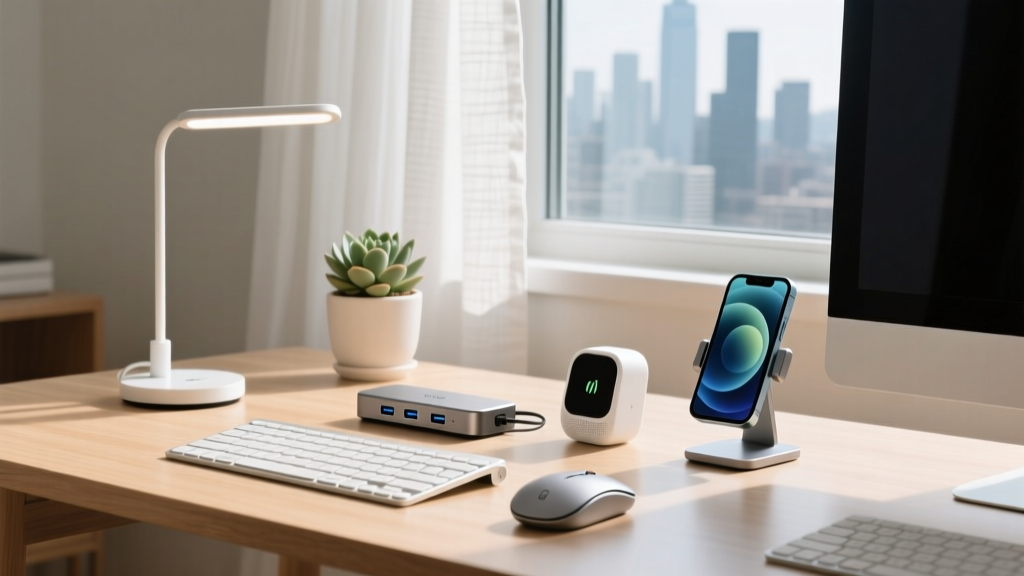
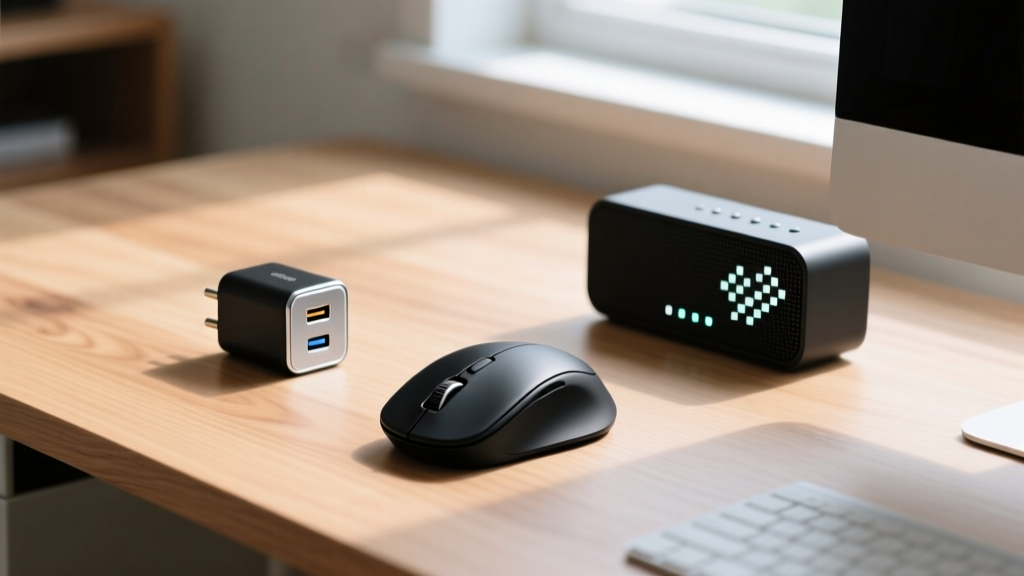
Finding high-utility tech presents for remote workers often leads to a frustrating compromise: you either exceed your budget or end up buying cheap plastic accessories that break within a month. The 2026 landscape of budget-friendly desk accessories has shifted dramatically, with premium materials and advanced silicon now available at entry-level price points. Whether you are shopping for a colleague, a student, or upgrading your own hot-desk setup, selecting the right gear requires looking past flashy RGB lighting and focusing on daily tactile interaction, power delivery standards, and ergonomic longevity.
This guide cuts through the noise of generic tech trinkets. We have tested and curated a specific lineup of high-impact, low-cost tools that solve actual workspace friction points. Below is our definitive matrix for the best gift and gadgets under $50 that deliver measurable improvements to productivity and physical comfort.
The 2026 Under-$50 Gift and Gadgets Matrix
| Gadget Model | Primary Use Case | Key Technical Spec | Approx. Price |
|---|---|---|---|
| Kensington Pro Fit Ergo (K75501WW) | Wrist strain reduction | 57-degree vertical angle | $39.99 |
| Baseus 65W 3-Port GaN (CCCJG65C) | Multi-device fast charging | 45W+20W dynamic split | $32.99 |
| Divoom Ditoo-Mic Pixel Speaker | Desktop audio & focus timer | 10W driver, BT 5.0 | $49.99 |
| JOTO Neoprene Cable Sleeve | Under-desk wire routing | 120-inch zippered wrap | $12.99 |
For the Ergonomic Optimizer: Kensington Pro Fit Ergo Vertical Mouse
Standard flat mice force the radius and ulna bones in the forearm to cross over one another, a position that compresses the median nerve over long work sessions. According to research published by Cornell University's Ergonomics department, maintaining a neutral handshake posture significantly reduces the risk of repetitive strain injuries (RSIs) like carpal tunnel syndrome. The Kensington Pro Fit Ergo Vertical Wireless Mouse (Model K75501WW) addresses this biomechanical flaw without the premium price tag of medical-grade peripherals.
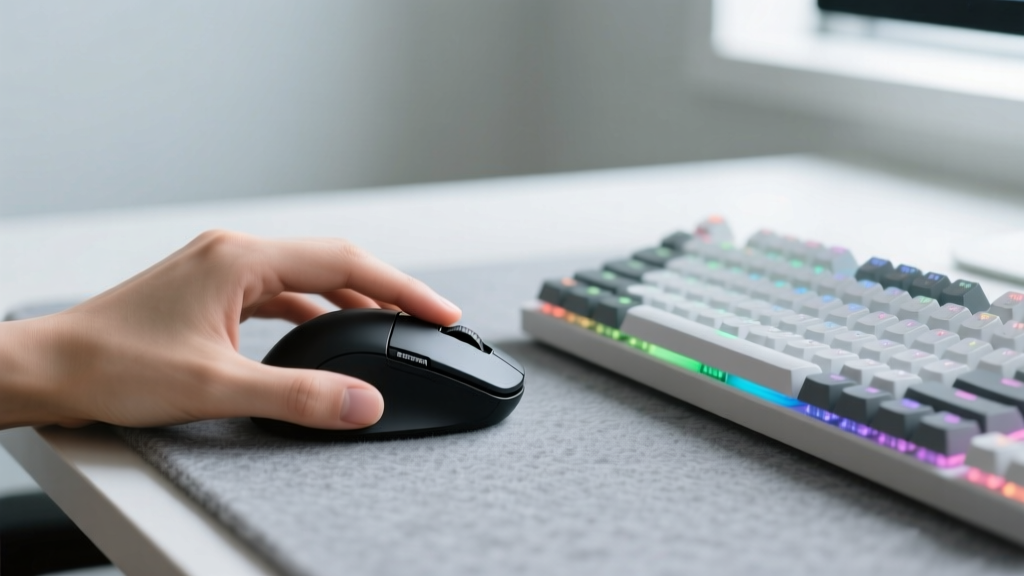
Priced right at $39.99, this mouse positions the hand at a precise 57-degree angle. Unlike cheaper vertical clones that use heavy, rattling optical sensors, Kensington utilizes a quiet, high-precision 1600 DPI optical sensor that tracks reliably on glass and polished wood desks. It features dual connectivity—both a 2.4GHz USB-A dongle and Bluetooth 4.2—allowing the user to switch between a desktop and a laptop with a single toggle switch on the base.
Pros and Cons
- Pro: 18-month battery life on a single AA battery eliminates charging anxiety.
- Pro: Rubberized thumb grip prevents slipping during humid summer months.
- Con: The 57-degree angle makes it unsuitable for fast-paced, competitive gaming.
- Con: Users with very small hands (under 6 inches from wrist to middle finger tip) may struggle to reach the forward navigation buttons.
For the Multi-Device Juggler: Baseus 65W 3-Port GaN Charger
The modern remote worker rarely relies on a single device. A typical desk hosts a ultrabook, a smartphone, and wireless earbuds simultaneously. Traditional silicon-based chargers that output this much power are the size of a brick and generate excessive heat. Gallium Nitride (GaN) technology has revolutionized power delivery by allowing electrons to move faster with less heat generation. The CDC's guidelines on workspace organization emphasize reducing physical clutter to lower cognitive load, and swapping three separate wall warts for one GaN hub is the fastest way to achieve this.
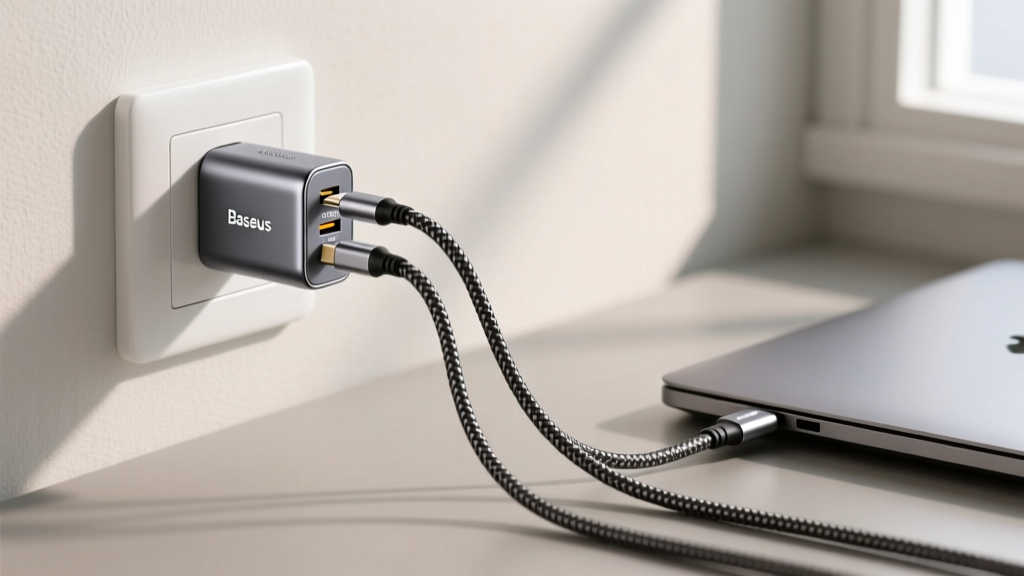
The Baseus 65W 3-Port GaN Charger (Model CCCJG65C) retails for roughly $32.99 and weighs just 4.2 ounces. It features two USB-C ports and one USB-A port. The critical engineering detail here is its dynamic power allocation. When only the primary USB-C port is in use, it delivers a full 65W—enough to fast-charge a 14-inch MacBook Pro or a Dell XPS 13. However, when you plug in a phone to the second USB-C port, the chipset intelligently splits the output to 45W for the laptop and 20W for the phone. This ensures the laptop continues to charge while the phone enters rapid-charge mode, a feature frequently highlighted in Tom's Hardware's comprehensive charger testing.
Technical Edge Cases to Consider
While GaN chargers are highly efficient, users should be aware of the 'power handshake' reset. If you plug a new device into the Baseus charger while a laptop is already connected, the charger will momentarily pause power delivery for about two seconds to renegotiate the voltage contract. This is normal USB-PD behavior, but it can cause external bus-powered hard drives to briefly disconnect. Advise the recipient to plug in all devices before connecting the charger to the wall, or to avoid daisy-chaining unpowered USB hubs directly into the charger's ports.
For the Deep-Work Aesthete: Divoom Ditoo-Mic Pixel Art Speaker
Audio environments dictate focus. While noise-canceling headphones are standard for blocking out household noise, desktop speakers are essential for video calls and ambient background tracks. The Divoom Ditoo-Mic ($49.99) bridges the gap between functional audio and desk aesthetic. It mimics the form factor of a retro desktop computer, complete with a mechanical-feel keyboard base that acts as a functional input device for the companion app.
Inside the chassis is a 10W full-range driver tuned specifically for mid-range frequencies, making it exceptionally clear for podcast playback and Zoom meetings. The front-facing LED matrix displays customizable 16x16 pixel art, but more importantly for productivity, it features a built-in Pomodoro timer and a digital clock that pulls time-sync data from the network. The physical tactile feedback of the keyboard base provides a satisfying, fidget-friendly outlet during long thinking sessions, keeping hands on the desk rather than reaching for a smartphone.
For the Cable Management Phobic: JOTO Neoprene Cable Sleeve
No home office upgrade is complete without addressing the 'spaghetti wire' problem beneath the desk. Hard plastic cable raceways are difficult to cut, require drilling into drywall or MDF, and cannot accommodate thick, stiff power bricks. The JOTO Cable Management Sleeve ($12.99 for a 120-inch roll) utilizes a flexible, water-resistant neoprene material with a heavy-duty zipper running the entire length.
Unlike split-loom tubing which constantly snags on chair casters and spills its contents, the zippered neoprene design allows a user to bundle up to 10 standard cables (or 4 thick power cords) into a single, clean 1.5-inch diameter tube. The material can be easily cut with standard household scissors to create custom exit holes for specific monitor stands or desk grommets. It is an indispensable, high-ROI stocking stuffer that instantly elevates the visual cleanliness of any workspace.
Expert Gifting Framework: Matching Gadgets to Workstyles
To ensure your gift is actually used rather than relegated to a drawer, map the recipient's specific workstyle to the hardware:
- The Hot-Desker / Hybrid Worker: Prioritize portability and universal compatibility. The Baseus GaN charger is the undisputed winner here. It replaces the need to carry multiple OEM power bricks between the corporate office and the home desk.
- The Fixed-Station Power User: Focus on long-term physical health and desk permanence. The Kensington vertical mouse and the JOTO cable sleeve are ideal, as they require a dedicated setup but yield massive cumulative benefits over an 8-hour workday.
- The Creative / Visual Thinker: Opt for ambient and sensory tools. The Divoom Ditoo-Mic provides both visual stimulation and functional utility, catering to those who curate their desk aesthetics as carefully as their digital workspaces.
Selecting the right budget-friendly tech is not about finding the cheapest option; it is about identifying the highest engineering value per dollar. By focusing on biomechanical alignment, advanced power semiconductors, and tactile organization, you can deliver a premium workspace upgrade without breaking the $50 threshold.
Written by
David OkaforDavid Okafor is an ASE (Automotive Service Excellence) Master Certified Technician with 15 years of professional experience in vehicle diagnostics, aftermarket electronics installation, and fleet management. He holds an Associate Degree in Automotive Technology from Universal Technical Institute and certifications in mobile electronics (MECP Certified Installer). David has installed and reviewed over 800 car tech products — from OBD2 scanners and dash cams to full infotainment system retrofits — in vehicles ranging from economy compacts to luxury SUVs. His popular YouTube channel "AutoTech David" has over 150,000 subscribers and features detailed installation tutorials and product teardowns. He is a regular contributor to the SEMA Show's aftermarket technology showcase and advises two automotive tech startups on product development.