Smart Gift and Gadget Store Picks to Solve Home Office Problems
Discover practical home office upgrades at your local gift and gadget store. Skip the gimmicks and find ergonomic, lighting, and cable management solutions.
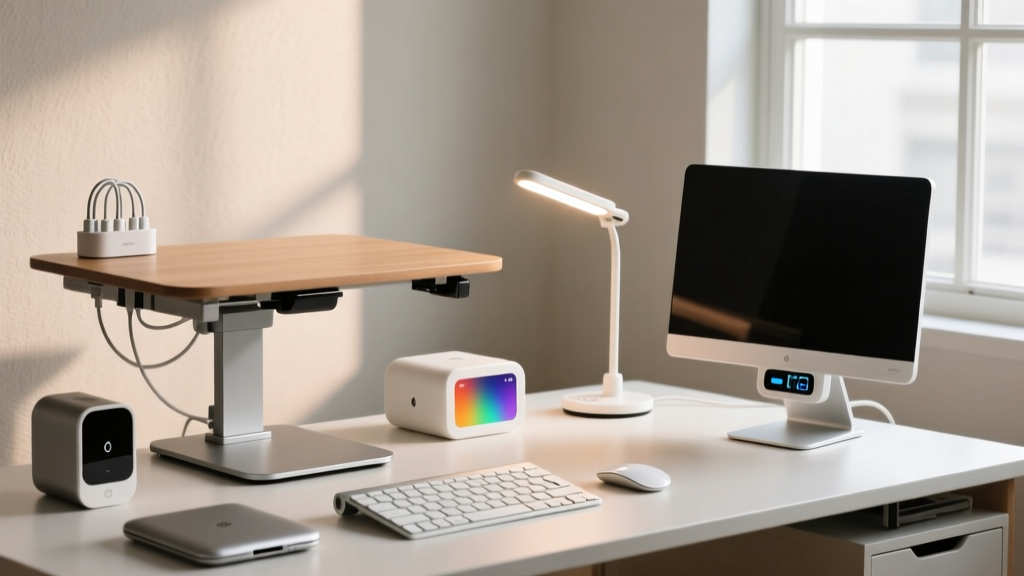
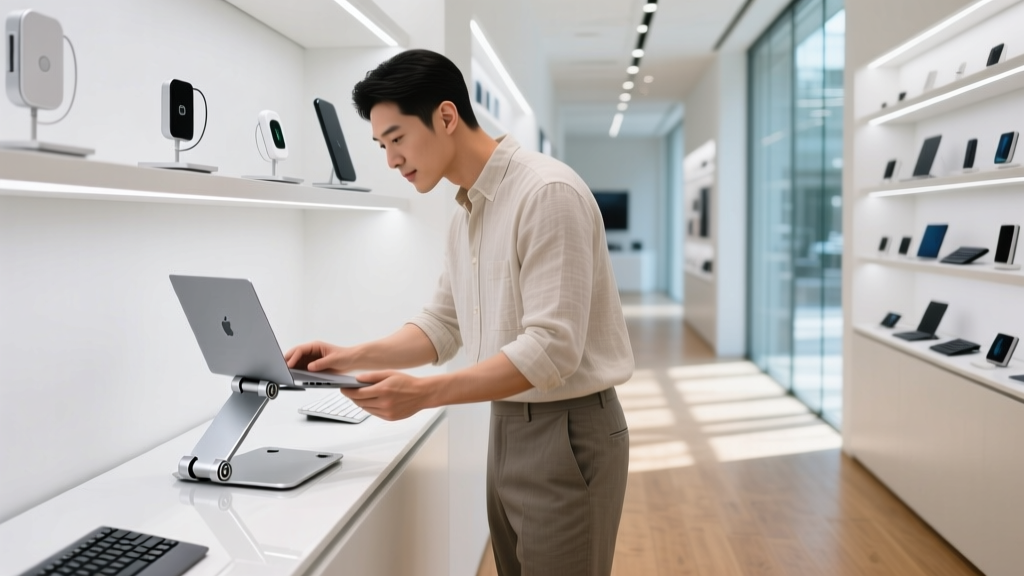
Most gift and gadget stores are graveyards for novelty items—kinetic desk toys, useless USB-powered mini fridges, and RGB mousepads that peel after a month. But hidden among the impulse buys are genuine home office problem solvers. The trick is knowing which aisles to scour, which specifications actually matter, and how to separate a $40 gimmick from a $40 productivity multiplier. When navigating a gift and gadget store for workspace upgrades, you must prioritize functional geometry, material permanence, and optical precision over flashy packaging.
The Ergonomics Aisle: What to Grab and What to Ignore
The ergonomics section of any gadget store is a minefield of poorly engineered plastic. Your primary goal here is to elevate your screen to eye level without introducing neck strain or thermal throttling to your machine.
Laptop Stands and Monitor Risers
Skip the hollow ABS plastic risers priced under $20. These often warp under the thermal output of modern high-performance chips and lack the structural rigidity to prevent screen wobble during typing. Instead, look for stands milled from 6061 aluminum alloy with a minimum load capacity of 15 pounds. The ideal stand will feature a Z-axis or telescoping vertical adjustment, allowing you to raise the hinge of your laptop exactly to your seated eye level (typically 18 to 22 inches above the desk surface, depending on your torso length).
For wrist rests, ignore the flashy, translucent gel pads. Gel retains heat, causes sweating, and eventually yellows or leaks. Seek out high-density polyurethane memory foam with a washable, moisture-wicking lycra cover. According to guidelines from the Cornell University Ergonomics Web, a wrist rest should only be used to support the heel of the palm during rest periods, not as a fulcrum while actively typing, making a firm, low-profile foam pad vastly superior to squishy gel.

Cable Management: Solving the Desk Clutter Crisis
A tangled web of cables isn't just an eyesore; it creates a dust trap and makes swapping peripherals a frustrating chore. Gadget stores usually stock three primary cable management solutions. Here is how to choose the right one based on your specific desk setup.
| Solution | Best Use Case | Cost Range (2026) | Installation Effort |
|---|---|---|---|
| Under-Desk J-Channel Trays | Hiding power strips and thick AC adapters. | $18 - $35 | High (requires drilling or heavy-duty adhesive) |
| Silicone Magnetic Cable Clips | Routing charging cables and keeping them from falling off the desk edge. | $12 - $20 | Low (peel-and-stick 3M VHB backing) |
| Neoprene Zipper Sleeves | Bundling multiple monitor and PC cables running down a single desk leg. | $10 - $15 | Medium (requires wrapping and zipping) |
Pro-Tip for Tray Buyers: If you opt for an under-desk J-Channel tray, ensure it has a minimum interior width of 3.15 inches. Standard 2-inch trays are too narrow to accommodate a 6-outlet surge protector alongside bulky transformer plugs, rendering the tray useless for actual power management.
Lighting and Focus: Beyond the Novelty Lava Lamp
Gadget stores love selling novelty lighting—neon signs, RGB corner lamps, and lava lamps. While fun, these do nothing to reduce the digital eye strain associated with 8-hour workdays. The American Academy of Ophthalmology notes that improper ambient lighting and screen glare are primary contributors to computer vision syndrome. You need task-specific, asymmetric lighting.
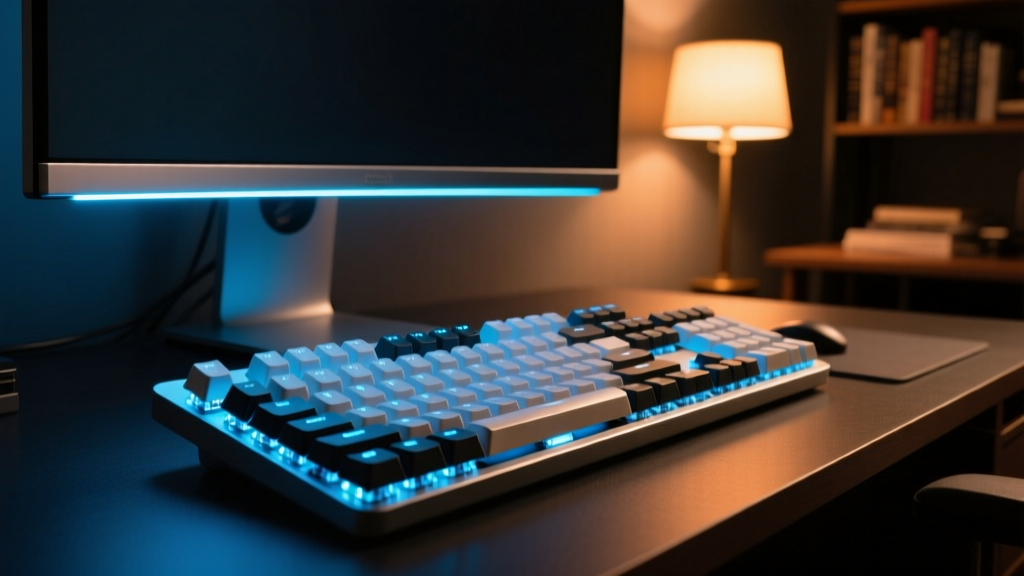
The Monitor Light Bar Test
A genuine monitor light bar uses asymmetric forward projection to illuminate your desk at roughly 500 lux without casting light backward onto your screen. If the gadget store only sells symmetrical clip-on LED lamps (usually priced between $15 and $25), leave them on the shelf. Symmetrical lights bounce glare directly off your monitor, forcing your pupils to constantly adjust between the bright reflection and the dark UI elements on your screen.
Look for light bars with a gravity-pivot clamp rather than a spring-loaded clip. Spring clips often fail to grip the ultra-thin bezels of modern 4K monitors, leading to the light bar sliding off and scratching the display panel. Expect to pay between $45 and $70 for a reliable entry-level asymmetric light bar with a touch-sensitive dimmer.
Acoustic Fixes for Shared Spaces
Home offices are rarely soundproof. If your workspace doubles as a shared living area, audio privacy is critical. Before buying a bulky, expensive white noise machine that takes up valuable desk real estate, look for directional desktop speakers or compact acoustic desk dividers.
- Acoustic PET Felt Dividers: Often found in the office organization aisle, these clamp-on panels (usually 12 to 18 inches tall) are made from compressed recycled polyester fiber. They absorb mid-to-high frequency sounds (like keyboard clatter and voice) and prevent them from echoing across the room.
- Sound Masking Pucks: Some gadget stores carry compact, USB-powered sound masking devices. Ensure the device produces "pink noise" rather than "white noise." Pink noise has a deeper frequency profile that is far more effective at masking human speech without causing listener fatigue over a full workday.
The 3-Question Gadget Store ROI Framework
Before taking any home office gadget to the register, run it through this rapid decision matrix to ensure it solves a problem rather than creating a new one.
- Does it eliminate a daily friction point? If the item requires you to change your workflow to use it (e.g., a desktop humidor or a novelty hourglass), it is a distraction, not a tool.
- Is the build material permanent? Prioritize anodized aluminum, braided nylon, silicone, and PET felt. Avoid cheap ABS plastics, faux-leather peeling pads, and liquid gel inserts.
- Does it require its own proprietary power brick? A gadget that claims to reduce desk clutter but requires a dedicated, bulky AC adapter plugged into your wall defeats its own purpose. Prioritize USB-C pass-through devices that can draw power directly from your monitor or docking station.
Quick FAQ for Gadget Store Shoppers
Are gadget store wireless charging pads worth it for the desk?
Only if they are 3-in-1 stands that elevate your phone to a readable angle. Flat, puck-style wireless chargers force you to look down at your notifications, breaking your ergonomic posture and pulling your eyes away from the primary monitor.
Should I buy a desktop vacuum from the gadget store?
Yes, but check the suction motor. The $10 novelty ones are essentially toys. Look for models priced around $25-$35 that feature a HEPA-grade filter and a metal turbine fan, which can actually pull dust out of mechanical keyboard switches.
How do I test a monitor arm in the store?
Extend the arm to its maximum reach and tap the VESA plate. If it oscillates or bounces for more than two seconds, the internal gas spring is too weak to hold a monitor stable while you type aggressively.
Written by
Marcus WebbMarcus Webb served as a U.S. Army logistics officer for 8 years, where he managed field equipment procurement and tactical gear evaluation across three combat deployments. After honorable discharge, he earned a certification from the Professional Knife Makers Association and became a certified Wilderness First Responder (WFR). Marcus has tested over 500 EDC products in extreme environments — from -40°F in Alaska to 120°F in the Mojave Desert — using military-spec testing protocols. His reviews of multi-tools, tactical flashlights, and survival gear are known for their rigorous methodology: controlled drop tests from 6 feet, 120-minute water submersion at 2 meters, and lateral torque testing at 45 Nm. He is a member of the Blade Show judging panel and contributes to OutdoorGearLab.