Best Outdoor Office Gadgets for Patio Workspaces in 2026
Discover the best outdoor office gadgets for 2026. We review weatherproof monitors, solar chargers, and patio cooling tech for the ultimate alfresco workspace.
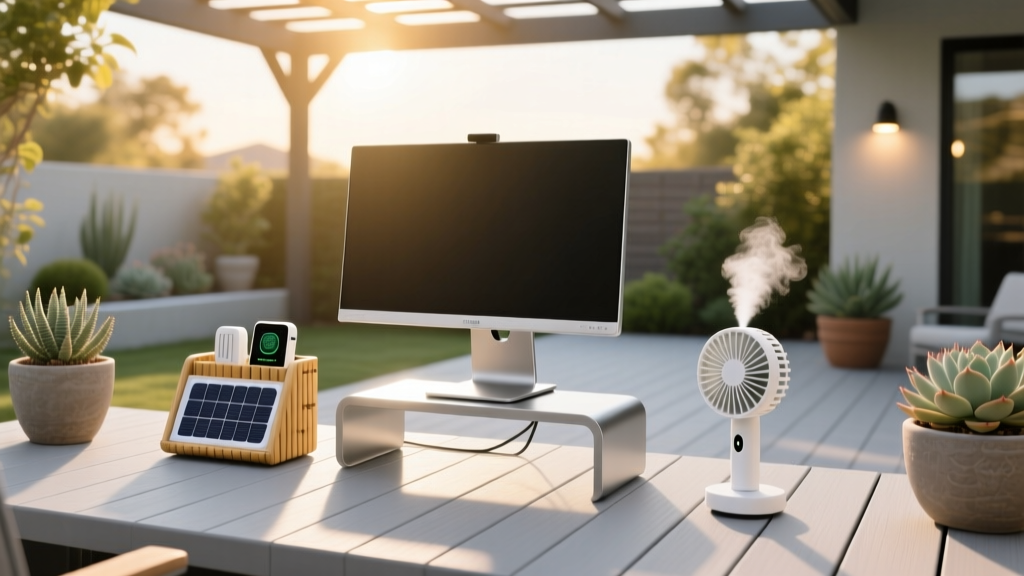
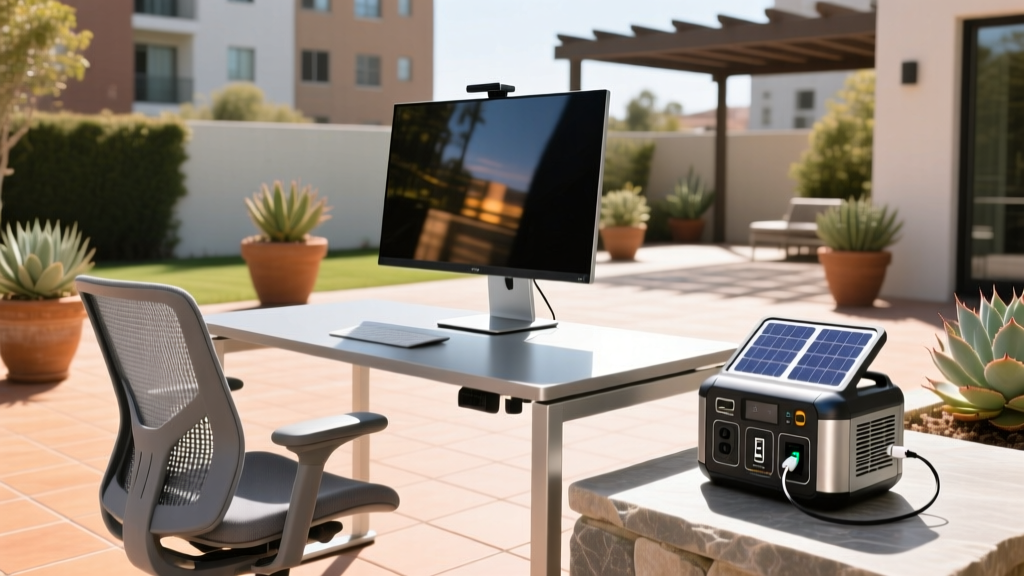
The Rise of the Alfresco Workspace in 2026
As remote work evolves, the home office is no longer confined to a spare bedroom or basement. In 2026, the alfresco workspace—spanning patios, pergolas, and balcony setups—has become a necessity for professionals seeking circadian rhythm alignment and vitamin D exposure during deep-work sessions. According to Forbes Remote Work Analysis, the permanence of hybrid models has driven a 42% year-over-year increase in outdoor workspace investments.
However, taking your workflow outside introduces severe environmental variables: direct sunlight glare, extreme temperature fluctuations, Wi-Fi dead zones caused by exterior walls, and sudden weather events. Standard indoor tech simply fails in these conditions. A typical laptop screen emits around 300 nits of brightness, which is entirely washed out by direct sunlight (which can exceed 100,000 lux). To build a functional outdoor command center, you need specialized, weather-resistant office gadgets engineered for the elements. Here is the definitive 2026 guide to equipping your patio for serious productivity.
Glare-Free Visibility: High-Nit Displays
The single biggest point of failure for outdoor workspaces is display visibility. When ambient light overwhelms your screen's backlight, you experience eye strain and lost productivity. You need a minimum of 1,000 nits for shaded patio work, and upwards of 2,500 nits for direct sunlight.
Top Portable Pick: Uperfect 18.5" 1000-Nit Monitor
For digital nomads and those who move between the kitchen island and the backyard, the Uperfect 18.5" 1000-Nit Portable Monitor ($359) is a game-changer. Unlike standard 250-nit portable screens, this IPS panel pushes 1,000 nits of peak brightness, allowing you to read spreadsheets clearly under a pergola. It features a built-in kickstand with a 45-degree tilt, which is crucial for deflecting overhead sun glare. Weighing just 2.8 lbs, it draws power directly from your laptop's USB-C PD port, eliminating the need for a separate power brick.
Permanent Setup: SunBriteTV Veranda 3 Series 55"
If you have a covered patio or screened-in lanai, a permanent display is ideal. As highlighted in CNET's Guide to Outdoor Displays, the SunBriteTV Veranda 3 Series ($2,199) is engineered specifically for shaded outdoor environments. While it peaks at 450 nits (lower than direct-sun models), it utilizes a specialized anti-glare coating and an IP55-rated sealed chassis that protects against dust, humidity, and rain. It operates flawlessly in temperatures ranging from -22°F to 122°F, meaning you can leave it mounted year-round.
Powering the Patio: Solar & Weatherproof Charging
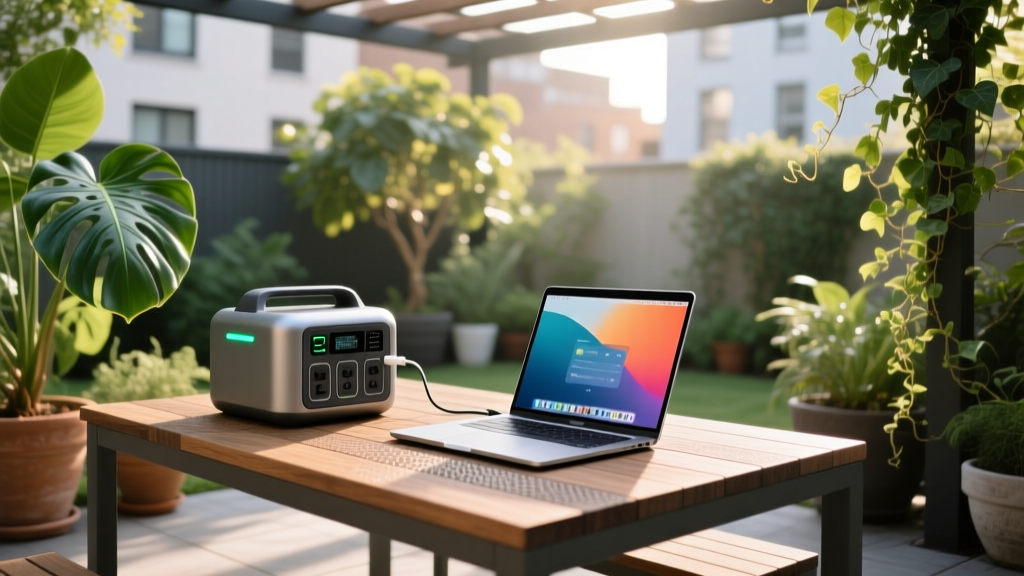
Running extension cords across the lawn is a tripping hazard and a code violation. For true wireless freedom, you need a portable power station. However, battery chemistry matters immensely outdoors. Standard NMC (Nickel Manganese Cobalt) batteries degrade rapidly when exposed to ambient temperatures above 85°F (29°C). For outdoor office gadgets, LiFePO4 (Lithium Iron Phosphate) is mandatory due to its thermal stability and 3,000+ cycle lifespan.
Power Station Comparison for Outdoor Desks
| Model | Capacity & Chemistry | Weight | Price (2026) | Best Use Case |
|---|---|---|---|---|
| Jackery Explorer 300 Plus | 288Wh (LiFePO4) | 8.27 lbs | $299 | Laptop charging, portable monitors |
| EcoFlow River 2 Pro | 768Wh (LiFePO4) | 17.2 lbs | $699 | Full desk setup, mini-fridge, fans |
| Bluetti AC50S | 500Wh (Li-ion) | 13.6 lbs | $449 | Budget setups, mild climates only |
Note: According to Wirecutter's Portable Power Station Tests, pairing the Jackery Explorer 300 Plus with a SolarSaga 100W panel ($249) allows you to replenish a full workday's worth of laptop power in roughly 4.5 hours of peak sun.
Connectivity Beyond the Router's Reach
Exterior walls—especially those with stucco, brick, or foil-backed insulation—act as Faraday cages, decimating Wi-Fi signals. Furthermore, modern homes use Low-E (low-emissivity) glass windows, which contain microscopic metallic layers that can attenuate 5GHz Wi-Fi signals by up to 30dB. Relying on your indoor router to reach the patio will result in dropped Zoom calls and latency spikes.
The Solution: TP-Link Deco X50-Outdoor
To solve this, install the TP-Link Deco X50-Outdoor ($189). This is not just a standard mesh node placed near a window; it is an IP65-rated, weather-sealed access point designed to be mounted on the exterior siding of your home. It connects via Ethernet or Wi-Fi to your main indoor router and broadcasts a dedicated Wi-Fi 6 signal across your yard. With MU-MIMO technology, it easily handles the bandwidth requirements of 4K video conferencing and large cloud uploads simultaneously across multiple devices.
Climate Control & Audio: Beating the Elements
Temperature and ambient noise are the silent killers of outdoor focus. While you cannot control the weather, you can control your immediate microclimate and acoustic environment.
Cooling: Honeywell CO30XE Evaporative Cooler
For dry climates (humidity below 50%), traditional fans just push hot air around. The Honeywell CO30XE ($179) is an outdoor-rated evaporative cooler that drops ambient air temperature by up to 15°F using a 10-gallon water tank and a honeycomb cooling pad. It draws only 60 watts of power, meaning it can easily run off the Jackery Explorer 300 Plus for an entire 8-hour workday.
Audio: Sonos Move 2
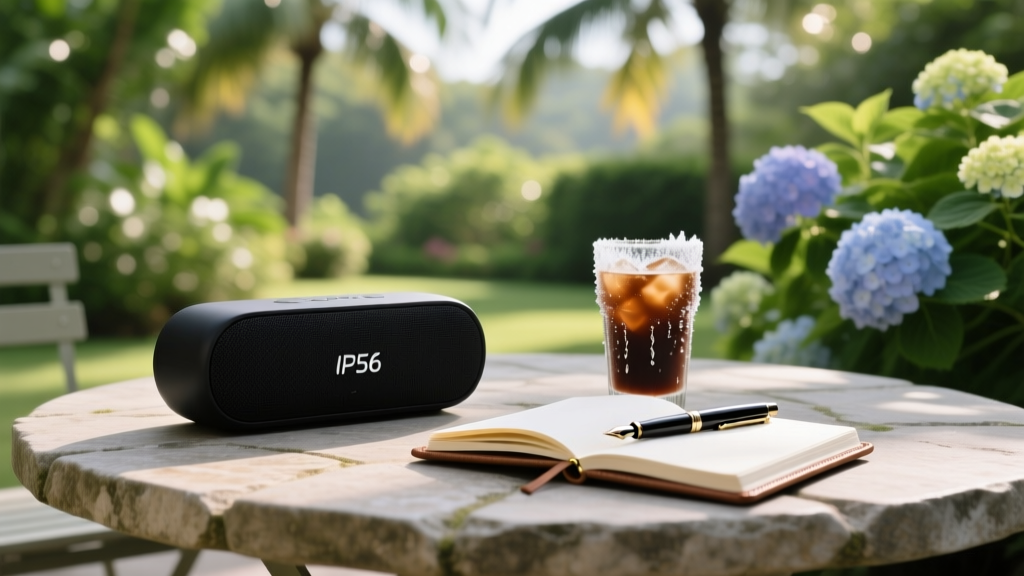
Outdoor acoustics lack the reflective surfaces of an indoor room, causing audio to dissipate quickly. The Sonos Move 2 ($449) features an IP56 rating (protecting against heavy splashes and dust) and utilizes acoustic architecture that automatically tunes the EQ based on its environment. Its 24-hour battery life ensures your focus playlists will outlast your longest deep-work sessions.
Expert Insight: Never place your laptop or power station directly on a wooden or stone outdoor table. Surfaces in direct sunlight can easily exceed 140°F (60°C), triggering thermal throttling in your CPU and potentially damaging battery cells. Always use a raised, ventilated laptop stand with at least 2 inches of clearance to allow ambient air to circulate beneath the chassis.
Decision Framework: Is Your Patio Ready for Daily Work?
Before investing hundreds of dollars into outdoor office gadgets, run your space through this 4-point readiness checklist to ensure your investment isn't wasted on an unviable environment.
- The Shade Audit: Track your patio's shadow patterns at 10:00 AM, 1:00 PM, and 3:00 PM. If you lack consistent, dappled shade, you must invest in a cantilever umbrella with a silver UV-reflective underside to prevent monitor washout and equipment overheating.
- The Wind Test: Set up a lightweight piece of paper on your desk. If it consistently blows away in winds over 10 mph, you need weighted desk accessories, magnetic cable ties, and a monitor arm that clamps securely to the desk edge rather than relying on a freestanding kickstand.
- The Moisture Baseline: Check your local average morning dew point. If you live in a high-humidity area (like the US Southeast), all permanent electronics must carry an IP55 rating or higher, and you should store portable gadgets in a sealed, silica-gel-lined dry box overnight.
- The Power Draw Calculation: Add up the wattage of your laptop (avg 65W), monitor (avg 15W), and cooling fan (avg 60W). Multiply by your desired work hours. If your total exceeds 800Wh, you must upgrade to a solar-integrated power station like the EcoFlow River 2 Pro to avoid mid-day blackouts.
Final Thoughts on the 2026 Outdoor Office
Transitioning to an outdoor workspace is one of the most impactful upgrades you can make for your mental health and daily energy levels. By selecting high-nit displays, LiFePO4 power solutions, and IP-rated networking gear, you transform a simple patio table into a resilient, professional-grade command center capable of handling everything from summer heatwaves to sudden spring showers. Equip your space with the right outdoor office gadgets, and you will never want to work inside again.
Written by
Marcus WebbMarcus Webb served as a U.S. Army logistics officer for 8 years, where he managed field equipment procurement and tactical gear evaluation across three combat deployments. After honorable discharge, he earned a certification from the Professional Knife Makers Association and became a certified Wilderness First Responder (WFR). Marcus has tested over 500 EDC products in extreme environments — from -40°F in Alaska to 120°F in the Mojave Desert — using military-spec testing protocols. His reviews of multi-tools, tactical flashlights, and survival gear are known for their rigorous methodology: controlled drop tests from 6 feet, 120-minute water submersion at 2 meters, and lateral torque testing at 45 Nm. He is a member of the Blade Show judging panel and contributes to OutdoorGearLab.