Best Gadgets for Edgar: Compact MacBook & Laptop Accessories (2026)
Discover the best gadgets for Edgar-style micro-desks. We review ultra-compact MacBook docks, foldable stands, and slim hubs for 2026 setups.
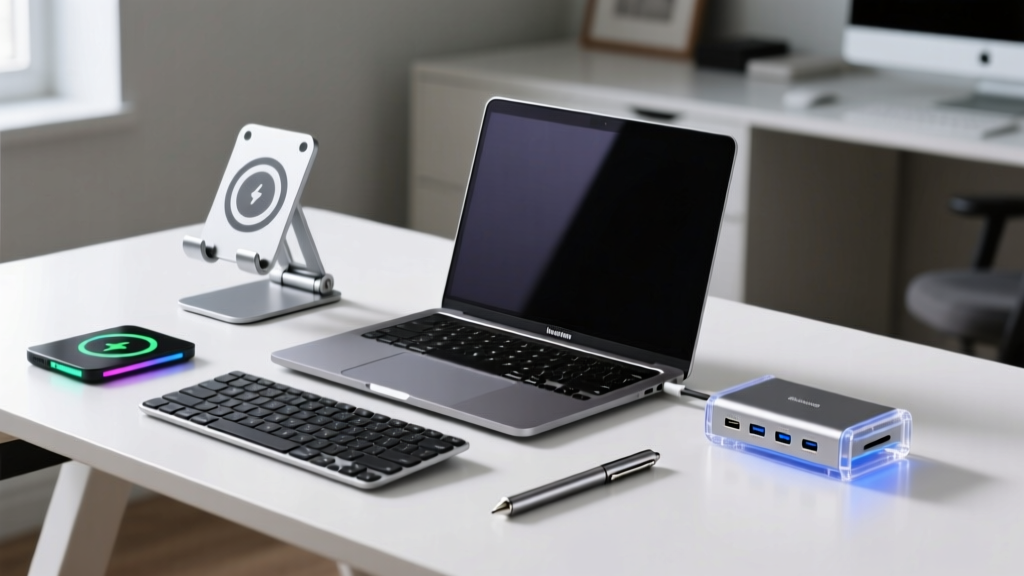
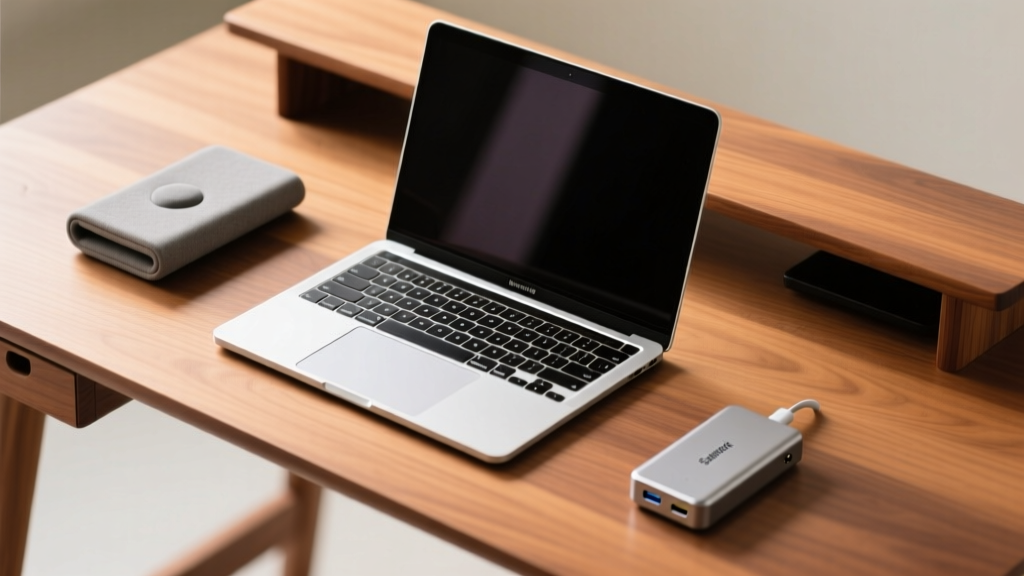
The Edgar Micro-Desk Philosophy: Maximum I/O, Minimum Footprint
In the tech enthusiast community, the 'Edgar setup' has become the gold standard for ultra-compact, high-efficiency workspaces. Characterized by desks no wider than 48 inches and depths rarely exceeding 24 inches, this aesthetic demands rigorous spatial discipline. Finding the best gadgets for Edgar-style configurations means abandoning bulky, legacy peripherals in favor of precision-engineered, space-saving MacBook and laptop accessories. When your entire workspace is smaller than a standard dining table, every square inch of real estate matters. This guide breaks down the exact docks, stands, hubs, and sleeves that deliver full desktop functionality without overwhelming a micro-desk in 2026.
The Core I/O: Ultra-Slim Thunderbolt Docks
The traditional Thunderbolt dock is a desk hog. Models like the CalDigit TS4 offer incredible port density but measure over 7.7 inches long and weigh nearly three pounds, completely dominating a shallow Edgar desk. For compact setups, you need a dock that prioritizes a small physical footprint while maintaining 40Gbps bandwidth allocation for dual 4K displays at 60Hz.
Satechi Thunderbolt 4 Slim Dock vs. Corsair TBT200
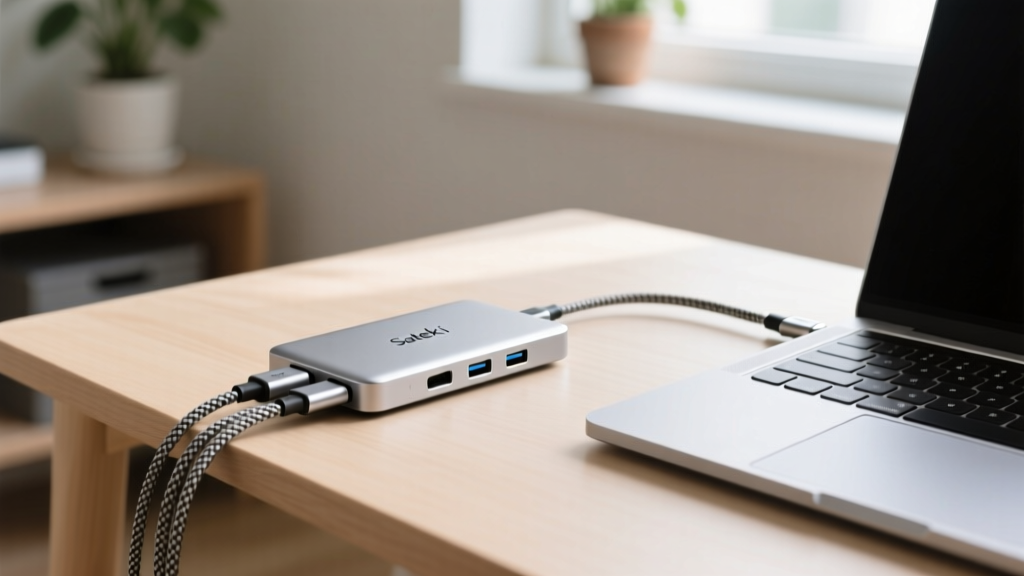
The Satechi Thunderbolt 4 Slim Dock ($159) is currently the undisputed champion for micro-desks. Measuring just 7.5 x 3.0 x 1.0 inches, it slides easily under a monitor base or tucks behind a laptop screen. It features a 96W pass-through charging capability, which is sufficient to keep a 14-inch MacBook Pro topped up during heavy rendering workloads. The Corsair TBT200 ($259) offers a slightly more premium aluminum chassis and an SD 4.0 card reader, but its 5.5 x 5.5 inch square footprint takes up more lateral desk space, making it less ideal for narrow setups.
| Feature | Satechi TB4 Slim Dock | Corsair TBT200 |
|---|---|---|
| Footprint (L x W) | 7.5 x 3.0 inches | 5.5 x 5.5 inches |
| Height | 1.0 inch | 1.1 inches |
| Host Charging | 96W | 96W |
| Display Output | 2x HDMI 2.0 / TB4 | 2x HDMI 2.1 / TB4 |
| Best For | Narrow, shallow desks | Square corner placements |
Vertical Real Estate: Foldable & Low-Profile Stands
A core tenet of the Edgar setup is utilizing vertical space to keep the primary desk surface clear for a keyboard and mouse. However, traditional laptop risers like the Rain Design mStand have a massive, non-collapsible base that traps dust and consumes valuable depth.
The Roost V3: The Ultimate Space-Saver
For pure spatial efficiency, the Roost V3 Laptop Stand ($75) is unmatched. Machined from aerospace-grade aluminum and glass-filled nylon, it collapses into a 1.5 x 1.5 x 13-inch stick that weighs just 192 grams. When deployed, it elevates your MacBook's screen to the precise ergonomic eye level recommended by Cornell University Ergonomics, reducing cervical strain without requiring a permanent, bulky fixture on your desk. The adjustable height mechanism (6 to 12 inches) uses a friction-fit telescoping pole that holds firm even with heavy 16-inch MacBook Pro models.
Twelve South Compass Pro: The Hybrid Alternative
If you occasionally close your laptop and use it in 'clamshell mode' with an external monitor, the Twelve South Compass Pro ($60) is a better fit. It folds completely flat (0.75 inches thick) when not in use, allowing you to slide it into a drawer. However, its deployed footprint is slightly wider than the Roost, and it lacks the same degree of vertical height adjustment.
Mobile Connectivity: Pocket-Sized Hubs & Sleeves
An Edgar setup isn't just about the home desk; it extends to how you transport your compact ecosystem. When you detach from your Thunderbolt dock, you need mobile I/O that doesn't add bulk to your bag.
Anker 341 USB-C Hub (7-in-1)
Priced at $45, the Anker 341 measures a mere 4.6 x 1.8 x 0.6 inches. It provides 4K@60Hz HDMI out, 100W pass-through charging, and two 10Gbps USB-A ports. Unlike older hubs that use thick, rigid cables that snap under pressure, the 341 uses a flexible, reinforced braided tether that wraps neatly around the chassis for storage. It easily slips into the front pocket of a tech pouch without creating an awkward bulge.
Bellroy 13-inch Laptop Sleeve
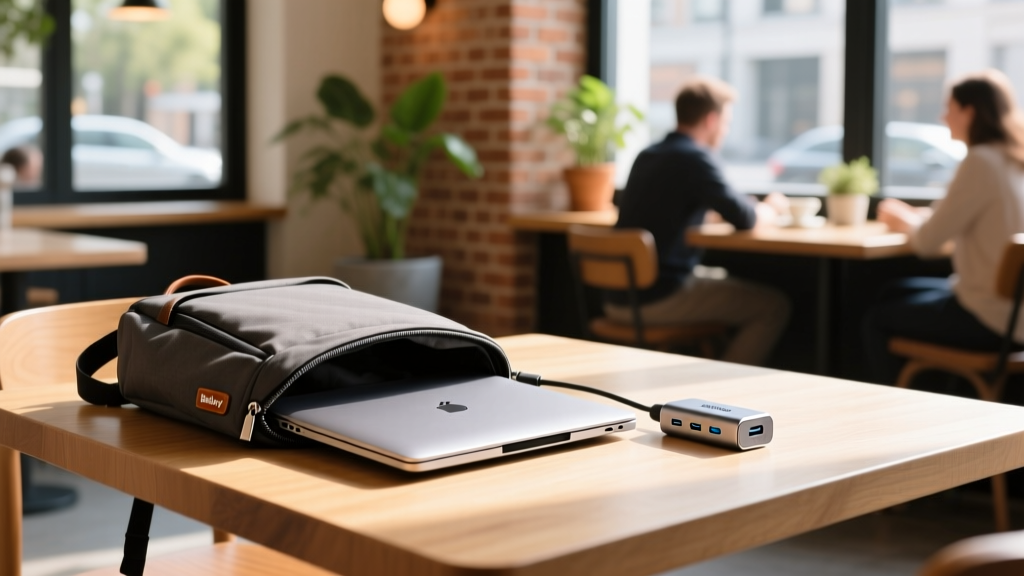
Traditional neoprene sleeves add up to an inch of thickness to your laptop profile. The Bellroy Slim Laptop Sleeve ($89) utilizes a form-fitting, water-resistant woven fabric with a magnetic latch that adds only 0.2 inches to the MacBook's overall dimensions. The internal microfiber lining prevents micro-scratches on the aluminum chassis, and the slim profile ensures your laptop still fits into tightly packed backpack sleeves designed for 13-inch devices.
Cable Management for Micro-Desks
The success of any compact desk setup hinges on cable routing. On a 24-inch deep desk, dangling cables create visual clutter and physically impede mouse movement. Follow this strict routing protocol for Edgar setups:
- The Single Trunk Line: Use a single, sleeved cable organizer (like the Alex Tech 10ft cable sleeve) to bundle your monitor, dock power, and desk lamp cables into one trunk line running down the back center of the desk.
- Under-Desk Grid: Avoid bulky plastic cable trays that reduce legroom. Instead, use a 12 x 4-inch metal wire grid mounted flush to the underside of the desk using 3M VHB tape to hold the power brick and dock.
- Velcro over Zip Ties: Use 6-inch velcro straps for internal routing. Thunderbolt cables are sensitive to tight bend radiuses; zip ties can compress the internal shielding and degrade the 40Gbps signal integrity over time.
Quick Decision Matrix: Build Your Edgar Setup
Use this matrix to select the exact accessory combination that matches your specific spatial constraints and workflow requirements.
| User Profile | Primary Dock | Stand / Riser | Mobile Hub | Estimated Cost |
|---|---|---|---|---|
| The Minimalist (Sub-40' Desk) | Satechi TB4 Slim | Roost V3 | Anker 341 | $279 |
| The Clamshell User (External Monitor) | Corsair TBT200 | Twelve South Compass Pro | Satechi On-the-Go | $394 |
| The Hybrid Commuter | Satechi TB4 Slim | Nulaxy Foldable C1 | Anker 341 + Bellroy Sleeve | $368 |
Optimizing a micro-desk requires rejecting the 'more ports equals better' mentality. By selecting accessories engineered specifically for tight tolerances and high bandwidth, you can build an Edgar setup that feels expansive, ergonomic, and entirely free of clutter.
Written by
Ryan TanakaRyan Tanaka holds a B.S. in Mechanical Engineering from Oregon State University and is a certified AWS Solutions Architect. He has built over 80 custom electronics projects ranging from CNC machines to IoT sensor networks, and has reviewed development boards, 3D printers, soldering equipment, and maker tools for the past 6 years. Ryan is an active contributor to 12 open-source hardware projects on GitHub and teaches monthly workshops at three hackerspaces across the Pacific Northwest. His reviews combine engineering rigor with accessibility — he evaluates products not just on specs but on documentation quality, community support, and learning curve for beginners. He has presented at Maker Faire Bay Area, Open Hardware Summit, and the Adafruit community showcase, and maintains a popular blog documenting his build processes.