Best Budget Gadgets for Him: Mini PCs & SBCs in 2026
Discover the best budget gadgets for him in 2026, featuring top mini PCs, single-board computers, and compact desktops under $500 for tech enthusiasts.
The 2026 Landscape of Sub-$500 Computing
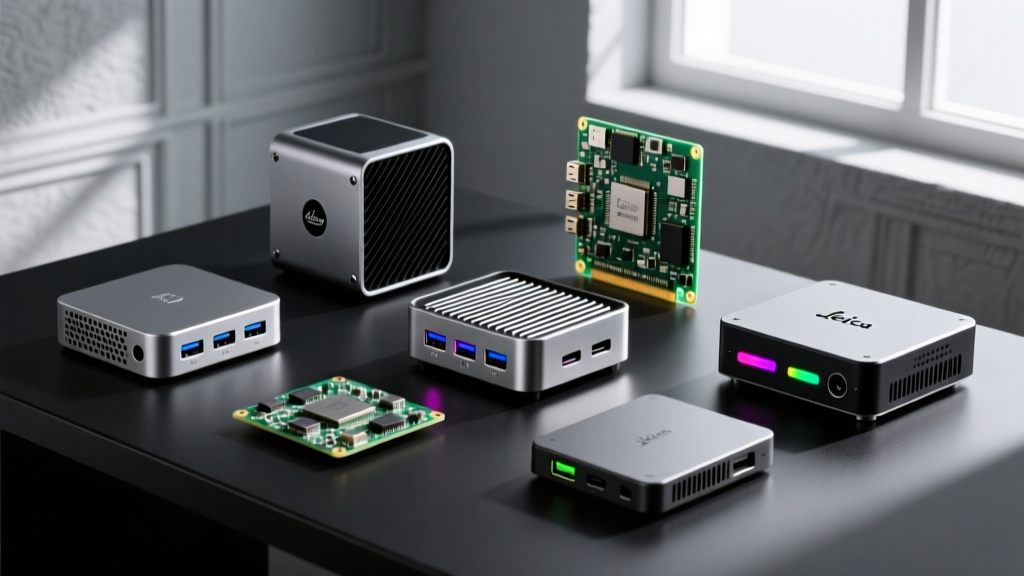
When curating the most practical budget gadgets for him, few categories deliver as much raw utility, tinkering potential, and sheer performance per dollar as the compact computing market. In 2026, the sub-$500 tier has completely cannibalized the entry-level mid-tower desktop market. Thanks to aggressive pricing on AMD's Ryzen 8000 series mobile chips, Intel's Core Ultra architecture trickle-down, and the maturation of ARM-based silicon, you can now secure a machine capable of 4K media serving, local LLM inference, or heavy code compilation for the price of a mid-range graphics card.
This roundup strips away the marketing fluff and focuses strictly on hardware that respects a strict $500 ceiling. We are evaluating x86 mini PCs, single-board computers (SBCs), and compact desktops based on thermal headroom, I/O versatility, and real-world upgrade paths.
Decision Framework: x86 vs. ARM vs. Apple Silicon
Before dropping cash on a specific form factor, map the intended use case to the correct architecture. Buying an SBC for a daily-driver Windows machine is a recipe for frustration, just as buying an x86 mini PC for a low-power 24/7 Pi-hole server wastes electricity.
| Architecture | Best For | OS Flexibility | Power Draw (Idle) | Upgradeability |
|---|---|---|---|---|
| x86 Mini PC | Windows/Linux daily driving, retro emulation, Plex transcoding | High (Windows 11, Proxmox, Ubuntu) | 7W - 15W | RAM & Storage (SO-DIMM / M.2) |
| ARM SBC | Home automation, NAS, network routing, IoT projects | Medium (Linux distros, Android) | 2W - 5W | None (Soldered), relies on GPIO/HATs |
| Apple Silicon | macOS ecosystem, video editing, creative workflows | Low (macOS only, limited VM support) | 5W - 10W | None (Fully soldered SoC) |
The x86 Mini PC Heavyweights
The x86 mini PC space is dominated by aggressive Chinese OEMs who leverage mobile processors to deliver desktop-class multi-core performance in a 0.8-liter chassis. According to extensive benchmarking databases like PassMark Software, modern mobile chips now routinely outperform desktop processors from just three years ago.
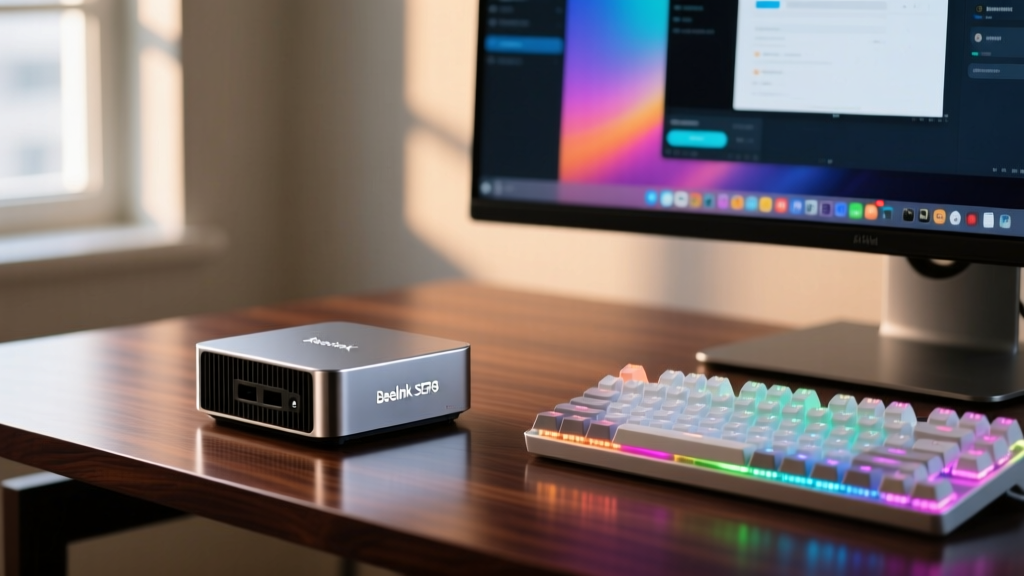
Beelink SER8 (Ryzen 7 8845HS)
Priced consistently around $439 (configured with 32GB DDR5-5600 and a 1TB PCIe 4.0 NVMe), the Beelink SER8 is the current gold standard for budget x86 computing. The Ryzen 7 8845HS features 8 Zen 4 cores and a dedicated NPU capable of 16 TOPS, making it surprisingly viable for local AI tasks like running quantized Llama-3-8B models via Ollama.
- Thermal Acoustics: Beelink utilizes a custom vapor chamber and a large blower fan. Under sustained Cinebench 2024 multi-core loads, the fan peaks at 42dB, which is audible but lacks the high-pitched whine common in cheaper units.
- Internal Layout: Features two M.2 2280 slots (one PCIe 4.0 x4, one PCIe 3.0 x4) and two DDR5 SO-DIMM slots supporting up to 64GB.
- The Catch: The BIOS is heavily locked down. You cannot undervolt the CPU or adjust the fan curve manually without using third-party Windows utilities like Fan Control.
Minisforum NAB9 (Intel Core i9-12900H)
Often found on sale for $419, the NAB9 is a sleeper hit. While the 12th-gen i9-12900H (14 cores, 20 threads) is older than Intel's current Core Ultra lineup, its raw multi-threaded brute force remains highly relevant for Docker container hosting and code compilation. It includes a dedicated 2.5GbE dual-LAN setup, making it an exceptional budget pfSense or OPNsense router.
Single-Board Computers for the Relentless Tinkerer
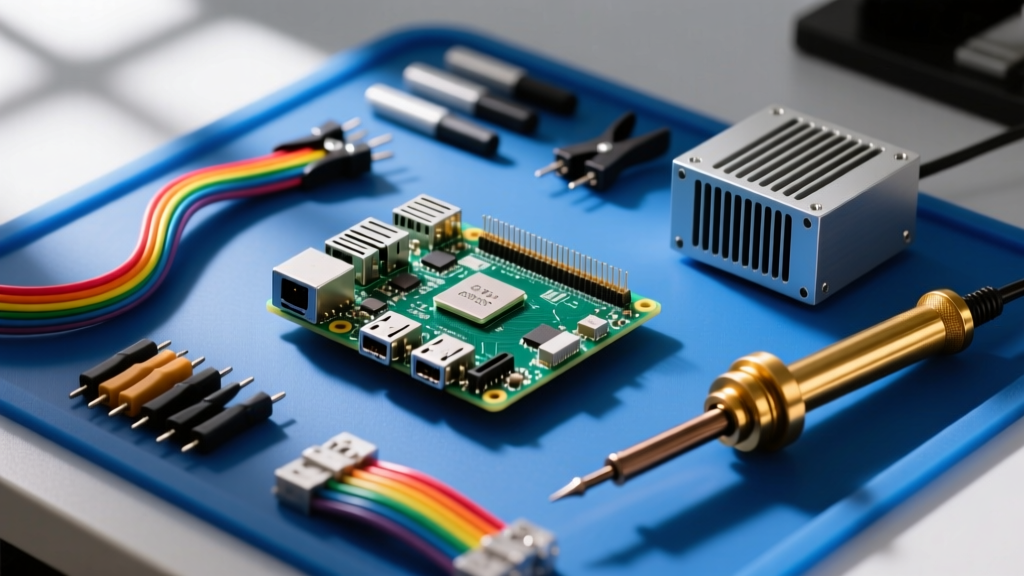
For the hardware hacker, SBCs offer GPIO access and ultra-low power consumption that x86 boxes simply cannot match. The Raspberry Pi 5 official launch shifted the paradigm, but competitors have rapidly closed the gap in 2026.
Raspberry Pi 5 (8GB) with Active Cooler
The Pi 5 (8GB model, ~$80) paired with the official Active Cooler (~$5) is the baseline for modern ARM tinkering. The BCM2712 SoC offers a massive 2.5x CPU performance bump over the Pi 4, finally making desktop web browsing and 4K60 YouTube playback seamless.
The Pi 5 exposes a single PCIe 2.0 x1 lane via a custom FPC connector. While you can use an NVMe HAT to boot from a fast SSD, the PCIe 2.0 bottleneck caps real-world transfer speeds at roughly 400 MB/s. Furthermore, the BCM2712 chipset lacks native USB-C PD power delivery negotiation; you must use the official 27W USB-C PD power supply to prevent peripheral brownouts when driving high-draw USB devices.
Orange Pi 5 Max (16GB)
Retailing for $129, the Orange Pi 5 Max is powered by the Rockchip RK3588S. It obliterates the Pi 5 in GPU compute and NPU tasks (6 TOPS). Crucially, it features native M.2 M-Key support with PCIe 3.0 x4 lanes, allowing for full-speed NVMe boot drives without HAT adapters. For home media server builds using Jellyfin, the RK3588S's dedicated 8K hardware video decoder is a massive advantage over the Pi 5's software-decoding limitations for certain codecs.
The Compact Desktop King: Mac mini M4
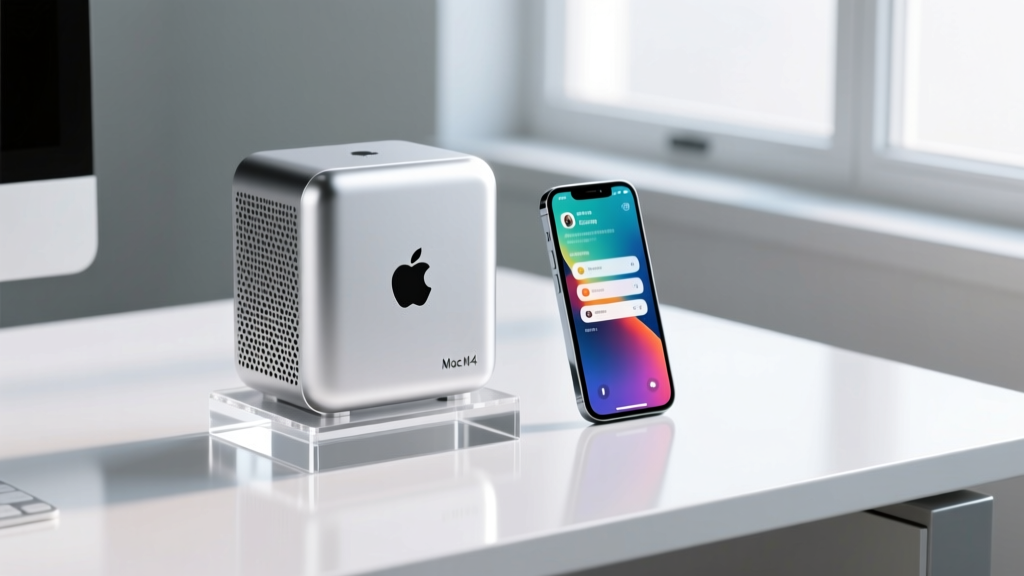
Apple’s late-2024 refresh of the Mac mini fundamentally altered the budget compact desktop landscape, and it remains unbeatable in 2026. The M4 base model now includes 16GB of unified memory and a 256GB SSD for $499. This eliminated the notorious "Apple Tax" on RAM that previously made the base models unviable for serious work.
Why It Wins for macOS Users
The M4 chip’s memory bandwidth (120 GB/s) and unified memory architecture allow it to handle 4K ProRes video editing and Xcode compilation without breaking a sweat. The new 5x5-inch footprint is remarkably dense, and the inclusion of a front-facing USB-C port with 10Gb/s transfer speeds fixes the ergonomic complaints of previous generations.
- Pros: Unmatched performance-per-watt, completely silent under light-to-medium loads, Thunderbolt 4 support on rear ports.
- Cons: Zero user-upgradeability. The 256GB base SSD uses a single NAND chip, resulting in slower sequential write speeds compared to the 512GB model. External Thunderbolt NVMe enclosures are mandatory for bulk storage.
Critical Edge Cases: Thermals, BIOS, and NVMe Gotchas
Budget hardware often cuts corners in areas that aren't visible on a spec sheet. When configuring these devices, keep the following real-world failure modes in mind:
1. M.2 Thermal Throttling in Mini PCs
Many budget mini PCs route the secondary M.2 slot directly over the Wi-Fi module or near the CPU heat pipe exhaust. If you install a high-end Gen4 NVMe drive (like a Samsung 990 Pro) in these secondary slots without a thermal pad, the drive controller will thermal throttle within minutes of sustained writes. Fix: Always apply a 1.5mm or 2.0mm Gelid GP-Extreme thermal pad to bridge the gap between the NVMe drive and the chassis floor.
2. Wi-Fi Antenna Placement
SBCs and budget mini PCs often use M.2 2230 Wi-Fi 6E cards with U.FL connectors. If the unit features external SMA antennas, ensure the internal U.FL pigtails are fully seated. A loose connection will drop 5GHz throughput from 1200 Mbps to under 50 Mbps, a common point of failure that mimics a defective network card.
3. The DDR5 SO-DIMM Compatibility Trap
While AMD's Ryzen 8000 series officially supports DDR5-5600, many budget mini PCs utilize 4-layer motherboards that struggle with signal integrity at higher speeds. If you buy barebones units and supply your own RAM, stick to 1.1V JEDEC standard DDR5-5600 CL46 SO-DIMMs (like Crucial or Kingston ValueRAM). High-performance XMP/EXPO gaming SO-DIMMs frequently fail to POST in these constrained BIOS environments.
Frequently Asked Questions
Can a budget mini PC handle modern AAA gaming in 2026?
Not natively at high settings. The integrated Radeon 780M in the Beelink SER8 can handle older titles (like GTA V or Cyberpunk 2077 at 1080p Low/FSR Performance), but it is not a replacement for a dedicated GPU. However, these mini PCs make exceptional cloud gaming endpoints for Xbox Cloud Gaming or GeForce Now, or local streaming clients for a main gaming rig via Moonlight/Sunshine.
Is it safe to run a mini PC 24/7 as a home server?
Yes, provided you manage the thermal environment. Mini PCs from reputable brands like Minisforum and Beelink use server-grade capacitors and are rated for continuous operation. For 24/7 Proxmox or TrueNAS deployments, enter the BIOS and enable "AC Power Loss Restart" (often labeled as "Restore on AC Power Loss") to ensure the server reboots automatically after a power outage.
What is the best budget gadget for a beginner in home automation?
The Raspberry Pi 5 (4GB) running Home Assistant OS. It offers the perfect balance of low power consumption, massive community support, and enough RAM to run local voice assistants and Zigbee2MQTT containers without swapping to the microSD card. Pair it with a Home Assistant Connect Zigbee USB dongle for a robust, cloud-free smart home.
For more detailed benchmarking and continuous updates on the compact computing market, refer to Tom's Hardware's Best Mini PCs guide, which tracks thermal performance and acoustic profiles across dozens of chassis designs.
Written by
Sarah KimSarah Kim holds certifications from both NASM (National Academy of Sports Medicine) and ACE (American Council on Exercise), along with a B.S. in Kinesiology from UCLA. She has spent 7 years bridging the gap between exercise science and consumer technology, evaluating fitness trackers, smart scales, sleep monitors, and recovery devices with clinical precision. Sarah has tested over 200 health-focused wearables in controlled lab settings and real-world training environments, comparing device data against gold-standard medical equipment like ECG monitors and DEXA scans. She consults for three fitness app companies on data accuracy standards and has presented research on wearable reliability at the American College of Sports Medicine (ACSM) annual conference. Her reviews emphasize clinical validity over marketing claims.