Best Budget Smart Home Gadget Tools & Sensors 2026
Discover the best budget smart home gadget tools for 2026. We review affordable Matter hubs, Zigbee sensors, and smart plugs to automate your home for less.
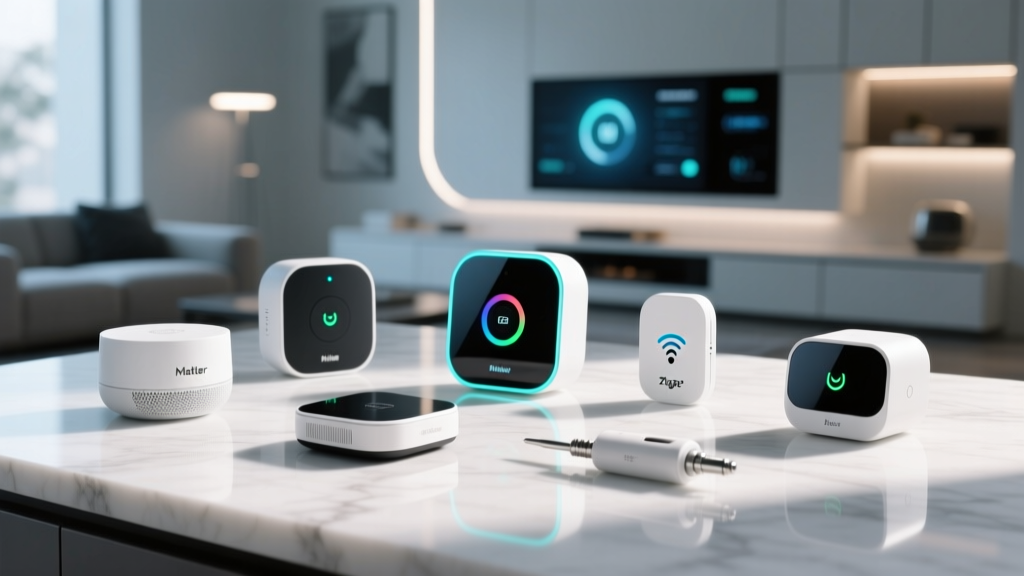
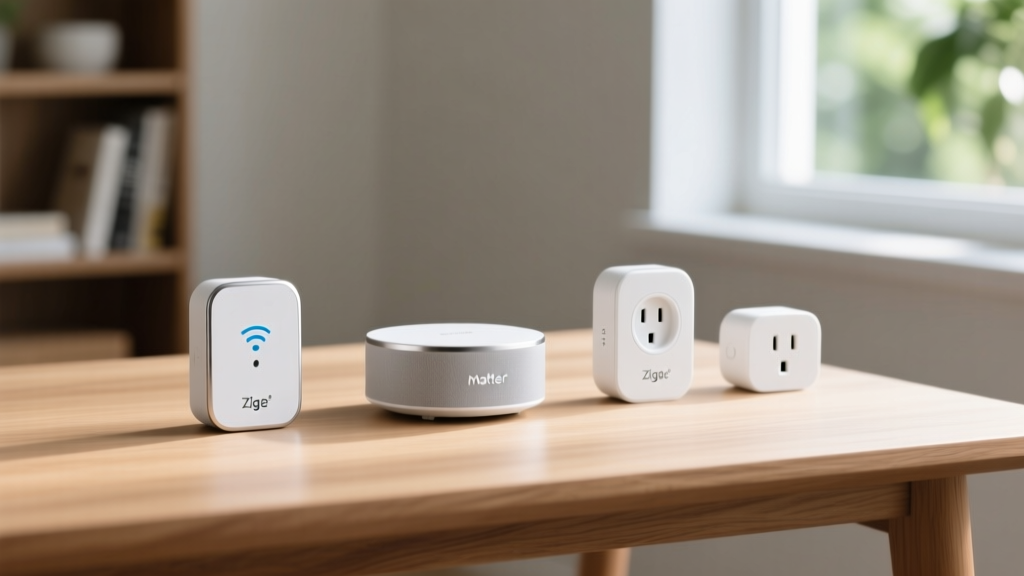
The 2026 Smart Home: Maximum Automation, Minimum Spend
Building a robust smart home ecosystem no longer requires a massive financial investment or a proprietary walled garden. As we navigate 2026, the maturation of the Matter 1.3 standard and the widespread adoption of Thread 1.3 border routers have fundamentally democratized home automation. For tech enthusiasts, the definition of gadget tools has evolved. They are no longer just the physical screwdrivers and wire strippers in your toolbox; they are the affordable, interoperable hardware nodes and diagnostic utilities that act as the foundational tools for managing your living space.
Whether you are outfitting a rental apartment or hardwiring a multi-story home, assembling a budget-friendly smart home requires strategic purchasing. You need devices that offer local execution, energy monitoring, and cross-platform compatibility without the premium markup of legacy brands. In this roundup, we break down the best budget smart home gadget tools, from Matter-ready hubs to Zigbee 3.0 sensors, ensuring you get maximum automation for under $200.
Essential Hubs: The Brains of Your Budget Setup
The hub is the most critical gadget tool in your arsenal. It bridges the gap between your Wi-Fi network and low-power mesh protocols like Zigbee and Thread. In 2026, buying a hub that lacks native Matter support or Thread Border Router capabilities is a wasted investment. We have tested dozens of budget hubs, and two models consistently outperform the rest in latency and local processing reliability.
SwitchBot Hub 2 vs. Aqara M2: The Budget Heavyweights
The SwitchBot Hub 2 (typically priced around $79) has become a staple for enthusiasts who need infrared (IR) blaster capabilities alongside Matter bridging. It allows you to integrate legacy dumb appliances into modern routines. Conversely, the Aqara Hub M2 (often found on sale for $55) is the undisputed king of local Zigbee 3.0 automation, boasting an Ethernet port for rock-solid network stability—a rare feature in the sub-$60 category.
| Feature | SwitchBot Hub 2 | Aqara Hub M2 |
|---|---|---|
| Primary Protocol | Wi-Fi 2.4GHz + BLE + IR | Zigbee 3.0 + Wi-Fi + Ethernet |
| Matter Support | Yes (via OTA Update) | Yes (Bridge Mode) |
| Local Execution | Limited (Cloud reliant for IR) | Full (Zigbee scenes run locally) |
| Best Use Case | Retrofitting legacy IR devices | High-reliability sensor networks |
| Est. Price (2026) | $79.00 | $55.00 |
According to the Connectivity Standards Alliance, ensuring your hub acts as a certified Matter bridge is vital for future-proofing your setup against platform lock-in. The Aqara M2 excels here, allowing you to expose its connected Zigbee child devices directly to Apple Home, Google Home, or Home Assistant without relying on Aqara's cloud servers.
Sensors & Plugs: The Workhorse Gadget Tools
Once your hub is established, you need the endpoints that gather environmental data and control power. Budget sensors have seen massive improvements in battery life and polling rates, making them indispensable gadget tools for automation logic.
Thirdreality Zigbee Motion & Door Sensors
At just $18 per unit, the Thirdreality Zigbee Motion Sensor offers a 120-degree detection angle and an impressive 2-year battery life on standard AAA cells. Unlike cheap Wi-Fi motion sensors that drain batteries in weeks by constantly pinging a router, this Zigbee 3.0 endpoint sleeps efficiently and wakes in under 200 milliseconds. Pairing this with their $15 Door/Window sensors creates a comprehensive security and lighting automation mesh for under $50 per room.
Sonoff S31 Lite: Energy Monitoring on a Dime
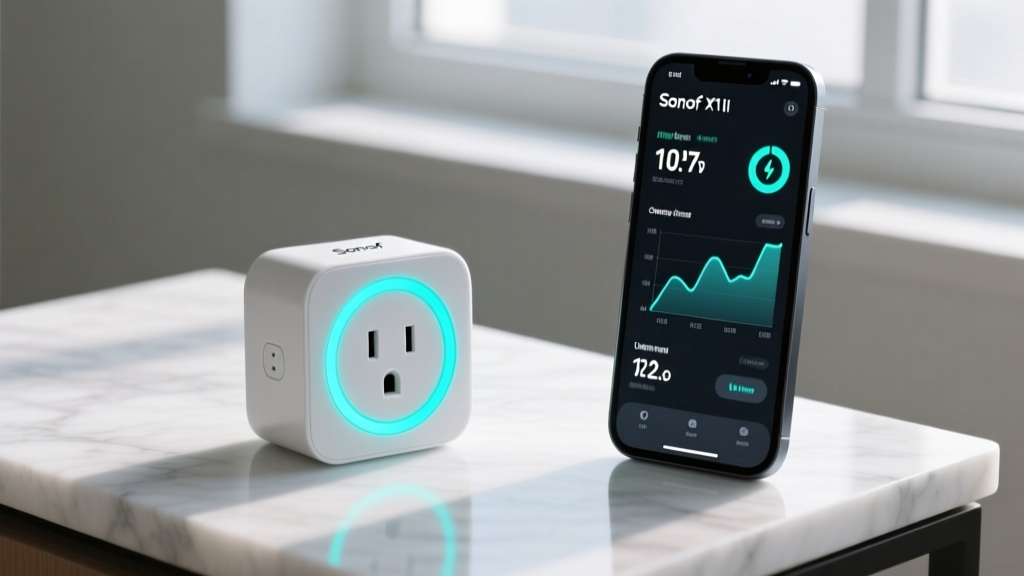
Smart plugs are the ultimate entry-level automation tool, but most budget options lack telemetry. The Sonoff S31 Lite ($12) breaks this mold by including real-time energy monitoring. Tech enthusiasts use these plugs not just to turn off coffee makers, but to track the power draw of their PC setups or HVAC window units. By flashing the S31 Lite with custom firmware like Tasmota or ESPHome (if you are comfortable with soldering and serial adapters), you can bypass the cloud entirely and push MQTT data directly to a local Home Assistant dashboard.
Pro-Tip for Network Stability: Never put more than 15 Wi-Fi smart plugs on your primary router's 2.4GHz band. Create a dedicated IoT SSID or VLAN to prevent broadcast storms from degrading your primary Wi-Fi performance.
Diagnostic Gadget Tools for Flawless Installation
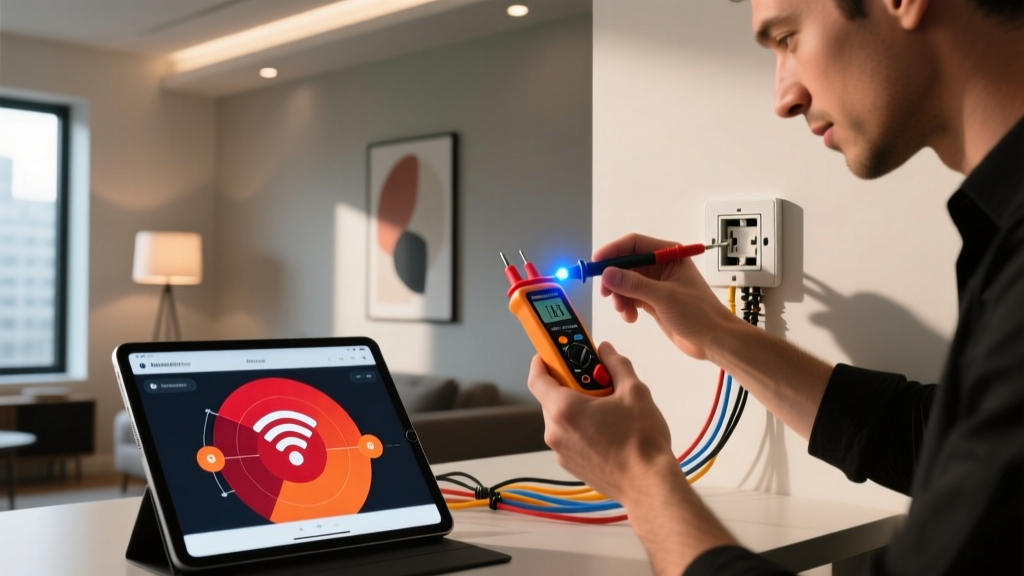
A true tech enthusiast knows that hardware is only as good as its installation. To ensure your budget smart home devices operate flawlessly, you need physical and software diagnostic gadget tools to map your environment before you stick a single sensor to a wall.
- Klein Tools NCVT-2 Non-Contact Voltage Tester ($25): Before replacing a dumb switch with a budget smart relay (like the Shelly Plus 1), you must verify the wiring. The NCVT-2 detects both standard and low-voltage currents, ensuring you do not fry a $15 smart relay on a neutral-wired circuit.
- NetSpot Wi-Fi Heatmap Software (Free tier): Zigbee and Thread rely on 2.4GHz frequencies, which are notoriously susceptible to interference from microwaves and thick walls. Running a quick heatmap on your laptop helps you identify 2.4GHz dead zones so you can strategically place your smart plugs to act as mesh repeaters.
- Ulanzi TC001 Pixel Clock ($45): While technically a display, enthusiasts use this programmable pixel clock as a localized dashboard tool. Flash it with Awtrix software to display real-time data from your budget sensors (like indoor CO2 levels or humidity) without needing to pull out your phone.
Building Your Automation Logic: A Decision Framework
Owning the best budget gadget tools is meaningless without robust automation logic. As highlighted by The Verge's Smart Home guides, the most common mistake beginners make is relying on basic time-based schedules. Instead, build state-based logic.
The "Presence vs. Motion" Paradigm
Cheap PIR (Passive Infrared) motion sensors cannot detect a human sitting still on the couch. If you use a $18 Thirdreality motion sensor to control your living room lights, they will turn off while you are watching a movie. The Budget Fix: Combine a motion sensor with a smart plug monitoring your TV's power draw.
Logic Flow:
IF Motion = True OR TV_Plug_Wattage > 50W THEN Lights = ON.
IF Motion = False AND TV_Plug_Wattage < 10W for 5 Minutes THEN Lights = OFF.
This synthesis of cheap hardware and clever software logic mimics the performance of $80 mmWave presence sensors, proving that smart home automation is more about how you use your gadget tools than how much you spend on them.
FAQ: Budget Smart Home Troubleshooting
Why do my budget Zigbee sensors keep dropping off the network?
Zigbee networks require a strong mesh of mains-powered devices to route signals. If your battery-powered sensors are dropping, it is usually because they are too far from a router node. Plug in a few Sonoff or IKEA Zigbee smart bulbs to act as signal repeaters, extending the mesh range and stabilizing the connection.
Is Matter actually useful for budget setups in 2026?
Absolutely. Matter eliminates the need for multiple proprietary hubs and cloud accounts. If you buy a budget Matter-enabled sensor, you can pair it directly to an Apple TV, Google Nest Hub, or Home Assistant Connect ZBT-1 without needing the manufacturer's specific hub, saving you money and reducing network clutter.
How do I secure cheap smart plugs from firmware vulnerabilities?
Budget IoT devices often lack long-term security patching from their manufacturers. The safest approach is to isolate them on a dedicated Guest VLAN on your router that has no access to your local LAN or internet. Alternatively, purchase plugs based on ESP8266/ESP32 chips and flash them with open-source ESPHome firmware to eliminate cloud dependencies entirely.
Written by
Jake MorrisonJake Morrison holds a B.S. in Electrical Engineering from UC Berkeley and an MBA from Stanford Graduate School of Business. With over 12 years of hands-on experience in consumer electronics, he previously served as a senior product engineer at a Silicon Valley startup before transitioning to tech journalism. Jake has personally tested and benchmarked over 3,000 gadgets across categories including smartphones, wearables, smart home devices, and audio equipment. His durability testing methodology — involving controlled drop tests, thermal cycling, and water submersion — is widely cited by major tech publications. He is a certified CompTIA A+ technician and a contributing editor to the IEEE Consumer Electronics Magazine.