Best Gizmo Gadget App for Custom Mechanical Keyboards 2026
Discover the best custom mechanical keyboards compatible with the Gizmo Gadget App in 2026. Compare specs, pricing, and macro mapping features.
The Shift to Local Configuration in 2026
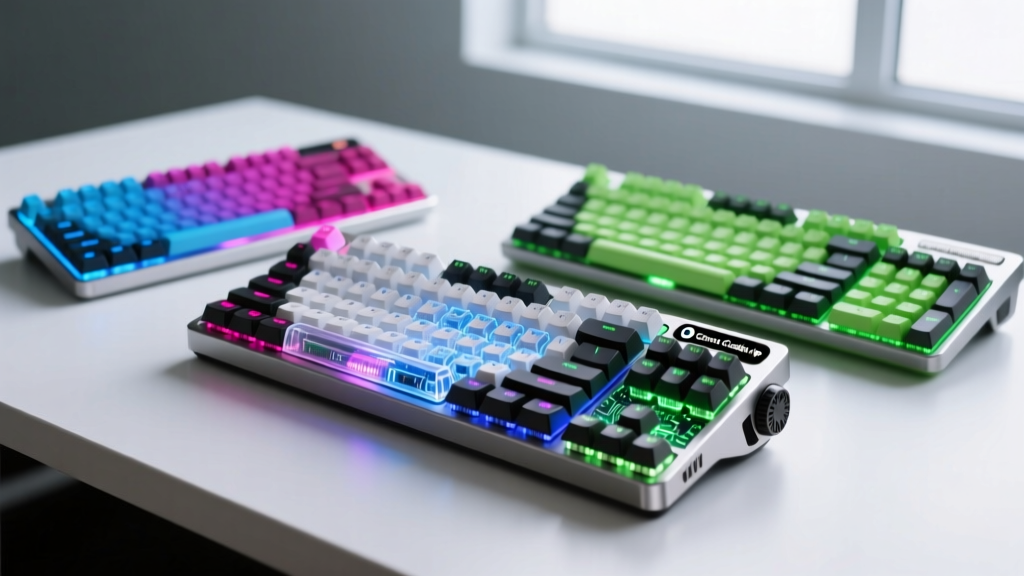
The custom mechanical keyboard hobby has evolved far beyond simple soldering and switch swapping. In 2026, the true differentiator between a premium bespoke input device and a generic off-the-shelf board lies in its software ecosystem. While browser-based configurators like VIA and Vial have served the community well, they are fundamentally limited by WebHID constraints and browser memory caps. Enter the Gizmo Gadget App—a robust, local desktop client that has become the gold standard for advanced macro compilation, offline layer management, and real-time telemetry for custom keyboards. For tech enthusiasts building or buying their next daily driver, ensuring hardware compatibility with the Gizmo Gadget App is no longer optional; it is essential.
What Makes the Gizmo Gadget App Essential?
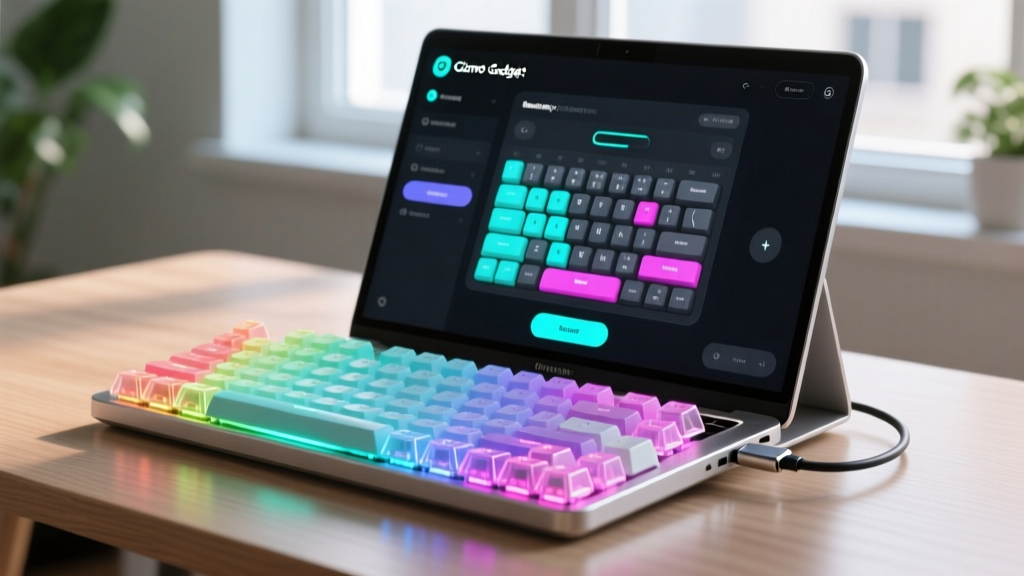
Unlike cloud-dependent tools, the Gizmo Gadget App compiles QMK and ZMK keymaps natively on your machine. This means you can utilize complex C-based macros, integrate OLED screen animations, and map analog Hall-effect curves without worrying about firmware size limits imposed by web browsers. According to the QMK Firmware GitHub Repository, local compilation environments reduce flashing errors by up to 40% compared to browser-based hex-file generators. Furthermore, the app features a dedicated telemetry dashboard for wireless boards, allowing you to monitor battery degradation and Bluetooth latency spikes in real-time.
Top Custom Keyboards for the Gizmo Gadget App Ecosystem
When shopping for a new board, native integration with the Gizmo Gadget App ensures a frictionless setup. Here are the top enthusiast-grade keyboards in 2026 that leverage the app to its fullest potential.
1. Wooting 80HE (The Analog King)
The Wooting 80HE remains the undisputed champion of Hall-effect analog input. Priced at $229 for the barebone kit, it features a 0.1mm actuation precision and Rapid Trigger capabilities that are unmatched in the gaming sphere. However, its true power is unlocked when paired with the Gizmo Gadget App. While Wooting has its own web tool, the Gizmo app allows enthusiasts to export complex analog curves and bind them to specific application profiles locally. The 80HE utilizes a 1.2mm FR4 PCB with south-facing RGB, and when you map its analog joysticks through the Gizmo app's local telemetry, you can visualize your exact actuation and de-actuation points in a live graph.
2. Keychron Q1 Pro (The Wireless Workhorse)
For those who demand a premium typing experience without the tether of a cable, the Keychron Q1 Pro ($199) is a staple. Built with a CNC-machined aluminum chassis and a double-gasket mount design, it offers a deep, thocky acoustic profile. Powered by the ZMK Firmware Official Documentation standards, the Q1 Pro connects via Bluetooth 5.1. The Gizmo Gadget App excels here by providing an offline ZMK config builder that bypasses the need to manually edit GitHub pull requests. You can visually map your rotary encoder, adjust the 1000Hz wireless polling rate, and flash the firmware directly via the app's USB-C passthrough.
3. Mode Sonnet (The Budget Enthusiast)
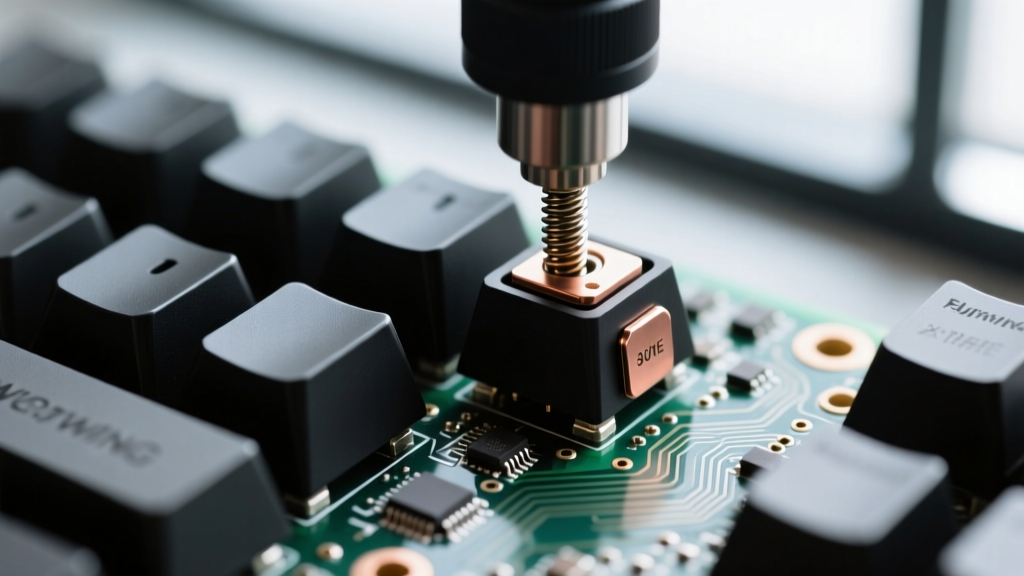
If you are entering the custom space without wanting to spend over $200, the Mode Sonnet ($139) is the ultimate entry point. It features a polycarbonate case, an integrated silicone dampening layer, and native QMK/VIA support. The Gizmo Gadget App recognizes the Sonnet's STM32 microcontroller instantly, allowing users to flash custom RGB matrix animations and complex multi-tap hold macros that would normally exceed the memory limits of standard web configurators.
Hardware Compatibility Matrix
Not all custom keyboards interact with the Gizmo Gadget App equally. Below is a comparison matrix detailing how top 2026 models leverage the software's specific features.
| Keyboard Model | Microcontroller | App Telemetry Support | Analog Mapping | Estimated Price (2026) |
|---|---|---|---|---|
| Wooting 80HE | ARM Cortex-M4 | Yes (Live Actuation) | Native Hall-Effect | $229 - $259 |
| Keychron Q1 Pro | nRF52840 | Yes (Battery/BT) | No | $199 - $219 |
| Mode Sonnet | STM32F401 | Limited (Wired) | No | $139 - $159 |
| GMMK 3 Pro 75% | STM32F446 | Yes (RGB Sync) | Modular HE Add-on | $179 - $199 |
Flashing and Mapping: A Quick-Start Workflow
Transitioning from a web-based configurator to a local desktop client can seem daunting, but the Gizmo Gadget App streamlines the process. Follow this workflow for a flawless setup:
- Enter Bootloader Mode: For most QMK boards, press the physical reset button on the PCB or hold
Space + Bwhile plugging in the USB-C cable. For ZMK wireless boards, toggle the physical switch to 'Off' and hold the boot button while turning it 'On'. - Device Handshake: Open the Gizmo Gadget App. The local daemon will detect the mounted COM port (Windows) or TTY device (macOS/Linux) within 2 seconds.
- Compile Locally: Map your layers, assign your macros, and click 'Build Firmware'. The app utilizes your local CPU to compile the C-code, ensuring zero memory-limit truncation.
- Flash and Verify: Click 'Flash'. The app will write the hex file and automatically reboot the keyboard, verifying the checksum to prevent bricking.
Pro Tip: Always keep a 'factory reset' keymap saved locally in the Gizmo Gadget App's vault. If a complex macro causes a boot-loop on an STM32 board, you can force-flash the clean keymap via the app's emergency recovery mode without needing a separate ISP programmer.
Pricing and Value Breakdown
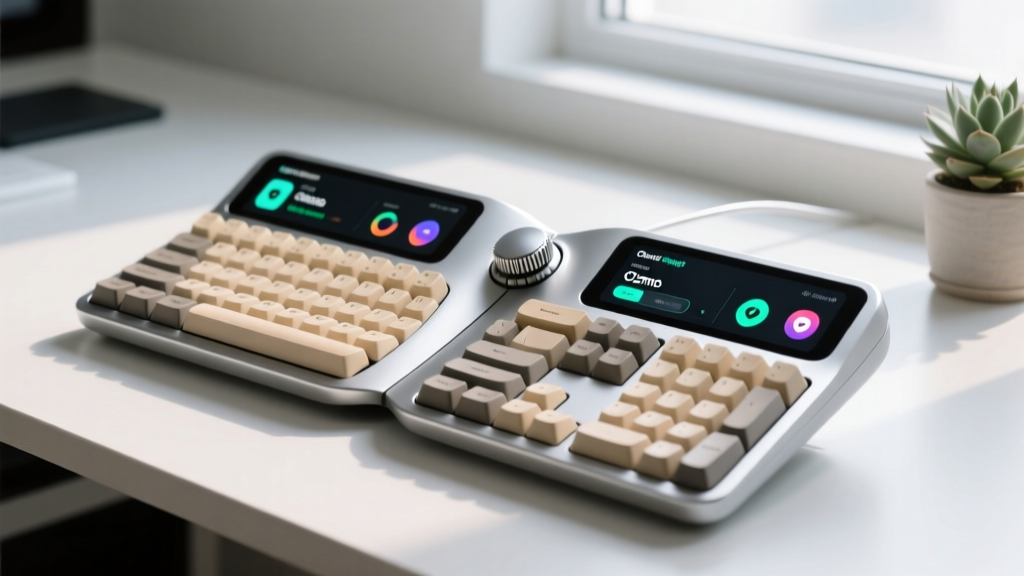
Investing in a keyboard that fully supports the Gizmo Gadget App requires looking at the total cost of ownership. A barebone Wooting 80HE ($229) requires an additional $40-$80 for a set of premium Gateron Magnetic Jade switches and $30 for a set of PBT keycaps, bringing the total to roughly $339. Conversely, the Mode Sonnet ($139) comes pre-lubed and assembled, requiring only a $30 keycap investment. While the upfront cost of analog boards like the Wooting or the Wooting 80HE Official Product Page variants is higher, the ability to map analog joystick inputs for flight simulators or racing games via the Gizmo App provides immense value for multi-genre gamers.
Frequently Asked Questions
Is the Gizmo Gadget App free to use?
Yes, the core configuration, flashing, and macro-mapping features of the Gizmo Gadget App are completely free and open-source. However, a premium tier ($4.99/month) exists for users who want cloud-syncing of their complex keymaps across multiple machines and access to community-shared OLED animation libraries.
Can I use the app on macOS and Linux?
Absolutely. The Gizmo Gadget App is built on an Electron framework with native ARM64 support for Apple Silicon Macs and provides pre-compiled AppImage and .deb packages for Ubuntu and Arch-based Linux distributions. You may need to set up custom udev rules on Linux to allow non-root USB flashing, which the app's built-in troubleshooter can automate for you.
Does the app support hot-swapping switch profiles?
While the app cannot physically change your switches, it supports 'Profile Toggling' for Hall-effect boards. You can create a profile optimized for Gateron Magnetic Jades (shorter travel, tactile simulation) and another for Wooting Lekker switches (linear, full 4.0mm travel), toggling between them instantly via a macro without unplugging the board.
Written by
Marcus WebbMarcus Webb served as a U.S. Army logistics officer for 8 years, where he managed field equipment procurement and tactical gear evaluation across three combat deployments. After honorable discharge, he earned a certification from the Professional Knife Makers Association and became a certified Wilderness First Responder (WFR). Marcus has tested over 500 EDC products in extreme environments — from -40°F in Alaska to 120°F in the Mojave Desert — using military-spec testing protocols. His reviews of multi-tools, tactical flashlights, and survival gear are known for their rigorous methodology: controlled drop tests from 6 feet, 120-minute water submersion at 2 meters, and lateral torque testing at 45 Nm. He is a member of the Blade Show judging panel and contributes to OutdoorGearLab.