New Gadgets for 2026: Beginner vs Expert Custom Keyboards
Compare beginner and expert approaches to building custom mechanical keyboards, highlighting the best new gadgets for 2026 in switches, PCBs, and cases.
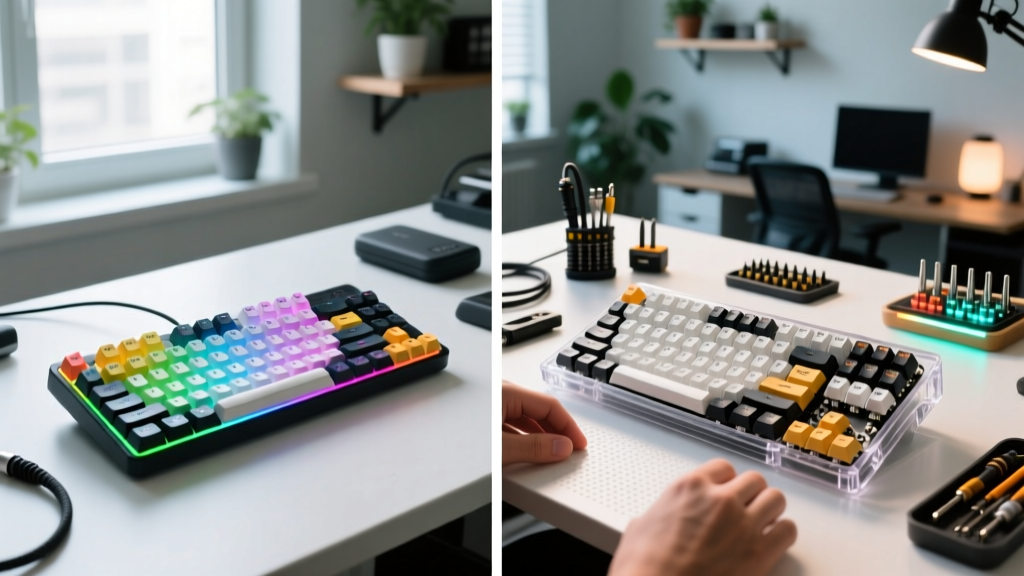
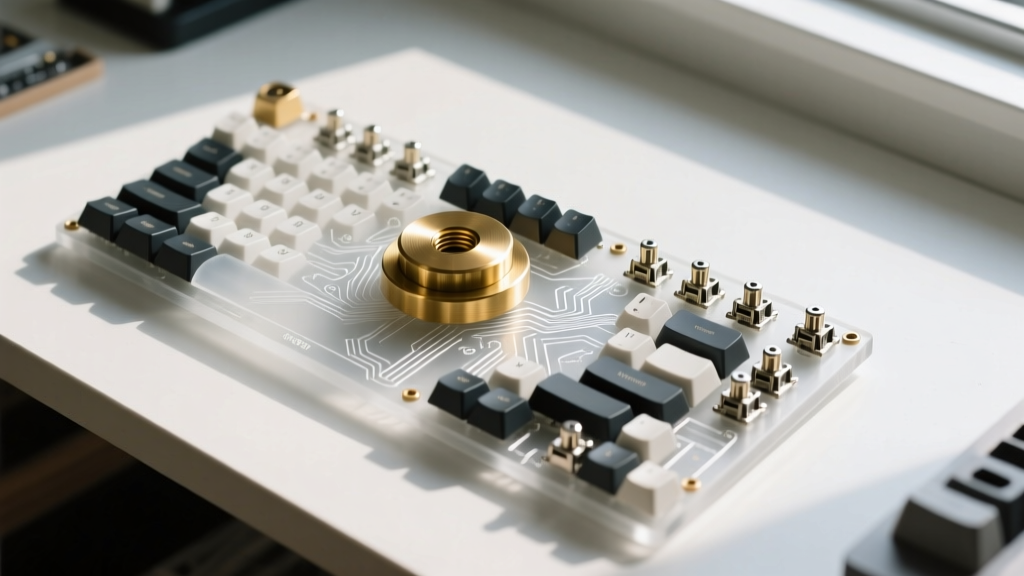
The custom mechanical keyboard market has evolved from a niche hobby into a mainstream peripheral category. When evaluating new gadgets for 2026, the divide between beginner-friendly enthusiast boards and expert-level ground-up builds is defined by firmware control, switch technology, and acoustic tuning. Whether you are assembling your first 65% layout or sourcing a limited-run CNC aluminum chassis, understanding the mechanical and financial thresholds of this hobby is critical for making informed hardware decisions.
The Entry Point: Pre-Built Enthusiast Boards (Beginner)
For those entering the custom space, the 2026 landscape is dominated by high-quality, pre-built enthusiast boards that offer 90% of the custom experience with zero soldering or acoustic modding required. Brands like Keychron, NuPhy, and MonsGeek have standardized features that were considered premium just three years ago.
What Beginners Get Out of the Box
- Mounting Styles: Gasket-mounted PCBs with PORON foam gaskets are now standard on boards in the $150 to $220 range, providing a flexible, dampened typing feel.
- Acoustic Treatment: Factory-installed IXPE switch pads and silicone case fills eliminate the hollow ping common in older membrane and entry-level mechanical boards.
- Firmware Access: Out-of-the-box VIA compatibility allows users to remap keys, create macros, and adjust RGB lighting via a web browser without flashing firmware.
- Hot-Swappable Sockets: Kailh or Gateron hot-swap sockets let users change switches using a simple metal extractor tool, bypassing the need for a soldering iron.
The primary limitation at this tier is the lack of granular hardware customization. You are restricted to the manufacturer's case weight, PCB layout, and stabilizer tuning. Factory-lubed stabilizers often suffer from wire rattle, and the included keycaps are typically double-shot ABS or basic PBT, lacking the intricate legends and thick profiles of aftermarket sets.
The Deep End: Ground-Up Custom Builds (Expert)
Expert builds in 2026 focus on absolute control over every micro-interaction between the user's fingers and the PCB. A ground-up build involves sourcing individual components—case, PCB, plate, switches, stabilizers, and keycaps—often from specialized group buys or boutique vendors like OwLab, Mode, and TGR.
The Expert Modding Arsenal
Experts do not just assemble; they tune. The acoustic profile of a keyboard is manipulated through specific material combinations and physical modifications:
- Force-Break Mod: Applying PTFE (Teflon) tape between the PCB and the case walls to prevent high-frequency sound waves from bouncing off the internal aluminum surfaces.
- Tape Mod (Tempest Mod): Applying 2 to 3 layers of 3M Temflex 2155 rubber tape to the back of the PCB to reflect high-pitch frequencies back through the switches, creating a deeper, 'poppy' acoustic signature.
- Silicone Pours: Using 100% silicone sealant to fill the empty voids in the bottom case, increasing mass and eliminating low-frequency case resonance.
- Stabilizer Tuning: Manually lubricating Durock V2 or Staebies stabilizers with Krytox 205g0 dielectric grease and performing a 'holee mod' using medical tape to completely eliminate wire tick.
The financial commitment for an expert build typically ranges from $450 to over $900, factoring in CNC-machined cases ($250-$500), artisan keycap sets ($120-$200), and premium switch batches.
Comparison Matrix: Beginner vs Expert Builds
| Feature | Beginner (Pre-Built Enthusiast) | Expert (Ground-Up Custom) |
|---|---|---|
| Average Cost | $150 - $220 | $450 - $900+ |
| Assembly Time | 10 - 20 minutes | 4 - 12 hours (including tuning) |
| Plate Material Options | Usually Aluminum or PC | FR4, POM, Carbon Fiber, Brass |
| Stabilizer Prep | Factory lubed (often inconsistent) | Manually tuned, lubed, and holee-modded |
| Firmware | VIA (GUI-based) | QMK / ZMK (Source code compilation) |
Switch Technology: Contact vs. Hall Effect (HE)
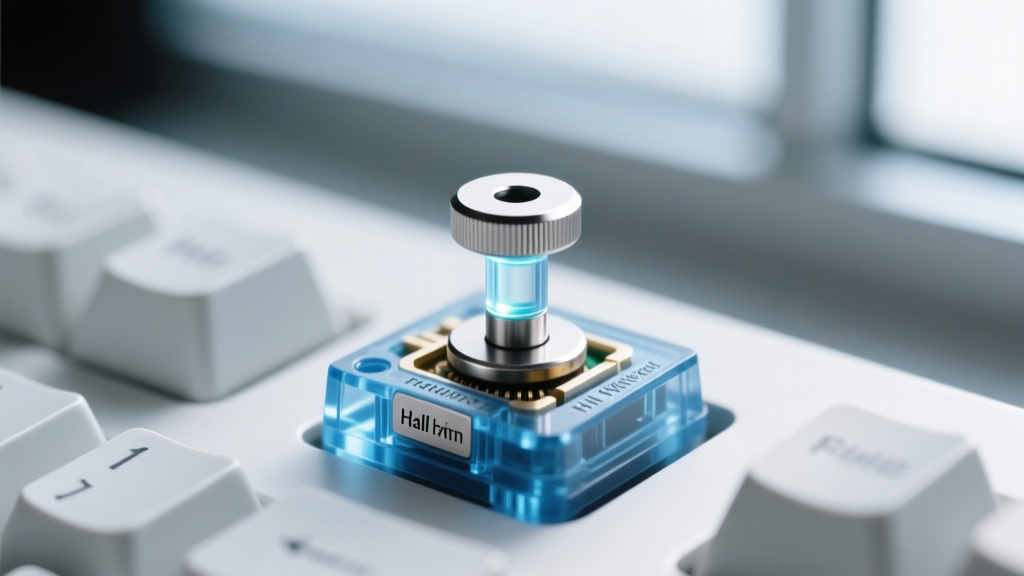
The most significant shift among new gadgets for 2026 in the input space is the mainstream adoption of Hall Effect (HE) magnetic switches. Traditional mechanical switches rely on physical metal leaf contacts to register a keystroke. HE switches use a magnet embedded in the stem and a sensor on the PCB to measure the exact distance of the keypress via magnetic flux.
Why Experts Are Switching to HE
According to peripheral testing by RTings, HE switches offer unparalleled advantages for gaming and rapid-input scenarios:
- Adjustable Actuation: Users can set the actuation point anywhere from 0.1mm to 4.0mm. A 0.1mm actuation allows for instantaneous key registration, while a 3.0mm actuation prevents accidental typos during heavy typing sessions.
- Rapid Trigger: Because there is no physical reset point, the switch resets the moment the user lifts their finger, even by a fraction of a millimeter. This allows for strafing in competitive shooters without waiting for the switch to physically cross a reset threshold.
- Longevity: Without physical metal leaves degrading or oxidizing, HE switches like the Gateron Magnetic Jade or Wooting Lekker are rated for over 100 million actuations with zero debounce delay.
Firmware Ecosystems: QMK, ZMK, and the Wireless Shift
Firmware dictates how the keyboard's microcontroller interprets switch presses and communicates with the host device. Beginners rely on VIA, which is essentially a graphical user interface layered over QMK. Experts, however, compile their own firmware to access advanced features like tap-dances, combo layers, and OS-specific keymap overrides.
The QMK firmware documentation remains the gold standard for wired, high-polling-rate custom boards. However, 2026 has seen a massive surge in wireless custom builds utilizing ZMK firmware. The ZMK project provides low-power, Bluetooth-capable firmware that supports complex keymaps, split-keyboard architectures, and haptic feedback motors without draining a 2000mAh battery in a matter of days.
Expert Wireless Considerations
Building a wireless custom board requires careful power budgeting. Experts must select microcontrollers like the nice!nano v2 or SuperMini nRF52840, and often disable underglow RGB LEDs, which draw excessive current. Polling rates on Bluetooth are typically capped at 125Hz to 250Hz, making wireless builds ideal for typing and productivity, but less viable for competitive 8K-polling gaming setups.
Ergonomic Input Devices: Beyond the Standard 60%
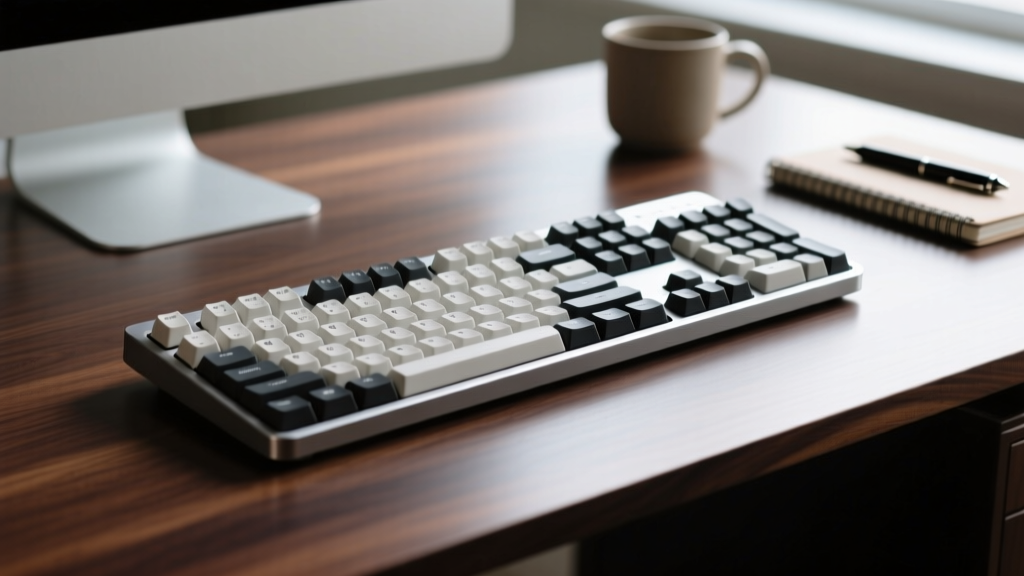
While 60%, 65%, and 75% layouts dominate the aesthetic market, expert users prioritizing long-term musculoskeletal health are migrating toward split, ortholinear, and columnar-staggered input devices. Keyboards like the ZSA Moonlander, Kinesis Advantage360, and Glove80 represent the pinnacle of ergonomic gadgetry in 2026.
The Ergonomic Advantage
Standard staggered keyboards force the wrists into ulnar deviation (bending outward) and require finger extension to reach modifier keys. Columnar-staggered boards align the keycaps directly with the natural arc of the fingers. When combined with aggressive tenting (angling the keyboard halves upward by 20 to 40 degrees) and negative tilt, these devices keep the forearms in a neutral, handshake position, drastically reducing the risk of repetitive strain injuries (RSI).
Experts building ergonomic boards frequently utilize low-profile switches, such as the Gateron KS-33 or Kailh Choc V2, to minimize the vertical travel distance and reduce the need to lift the fingers off the home row. Thumb clusters are heavily customized to handle high-traffic keys like Backspace, Enter, Shift, and Space, offloading work from the weaker pinky fingers.
Budget Allocation: Where the Money Actually Goes
Understanding the cost distribution of a custom keyboard prevents overspending on components that yield diminishing returns. Here is how a $600 expert budget is typically allocated in 2026:
- Case & PCB ($250 - $350): The foundation. A CNC-machined 6063 aluminum case with a flex-cut FR4 plate and a multi-mode HE PCB.
- Switches ($60 - $90): A set of 90 premium switches (e.g., Gateron Magnetic Jade or Akko V3 Cream Yellow Pro). Hand-lubing these with Krytox 205g0 adds 3 hours of labor but vastly improves acoustic consistency.
- Stabilizers ($25 - $40): Durock V2 or TX AP Stabilizers. Cheap stabilizers will ruin an otherwise perfect build.
- Keycaps ($120 - $180): High-end PBT or thick ABS sets (like GMK or ePBT). Keycap thickness and profile (Cherry, MT3, or SA) dramatically alter the final sound signature and typing feel.
- Modding Materials ($20): PTFE tape, Temflex tape, IXPE foam, and dielectric grease.
For beginners, the recommendation is to start with a $160 pre-built Keychron or MonsGeek board, use it for six months to identify personal layout preferences, and then invest the remaining budget into a dedicated custom build tailored specifically to those identified ergonomic and acoustic requirements.
Written by
Jake MorrisonJake Morrison holds a B.S. in Electrical Engineering from UC Berkeley and an MBA from Stanford Graduate School of Business. With over 12 years of hands-on experience in consumer electronics, he previously served as a senior product engineer at a Silicon Valley startup before transitioning to tech journalism. Jake has personally tested and benchmarked over 3,000 gadgets across categories including smartphones, wearables, smart home devices, and audio equipment. His durability testing methodology — involving controlled drop tests, thermal cycling, and water submersion — is widely cited by major tech publications. He is a certified CompTIA A+ technician and a contributing editor to the IEEE Consumer Electronics Magazine.