Top Budget Smart Home Tech Gadgets Under $50 in 2026
Discover the best budget smart home tech gadgets under $50 for 2026. Upgrade your automation with affordable Matter hubs, sensors, and smart plugs.
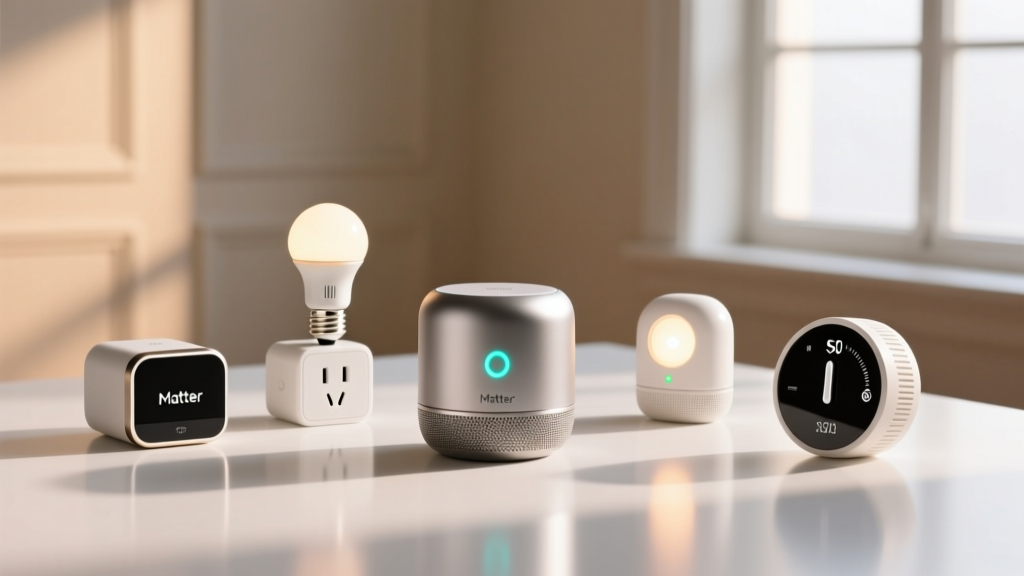
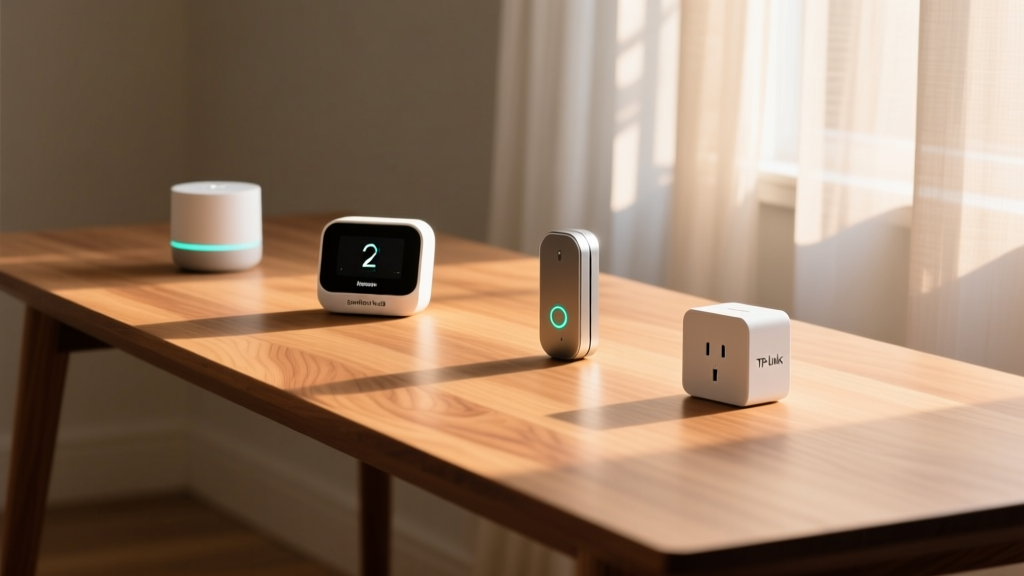
Building a reliable smart home no longer requires a four-figure investment. The maturation of the Matter 1.4 protocol in 2026 has fundamentally commoditized home automation, forcing manufacturers to compete on hardware reliability rather than walled-garden software lock-in. When sourcing budget-friendly tech gadgets for smart home automation, the primary challenge has shifted from finding compatible devices to identifying hardware that maintains stable local connections without overwhelming your network infrastructure.
This roundup isolates the highest-value hubs, environmental sensors, and smart plugs currently available for under $50. We focus strictly on devices that support local processing, offer granular energy monitoring, and integrate seamlessly into multi-platform ecosystems like Apple Home, Home Assistant, and Google Home.
The Matter 1.4 Advantage: Interoperability on a Dime
Before evaluating specific hardware, it is critical to understand why budget gear in 2026 performs significantly better than it did just three years ago. The Connectivity Standards Alliance (CSA) has successfully pushed Matter 1.4 to widespread adoption, introducing critical features like Aggregate Endpoints and improved Thread mesh routing. This means a $25 sensor can now communicate directly with a $40 hub from a different brand, entirely bypassing cloud servers.
According to The Verge's comprehensive Matter explainer, the shift toward Thread-based sensors and Wi-Fi-based mains-powered devices has eliminated the latency that previously plagued budget automations. When selecting affordable tech gadgets, prioritizing Matter-over-Thread for battery-operated sensors and Matter-over-Wi-Fi for plugged-in devices is the optimal framework for minimizing network congestion and maximizing battery life.
The Core Hub: SwitchBot Hub 2 (Matter over Thread)
Every robust automation stack requires a central coordinator. The SwitchBot Hub 2 (Matter Edition), typically retailing around $49.99, remains the undisputed champion of budget-friendly smart home brains. Unlike cheaper Wi-Fi-only hubs that rely on cloud polling, the Hub 2 functions as a fully compliant Thread Border Router.
Key Hardware Specifications
- Connectivity: Wi-Fi 2.4GHz, Bluetooth 5.2, Thread 1.2, Zigbee 3.0 (via firmware)
- Secondary Features: Built-in IR blaster with learn function, temperature/humidity sensor
- Power: USB-C (5V/2A)
The inclusion of an IR blaster allows you to bridge legacy 'dumb' appliances—like older mini-split AC units or ceiling fans—into your Matter ecosystem. By exposing these IR commands as virtual Matter switches, you can trigger them via local automations without relying on SwitchBot's cloud servers. The Hub 2's ability to map Zigbee and Bluetooth devices to Matter endpoints makes it an indispensable translation layer for mixed-protocol homes.
Sensor Ecosystem: Millimeter Wave and Environmental Tracking
Sensors are the eyes and ears of your automation routines. Budget sensors historically suffered from aggressive sleep cycles to preserve battery life, resulting in 3-to-5-second delays. The latest generation of Thread-enabled sensors has virtually eliminated this lag.
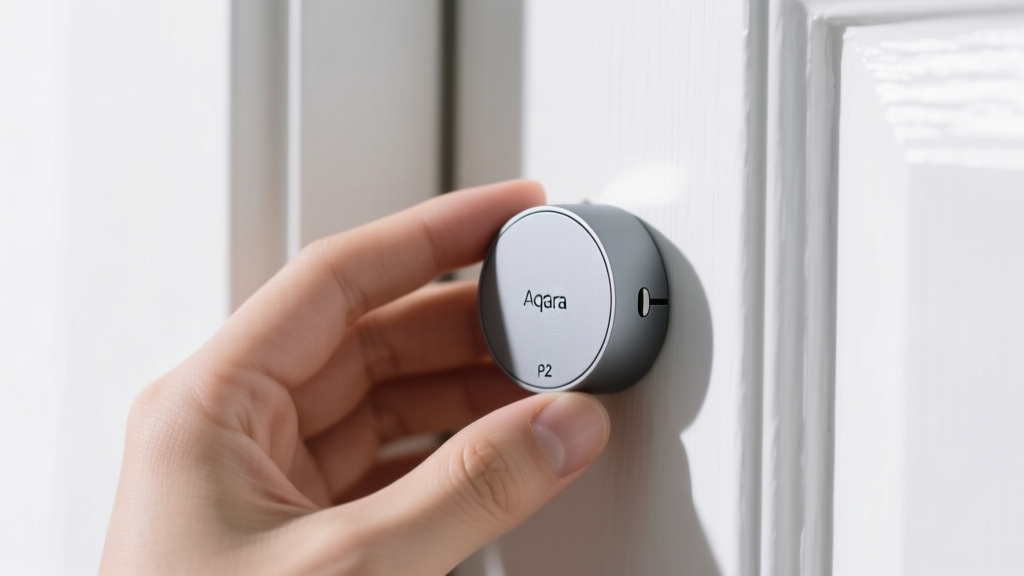
Aqara Door and Window Sensor P2
Priced at $24.99, the Aqara P2 utilizes Matter over Thread. It features a CR2032 coin cell battery that reliably lasts up to 24 months due to the low-power nature of the Thread protocol. The physical design includes a built-in leveler and 3M VHB tape, ensuring the magnet aligns perfectly with the reed switch—a common failure point in cheaper, unbranded alternatives.
Sonoff SNZB-02D Temperature and Humidity Sensor
At $14.99, this Zigbee 3.0 sensor features a highly visible E-ink display. Because it uses Zigbee, it requires a coordinator (like the aforementioned SwitchBot Hub 2 or a dedicated Sonoff ZBDongle-E). The E-ink display updates only when the temperature shifts by at least 0.5°C, preserving the CR2450 battery for roughly 18 months.
Budget Sensor Comparison Matrix
| Device Model | Protocol | Price (Approx) | Battery Life | Latency |
|---|---|---|---|---|
| Aqara P2 (Door/Window) | Matter/Thread | $24.99 | 24 Months | < 200ms |
| Sonoff SNZB-02D (Temp) | Zigbee 3.0 | $14.99 | 18 Months | ~ 500ms |
| Aqara FP1E (Presence) | Zigbee 3.0 | $39.99 | Mains (USB-C) | < 100ms |
Energy Monitoring Smart Plugs: TP-Link Kasa EP25M
Smart plugs are the most accessible entry point into home automation, but finding one with reliable, local energy monitoring under $20 is difficult. The TP-Link Kasa EP25M ($17.99) supports Matter over Wi-Fi and provides real-time wattage tracking without requiring a proprietary hub.
The EP25M is rated for 15A (1800W max), making it suitable for space heaters, window AC units, and dehumidifiers. It samples power draw every 3 seconds when polled locally via Matter, allowing you to build automations based on power states. For example, you can trigger a notification when your dryer's power draw drops below 5W for more than three minutes, indicating the cycle is complete.
While Matter-over-Wi-Fi plugs like the EP25M are convenient, standard consumer routers (like the ISP-provided units) typically throttle or drop connections after 40-50 active Wi-Fi IoT devices. If you plan to deploy more than 15 smart plugs, invest in a dedicated IoT VLAN on a Wi-Fi 6/6E router or switch to Zigbee/Thread plugs to prevent network instability.
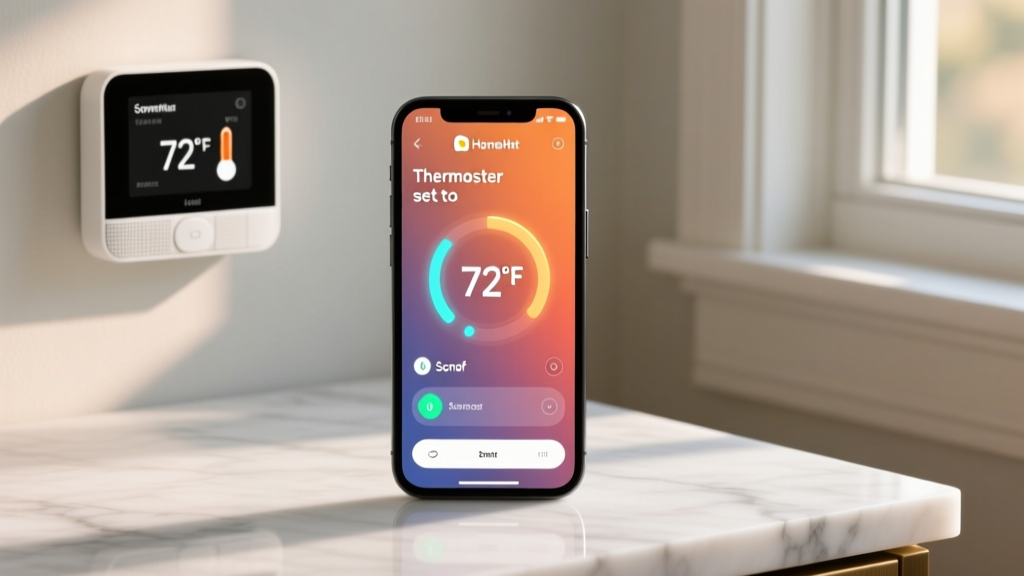
Blueprint: The $95 Climate & Security Automation Stack
Here is a practical, step-by-step framework to deploy a high-utility automation routine using the budget tech gadgets reviewed above. This setup monitors a home office environment and secures the perimeter without relying on cloud processing.
- Deploy the Hub: Connect the SwitchBot Hub 2 to your 2.4GHz network and expose it to your preferred platform (e.g., Apple Home) via the Matter pairing code.
- Map the Sensors: Pair the Aqara P2 to the office door and the Sonoff SNZB-02D to the interior wall, ensuring it is away from direct sunlight or HVAC vents to prevent false thermal readings.
- Install the Load Controller: Plug the TP-Link Kasa EP25M into the wall and connect your portable AC unit or space heater.
- Program the Logic Flow: Create the following conditional routine in your hub's app:
- IF Sonoff Temp > 74°F AND Aqara Door = Closed
- THEN Turn on Kasa EP25M (AC Unit)
- ELSE IF Aqara Door = Open for > 2 minutes
- THEN Turn off Kasa EP25M and send mobile alert
This routine prevents energy waste by ensuring your climate control device never runs while the room is open to the rest of the house, leveraging the sub-second latency of Thread and Zigbee to react instantly to door state changes.
Edge Cases and Failure Modes in Budget Gear
While budget smart home devices offer incredible value, they come with specific physical and network limitations that enthusiasts must engineer around.
- Zigbee Mesh Routing Limits: Battery-powered Zigbee sensors (like the Sonoff SNZB-02D) cannot act as mesh repeaters. If you place them more than 30 feet from your hub with thick walls in between, they will drop offline. You must intersperse mains-powered Zigbee devices (like smart bulbs or wall switches) to bridge the signal.
- Reed Switch Bounce: Cheaper door sensors suffer from 'contact bounce,' where the physical vibration of a door closing registers as multiple open/close events in milliseconds. The Aqara P2 includes hardware debouncing, but if you use unbranded alternatives, you must add a 500ms software delay in your automation logic to prevent false triggers.
- Smart Plug Relay Welding: Running high-inrush current devices (like large refrigerators or heavy power tools) through a standard 15A smart plug can cause the internal relay contacts to weld together, rendering the plug permanently 'ON'. Always check the specific inrush current ratings of your appliances before connecting them to budget smart plugs.
Understanding these hardware realities ensures your budget-friendly tech gadgets deliver a premium, reliable experience. By prioritizing Thread for sensors, utilizing a multi-protocol hub, and respecting the electrical limits of smart plugs, you can build an enterprise-grade automation stack for under $100.
According to the EPA's ENERGY STAR program, managing 'vampire power' through automated smart plugs can reduce household energy waste by up to 10% annually. Automating the hard shutoff of entertainment centers and office equipment via the Kasa EP25M pays for the device in energy savings within the first six months.
Written by
Lena ChenLena Chen earned her M.S. in Human-Computer Interaction from Carnegie Mellon University and a B.S. in Electrical Engineering from the University of Washington. She has spent the past decade specializing in smart home architecture and IoT ecosystems, helping over 200 homeowners design fully connected living spaces. Lena is a certified Matter protocol consultant and has published peer-reviewed research on voice-first interface design in the ACM Digital Library. Her reviews of smart home products combine deep technical analysis with real-world usability testing, evaluating everything from Zigbee mesh stability to Alexa skill responsiveness. She regularly speaks at CEDIA Expo and CES smart home panels.