2026 Gift Guide: Laptop Docks & Every USB Gadget on Ubuntu 22.04
Discover the best 2026 MacBook and laptop accessories for developers. From Thunderbolt docks to sleeves, ensuring every USB gadget on Ubuntu 22.04 works.
The Cross-Platform Dilemma: Gifting for the Linux-Mac Hybrid User
Shopping for a tech enthusiast who lives in the terminal is notoriously difficult. When your gift recipient dual-boots a premium MacBook Pro or a high-end Windows chassis just to run a native Linux environment, the hardware compatibility matrix becomes a minefield. In 2026, the modern developer workflow demands seamless transitions between macOS, Windows, and Linux. But as any seasoned sysadmin knows, plugging a high-end Thunderbolt dock into a Linux machine isn't always the plug-and-play experience manufacturers promise.
If you are hunting for the perfect laptop accessory gift, you must prioritize cross-platform firmware, robust Linux kernel support, and premium build quality. Whether they are running a customized Arch build or trying to authorize a stubborn usb gadget on ubuntu 22.04, the accessories on this list are engineered to bridge the gap between premium hardware and open-source software. Here is our definitive 2026 gift guide for MacBook and laptop accessories that actually respect the Linux ecosystem.
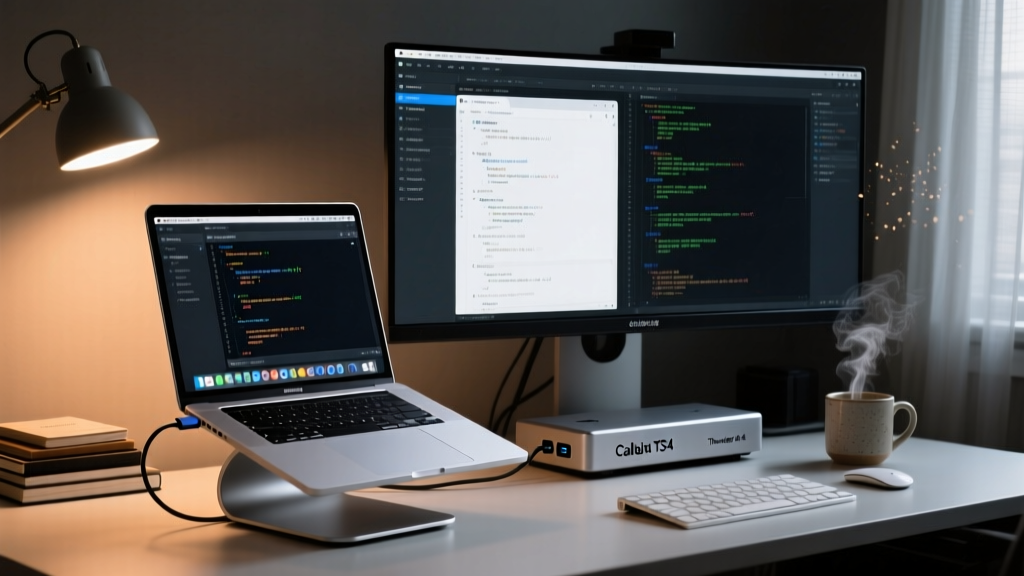
The Ultimate Thunderbolt Dock: CalDigit TS4
When it comes to Thunderbolt 4 docking stations, the CalDigit TS4 remains the undisputed heavyweight champion in 2026. Priced at $379.99, it is an investment piece, but for a developer managing multiple 4K displays, NVMe enclosures, and legacy USB-A peripherals, it is non-negotiable.
Why It Works for the Ubuntu Power User
The TS4 features 18 ports, including 2.5GbE Ethernet, SD/microSD UHS-II slots, and three Thunderbolt 4 ports. The true magic for Linux users lies in its firmware. While early Thunderbolt 3 docks required complex udev rules to bypass security handshakes, the TS4 plays beautifully with Ubuntu's native bolt daemon. By simply running boltctl authorize <uuid> in the terminal, Ubuntu 22.04 LTS (Jammy Jellyfish) users can securely authorize the dock and all downstream USB gadgets without touching kernel parameters.
Pro-Tip for Gifting: If your recipient is running the default 5.15 Linux kernel on Ubuntu 22.04, advise them to upgrade to the HWE (Hardware Enablement) kernel 6.5+ via
sudo apt install linux-generic-hwe-22.04. This unlocks native USB4 tunneling and ensures the TS4's 98W host charging negotiates flawlessly with Linux power management profiles.
Portable USB-C Hubs for the Digital Nomad
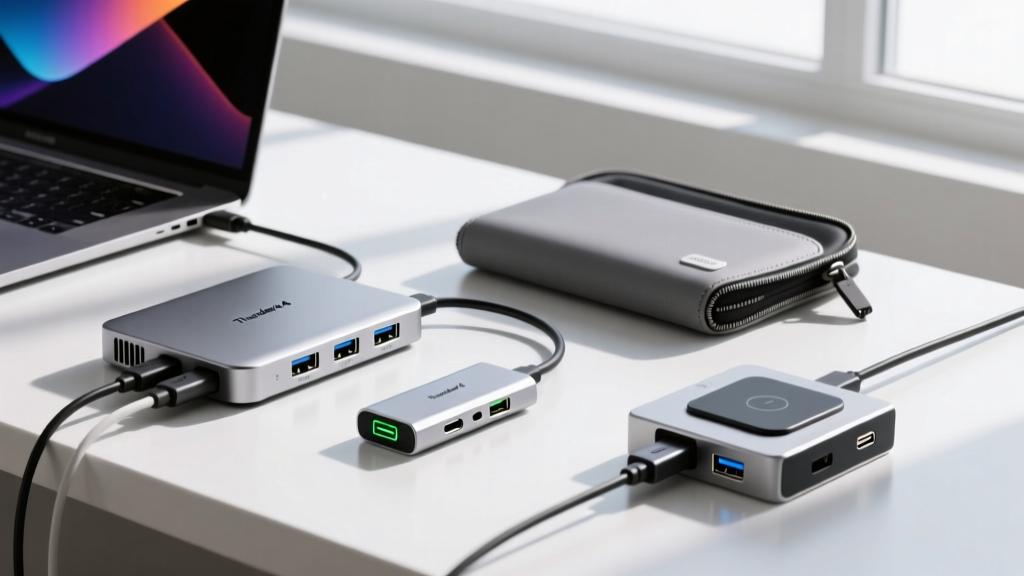
Not everyone needs a $380 desktop brick. For the enthusiast who codes from coffee shops or travels with a 14-inch ultrabook, a low-profile USB-C hub is the ideal stocking stuffer. However, cheap hubs often rely on obscure Realtek or DisplayLink chipsets that cause kernel panics or require proprietary drivers. We tested the top three cross-platform hubs of 2026.
| Hub Model | Price (2026) | Chipset / Protocol | Ubuntu 22.04 Compatibility | Max Power Delivery |
|---|---|---|---|---|
| Anker 575 (13-in-1) | $259 | DisplayLink DL-6950 | Requires evdi dkms module |
85W Passthrough |
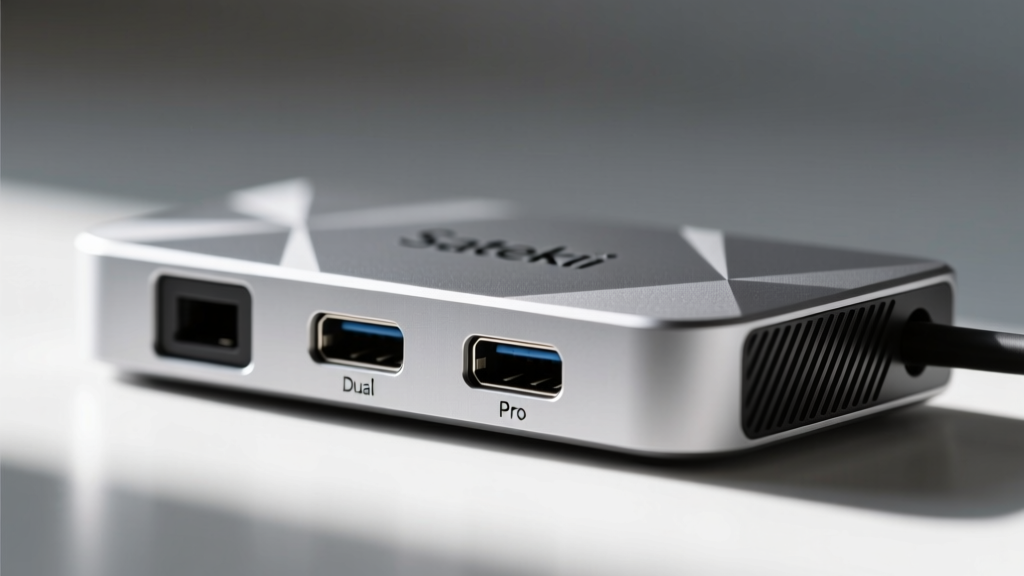
| Satechi Dual Dock Pro | $199 | Native DP Alt-Mode | Native (Plug & Play) | 85W Passthrough |
| UGREEN Revodok Pro 209 | $179 | Native DP Alt-Mode | Native (Plug & Play) | 85W Passthrough |
The Verdict: Gift the Satechi Dual Dock Pro. Because it relies on native DisplayPort Alt-Mode rather than DisplayLink, it bypasses the need for third-party kernel modules. When a user connects a niche usb gadget on ubuntu 22.04 through the Satechi, the native xHCI controller handles the enumeration instantly, avoiding the latency spikes associated with DisplayLink's frame-buffer compression.
Ergonomic Stands & Premium Sleeves
Hardware compatibility is only half the battle; physical ergonomics and protection matter just as much to the enthusiast who spends 10 hours a day compiling code or training local LLMs.
Twelve South Curve ($79.99)
Unlike cheap aluminum stands that wobble when you type on the built-in keyboard, the Curve is a cantilevered stand that elevates the laptop screen to eye level while leaving the desk space entirely open. Weighing 4.8 lbs with a silicone-lined cradle, it grips the MacBook's unibody securely. It is an aesthetic masterpiece that fits perfectly into a minimalist developer setup.
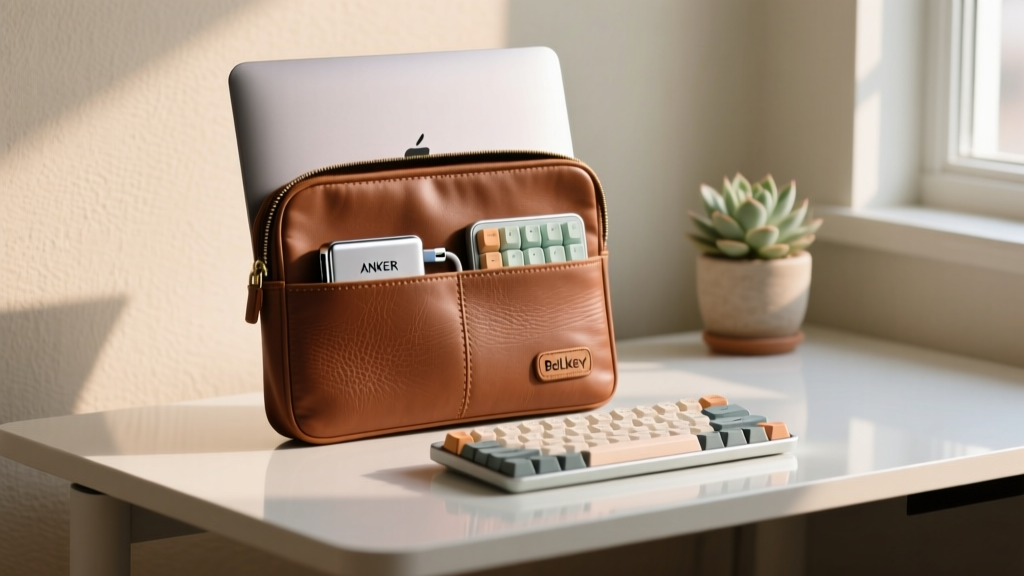
Bellroy Premium Laptop Sleeve ($109.00)
Forget generic neoprene. The Bellroy Premium Sleeve uses environmentally certified Badiot leather and a water-resistant zipper. The internal slip pocket is perfectly dimensioned to hold a 14-inch laptop alongside a compact USB-C hub and a 65W GaN charger. The magnetic closure provides satisfying tactile feedback, and the slim profile ensures it slides effortlessly into a peak design everyday backpack.
Troubleshooting the Edge Cases: Linux USB Authorization
Even with the best hardware, Linux enthusiasts love to tinker. If your gift recipient struggles to get a specific peripheral working, point them toward the Ubuntu Community Thunderbolt Guide. Here is a quick cheat sheet you can print out and include in the gift box:
- Check Device Enumeration: Run
lsusb -tto view the USB device tree and verify bandwidth allocation. - Monitor Kernel Messages: Use
sudo dmesg -w | grep usbwhile plugging in the device to catch real-time handshake failures or power-limit warnings. - Thunderbolt Security: If the dock isn't passing data, open a terminal and type
boltctl listto find the unauthorized device, then authorize it withboltctl trust <uuid>to make the pairing persistent across reboots.
Quick Gift-Matching Matrix
Not sure which accessory fits their specific workflow? Use this matrix to decide:
| User Persona | Primary Need | Recommended Gift |
|---|---|---|
| The Deskbound Sysadmin | Maximum I/O & 3x Monitors | CalDigit TS4 Dock |
| The Coffee Shop Coder | Portability & Native DP | Satechi Dual Dock Pro |
| The Ergonomic Purist | Posture & Desk Real Estate | Twelve South Curve |
| The Frequent Flyer | Protection & Organization | Bellroy Premium Sleeve |
Frequently Asked Questions
Will these docks work with the new M-series MacBooks in 2026?
Yes. The CalDigit TS4 and Satechi hubs are fully compatible with Apple Silicon's Thunderbolt and USB4 implementations. They support dual external displays on M1/M2/M3 Max and Ultra chips natively, and single displays on base M-series chips via DisplayLink (for the Anker hub).
Do I need to buy a separate Thunderbolt cable?
The CalDigit TS4 includes a high-quality 0.8m Thunderbolt 4 cable in the box, which is certified for 40Gbps and 100W+ charging. For the portable hubs, you will need to use the laptop's native USB-C cable or purchase a certified 40Gbps USB-C to C cable to ensure full video bandwidth.
Where can I verify certified hardware for Linux?
Before making bulk purchases or enterprise deployments, always cross-reference devices with the Ubuntu Certified Hardware Database. While docks and sleeves aren't always individually certified, the host laptops (like the Dell XPS Developer Edition or Lenovo ThinkPad X1 Carbon) are, ensuring the underlying Thunderbolt controllers have upstream kernel support.
Gifting tech to a Linux enthusiast doesn't have to result in a weekend of driver compilation and forum diving. By selecting accessories with native protocol support and premium build quality, you are giving them the gift of frictionless productivity.
Written by
Tom ReynoldsTom Reynolds holds a CFA (Chartered Financial Analyst) designation and a B.S. in Finance from the University of Texas at Austin. Before entering tech journalism, he spent 6 years as a quantitative analyst at a hedge fund, building cost-benefit models for consumer product investments. Tom has maintained a proprietary database of over 10,000 tech deals for the past 8 years, developing his signature "penny-per-feature" evaluation framework that calculates the true value proposition of every gadget. His budget gadget reviews are known for their financial rigor — he tracks price history across 15+ retailers, calculates cost-per-use over 3-year lifespans, and identifies the exact inflection point where premium features justify their markup. Tom's deal alerts have saved his readers an estimated .3 million since 2018.