Best Space-Saving MacBook Accessories: Your 2026 Gadget Pickup
Maximize your desk space with our 2026 guide to compact MacBook accessories. Discover the best space-saving docks, hubs, stands, and sleeves for your setup.
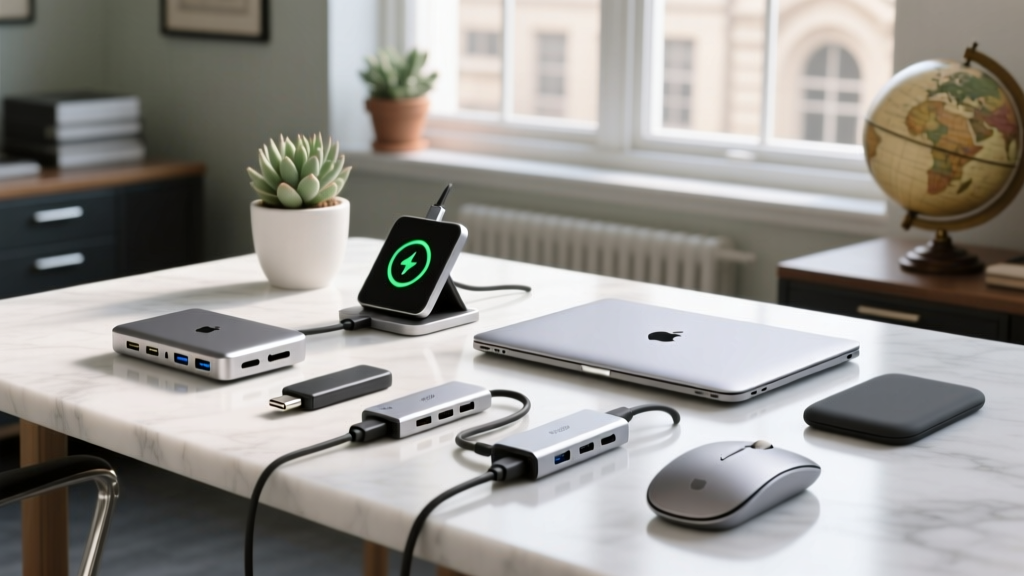
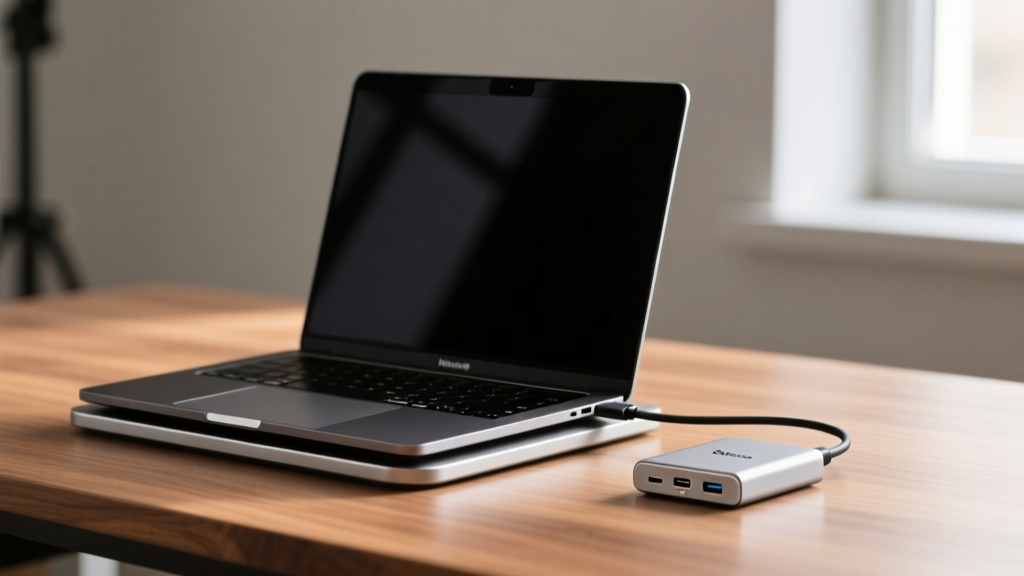
The Minimalist Mandate: Why Compact Gear Wins in 2026
In the modern era of mobile computing, the footprint of your workspace is just as critical as the processing power of your machine. With the M4 and M5 MacBook Pro lines pushing desktop-class performance into ultra-thin chassis, the peripheral market has had to adapt. The days of sprawling, monolithic docking stations and bulky protective cases are over. Today, the most discerning tech enthusiasts prioritize negative space, thermal efficiency, and modularity.
If you are looking to refine your workspace or optimize your travel bag, your next gadget pickup should be driven by a space-saving philosophy. This guide breaks down the absolute best compact MacBook and laptop accessories available in 2026, focusing on stands, docks, sleeves, and hubs that deliver maximum utility with minimum physical footprint.
The Core Hub: Ultra-Compact Thunderbolt Docks
A single-cable connection is the holy grail of desk setup. However, traditional docks often resemble brick-like monstrosities that dominate your desk. In 2026, the shift toward vertical and ultra-slim designs has completely changed the game.
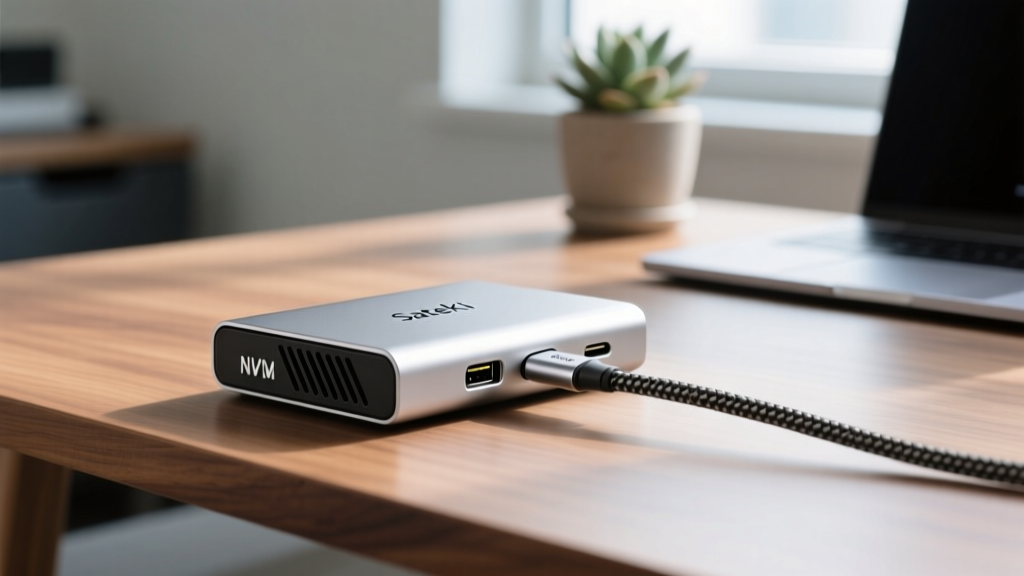
Satechi Thunderbolt 4 Slim Dock with NVMe Enclosure
The Satechi Thunderbolt 4 Slim Dock ($179) is a masterclass in spatial efficiency. Measuring just 5.1 x 2.5 x 1.0 inches, it takes up less desk space than a standard smartphone. But its true genius lies in its hidden feature: a built-in NVMe SSD enclosure. By integrating your external storage directly into the dock, you eliminate the need for a separate portable SSD and its accompanying cable clutter. The aluminum chassis acts as a passive heatsink for the drive, maintaining thermal stability even during heavy 4K video rendering transfers.
OWC Thunderbolt 5 Dock
For power users who refuse to compromise on port selection, the OWC Thunderbolt 5 Dock ($399) is the definitive Thunderbolt upgrade. While it offers a staggering 12 ports—including three TB5 downstream ports capable of 120Gbps bandwidth and 140W host charging—its vertical orientation and sleek matte-black tower design keep its physical footprint to a mere 3.5 x 3.5 inches on your desk. It is the ultimate hub for dual 8K display setups without the horizontal sprawl.
Elevation Without the Footprint: Foldable & Magnetic Stands
Ergonomics dictate that your laptop screen should be at eye level, but traditional aluminum stands are heavy, fixed, and impossible to travel with. The 2026 market favors collapsible, aerospace-grade materials.
- Roost Laptop Stand ($89): Weighing a mere 5.3 ounces and collapsing down to a 1.5-inch thick stick, the Roost is the undisputed king of travel stands. Its nylon-glass fiber composite construction supports up to 20 lbs, easily holding a 16-inch MacBook Pro while allowing for unobstructed airflow beneath the chassis.
- Twelve South Compass Pro ($79): For a permanent desk fixture that can still be tucked away, the Compass Pro folds completely flat (0.8 inches thick). Its integrated silicone grips and adjustable tension hinges allow you to use it in 'presentation mode' or 'clamshell mode' without the stand slipping or scratching your aluminum chassis.
Sleeves That Actually Protect (Without the Bulk)
The traditional laptop sleeve adds an inch of padding and a bulky zipper track to your bag. Modern space-saver sleeves rely on high-density materials and magnetic closures to shave off millimeters and grams.
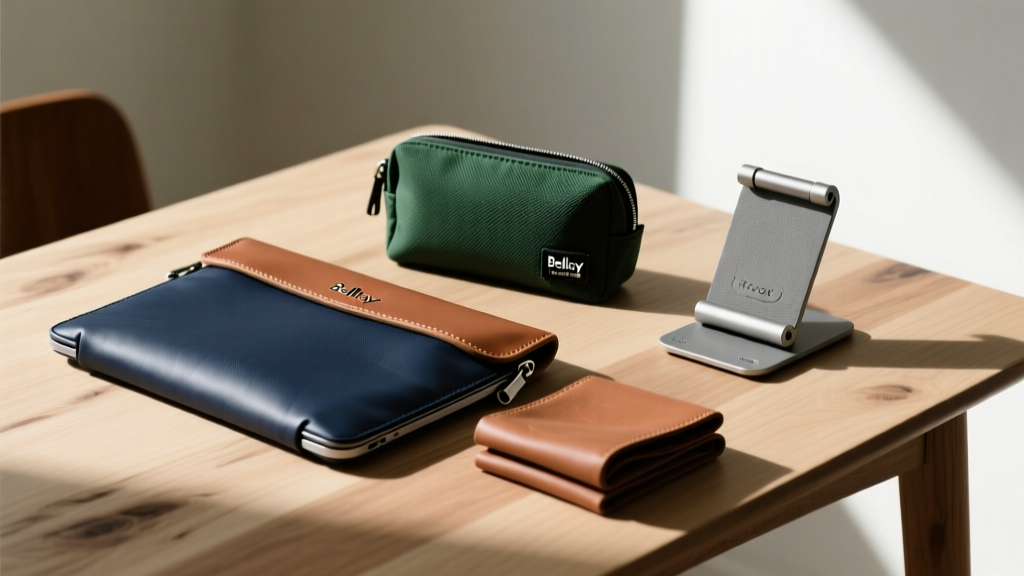
Bellroy 14-inch Laptop Sleeve
Priced at $119, the Bellroy sleeve utilizes a slimline EVA foam that is only 13mm thick but offers military-grade drop protection. The absence of a traditional zipper is its biggest space-saving feature; instead, it uses a secure magnetic latch that snaps shut automatically. This allows the sleeve to flex and conform to the shape of your backpack, eliminating the rigid, boxy profile of older cases.
Peak Design Tech Pouch V2
While not a sleeve for the laptop itself, the Peak Design Tech Pouch ($59) is essential for the cables, hubs, and dongles that accompany your machine. Its origami-style interior folds create distinct compartments that compress flat when empty. The weatherproof nylon canvas exterior ensures that your compact gadgets remain protected from the elements without adding unnecessary bulk to your daily carry.
Space-Saver Comparison Matrix
Use the table below to compare the physical footprint and primary use cases of our top space-saving recommendations.
| Product | Category | Dimensions (L x W x H) | Weight | Price (2026) | Best For |
|---|---|---|---|---|---|
| Satechi TB4 Slim Dock | Hub/Dock | 5.1 x 2.5 x 1.0 in | 1.1 lbs | $179 | Minimalist desks & storage |
| OWC TB5 Dock | Hub/Dock | 3.5 x 3.5 x 7.5 in | 2.4 lbs | $399 | High-end dual 8K setups |
| Roost Laptop Stand | Stand | 1.5 x 1.5 x 13 in (folded) | 5.3 oz | $89 | Digital nomads & travelers |
| Bellroy 14" Sleeve | Sleeve | 14.2 x 10.2 x 0.5 in | 8.5 oz | $119 | Commuters & backpackers |
The Gadget Pickup Decision Framework
Before adding any compact accessory to your cart, run it through this three-point decision framework to ensure it genuinely solves a spatial problem rather than just creating a new one.
The Space-Saver Litmus Test:
1. Does it eliminate another device? (e.g., A dock with an integrated SSD eliminates the need for a separate external drive).
2. What is its collapsed volume? (A stand might look small when deployed, but if it doesn't fold flat, it is useless for travel).
3. How does it manage cables? (A compact hub is useless if it creates a spiderweb of dongles. Look for integrated cable management or right-angle connectors).
Frequently Asked Questions
Are compact Thunderbolt docks prone to overheating?
Early generations of ultra-slim docks struggled with thermal throttling, particularly when driving dual displays and charging simultaneously. However, 2026 models like the Satechi and OWC docks utilize advanced internal graphene thermal pads and CNC-milled aluminum chassis that act as massive passive heatsinks. As long as the dock is not covered by papers or cloth, thermal throttling is exceptionally rare in modern premium hubs.
Can a foldable stand like the Roost support a heavy 16-inch MacBook Pro?
Yes. The Roost stand is rated for up to 20 lbs (9 kg). The 16-inch MacBook Pro M4 Max weighs approximately 4.7 lbs, meaning the stand operates at less than 25% of its maximum load capacity. The tension in the hinges is more than sufficient to prevent the screen from tipping backward during aggressive typing.
Is it worth buying a magnetic laptop sleeve over a zippered one?
For space-saving enthusiasts, absolutely. Zippers require a rigid track and extra fabric overlap to prevent the laptop from sliding out, which adds bulk and weight. High-strength neodymium magnetic latches provide a secure seal that conforms to the exact dimensions of your laptop, saving crucial millimeters in a packed backpack.
By prioritizing modularity, verticality, and material density, your next gadget pickup will transform your workspace from a cluttered command center into a sleek, high-performance environment.
Written by
Lena ChenLena Chen earned her M.S. in Human-Computer Interaction from Carnegie Mellon University and a B.S. in Electrical Engineering from the University of Washington. She has spent the past decade specializing in smart home architecture and IoT ecosystems, helping over 200 homeowners design fully connected living spaces. Lena is a certified Matter protocol consultant and has published peer-reviewed research on voice-first interface design in the ACM Digital Library. Her reviews of smart home products combine deep technical analysis with real-world usability testing, evaluating everything from Zigbee mesh stability to Alexa skill responsiveness. She regularly speaks at CEDIA Expo and CES smart home panels.