Custom Input Devices: Beginner vs Expert Keyboard Guide
Discover the ultimate beginner vs expert comparison for custom mechanical keyboards and input devices. Find the perfect desktop peripheral for your setup.
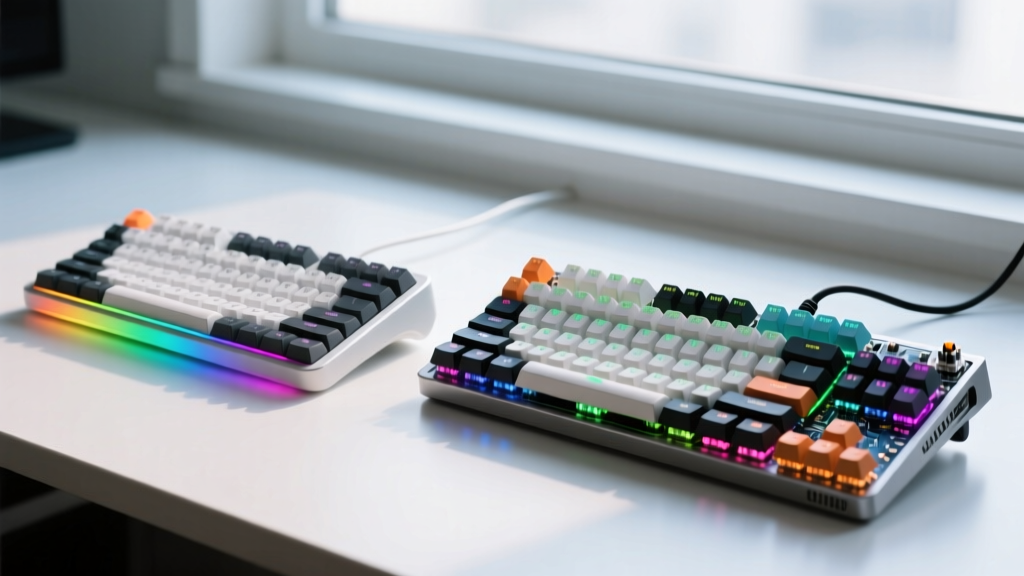
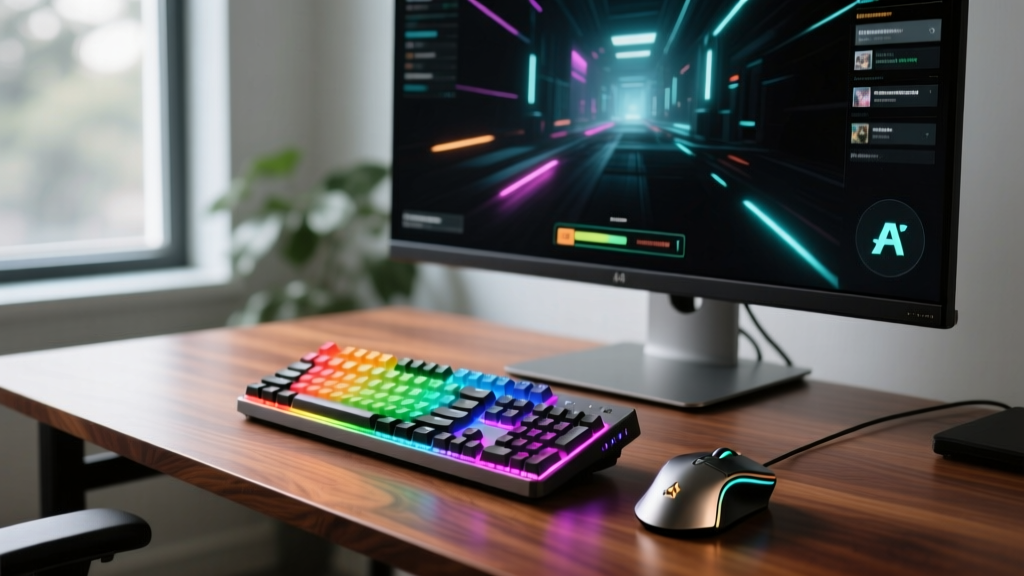
The Evolution of Desktop Peripherals
While the mainstream tech media might loosely refer to desktop accessories as mere gadgets, true enthusiasts prefer more precise synonyms: input devices, peripherals, or hardware gear. In 2026, the mechanical keyboard and custom input device market has evolved from a niche hobby into a highly technical discipline blending acoustics, materials science, and firmware engineering. Whether you are looking for your first premium typing apparatus or you are deep into the rabbit hole of group-buy PCBs and artisan keycaps, understanding the divide between beginner-friendly pre-builts and expert-level custom builds is crucial.
This guide breaks down the exact specifications, costs, and time investments required for both pathways, helping you decide which route aligns with your technical appetite and budget.
The Beginner's Pathway: Pre-Built Excellence
For those entering the space, the goal is immediate gratification: unbox, plug in, and experience a massive upgrade over standard membrane boards. In 2026, pre-built input devices offer incredible value, often featuring hot-swappable sockets, sound-dampening foams, and advanced firmware support right out of the box.
Top Entry-Level Models in 2026
- Keychron Q1 HE ($199): The undisputed king of entry-level Hall Effect (HE) boards. It features an 8000Hz polling rate, a CNC aluminum case, and pre-lubed Gateron Magnetic switches. It requires zero assembly but offers rapid-trigger capabilities previously reserved for elite gaming gear.
- NuPhy Air75 V3 ($149): For low-profile enthusiasts, this ultra-slim peripheral offers a phenomenal typing experience with minimal learning curve, perfect for hybrid laptop users.
- Akko MOD007 PC ($129): A polycarbonate case that delivers a naturally deep, "thocky" acoustic profile without requiring manual case modifications.
Pro Tip for Beginners: Do not immediately disassemble a pre-built board to "mod" it. Modern 2026 pre-builts are heavily optimized at the factory. Focus instead on learning VIA keymapping software to customize your layers and macros before touching a screwdriver.
The Expert's Domain: Custom Input Devices
The expert route is not about buying a product; it is about engineering an experience. Expert-level input devices are built component-by-component, often sourcing parts from specialized group buys, boutique manufacturers, and community-driven designers. This pathway demands an understanding of acoustic physics, switch tribology, and firmware compilation.
Sourcing Components and Switches
An expert build starts with a barebone kit or a raw PCB. A popular 2026 baseline is the Wooting 80HE Barebone ($175) or a high-end custom kit like the OwLab Spring ($350). From there, the enthusiast selects specific components to dictate the board's feel and sound:
- Switches: Experts avoid stock switches. Instead, they opt for specialized runs like the Gateron Magnetic Jade ($45 for 35 switches) for a creamy, muted bottom-out, or BSUN Raw V3 ($32 for 35) for a sharp, tactile bump with a 65g bottom-out force.
- Plates: The plate material drastically alters flex and acoustics. A 1.5mm FR4 plate offers a balanced flex, while a POM (Polyoxymethylene) plate yields a softer, more forgiving typing feel.
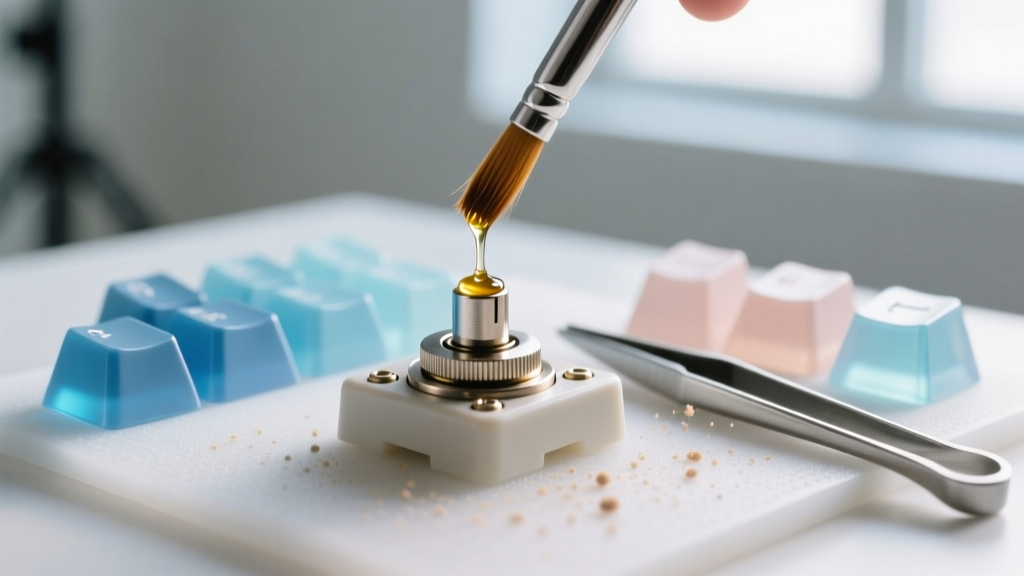
- Stabilizers: Experts use screw-in PCB-mount stabilizers (like the Staebies or Durock V2) and tune them manually using Krytox 205g0 lubricant and dielectric grease to eliminate rattle.
Head-to-Head: Pre-Built vs. Custom Input Devices
How do these two philosophies stack up against each other? Below is a direct comparison matrix evaluating the core differences between off-the-shelf desktop peripherals and ground-up custom hardware gear.
| Feature | Pre-Built (Beginner) | Custom Build (Expert) |
|---|---|---|
| Price Range | $100 - $220 | $300 - $800+ |
| Assembly Time | 0 minutes (Plug & Play) | 4 - 12 hours (incl. tuning) |
| Acoustic Profile | Good, but slightly hollow | Highly tuned (Deep thock/Marbled) |
| PCB Flex | Rigid (1.6mm standard) | Customizable (1.2mm flex cuts) |
| Firmware | Basic VIA / Web UI | Full QMK/VIA/ZMK source access |
| Warranty | 1-2 Years Manufacturer | Voided upon modification |
Advanced Modifications: Where Enthusiasts Thrive
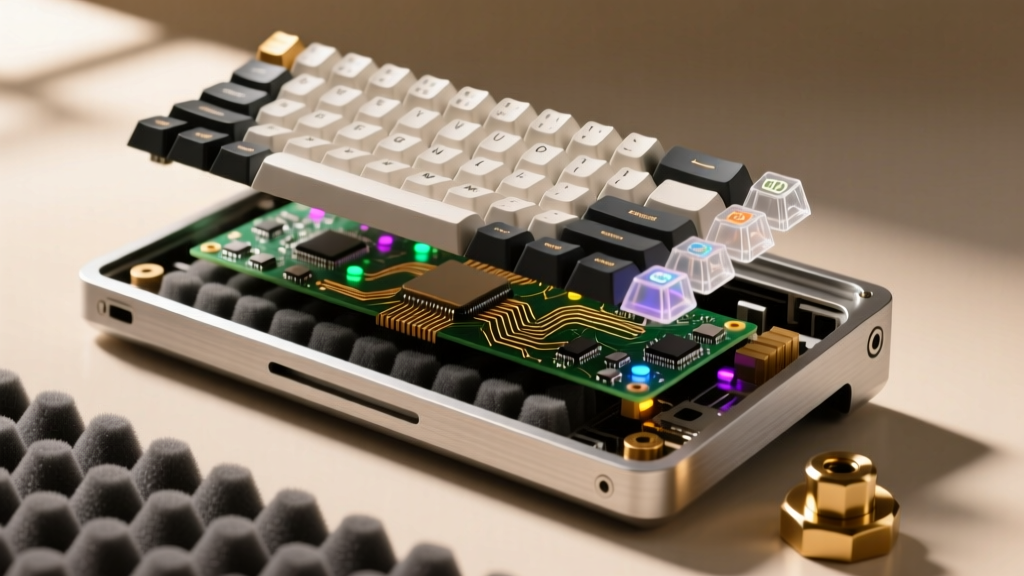
According to community benchmarks and teardowns discussed on Geekhack, the difference between a good keyboard and a god-tier input device lies in the micro-modifications. Experts spend hours performing precise physical alterations to eliminate case ping and harmonics.
The Force Break Mod
Aluminum cases naturally resonate when sound waves bounce off the inner walls. The Force Break mod involves applying thin strips of PTFE (Teflon) tape or PORON foam to the inner lips of the case where the top and bottom frames meet. This breaks the acoustic transmission path, instantly killing high-pitched case ping and lowering the overall pitch of the keyboard.
PE Foam and Tape Mods
Placing a thin sheet of Polyethylene (PE) foam between the PCB and the switches creates a "marbled" or "creamy" acoustic signature by reflecting sound waves back into the switch housing. Alternatively, the Tape Mod (applying 2-3 layers of painter's tape to the back of the PCB) acts as a low-pass filter, absorbing high frequencies and amplifying the deep, bass-heavy "thock" that enthusiasts crave.
Hall Effect and Rapid Trigger Calibration
For gaming peripherals, experts utilize Hall Effect (HE) technology. As detailed by the engineers at Wooting, Rapid Trigger technology allows the switch to reset the moment the key is lifted, rather than waiting to pass a fixed physical actuation point. Experts will manually calibrate the down-stroke to 0.1mm for instantaneous response in competitive FPS titles, while setting a 2.0mm actuation for typing layers to prevent accidental misfires.
Decision Framework: Which Route Should You Take?
Choosing between a pre-built peripheral and a custom input device requires an honest assessment of your time, budget, and technical curiosity.
- Choose Pre-Built If: You value your time, want a reliable warranty, and are primarily focused on the utility of the device rather than the process of building it. Comprehensive testing by Rtings confirms that top-tier pre-builts now rival custom boards in raw latency and polling rates.
- Choose Custom If: You view your desktop gear as a functional art piece. If you enjoy the tactile satisfaction of hand-lubing 80+ switches, tweaking stabilizer wires, and compiling your own QMK firmware keymaps, the custom route offers an unmatched sense of ownership and acoustic perfection.
Frequently Asked Questions
Do I need to solder to build a custom keyboard in 2026?
No. The vast majority of modern enthusiast PCBs feature hot-swap sockets (typically Kailh or Gateron low-profile sockets). This allows you to push switches directly into the board using a simple metal switch puller, making soldering entirely optional unless you are building a specialized soldered-only board for acoustic rigidity.
What is the best switch lubricant for linear switches?
For linear switches, Krytox GPL 205g0 is the industry gold standard. It is a PTFE-based grease that provides a smooth, buttery feel without being so thick that it causes the switch to feel sluggish or "sticky" on the upstroke.
Are wireless custom keyboards viable for competitive gaming?
Yes, but with caveats. While 2.4GHz wireless dongles on ZMK or custom QMK boards now achieve 1000Hz polling rates, competitive esports players still prefer wired Hall Effect boards to guarantee zero packet loss and to support the 8000Hz polling rates required for ultra-low latency Rapid Trigger actuation.
Written by
Lena ChenLena Chen earned her M.S. in Human-Computer Interaction from Carnegie Mellon University and a B.S. in Electrical Engineering from the University of Washington. She has spent the past decade specializing in smart home architecture and IoT ecosystems, helping over 200 homeowners design fully connected living spaces. Lena is a certified Matter protocol consultant and has published peer-reviewed research on voice-first interface design in the ACM Digital Library. Her reviews of smart home products combine deep technical analysis with real-world usability testing, evaluating everything from Zigbee mesh stability to Alexa skill responsiveness. She regularly speaks at CEDIA Expo and CES smart home panels.