Fun Tech Gadgets: Solving True Wireless Earbud Audio Problems in 2026
Discover fun tech gadgets and practical picks that solve common true wireless earbud problems, from connection drops to fit issues, with 2026 expert fixes.
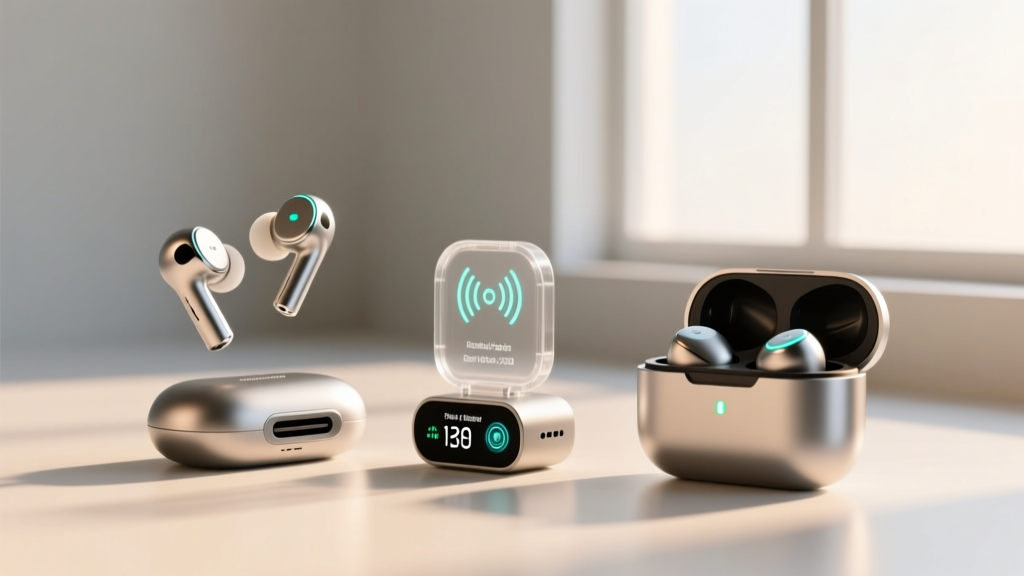
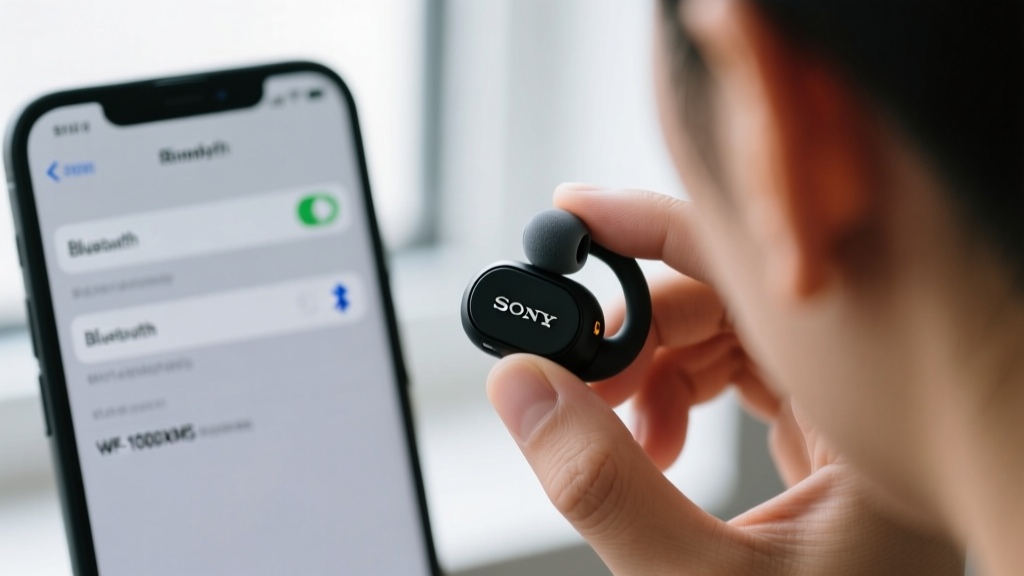
True wireless stereo (TWS) earbuds dominate the consumer audio market, but their compact form factor introduces specific friction points: fit fatigue, Bluetooth latency during gaming, and premature charging case degradation. Rather than discarding a $300 pair of earbuds when these issues arise, enthusiasts are turning to modular accessories. While high-end earbuds are serious investments, the accessory market is full of fun tech gadgets that act as practical problem solvers, extending the lifespan and improving the performance of your existing audio gear.
Solving Fit Fatigue with Memory Foam and Ear-Hook Adapters
The most common reason users abandon a perfectly good pair of TWS earbuds is physical discomfort or a lack of passive noise isolation. Standard silicone tips rely on radial pressure against the ear canal, which often causes fatigue after 60 minutes and creates a harsh treble peak around 8kHz due to high-frequency reflection.
The practical pick here is upgrading to medical-grade polyurethane memory foam tips, such as the Comply TrueGrip Pro ($25-$30). Unlike silicone, foam compresses upon insertion and expands to match the exact asymmetrical geometry of your ear canal. This achieves two things:
- Acoustic Dampening: The porous nature of foam absorbs high-frequency resonance, flattening the frequency response and reducing listener fatigue.
- Isolation Boost: A proper foam seal increases passive noise isolation by up to 12dB, meaning your earbuds' Active Noise Cancellation (ANC) processors don't have to work as hard, saving battery life.
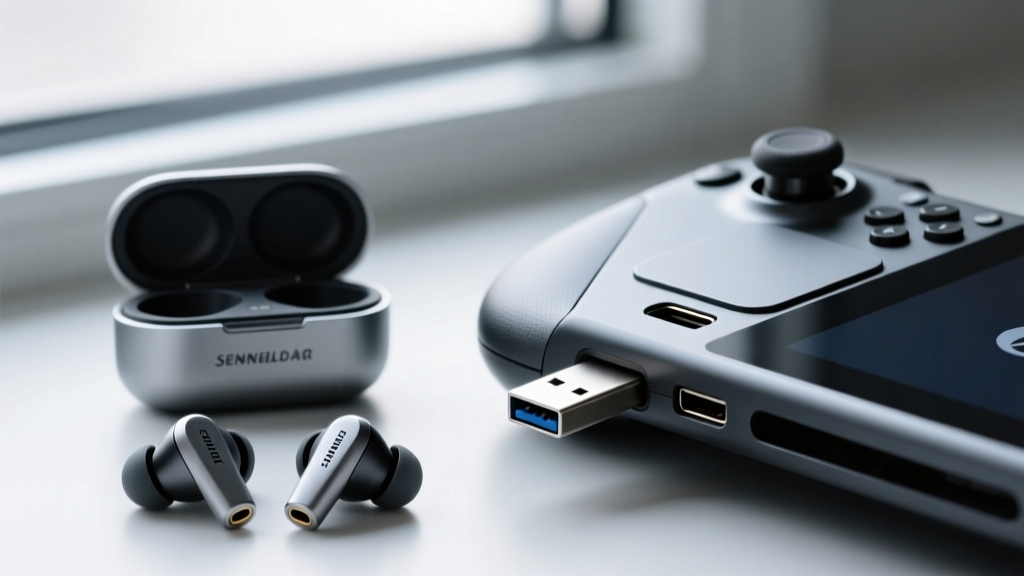
Eliminating Gaming Latency with LE Audio USB-C Transmitters
Using TWS earbuds for competitive mobile gaming or PC use has historically been a frustrating experience. Standard Bluetooth connections using SBC or AAC codecs yield latency between 150ms and 250ms. Even aptX Adaptive struggles to drop below 80ms in congested RF environments. In 2026, the solution lies in Bluetooth 5.4 Low Energy (LE) Audio and the LC3 codec.
According to the Bluetooth SIG, LE Audio is specifically engineered to deliver higher quality audio at lower bitrates while drastically reducing latency. However, your phone or PC's internal Bluetooth radio might not fully support the LC3 codec's lowest latency modes. This is where dedicated USB-C transmitters come in.
Comparison Matrix: Direct Connection vs. LE Audio Dongles
| Feature | Direct Phone/PC Bluetooth | Creative BT-W5 / AirFly Pro 2 |
|---|---|---|
| Average Latency | 150ms - 250ms (AAC/SBC) | Sub-40ms (LC3/aptX LL) |
| Host Battery Drain | High (Internal radio usage) | Low (Dongle handles processing) |
| Multipoint Stability | Prone to OS-level interruptions | Dedicated, uninterrupted stream |
| Typical Cost | $0 (Built-in) | $55 - $65 |
Dongles like the Creative BT-W5 ($60) or the Twelve South AirFly Pro 2 ($55) are fantastic fun tech gadgets that bypass your device's internal Bluetooth stack. They plug directly into a USB-C or Lightning port, handling the audio encoding locally and transmitting a dedicated, low-latency signal directly to your earbuds. For rhythm games or FPS titles, this sub-40ms latency is the difference between a playable experience and an unplayable one.
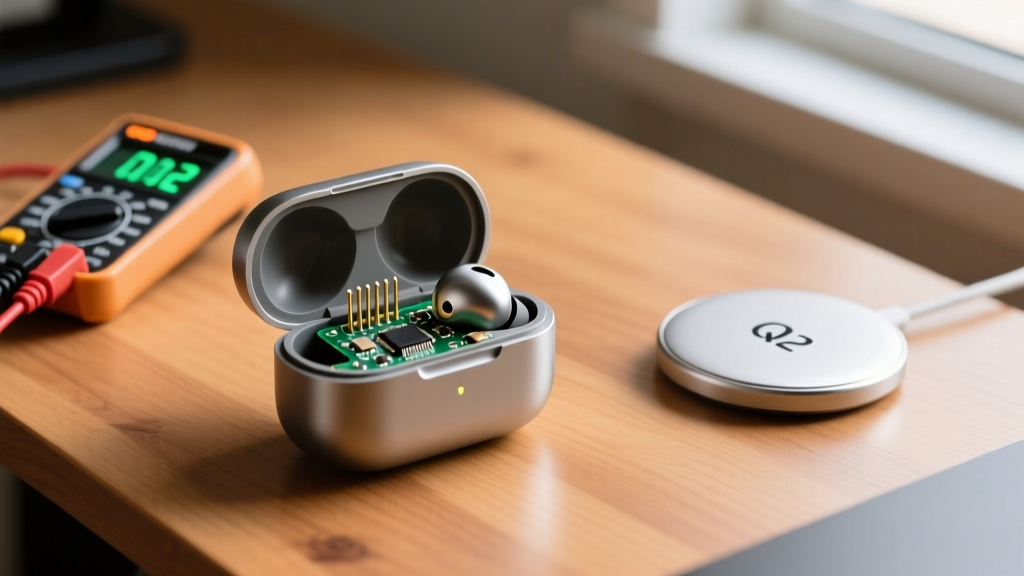
Bypassing Degraded Charging Cases with Magnetic Qi2 Pucks
The Achilles heel of TWS earbuds is the charging case. Cases typically house 400mAh to 600mAh lithium-polymer cells. Because users habitually leave the case plugged in at 100% on a desk, the battery suffers from micro-cycling and electrolyte oxidation. After 18 to 24 months, the case battery degrades to the point where it can no longer fully recharge the earbuds, even though the earbuds themselves are perfectly fine.
Instead of throwing away $250 earbuds because of a $10 degraded battery cell, utilize the new Qi2 magnetic wireless charging standard. If your earbud case supports Qi wireless charging (even the older Qi 1.2 standard), you can bypass the degraded internal battery's inability to hold a charge by keeping the case perpetually topped up via a magnetic puck.
Practical picks like the Anker MagGo Power Bank (3-in-1) or a simple ESR HaloLock Qi2 stand ($30) allow you to snap the case onto a magnetic charger the moment you sit at your desk. By keeping the case between 40% and 80% charge via shallow, continuous wireless top-ups, you actually reduce the chemical stress on the lithium-polymer cell, extending its total lifespan.
TWS Audio Dropout Decision Tree
When your right or left earbud randomly cuts out, don't immediately reset the firmware. Follow this diagnostic flow to identify the exact failure mode:
- Step 1: The Physical Swap Test. Swap the earbud tips. If the dropout follows the physical earbud, it's an internal hardware/battery issue. If the dropout stays with the same ear (e.g., the left ear always drops out regardless of which bud is in it), you have an anatomical fit issue blocking the Bluetooth antenna, or localized RF interference.
- Step 2: The Codec Downgrade. Go into your phone's developer settings (Android) or Bluetooth menu and force the connection to SBC. If the dropouts stop, your device's processor is struggling to maintain the high-bitrate LDAC or aptX stream in a congested 2.4GHz environment. Drop to AAC or SBC for commuting.
- Step 3: The Case Reset. Place both buds in the case, leave the lid open, and hold the pairing button for 15 seconds until the LED flashes red/white. This clears the local MAC address cache in the earbuds' SoC, resolving synchronization desyncs between the primary and secondary buds.
By leveraging these targeted accessories and diagnostic steps, you transform frustrating hardware limitations into solvable puzzles. The best audio setups in 2026 aren't just about buying the most expensive flagship earbuds; they are about utilizing the right fun tech gadgets to optimize, repair, and perfect the gear you already own. For deeper analysis on how TWS batteries age over time, refer to the longitudinal testing data provided by Rtings, which tracks case and bud degradation across hundreds of models.
Written by
Sarah KimSarah Kim holds certifications from both NASM (National Academy of Sports Medicine) and ACE (American Council on Exercise), along with a B.S. in Kinesiology from UCLA. She has spent 7 years bridging the gap between exercise science and consumer technology, evaluating fitness trackers, smart scales, sleep monitors, and recovery devices with clinical precision. Sarah has tested over 200 health-focused wearables in controlled lab settings and real-world training environments, comparing device data against gold-standard medical equipment like ECG monitors and DEXA scans. She consults for three fitness app companies on data accuracy standards and has presented research on wearable reliability at the American College of Sports Medicine (ACSM) annual conference. Her reviews emphasize clinical validity over marketing claims.