Latest Gadgets for Teens: 2026 Practical Problem Solvers
Solve daily friction with the latest gadgets for teens in 2026. Discover practical tech picks for focus, sleep, battery life, and content creation.
The Real Cost of Daily Tech Friction
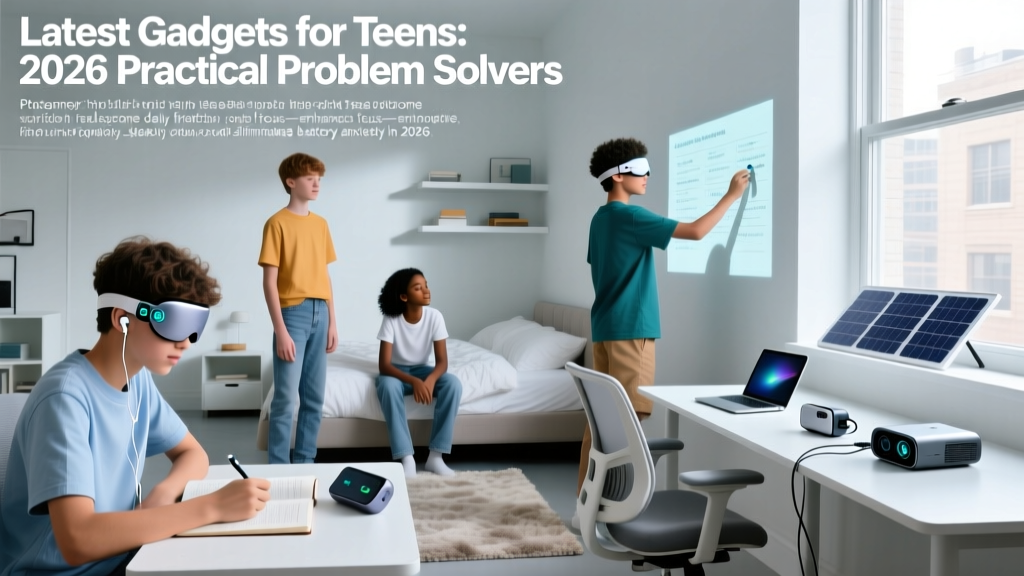
Teenagers in 2026 navigate a digital landscape defined by hyper-connectivity, but their daily routines are frequently derailed by hardware limitations and software-induced friction. The core issues are rarely a lack of access to technology; rather, they stem from battery anxiety, fragmented attention spans, circadian rhythm disruption, and cumbersome content creation tools. According to data from the Pew Research Center, near-universal smartphone ownership among teens means that digital fatigue and hardware mismanagement are primary barriers to productivity and well-being.
Rather than adding more screens to the mix, the most effective tech investments for high school and college-bound students focus on solving specific, measurable problems. Below is a curated breakdown of practical gadgets that eliminate daily friction, backed by exact specifications, real-world pricing, and actionable use cases.
Problem 1: The 2 PM Battery Crash & Cable Amnesia
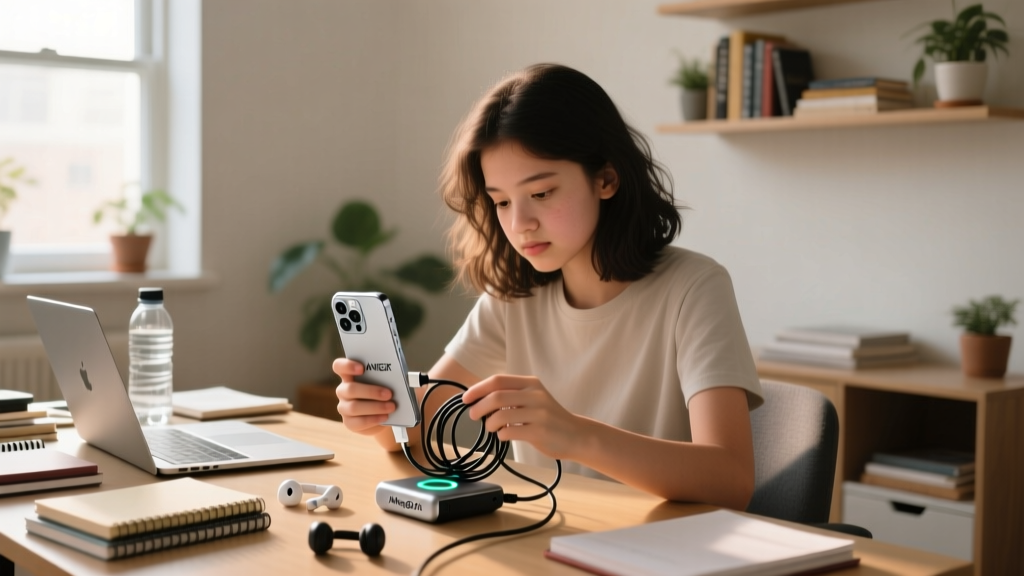
The modern teen's backpack is a graveyard of frayed USB-C cables and dead power banks. The friction point isn't just a dead phone; it's the inability to charge devices efficiently between classes without carrying a tangled mess of wires. The shift to the Qi2 wireless standard has finally solved this by standardizing magnetic alignment and 15W fast charging across both Apple and Android ecosystems.
The Fix: Anker MagGo 10K Qi2 Power Bank
The Anker MagGo 10K (Model A1654) eliminates cable dependency entirely. It features a built-in, foldable USB-C cable that acts as both a charging tether and a carrying lanyard, directly addressing the 'cable amnesia' problem. More importantly, it includes a TFT smart display that shows exact output wattage, battery percentage, and estimated time-to-empty—a crucial data point for a student trying to gauge if they have enough juice to survive until the bus ride home.
- Capacity: 10,000mAh (roughly 2 full iPhone 16 or Galaxy S25 charges)
- Wireless Output: 15W via Qi2 magnetic array
- Wired Output: 30W via built-in USB-C cable
- Retail Price: $65.99
Problem 2: The Infinite Scroll & Focus Fatigue
Studying on an iPad Mini or standard tablet requires immense willpower. The same device used to read a PDF is one tap away from TikTok, Instagram Reels, and push notifications. This context-switching destroys deep work. E-ink technology offers a hardware-level solution to software addiction by providing a distraction-free environment that physically cannot run high-framerate video or addictive infinite-scroll algorithms smoothly.
The Fix: Boox Palma 2 E-Ink Pocket Reader
The Boox Palma 2 bridges the gap between a dedicated e-reader and a functional tablet. Running on Android 12, it allows students to sideload essential apps like Libby, Kindle, Notion, and Canvas Student. However, its 6.13-inch Carta 1300 e-ink display (300 PPI) renders fast-paced video unwatchable and scrolling deliberately slow. This hardware limitation is a feature, not a bug: it creates a natural friction against doomscrolling while maintaining access to necessary academic texts and organizational tools.
| Feature | iPad Mini (7th Gen) | Boox Palma 2 |
|---|---|---|
| Display Tech | IPS LCD (60Hz) | E-Ink Carta 1300 |
| Distraction Risk | High (Full app store, video) | Low (E-ink limits video/scrolling) |
| Battery Life | ~10 hours screen-on | Weeks of standby/days of reading |
| Physical Controls | Touch only | Tactile page-turn buttons |
| Price (2026) | $499 | $279 |
Problem 3: Doomscrolling & Circadian Disruption
The Sleep Foundation notes that teenagers naturally experience a circadian phase delay, making them prone to staying up late. When combined with blue-light-emitting smartphones kept on the nightstand, melatonin production is severely suppressed, leading to chronic sleep deprivation and poor academic performance. The solution requires removing the phone from the bedroom entirely, but teens still need a reliable way to wake up and check the time without triggering a dopamine loop.
The Fix: Mudita Bell 2 E-Ink Alarm
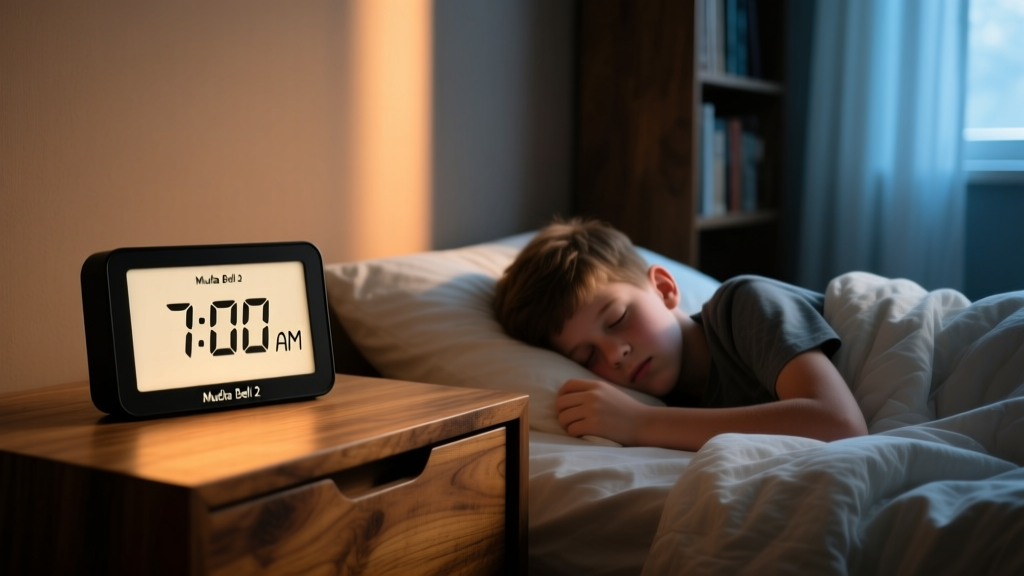
The Mudita Bell 2 is a purpose-built sleep assistant that entirely omits an LCD/OLED screen. It utilizes a high-contrast E-ink display that emits zero blue light and generates zero electromagnetic interference (EMF) during sleep. The front-light is capped at a warm 2700K color temperature, mimicking candlelight to preserve melatonin levels. By replacing the smartphone on the nightstand with the Bell 2, teens maintain their alarm functionality and time-checking habits without the risk of falling into a 2 AM social media spiral.
"Adolescents require 8 to 10 hours of sleep per night, yet the presence of interactive screens in the bedroom is consistently linked to delayed sleep onset and reduced total sleep time." — Sleep Foundation
Problem 4: Shaky Vlogs & Dead Gimbals
Content creation is a standard hobby and even a portfolio requirement for many teens. However, traditional smartphone gimbals are bulky, require separate charging cables, and often fail to track subjects reliably in complex environments like skateparks or crowded hallways. The friction lies in the setup time and the anxiety of the gimbal dying mid-shoot.
The Fix: Insta360 Flow 2 AI Gimbal
The Insta360 Flow 2 solves the power and tracking bottlenecks simultaneously. It houses a 2900mAh internal battery that doubles as a power bank for the mounted smartphone—meaning the phone charges while the teen films. The 3-axis stabilization motors are paired with Deep Track 4.0, an on-device AI algorithm that recognizes subjects even when they are temporarily obscured by obstacles (like trees or other people).
- Dock & Wake: Extending the built-in tripod automatically powers on the gimbal in under 1 second.
- Magnetic Mount: The MagSafe-compatible clamp attaches to the phone without needing to remove most standard cases.
- AI Lock: Double-tap the side trigger to lock the AI onto the subject; the gimbal handles the panning automatically.
Cost: $159 (Includes magnetic clamp, tripod base, and USB-C charging cable).

Decision Framework: Matching the Gadget to the Teen
Not every teenager needs every gadget on this list. Use this practical matrix to identify the primary friction point and allocate the budget accordingly.
- The Commuter / Heavy User: If the teen's phone consistently dies before 4 PM and they constantly borrow chargers, the Anker MagGo 10K Qi2 ($65) is the highest ROI purchase. It builds self-reliance and eliminates cable clutter.
- The Distracted Scholar: If grades are slipping due to digital distraction and the student reads heavily for AP/Honors classes, the Boox Palma 2 ($279) provides a dedicated, distraction-free academic portal.
- The Night Owl: If morning grogginess and late-night phone usage are causing household conflict, the Mudita Bell 2 ($119) acts as a physical boundary-setter that protects sleep hygiene without feeling like a punitive restriction.
- The Creator / Athlete: If the teen is building a sports portfolio, running a YouTube channel, or capturing skate/snowboard tricks, the Insta360 Flow 2 ($159) removes the technical barriers to stable, professional-looking footage.
By targeting specific behavioral and hardware bottlenecks, parents and teens can invest in technology that actively reduces daily stress rather than contributing to digital overload.
Written by
Nina PetrovaNina Petrova holds a Master's degree in Child Development from the Erikson Institute and a B.S. in Nursing from the University of Illinois at Chicago. She worked as a pediatric nurse for 6 years before transitioning to family technology consulting, bringing clinical rigor to her evaluations of kid-friendly gadgets, educational toys, and parental control software. Nina has reviewed over 400 children's tech products, testing each for safety compliance (CPSC and ASTM standards), developmental appropriateness across age groups, screen-time impact, and data privacy practices. She serves on the Children's Technology Review advisory board and has testified before the FTC on children's data protection in connected toys. Her reviews are trusted by parents and educators alike for their evidence-based approach to balancing technology benefits with child safety.