Best Old Age Gadgets to Gift Seniors in 2026: A Guide
Discover the best old age gadgets to gift seniors in 2026. From health monitors to simplified tablets, find meaningful tech that boosts independence.
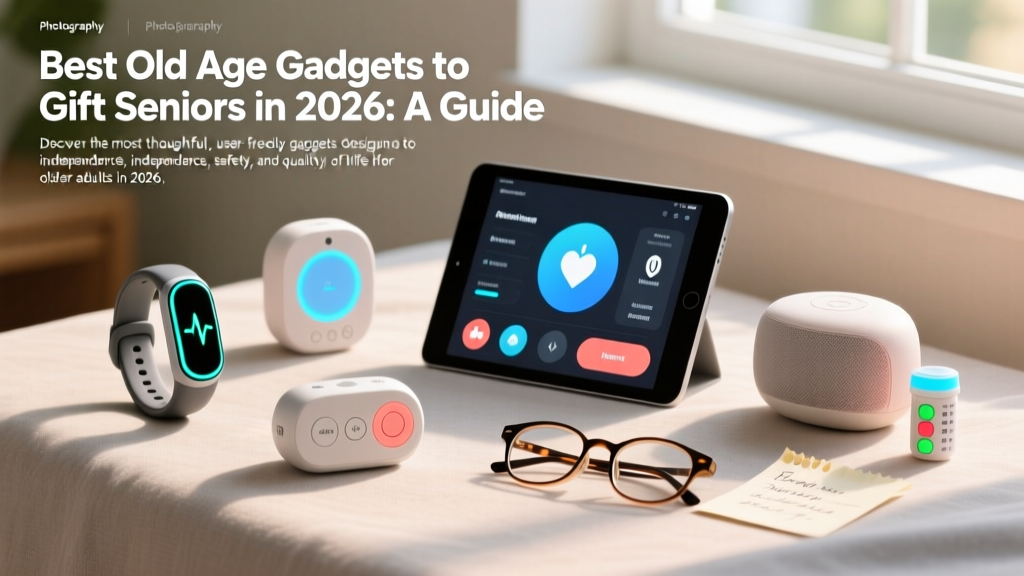

The Evolution of Senior Tech Gifting
When shopping for older adults, the term "old age gadgets" often conjures images of clunky, patronizing devices with oversized buttons and limited functionality. However, the 2026 technology landscape has completely shifted. Today's senior-focused tech prioritizes dignity, seamless integration, and genuine independence. According to the National Institute on Aging, properly integrated technology can significantly reduce social isolation and delay cognitive decline. As a gift-giver, your goal isn't just to buy a gadget; it is to provide a tool that solves a specific friction point in their daily life.
This comprehensive gift guide bypasses the gimmicks and focuses on high-impact, reliable old age gadgets that seniors will actually use, appreciate, and benefit from long after the wrapping paper is thrown away.
The Decision Framework: Matching the Gadget to the User
Before selecting a device, evaluate the recipient across two critical axes: Tech Literacy and Physical/Cognitive Limitations. A retired engineer with arthritis needs a different device than a user with mild cognitive decline who has never owned a smartphone.
- High Literacy / High Physical Need: Focus on accessibility modifications to mainstream tech (e.g., Apple Watch SE with Fall Detection, voice-activated smart home hubs).
- Low Literacy / High Physical Need: Focus on specialized, locked-down ecosystems (e.g., GrandPad, Medical Guardian pendants).
- High Literacy / Low Physical Need: Focus on cognitive engagement and hobby enhancement (e.g., digital picture frames with app integration, e-readers with adjustable warm light).
Health, Safety, and Fall Prevention Tech
Falls are a leading cause of injury for older adults. The Centers for Disease Control and Prevention (CDC) notes that proactive monitoring can drastically improve emergency response times. Here are the top safety-focused old age gadgets for 2026.
Apple Watch SE (2nd Generation) - $249
For the active senior who already uses an iPhone, the Apple Watch SE remains the gold standard. The 2026 models feature enhanced crash detection and a highly refined Fall Detection algorithm that minimizes false positives. The standout feature for seniors is the Retrospective AFib History and irregular rhythm notifications, which can be automatically shared with their cardiologist via the Apple Health app. Gift-giving tip: Purchase the cellular model (adds roughly $50 to the base price and a $10/month carrier fee) so it can call 911 even if their iPhone is left in another room.
Medical Guardian MGMini 2 - $149 (plus $29.95/month)
If a smartwatch is too complex or requires daily charging (the MGMini 2 boasts a 5-day battery life), this dedicated medical alert device is ideal. It weighs just 1.2 ounces, features built-in GPS tracking, and includes a two-way voice connection to a 24/7 monitoring center. Unlike older pendant styles that feel stigmatizing, the MGMini 2 looks like a sleek fitness tracker, encouraging daily wear.

Smart Displays for Connection and Cognitive Engagement
Loneliness is a silent health crisis among seniors. Smart displays bridge the gap between complex tablets and basic telephones, offering voice-first navigation with visual confirmation. Below is a comparison matrix of the best smart displays to gift this year.
| Device | Price | Best For | Key Senior Feature | Drawback |
|---|---|---|---|---|
| GrandPad Tablet | $349 + $49/mo | Zero tech-literacy users | Locked OS, 24/7 live human support button | High monthly subscription cost |
| Amazon Echo Show 8 (3rd Gen) | $149 | Alexa-familiar households | "Alexa, call my daughter" simplicity, spatial audio | Requires family to manage the Alexa app remotely |
| Lenovo Smart Display 10 | $129 | Photo sharing & YouTube | Excellent ambient photo frame mode, privacy shutter | Lacks native cellular backup for emergencies |
Deep Dive: The GrandPad Ecosystem
The GrandPad is arguably the most thoughtful piece of tech designed specifically for the 75+ demographic. It eliminates the concept of "apps" and "passwords." Family members use a companion app to push photos, music, and video calls directly to the senior's home screen. If the senior presses the "Help" button, they aren't routed to an AI bot; they are connected to a live, patient human representative who can help them figure out why their video call isn't working. While the $49/month subscription is steep, it buys immense peace of mind for remote families.
Audio Accessibility for Hearing Aid Users
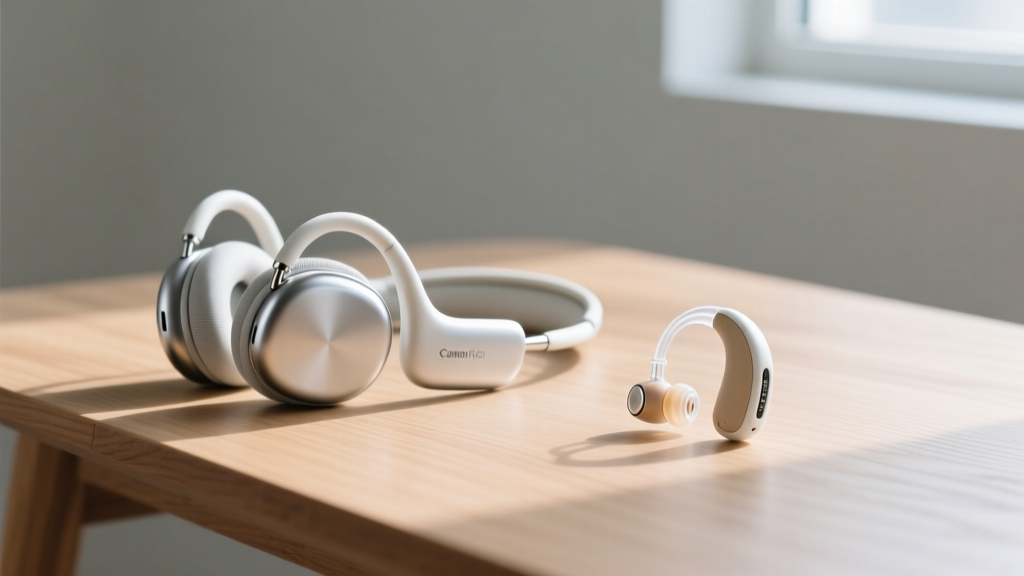
Standard earbuds are a terrible gift for seniors who wear behind-the-ear (BTE) hearing aids or struggle with the dexterity required to clean tiny speaker meshes. Instead, look toward bone conduction and open-ear audio.
Expert Insight: Never gift noise-canceling earbuds to a senior with age-related hearing loss (presbycusis). Complete isolation from environmental sounds (like a doorbell or a boiling kettle) creates a severe safety hazard. Always opt for open-ear designs that layer audio over their natural environment.
Shokz OpenRun Mini - $129
These bone-conduction headphones rest on the cheekbones, leaving the ear canal completely open. This makes them 100% compatible with all types of hearing aids. The "Mini" version features a shorter headband that won't interfere with high-backed recliners or neck pillows. Battery life spans 8 hours, and the magnetic charging cable is vastly easier for arthritic hands to connect than microscopic USB-C ports.
The Golden Rule of Gifting Tech: Pre-Provisioning
The most expensive gadget becomes useless e-waste if the recipient cannot set it up. According to AARP's technology research, the primary barrier to senior tech adoption is the frustration of initial configuration. If you are gifting old age gadgets, you must follow the Pre-Provisioning Protocol:
- Unbox and Update: Remove the device from the box, turn it on, and run all firmware updates on your own home Wi-Fi.
- Configure Accounts: Create the Apple ID, Amazon account, or Wi-Fi credentials. Log them in.
- Pre-Load Contacts: Add family members, doctors, and local emergency services to their speed dial or favorites list.
- Adjust Accessibility Settings: Increase system font sizes to 150%, enable bold text, turn on high-contrast mode, and disable auto-lock timers.
- Re-Wrap Thoughtfully: Place the device back in the box, but keep the charging cables and quick-start guides in an accessible envelope taped to the outside.
Frequently Asked Questions About Gifting Tech to Seniors
What if they break the device or forget how to use it?
Factor in "tech support" as part of your gift. For devices like the Echo Show, utilize the Amazon Household feature to link their device to your account, allowing you to remotely manage settings, drop-in for video calls, and troubleshoot via your own smartphone. For hardware, consider purchasing an extended warranty (like AppleCare+ for $79) that covers accidental damage, as drops are highly common.
Are smart home devices a privacy risk for older adults?
Privacy is a valid concern, especially with always-listening microphones. When gifting a smart speaker, physically demonstrate the hardware mute button (usually a physical switch that turns the device red). Teach them that they have ultimate control over when the device is listening. Avoid placing smart cameras in private areas like bedrooms or bathrooms; restrict them to high-traffic zones like the front porch or living room for security purposes.
How do I handle the monthly subscription costs?
Many of the best old age gadgets (like medical alert pendants or LTE-enabled tablets) require monthly fees. Never surprise a senior with a recurring bill. The best approach is to purchase a 12-month prepaid subscription card if available, or set up the billing on your own credit card and frame the device as a "fully covered" gift for the year. This removes the anxiety of unexpected charges and ensures the life-saving service isn't accidentally canceled due to a forgotten payment.
Written by
Tom ReynoldsTom Reynolds holds a CFA (Chartered Financial Analyst) designation and a B.S. in Finance from the University of Texas at Austin. Before entering tech journalism, he spent 6 years as a quantitative analyst at a hedge fund, building cost-benefit models for consumer product investments. Tom has maintained a proprietary database of over 10,000 tech deals for the past 8 years, developing his signature "penny-per-feature" evaluation framework that calculates the true value proposition of every gadget. His budget gadget reviews are known for their financial rigor — he tracks price history across 15+ retailers, calculates cost-per-use over 3-year lifespans, and identifies the exact inflection point where premium features justify their markup. Tom's deal alerts have saved his readers an estimated .3 million since 2018.