Best Budget AI Gadgets for the Aspiring Gadget Boy (2026)
Discover the best budget AI gadgets for 2026. From mmWave sensors to edge-AI cameras, build a smart ecosystem for the aspiring gadget boy under $250.
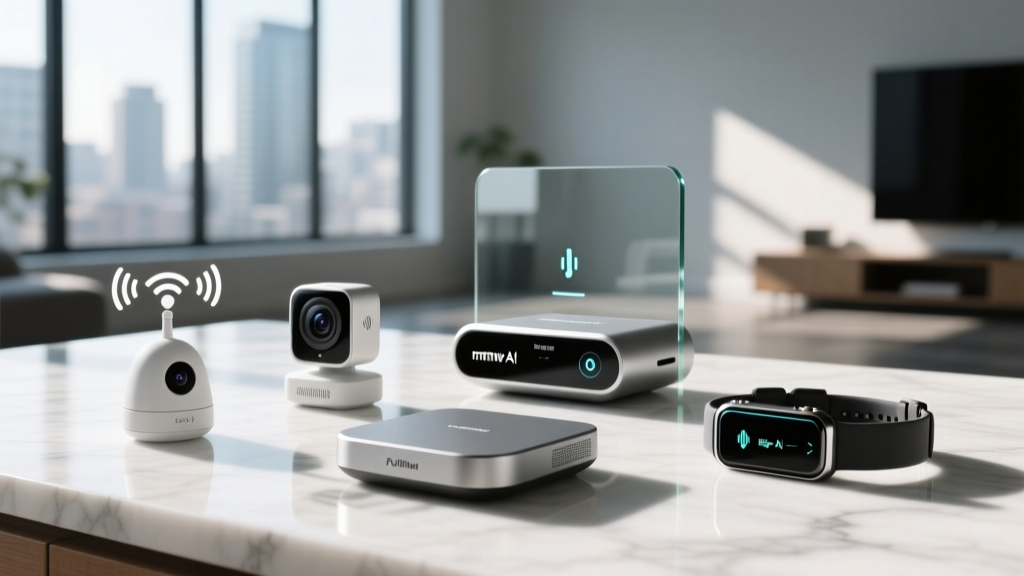
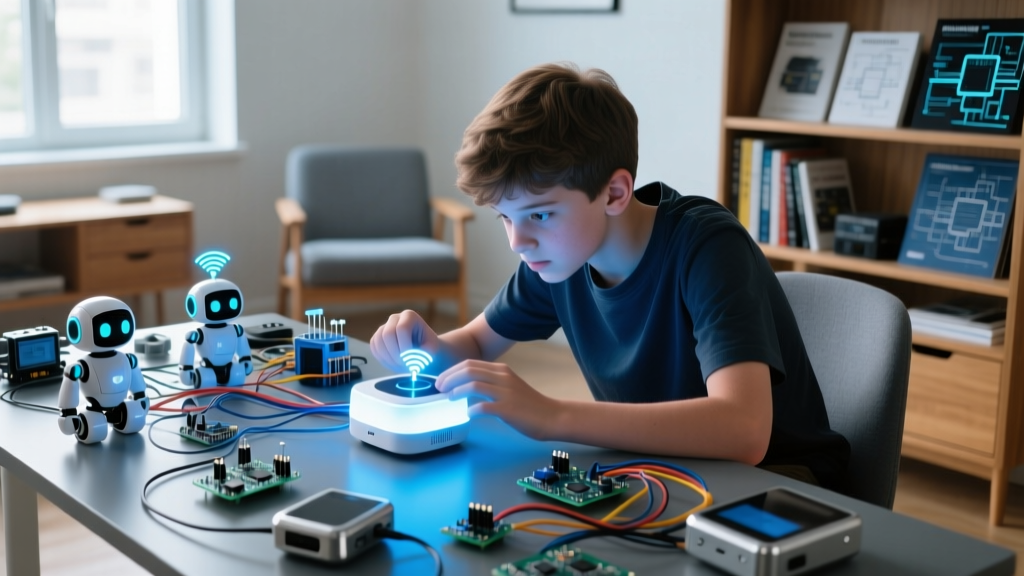
The Rise of the AI-Powered Gadget Boy
In 2026, artificial intelligence is no longer locked behind exorbitant subscription fees or premium hardware tiers. The shift toward Edge AI—where machine learning models run locally on the device's silicon—has completely democratized smart home technology. Whether you are shopping for a tech-curious teenager, building a STEM learning lab, or simply feeding your own inner gadget boy, creating an intelligent, automated environment has never been more affordable.
For the uninitiated, the term 'gadget boy' perfectly encapsulates the enthusiastic tinkerer who loves dissecting tech, automating their bedroom, and pushing the boundaries of consumer electronics. But feeding this hobby can get expensive fast. This roundup focuses strictly on high-impact, budget-friendly AI gadgets—specifically smart cameras, advanced sensors, and neural-edge assistants—that deliver cutting-edge functionality for under $100 each. No $15/month cloud plans required.
Top Budget AI Cameras & Smart Sensors
The foundation of any smart room is situational awareness. In 2026, we have moved past basic motion detection (PIR) into the era of mmWave radar and on-device computer vision.
Wyze Cam Pan v3: Edge-AI Vision on a Dime
Retailing at roughly $39.99, the Wyze Cam Pan v3 remains the undisputed king of budget AI vision. Unlike older models that relied on cloud processing to detect people, the v3 utilizes a dedicated onboard NPU (Neural Processing Unit) to handle person, pet, and package detection locally. This means near-zero latency and, more importantly, no mandatory subscription to get push alerts for specific AI events.
- Field of View: 360° horizontal pan, 160° vertical tilt.
- AI Capabilities: Localized person/pet tracking, facial recognition (via local hub).
- Power Draw: 5V/2A via USB-C, easily powered by a standard power bank for mobile deployments.
Tinkerer Tip: Pair the Pan v3 with a cheap Raspberry Pi running Frigate NVR to create a fully localized, AI-powered security grid that completely bypasses the cloud.
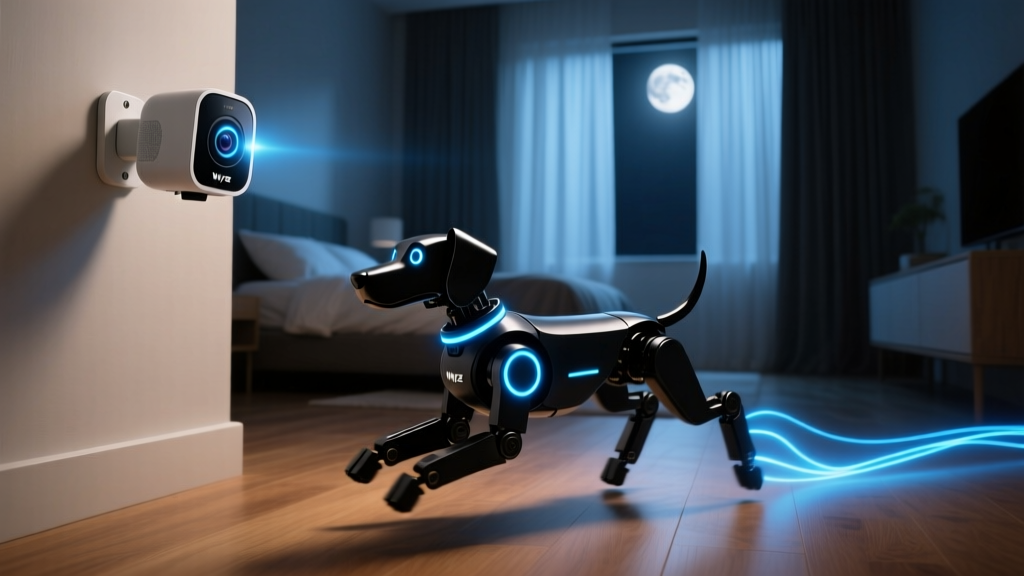
SwitchBot Presence Sensor: The mmWave Revolution
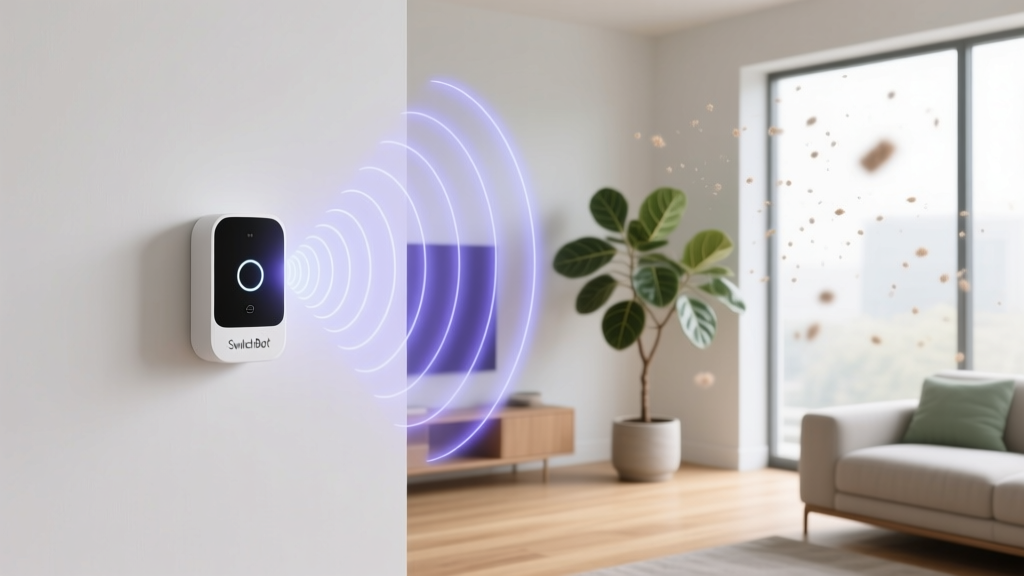
Standard PIR motion sensors fail when you sit perfectly still, often turning off your lights while you are reading or gaming. Enter the SwitchBot Presence Sensor ($49.99). This device uses 60GHz mmWave radar combined with AI algorithms to detect micro-movements, including the rise and fall of human breathing.
The onboard AI differentiates between a human sitting at a desk, a pet walking by, and a ceiling fan spinning. It outputs rich data states to your smart home hub via Matter 1.4, allowing you to trigger automations based on 'Sleep State', 'Reading State', or 'Fall Detected'.
Expert Insight: When mounting mmWave sensors, avoid placing them near thick glass or large metal appliances. The 60GHz frequency struggles to penetrate dense materials, which can create blind spots in your sensor's AI mapping grid.
Smart Assistants & AI Audio on a Budget
Voice assistants have evolved from simple query-answer bots into proactive smart home brains. The latest budget models feature localized wake-word engines and offline command processing.
Amazon Echo Pop (2nd Gen) with AZ2 Neural Edge
Priced aggressively at $39.99, the latest Echo Pop is a trojan horse of edge computing. Powered by Amazon's AZ2 Neural Edge chip, this tiny sphere processes common smart home commands—like 'turn off the lights' or 'lock the door'—entirely offline. For the gadget boy obsessed with network privacy and reducing cloud latency, this is a game-changer. Command execution happens in under 80 milliseconds, even if your home internet drops out.
Aqara Presence Sensor FP2: Multi-Target AI Tracking
Stepping slightly up the budget ladder at $69.99, the Aqara FP2 is a masterpiece of spatial AI. Instead of just detecting *if* someone is in the room, its AI maps the room into zones and tracks up to three different human targets simultaneously. You can automate your desk lamp to turn on only when Target 1 (you) sits at the desk, while ignoring Target 2 (your sibling) walking through the background.
Head-to-Head Comparison Matrix
To help you allocate your budget, here is a technical breakdown of how these AI-driven devices stack up against each other in a real-world 2026 smart home environment.
| Device | Primary AI Tech | Local Processing? | Protocol | Street Price |
|---|---|---|---|---|
| Wyze Cam Pan v3 | On-device NPU Vision | Yes (Basic Alerts) | Wi-Fi 2.4GHz | $39.99 |
| SwitchBot Presence | 60GHz mmWave + AI | Yes | Matter / BLE | $49.99 |
| Echo Pop (2nd Gen) | AZ2 Neural Edge Audio | Yes (Smart Home) | Wi-Fi / Thread | $39.99 |
| Aqara FP2 | Multi-Target mmWave | Yes | Wi-Fi / Matter | $69.99 |
Building an AI Ecosystem for Under $200
Buying individual gadgets is fun, but the true joy for any gadget boy lies in orchestrating them together. Here is a practical, high-impact framework for building a localized AI bedroom ecosystem for roughly $190.
The 'Deep Focus' Automation Framework
- The Hardware: Echo Pop ($40) + SwitchBot Presence Sensor ($50) + Wyze Pan v3 ($40) + Smart Bulb ($20).
- The Logic: Use a local hub (like Home Assistant on an old laptop) to bridge the devices via Matter.
- Trigger: The SwitchBot mmWave sensor detects 'Seated Posture' at the desk zone for more than 3 minutes.
- Action 1: Smart bulb shifts to 4000K cool white at 80% brightness (optimal for focus).
- Action 2: Echo Pop automatically enables 'Do Not Disturb' mode and lowers media volume.
- Action 3: Wyze Cam Pan v3 physically turns its lens away from the desk and engages the hardware privacy shutter, ensuring zero visual recording while you work.
This setup demonstrates complex, multi-sensor AI fusion without spending hundreds of dollars on premium commercial gear.
Frequently Asked Questions
Do these budget AI gadgets require a constant internet connection?
Thanks to the 2026 push toward Edge AI, devices like the Echo Pop (for smart home commands) and the SwitchBot Presence Sensor operate entirely locally. However, initial setup, firmware updates, and advanced features like remote viewing on the Wyze Cam still require an active internet connection.
Is it safe for a younger gadget boy to tinker with mmWave radar?
Yes. The 60GHz mmWave radar used in consumer sensors like the Aqara FP2 and SwitchBot is non-ionizing and operates at extremely low power levels (typically under 10mW). It is perfectly safe for continuous use in bedrooms and study spaces.
What is the best local hub for managing these budget devices?
For the ultimate tinkerer, running Home Assistant on a refurbished mini-PC (like an Intel N100 Beelink box, ~$120) is the gold standard. It natively supports Matter, allowing you to pull local telemetry data from the mmWave sensors and build custom AI dashboards without relying on proprietary cloud apps.
Written by
Priya SharmaPriya Sharma holds a Ph.D. in Acoustical Engineering from the University of Southampton and a B.Tech in Electronics from IIT Delhi. She has spent 9 years as a consumer electronics journalist, with deep specialization in audio equipment, camera systems, and assistive technology. Priya is an active member of the Audio Engineering Society (AES) and has co-authored papers on spatial audio perception published in the Journal of the Acoustical Society of America. Her reviews of headphones, portable DACs, and studio monitors include objective measurements using Audio Precision analyzers alongside subjective listening tests. She also serves on the advisory board of the Global Accessibility Reporting Initiative (GARI), evaluating mobile devices for users with visual and hearing impairments.