Gadget MR AI Sensor Setup: Calibrating mmWave Presence Zones
Master the Gadget MR AI mmWave sensor setup. Learn precise zone mapping, interference tuning, and Home Assistant integration for flawless presence detection.
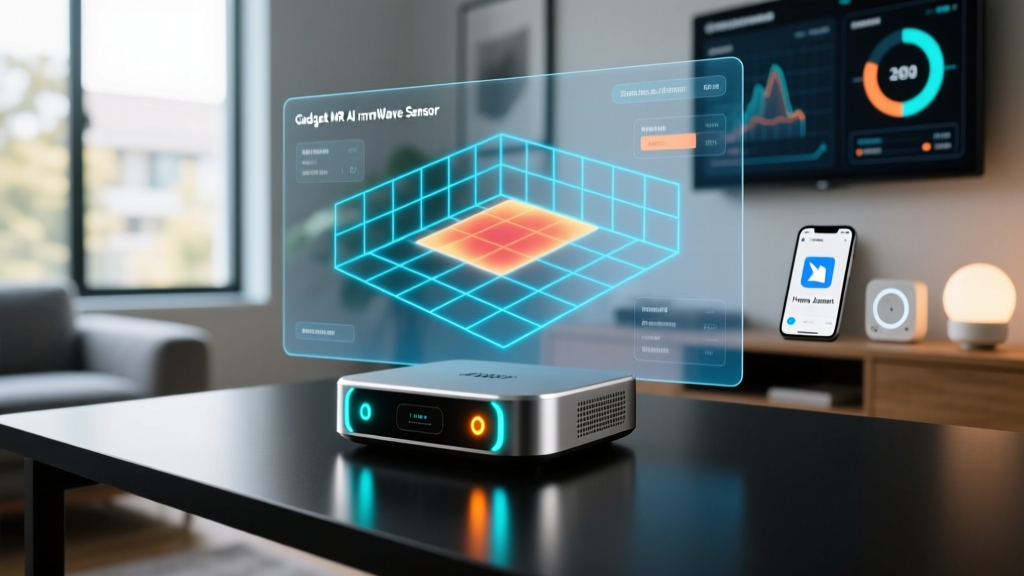
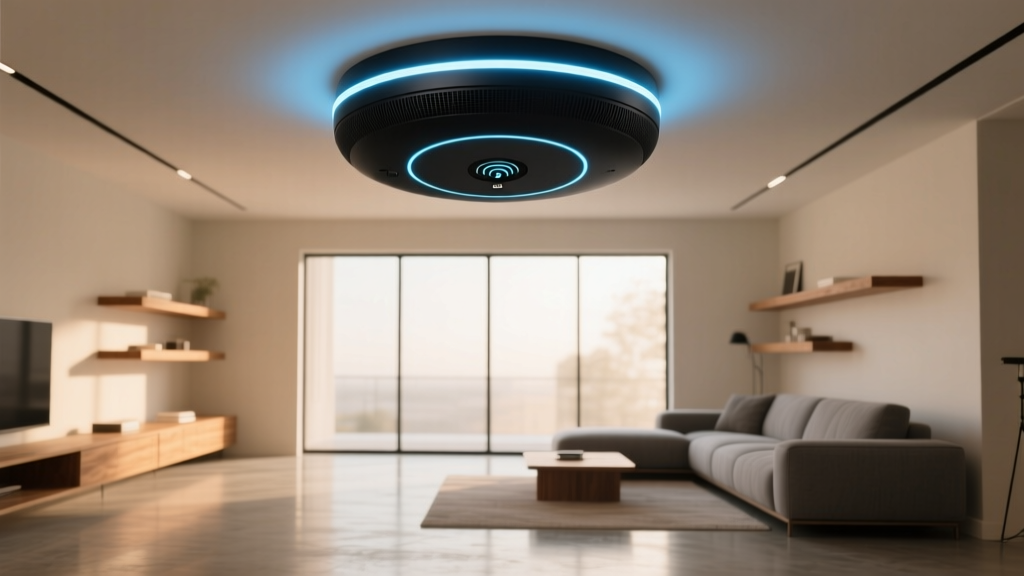
Standard PIR (Passive Infrared) sensors are effectively obsolete for premium smart homes. In 2026, if your automation still relies on basic infrared to guess if you are sitting still on the couch, you are living in the past. Enter the Gadget MR-7 Pro, a $139 AI-powered 60GHz mmWave (millimeter-wave) sensor that doesn't just detect gross motion; it maps micro-movements, breathing patterns, and spatial zones using an on-device dual-core NPU.
However, hardware is only half the battle. Out of the box, the Gadget MR AI sensor is overly sensitive. Without proper calibration, it will trigger ghost events from ceiling fans, HVAC vents, and even the subtle sway of curtains. This comprehensive tutorial walks you through the exact physical placement, network provisioning, and AI zone calibration required to achieve flawless, localized presence detection in your smart home.
Hardware Placement: The 2.6-Meter Sweet Spot
The physics of 60GHz mmWave radar dictate that the signal bounces off hard surfaces and struggles to penetrate thick drywall or metal. This is excellent for room containment but creates 'multipath interference' if placed poorly. The Gadget MR-7 uses a 120-degree conical beam. To maximize the AI's spatial mapping capabilities, follow these strict mounting parameters:
- Optimal Height: Ceiling mount between 2.4 and 2.8 meters (8 to 9.2 feet). Below 2.4m, the sensor's grid mapping compresses, leading to overlapping zones. Above 3m, micro-motion (like breathing) falls below the radar cross-section threshold.
- Avoidance Zones: Keep the sensor at least 1.5 meters away from HVAC supply vents. Thermal drafts and moving air carry dust particles that the 60GHz radar can interpret as micro-motion.
- Angle of Incidence: If wall-mounting is your only option, tilt the device downward at a strict 15-to-20-degree angle using the included wedge bracket. Never point it parallel to the floor.
Network Provisioning via Matter over Thread
While the Gadget MR proprietary app is required for the initial firmware flash, you should bypass their cloud ecosystem for daily operations. The MR-7 Pro natively supports Matter over Thread, allowing for local, low-latency control.
Step-by-Step Thread Pairing
- Power on the sensor and wait for the LED ring to pulse amber (indicating pairing mode).
- Open your preferred Thread Border Router app (Apple Home, Home Assistant, or Samsung SmartThings).
- Scan the Matter QR code located on the back of the device. Do not use the code printed in the manual, as the physical device code contains the unique cryptographic commissioner key.
- Assign the device to your 'Living Room' zone. Thread mesh networks will automatically route the sensor's data through the nearest Thread node, ensuring sub-50ms latency.
Pro Tip: Before finalizing the network setup, use the Gadget MR app to update the device to firmware v4.2.1. This specific 2026 release introduces the 'Edge-AI Pet Filter', which uses the NPU to distinguish between human respiratory rates (12-20 breaths per minute) and the faster, shallower breathing patterns of cats and dogs.
Calibrating the AI Presence Zones
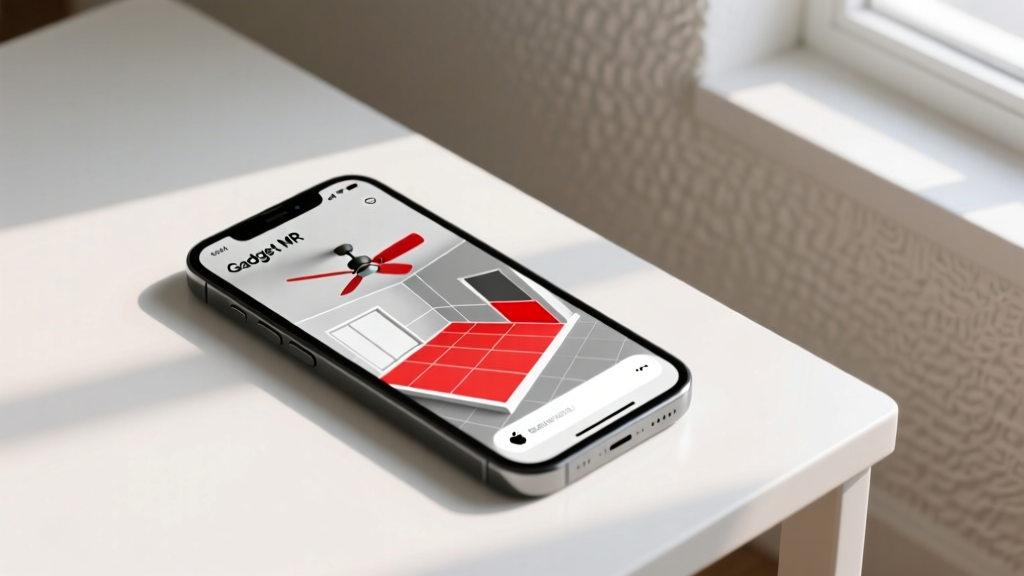
This is where the Gadget MR separates itself from basic radar sensors. The app allows you to overlay a digital grid onto your physical room. You can define up to 16 independent zones, each with custom sensitivity and AI filtering rules.
Zone Configuration Matrix
Below is the recommended baseline configuration for a standard 4x5 meter living room. Adjust the 'Distance' parameters based on your laser-measured room dimensions.
| Zone Name | Grid Coordinates | Distance (Meters) | Sensitivity | AI Filter Profile |
|---|---|---|---|---|
| Sofa (Reading) | X: 1.2-2.5, Y: 3.0-4.5 | 2.0 - 4.0 | High (Micro-motion) | Static Human / Breathing |
| Desk (Working) | X: 0.5-1.5, Y: 0.5-1.5 | 1.5 - 3.0 | Medium | Typing / Micro-motion |
| Walkway | X: 2.5-3.5, Y: 0-5.0 | 0.5 - 6.0 | Low (Gross Motion) | Motion Only (Ignore Static) |
| Ceiling Fan Exclusion | X: 1.8-2.2, Y: 2.2-2.8 | N/A | Disabled | Ignore All Radar Returns |
To map these accurately, sit in the exact spot where you intend to trigger the zone. Open the 'Live Radar View' in the Gadget MR app, watch the point-cloud data cluster around your body, and draw your polygon tightly around that cluster. Leave a 0.5-meter buffer to account for shifting postures.
Tuning Edge-AI Filters for Real-World Interference
Even with perfect zone mapping, environmental noise will cause false positives if you don't utilize the MR-7's AI interference tuning. Glass coffee tables, oscillating fans, and even large indoor plants moving from AC drafts can reflect or generate Doppler shifts.
Creating a Static Interference Map
Run the 'Environment Learn' tool in the app for exactly 15 minutes while the room is completely empty. The NPU will record the baseline Doppler noise of the room. It automatically identifies persistent micro-movements (like a swaying plant) and creates a negative mask. According to the Texas Instruments mmWave Radar Sensors Guide, establishing a static clutter map is critical for reducing the false-alarm rate in high-multipath environments.
Home Assistant Integration & Automation Logic
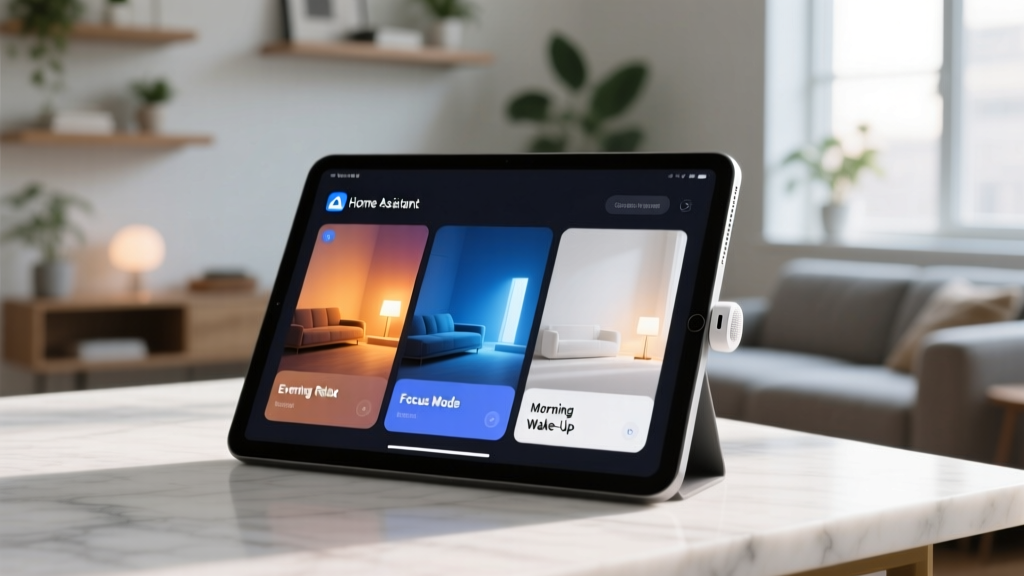
Once paired via Matter, the Gadget MR-7 exposes multiple entities to Home Assistant. The most common mistake enthusiasts make is relying solely on the binary_sensor.motion entity. For true presence automation, you must use the granular entities exposed by the device.
- Occupancy (Global): Turns on if any human is detected anywhere in the room.
- Target Presence (Zone Specific): E.g.,
binary_sensor.sofa_zone_occupancy. Only triggers if the AI confirms a human in that specific grid coordinate. - Target Distance: A numerical sensor (e.g.,
2.45m) that updates in real-time. Excellent for triggering automations based on proximity to a screen or artwork.
For deeper local control and to bypass Matter's current limitations regarding custom cluster attributes, advanced users can utilize the Home Assistant Matter Integration to read the raw hex clusters from the Gadget MR, though the standard Matter entities are sufficient for 95% of automations in 2026.
Troubleshooting Common Edge Cases
Ghost Triggers (Room shows occupied when empty)
Cause: Multipath reflection off a large mirror or glass window bouncing radar signals into an adjacent hallway.
Fix: Lower the 'Detection Gain' in the advanced settings from 100% to 75%. Alternatively, draw a strict exclusion zone over the reflective surface in the app.
Dropped Presence (Lights turn off while reading)
Cause: The user is sitting perfectly still, and the blanket or thick clothing is absorbing the 60GHz signal, masking the chest cavity's micro-movements.
Fix: Enable 'AI Inference Fallback'. This feature uses the NPU to predict continued presence based on historical room-entry patterns and lack of exit Doppler signatures, holding the 'Occupied' state for an additional 5 minutes despite signal loss.
Frequently Asked Questions
Can the Gadget MR-7 track multiple people simultaneously?
Yes, the v4.2 firmware supports multi-target tracking for up to 4 distinct individuals. It assigns a unique tracking ID to each point-cloud cluster, allowing you to trigger different automations based on who is sitting on the sofa versus the desk.
Does the 60GHz radar pose any health risks?
No. The Gadget MR-7 operates at extremely low power (under 10mW) and complies with all FCC and international Connectivity Standards Alliance safety regulations. The non-ionizing radiation is significantly weaker than a standard Wi-Fi router.
Will it work through walls?
While 60GHz can technically penetrate thin drywall, the Gadget MR's AI is trained to ignore signals that exhibit the attenuation signature of passing through a solid object. This is a deliberate design choice to ensure room-by-room privacy and containment.
Written by
Nina PetrovaNina Petrova holds a Master's degree in Child Development from the Erikson Institute and a B.S. in Nursing from the University of Illinois at Chicago. She worked as a pediatric nurse for 6 years before transitioning to family technology consulting, bringing clinical rigor to her evaluations of kid-friendly gadgets, educational toys, and parental control software. Nina has reviewed over 400 children's tech products, testing each for safety compliance (CPSC and ASTM standards), developmental appropriateness across age groups, screen-time impact, and data privacy practices. She serves on the Children's Technology Review advisory board and has testified before the FTC on children's data protection in connected toys. Her reviews are trusted by parents and educators alike for their evidence-based approach to balancing technology benefits with child safety.