Top Portable Projectors & Gadgets for Windows PCs
Discover the coolest portable projectors and mobile display gadgets for Windows PCs. Expert reviews, USB-C troubleshooting, and setup advice.
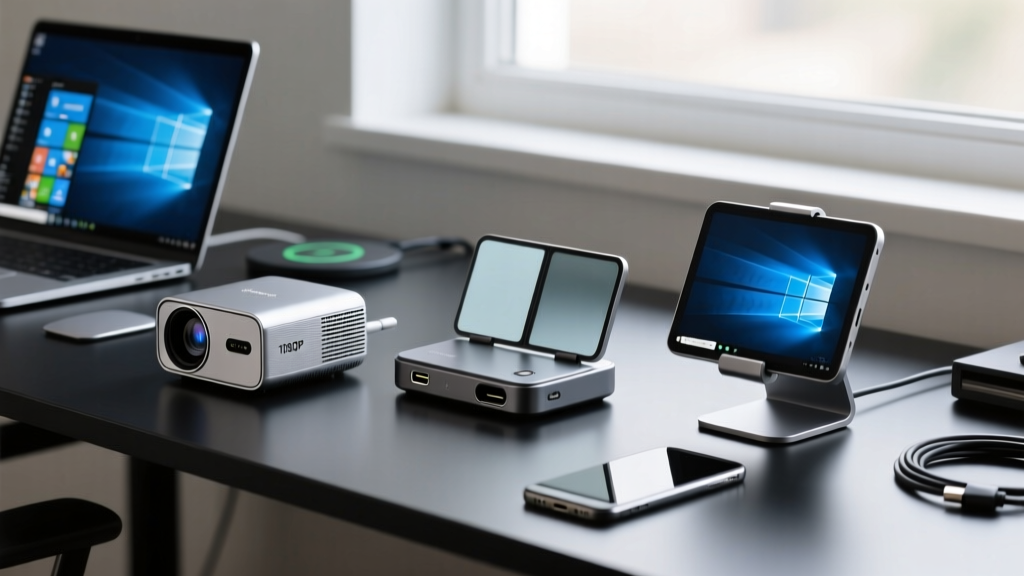
The Shift Toward Ultra-Mobile Windows Workstations
The era of lugging around a 17-inch laptop and a heavy docking station is over. For digital nomads, field engineers, and creative professionals, the modern mobile setup relies on ultra-compact peripherals that draw power and video directly from a single USB-C cable. However, finding the right gadgets for windows ecosystems requires looking past standard peripherals and identifying hardware that genuinely integrates with Windows 11's display management, HDR tone mapping, and power delivery protocols.
This guide bypasses generic office accessories to explore highly specialized portable projectors and mobile displays. We will dissect the technical realities of USB-C DisplayPort Alt Mode, Windows scaling anomalies, and the exact hardware configurations needed to build a frictionless mobile command center.
Cool & Unique Portable Projectors for Windows
Portable projectors have historically suffered from washed-out colors and useless brightness ratings. The latest generation of laser and advanced LED light engines changes this, provided you understand the difference between manufacturer marketing and actual ISO lumen output.
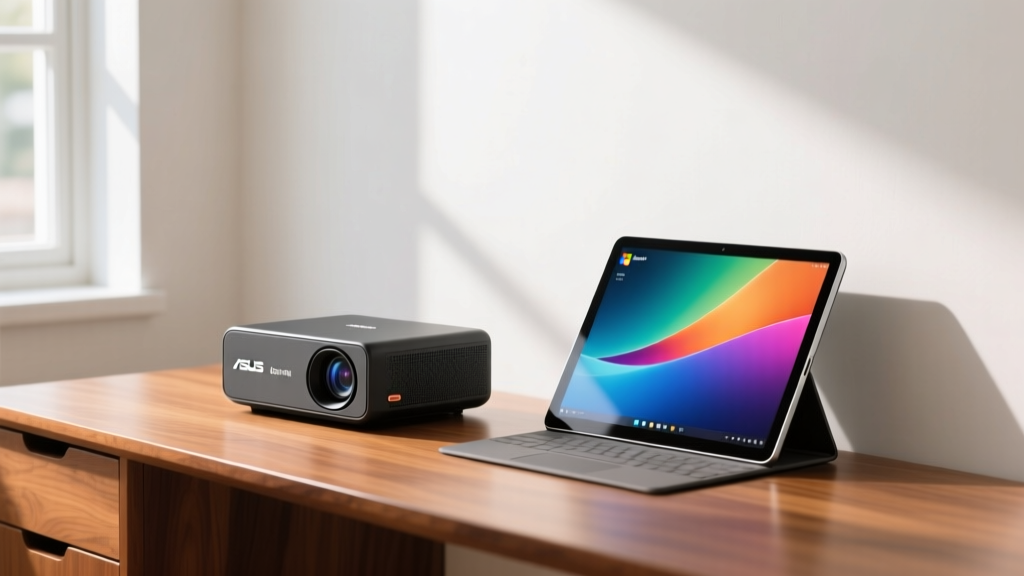
ASUS ZenBeam Latte L2: The Lifestyle Anomaly
Shaped like a premium coffee tumbler, the ZenBeam Latte L2 is an exercise in industrial design masking serious hardware. It outputs 300 ISO lumens at 720p native resolution. While 720p sounds low on paper, the DLP chip's pixel-shifting technology and Harman Kardon acoustic chamber make it an exceptional secondary display for Windows presentations and casual media consumption in dim environments.
- Connection: USB-C (DisplayPort Alt Mode) and HDMI 1.4
- Windows Quirk: Requires manual overscan adjustment in the Intel Graphics Command Center to eliminate edge cropping when connected via HDMI.
- Street Price: ~$399
Nebula Capsule 3 Laser: True Pocket Cinema
The Nebula Capsule 3 utilizes a laser light engine rather than traditional LEDs, yielding 300 ISO lumens with significantly better color volume (covering 100% of the Rec. 709 gamut). Its soda-can form factor houses an integrated 2.5-hour battery. According to technical analyses by RTINGS, laser phosphor setups maintain brightness uniformity far better than LED equivalents over time, making this a durable choice for frequent travelers.
- Connection: USB-C (Power and Video), HDMI
- OS Integration: Runs Android TV 11 natively, but acts as a flawless plug-and-play external monitor when tethered to a Windows 11 laptop via USB-C.
- Street Price: ~$799
Next-Gen Mobile Display Gadgets for Windows
If you need pixel density and color accuracy over sheer screen size, portable OLED and E-Ink monitors are the superior choice. These devices rely heavily on the specific pin configuration of your laptop's USB-C port.
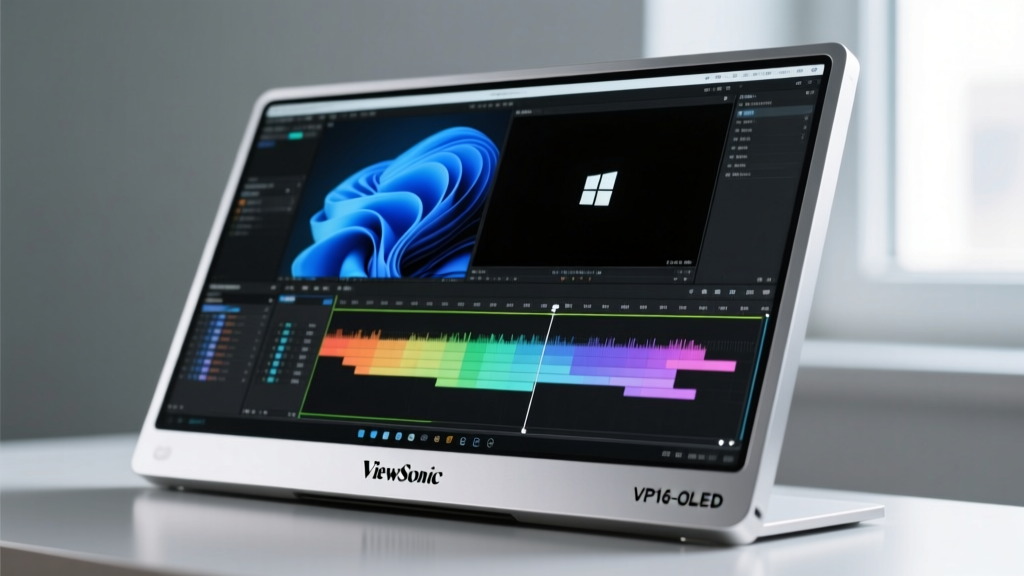
ViewSonic ColorPro VP16-OLED
This 15.6-inch portable monitor features a 1080p OLED panel with 100% DCI-P3 coverage and a factory-calibrated Delta E < 2. It is designed specifically for color-grading and photo editing on the go. The built-in kickstand and magnetic folio case solve the structural fragility issues that plague cheaper portable screens.
To drive the VP16-OLED at its native 1080p 60Hz while simultaneously drawing 15W of power from your laptop, your Windows machine's USB-C port must support at least 2-lane DisplayPort 1.2 Alt Mode. If your laptop only supports USB 3.2 Gen 1 (5Gbps) without DP Alt Mode, you will be forced to use a separate HDMI-to-Mini-HDMI cable and a dedicated power brick.
Dasung Paperlike 253: The E-Ink Behemoth
For writers, coders, and data analysts, the 25.3-inch Dasung Paperlike is a revolutionary secondary display. It uses E-Ink Carta technology, meaning it reflects ambient light and emits zero blue light. Weighing just under 3 kg, it folds into a briefcase. It requires a dedicated HDMI connection and external power, but the reduction in eye strain during 10-hour coding sessions in Windows Terminal is unmatched.
Hardware Comparison Matrix
Use this framework to match the display technology to your specific Windows workflow requirements.
| Device | Panel / Tech | Peak Brightness | Power Draw | Best Windows Use Case |
|---|---|---|---|---|
| ASUS Latte L2 | DLP 720p | 300 ISO Lumens | ~25W (Active) | Client pitches, hotel media |
| Nebula Capsule 3 | Laser DLP 1080p | 300 ISO Lumens | ~30W (Active) | Field presentations, travel |
| ViewSonic VP16-OLED | OLED 1080p | 400 Nits (HDR Peak) | 15W - 65W | DaVinci Resolve, Lightroom |
| Dasung Paperlike 253 | E-Ink Carta | Ambient Reflective | 12W | VS Code, long-form writing |
Troubleshooting Windows 11 Display Scaling & HDCP Errors
Connecting portable displays to Windows 11 frequently triggers two specific technical failures: DPI scaling mismatches and HDCP handshake drops. Understanding how to resolve these without rebooting is critical for field professionals.
The Mixed-DPI Scaling Bug
When you connect a 1080p portable projector to a laptop with a 4K screen scaled at 200%, Windows 11 often forces the projector to render at 200% scaling, resulting in a massive, unusable UI. According to Microsoft's High-DPI documentation, legacy Win32 apps struggle with per-monitor DPI awareness.
- Navigate to Settings > System > Display.
- Select the portable projector from the display arrangement diagram.
- Scroll to Scale & layout and set it to 100%.
- If specific legacy apps still appear blurry, click Advanced scaling settings and toggle on Let Windows try to fix apps so they're not blurry.
Power Delivery (PD) Math for Mobile Setups
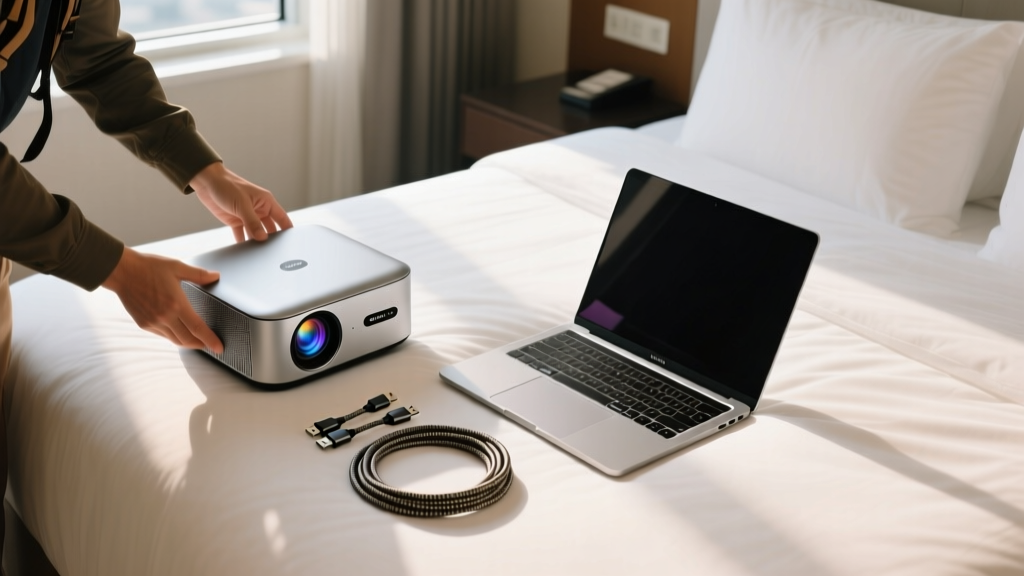
A common failure mode in mobile Windows setups is the "parasitic drain"—where the portable display draws so much power that the laptop battery depletes even while plugged into a wall charger. You must calculate your total PD overhead.
Consider this real-world scenario: You are using an ASUS ROG Zephyrus G14 (requires 100W for optimal charging) and a ViewSonic VP16-OLED (draws up to 15W for display + 10W to passthrough charge a phone). If you use a standard 100W GaN wall charger, the monitor will negotiate 15W, leaving only 85W for the laptop. The Windows 11 battery icon will show "Plugged in, not charging" under heavy GPU loads.
The Solution: Always carry a 140W USB-C PD 3.1 power adapter. This ensures the monitor receives its required wattage while the laptop still receives the 100W+ needed to sustain high-performance Windows tasks without tapping into the internal battery.
Final Verdict: Building Your Mobile Arsenal
The market for portable display technology has matured past novelty. For visual professionals requiring absolute color fidelity in the field, the ViewSonic ColorPro VP16-OLED is non-negotiable, provided your laptop supports 2-lane DP Alt Mode. For presenters and consultants who need to command a room without relying on venue AV equipment, the Nebula Capsule 3 Laser offers the best balance of luminosity, color accuracy, and native Windows plug-and-play reliability. By mastering USB-C lane allocation and Windows 11 scaling protocols, you can transform any hotel desk or coffee shop table into a fully calibrated, dual-screen workstation.
Written by
Sarah KimSarah Kim holds certifications from both NASM (National Academy of Sports Medicine) and ACE (American Council on Exercise), along with a B.S. in Kinesiology from UCLA. She has spent 7 years bridging the gap between exercise science and consumer technology, evaluating fitness trackers, smart scales, sleep monitors, and recovery devices with clinical precision. Sarah has tested over 200 health-focused wearables in controlled lab settings and real-world training environments, comparing device data against gold-standard medical equipment like ECG monitors and DEXA scans. She consults for three fitness app companies on data accuracy standards and has presented research on wearable reliability at the American College of Sports Medicine (ACSM) annual conference. Her reviews emphasize clinical validity over marketing claims.