How to Build a Smart Home Charging Hub for Cool Bicycle Gadgets
Automate your cycling gear storage. Learn to build a smart home charging hub for e-bike batteries and cool bicycle gadgets using Matter sensors.
The Hidden Costs of Dumb Charging for Cycling Gear
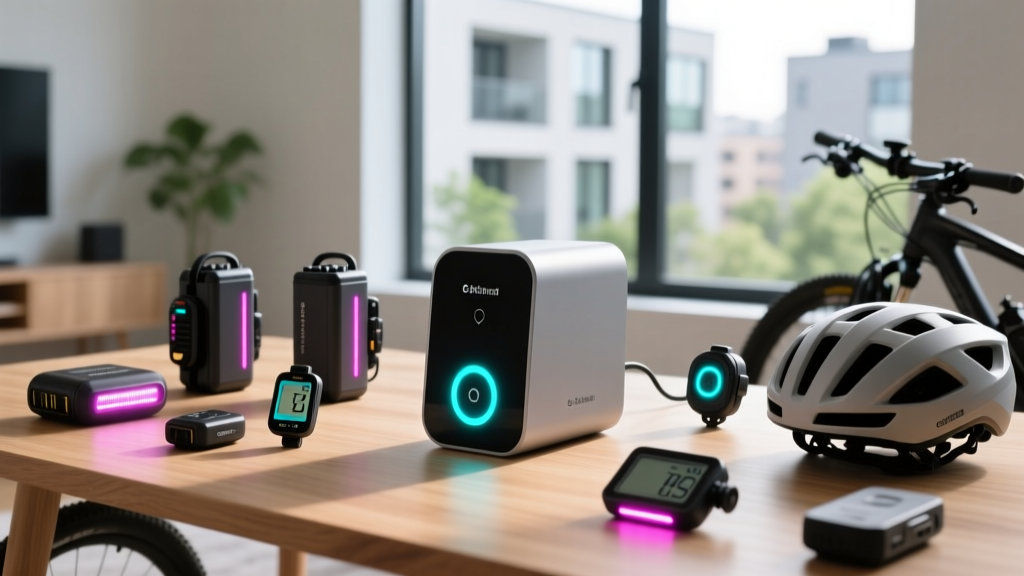
Modern cyclists accumulate an arsenal of lithium-ion-powered equipment. From 500Wh e-bike batteries and Garmin Edge 1050 GPS computers to Lumineer smart lights and Wahoo KICKR smart trainers, these cool bicycle gadgets represent thousands of dollars in investments. Yet, most cyclists plug them into standard wall outlets, leaving them to charge unattended overnight. This approach degrades battery health and introduces severe fire risks.
According to the NYC Fire Department, lithium-ion battery fires have become a leading cause of residential fire emergencies, often triggered by overcharging or thermal runaway in unmonitored environments. Furthermore, Battery University research confirms that keeping NMC (Nickel Manganese Cobalt) e-bike batteries at 100% state-of-charge accelerates capacity loss by up to 20% annually compared to storing them at 80%.
This tutorial details how to build a dedicated, automated smart home charging station in your garage or mudroom. By integrating Matter-over-Thread hubs, energy-monitoring smart plugs, and environmental sensors, you can protect your gear, extend battery lifespans, and automate your post-ride workflow.
Step 1: Selecting the Right Smart Home Brain
Garages and mudrooms are notorious Wi-Fi dead zones due to concrete walls and interference from large metal objects (like bicycle frames). Relying on Wi-Fi-based smart plugs will result in dropped connections and failed automations. For 2026, the gold standard for outbuilding automation is Matter over Thread.
- Home Assistant Green ($99): The best choice for power users. It runs local automations, meaning your charging routines will execute even if your internet goes down. It natively supports Thread border routing.
- Apple HomePod mini ($99) or Apple TV 4K ($129): Ideal for Apple-centric homes. Both act as Thread border routers and provide reliable local processing for HomeKit Secure Video and Matter devices.
- Aqara Hub M3 ($120): A versatile alternative that bridges Zigbee and Matter, offering built-in infrared blasters if you need to control a dumb garage AC unit.
Step 2: Energy-Monitoring Smart Plugs for Battery Preservation
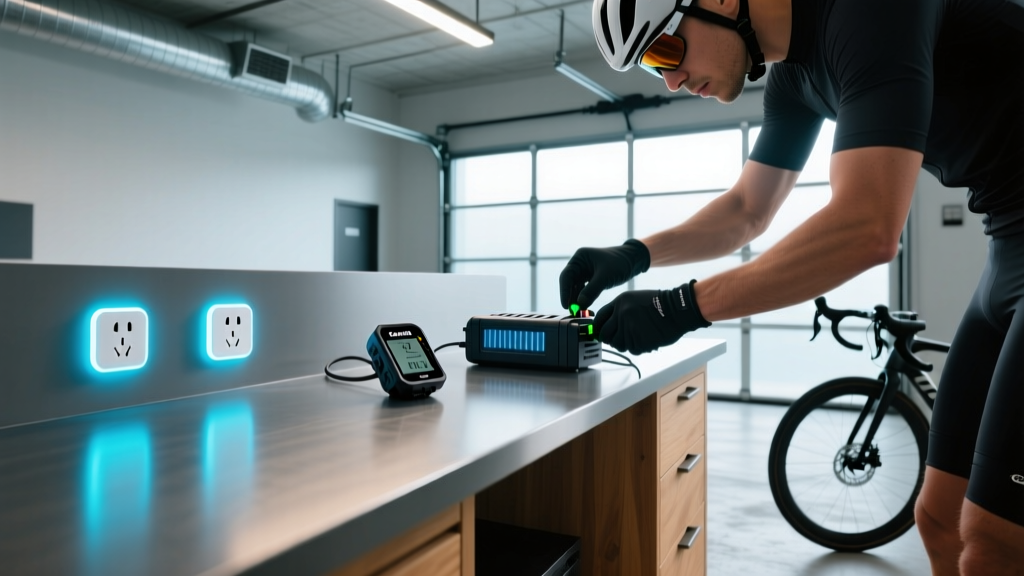
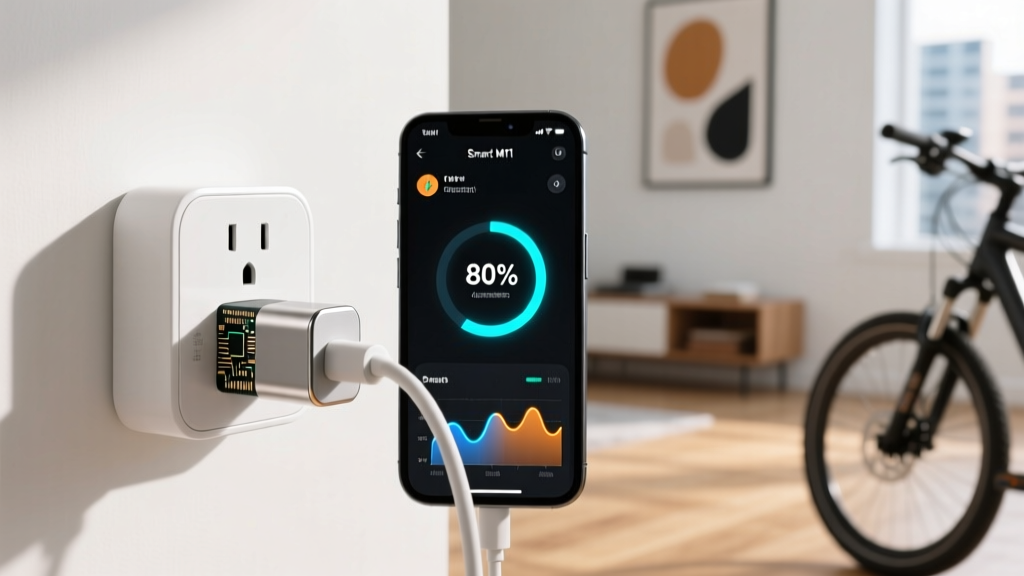
To prevent battery degradation, you must stop charging before the battery hits 100%. Since most e-bike and gadget chargers lack native app integration, we use smart plugs with real-time energy monitoring to detect when the charging cycle finishes.
The 80% Auto-Shutoff Automation Logic
When an e-bike battery is actively charging, the power draw is typically between 150W and 300W. As the battery approaches full capacity, the Battery Management System (BMS) switches to trickle charging, dropping the draw to around 20W. Once fully saturated, the draw drops below 5W. We can exploit this to cut power at roughly 80-90% capacity.
- Trigger: Device power draw drops below 30W.
- Condition: Time is between 6:00 PM and 11:00 PM (your post-ride window).
- Delay: Wait 10 minutes (to ensure it's not a momentary voltage dip).
- Action: Turn off smart plug relay.
- Notification: Send push alert to phone: "E-Bike charge halted at ~85% for battery health."
Smart Plug Comparison Matrix
| Model | Protocol | Max Load | Energy Monitoring | Price (2026) |
|---|---|---|---|---|
| Eve Energy | Matter / Thread | 15A / 1800W | Yes (High Precision) | $40 |
| Shelly Plus 1PM | Wi-Fi / Bluetooth | 16A / 2500W | Yes | $22 |
| TP-Link Tapo P115 | Wi-Fi (2.4GHz) | 15A / 1800W | Yes | $18 |
Recommendation: The Eve Energy is superior for garage setups due to Thread's mesh networking capabilities, which easily penetrate drywall and concrete better than 2.4GHz Wi-Fi.
Step 3: Environmental Sensors for Garage Storage
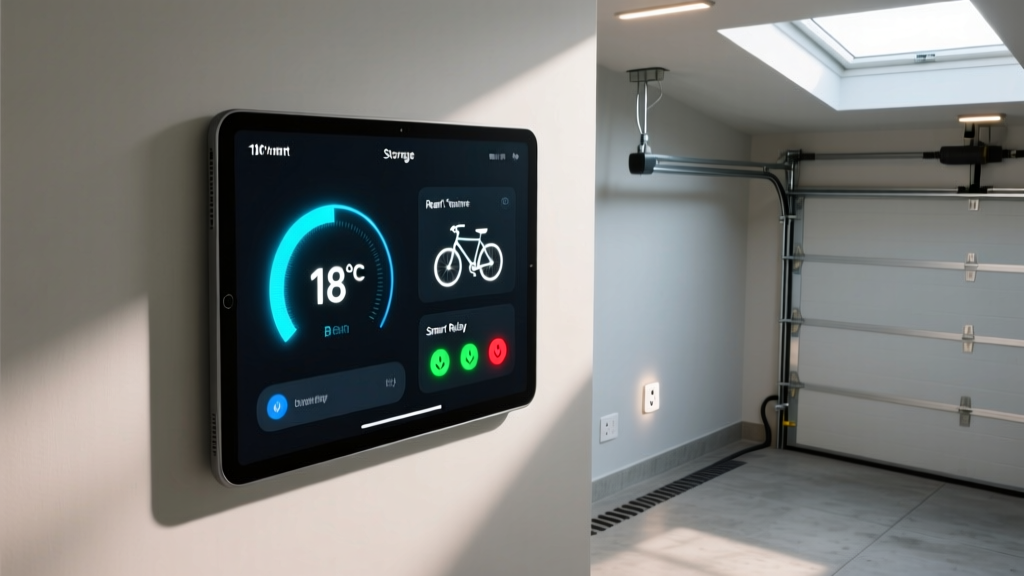
Lithium-ion batteries are highly sensitive to ambient temperature. Storing your cool bicycle gadgets or e-bike batteries in a garage that exceeds 85°F (29°C) in the summer accelerates chemical degradation and increases the risk of thermal runaway. Conversely, charging a battery when its internal temperature is below freezing (32°F / 0°C) causes permanent lithium plating on the anode.
Mount an Aqara Temperature and Humidity Sensor T1 ($25) or an Eve Room ($80) directly on your gear storage workbench.
Climate Automation Rules
IF Workbench Temp < 40°F (4°C) AND Smart Plug is turned ON manually
THEN immediately turn OFF Smart Plug and flash garage Hue lights red.
Why: Charging cold batteries causes irreversible capacity loss.
IF Workbench Temp > 85°F (29°C) for 15 minutes
THEN trigger smart IR blaster to turn on garage AC unit to 72°F, or send a critical notification to your phone to move the batteries indoors.
Why: Prolonged heat exposure degrades the SEI (Solid Electrolyte Interphase) layer inside the battery cells.
Step 4: Security and Access Automation
Cycling gear is a high-value target for theft. A dedicated smart home hub allows you to create a localized security perimeter around your gear storage area without relying solely on expensive monthly monitoring subscriptions.
- Perimeter Breach Detection: Install an Aqara Door and Window Sensor ($20) on the interior door leading from your house to the garage. If this door opens between 11:00 PM and 5:00 AM, trigger a localized siren.
- Visual Deterrence: Pair a Philips Hue Floodlight Camera ($250) outside the main garage door. If the camera detects human motion while the home is in 'Sleep' mode, automatically turn on all interior and exterior garage lights to 100% brightness and start recording.
- Inventory Tracking: Use Apple AirTags ($29) hidden inside your Garmin cases and e-bike battery housings. Integrate AirTag location data into your Home Assistant dashboard via the FindMy integration to verify all gadgets are physically present in the garage before you leave for a ride.
Frequently Asked Questions
Can I use a smart plug to charge my Garmin or Wahoo GPS computers?
Yes, but the power-draw auto-shutoff logic requires adjustment. GPS computers draw significantly less power than e-bikes (usually 5W to 15W). You will need to monitor the baseline 'no-load' power draw of the USB charger itself. Set your automation to cut power when the draw drops to within 0.5W of the charger's baseline idle draw, indicating the device's internal battery has reached saturation.
Is it safe to leave smart plugs turned on indefinitely?
High-quality Matter-certified plugs like the Eve Energy are rated for continuous 15A loads and feature built-in thermal fuses. However, as a best practice, create a 'Master Kill Switch' automation in your smart home app that physically cuts the relay on all charging plugs at 2:00 AM nightly, ensuring no gear is trickle-charging while the household is asleep.
How do I handle firmware updates for my cycling gadgets?
Many modern cool bicycle gadgets, like the Wahoo KICKR or smart trainers, require a constant power state to download and flash firmware updates safely. Tag these specific smart plugs in your app as 'Firmware Mode' and temporarily disable the auto-shutoff automations via a virtual toggle switch on your dashboard before initiating an update.
Written by
Sarah KimSarah Kim holds certifications from both NASM (National Academy of Sports Medicine) and ACE (American Council on Exercise), along with a B.S. in Kinesiology from UCLA. She has spent 7 years bridging the gap between exercise science and consumer technology, evaluating fitness trackers, smart scales, sleep monitors, and recovery devices with clinical precision. Sarah has tested over 200 health-focused wearables in controlled lab settings and real-world training environments, comparing device data against gold-standard medical equipment like ECG monitors and DEXA scans. She consults for three fitness app companies on data accuracy standards and has presented research on wearable reliability at the American College of Sports Medicine (ACSM) annual conference. Her reviews emphasize clinical validity over marketing claims.