Space-Saving Tablet Stands, Stylus Cases, and a Gadget for Washing Brushes
Optimize your hybrid art desk with space-saving tablet stands, magnetic stylus cases, and an ultrasonic gadget for washing brushes to maximize workspace.
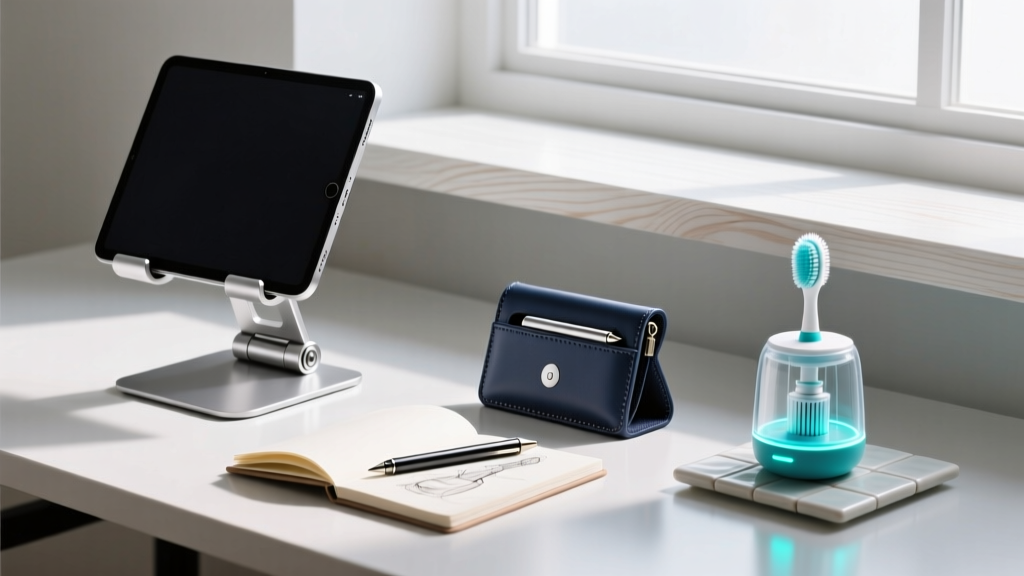
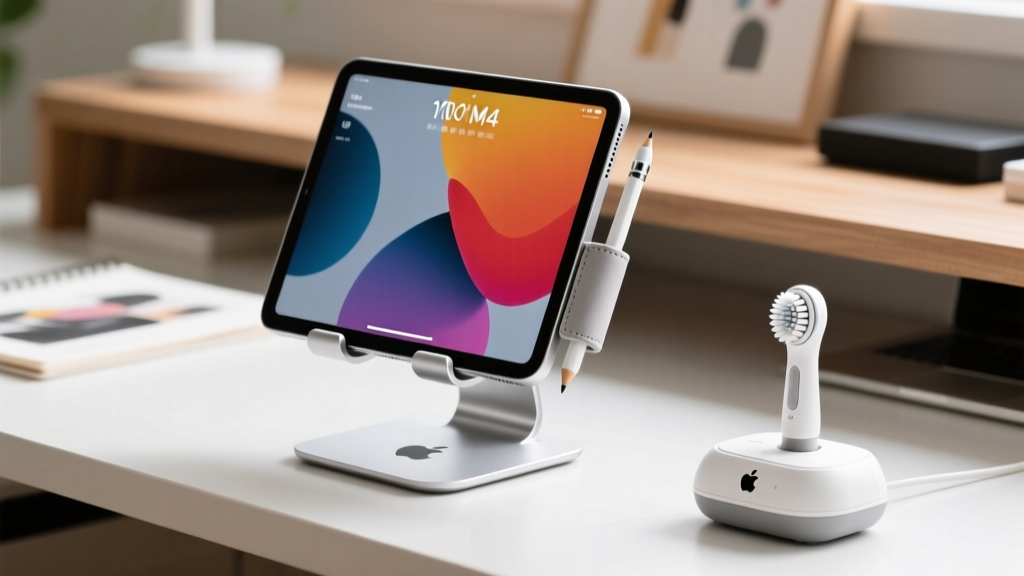
The modern hybrid illustrator faces a unique spatial paradox. On one hand, you have ultra-thin digital canvases like the 13-inch iPad Pro M4 or the reMarkable Paper Pro. On the other, you have physical media—gouache, watercolor, and ink—used for texture scanning, storyboarding, and traditional sketching. Combining these workflows on a single desk usually results in a chaotic sprawl of bulky monitor arms, rolling pencil cases, and the dreaded three-jar water system for rinsing bristles.
To reclaim your desk real estate, you need accessories engineered for extreme spatial efficiency. This guide breaks down the most effective foldable tablet stands, magnetic stylus retention systems, and a highly specific desktop gadget for washing brushes that eliminates the need for a traditional studio sink.
The Foundation: Ultra-Compact Tablet and E-Reader Stands
Ergonomics dictate that the top third of your screen should align with your natural eye level to prevent cervical strain. According to guidelines from Cornell University Ergonomics, maintaining a neutral neck posture requires elevating mobile devices 15 to 20 inches above the desk surface. However, traditional aluminum monitor arms require deep desk clamping and permanent installation, which is useless for digital nomads or artists working from small apartment desks.
Roost Stand vs. Nexstand K2
The Roost Stand remains the gold standard for space-conscious tech enthusiasts. Weighing just 1.6 ounces and collapsing into a 1.5 x 1.5 x 6-inch cylinder, it utilizes aerospace-grade aluminum and glass-fiber reinforced nylon joints. It elevates an iPad Pro or a Boox Note Air 4 C to a maximum height of 19.5 inches. The open-bottom design allows for aggressive thermal dissipation, which is critical when rendering complex Procreate layers that push the M4 chip's thermal envelope.
The Nexstand K2 offers a slightly wider base footprint (better for aggressive stylus pressing) and includes a built-in slot for storing a collapsed smartphone. Both stands utilize a friction-hinge mechanism rather than mechanical locks, meaning they can be deployed or stowed in under four seconds.
Stylus Retention: Magnetic Sleeves and Origami Cases
Losing a $129 Apple Pencil Pro or a $99 reMarkable Marker Plus is a costly mistake. More importantly, loose styluses rolling off angled tablet stands disrupt the creative flow and risk damaging the delicate pressure-sensitive nibs.
The Physics of N52 Neodymium Integration
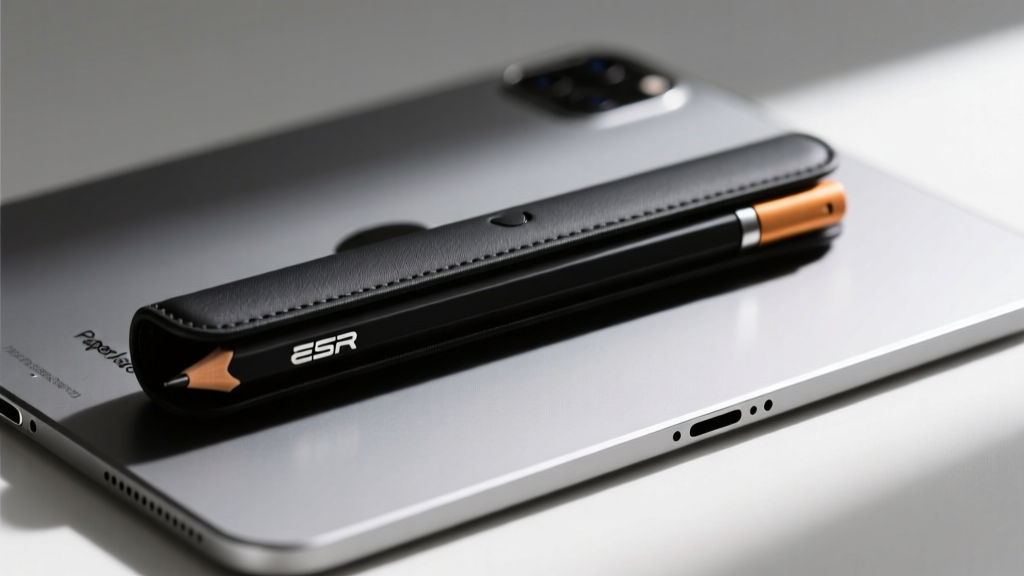
Forget adhesive loops that degrade over time and leave residue on your tablet's chassis. The current standard for space-saving stylus management relies on N52-grade neodymium magnets. Cases like the ESR HaloLock Magnetic Sleeve embed a high-density magnetic strip directly into a 1.2mm-thick TPU shell. This allows the stylus to snap laterally to the tablet's edge, effectively reducing the device's overall footprint to zero additional width.
For e-ink enthusiasts using the reMarkable Paper Pro, the challenge is different. E-ink displays are highly susceptible to pressure damage. Origami-style folio cases with integrated magnetic marker garages (such as those from Fintie or MOFT) fold into a compact triangular prism, serving as both a protective shell and a 30-degree typing/sketching wedge, eliminating the need for a separate stand entirely when working at coffee shops.
The Hybrid Necessity: A Desktop Gadget for Washing Brushes
Here is where the hybrid digital-traditional workflow usually breaks down. You are scanning a physical watercolor texture to use as a multiply layer in Photoshop, but your kolinsky sable brushes are drying out on your desk. The traditional three-jar water system takes up 12 inches of horizontal space and poses a catastrophic spill risk to your electronics.
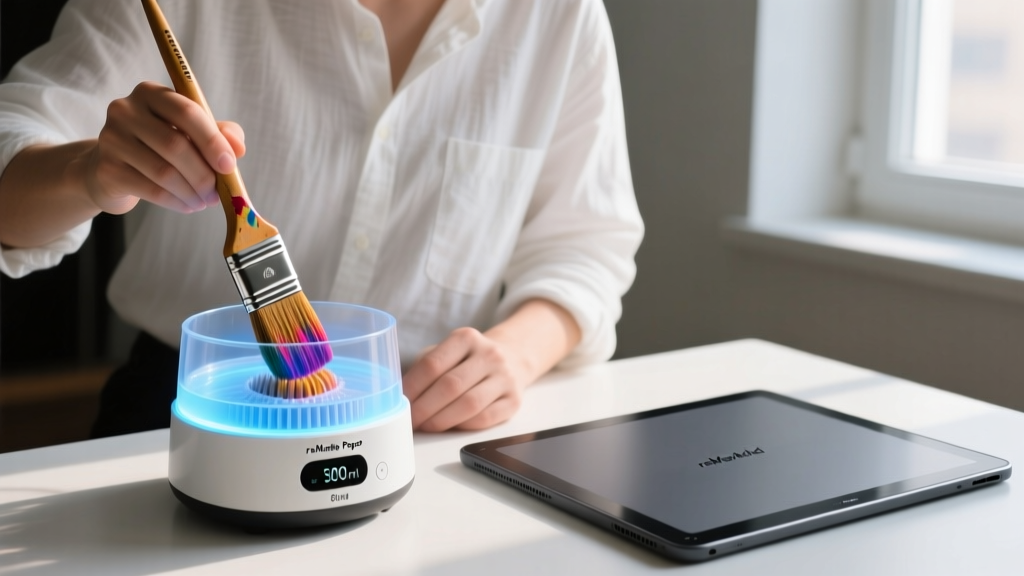
The solution is a compact, ultrasonic gadget for washing brushes. Devices like the DKSONIC 300ml Portable Ultrasonic Cleaner or similar 45kHz mini-sonic cleaners sit directly on your desk, occupying the same footprint as a standard coffee mug.
How Ultrasonic Cavitation Cleans Bristles
Instead of manually scrubbing brushes—which frays the bristles and pushes pigment deep into the ferrule—an ultrasonic gadget for washing brushes uses high-frequency sound waves (typically 45,000 cycles per second) to create microscopic vacuum bubbles in the water. When these bubbles collapse (a process called cavitation), they release localized shockwaves that blast dried acrylic, gouache, and ink out of the bristle base in 90 to 120 seconds.
This gadget completely eliminates the need for a studio sink or multiple water jars. You simply drop your brush into the 300ml stainless steel basin, press a button, and let the acoustic physics do the work while you continue refining vectors on your tablet.
Space-Saving Desk Matrix: The Ultimate Hybrid Kit
To visualize how these components work together to minimize desk clutter, review the spatial and functional matrix below.
| Accessory Category | Top Recommendation | Collapsed Footprint | Primary Space-Saving Benefit |
|---|---|---|---|
| Tablet/E-Reader Stand | Roost Stand (Gen 3) | 1.5" x 1.5" x 6" | Replaces bulky monitor arms; stores in a backpack pocket. |
| Stylus Management | ESR HaloLock Magnetic Sleeve | 0" (Flush mount) | Eliminates rolling; uses N52 magnets for zero-additional-width storage. |
| Brush Maintenance | 300ml 45kHz Ultrasonic Cleaner | 5" x 4" x 2.5" | Replaces the 12-inch 3-jar water system; prevents desk spills. |
| Power Delivery | Anker Nano 65W GaN Charger | 1.9" x 1.9" x 1.2" | Gallium Nitride tech shrinks transformer size by 40%. |
Cable Routing and GaN Power Delivery
A compact stand and a sleek stylus case lose their impact if your desk is choked by thick, stiff charging cables. The transition to Gallium Nitride (GaN) semiconductor technology has revolutionized space-saving power delivery. Chargers like the Anker Nano 65W utilize GaN to operate at higher frequencies and temperatures, allowing internal transformers to be shrunk by nearly 40% compared to traditional silicon chargers.
Pair this with a 6-foot braided right-angle USB-C cable. The 90-degree connector sits flush against the bottom of your iPad or Boox tablet while mounted on the Roost stand, preventing the cable from catching on your wrist during long illustration sessions. According to NIOSH ergonomic guidelines, minimizing physical obstructions in the primary reach zone reduces repetitive strain and micro-interruptions, keeping you in a state of deep creative flow.
Frequently Asked Questions
Can an ultrasonic brush cleaner damage my tablet if placed nearby?
No. The 45kHz acoustic waves are contained entirely within the stainless steel fluid basin. The vibrations do not travel through the air or the desk surface with enough force to affect the solid-state storage or logic boards of an iPad Pro or reMarkable device. However, ensure the exterior of the gadget is dry before placing it next to exposed USB-C ports.
Do magnetic stylus cases interfere with the Apple Pencil's wireless charging?
Third-party magnetic sleeves that wrap entirely around the stylus will block inductive charging. For wireless charging compatibility, you must use a half-sleeve design that leaves the flat, magnetic charging edge of the Apple Pencil Pro exposed, or remove the sleeve when docking to the tablet's lateral edge.
What is the best screen protector pairing for a hybrid artist?
If you are using a physical ultrasonic gadget for washing brushes, your desk environment inherently has higher humidity and potential for microscopic water droplets. A matte, PET-based screen protector (like Paperlike) not only provides the necessary friction for stylus control but also acts as a sacrificial layer against accidental water spots or mineral deposits that might flick from the cleaning basin.
Written by
Priya SharmaPriya Sharma holds a Ph.D. in Acoustical Engineering from the University of Southampton and a B.Tech in Electronics from IIT Delhi. She has spent 9 years as a consumer electronics journalist, with deep specialization in audio equipment, camera systems, and assistive technology. Priya is an active member of the Audio Engineering Society (AES) and has co-authored papers on spatial audio perception published in the Journal of the Acoustical Society of America. Her reviews of headphones, portable DACs, and studio monitors include objective measurements using Audio Precision analyzers alongside subjective listening tests. She also serves on the advisory board of the Global Accessibility Reporting Initiative (GARI), evaluating mobile devices for users with visual and hearing impairments.