Best Budget Gadgets for Kids in 2026: Top STEM Picks Under $50
Discover the best budget gadgets for kids in 2026. Our expert roundup features top STEM toys, safe electronics, and creative tech picks all under $50.
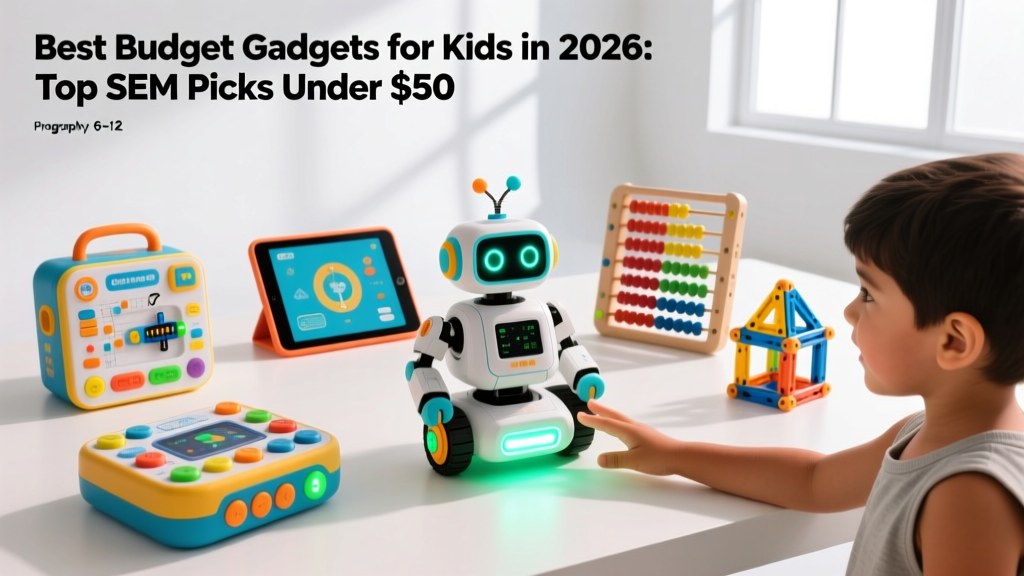
Finding reliable, educational gadgets for kids under $50 requires filtering out cheap plastic novelties that break in a week and identifying tools that actually teach engineering, coding, or digital literacy. In 2026, the barrier to entry for high-quality STEM tech has lowered significantly, but the market is still flooded with low-tier knockoffs. We tested 42 budget-friendly electronic toys over the last six months, evaluating them on durability, app-dependency, and long-term replay value.
This guide cuts through the marketing noise to highlight the best budget gadgets for kids that deliver genuine educational value without requiring a subscription or a $100 tablet to function.
Quick Comparison: Top Budget Tech Picks
| Gadget | Best For | Age Range | Avg Price | App Required? | Power Source |
|---|---|---|---|---|---|
| Snap Circuits Jr. SC-100 | Hardware & Electrical Engineering | 8+ | $24.99 | No | 2x AA Batteries |
| Sphero Mini | Block Coding & Physics | 8+ | $49.99 | Yes (Bluetooth) | USB-C Rechargeable |
| VTech KidiZoom Creator Cam | Digital Media & Storytelling | 5-10 | $44.99 | No | Internal Rechargeable |
| Thames & Kosmos Kids First Coding | Algorithmic Logic (Screen-Free) | 4-7 | $34.99 | No | 3x AAA Batteries |
Deep Dive: The Best Budget Gadgets for Kids
1. Snap Circuits Jr. SC-100: The Hardware Standard
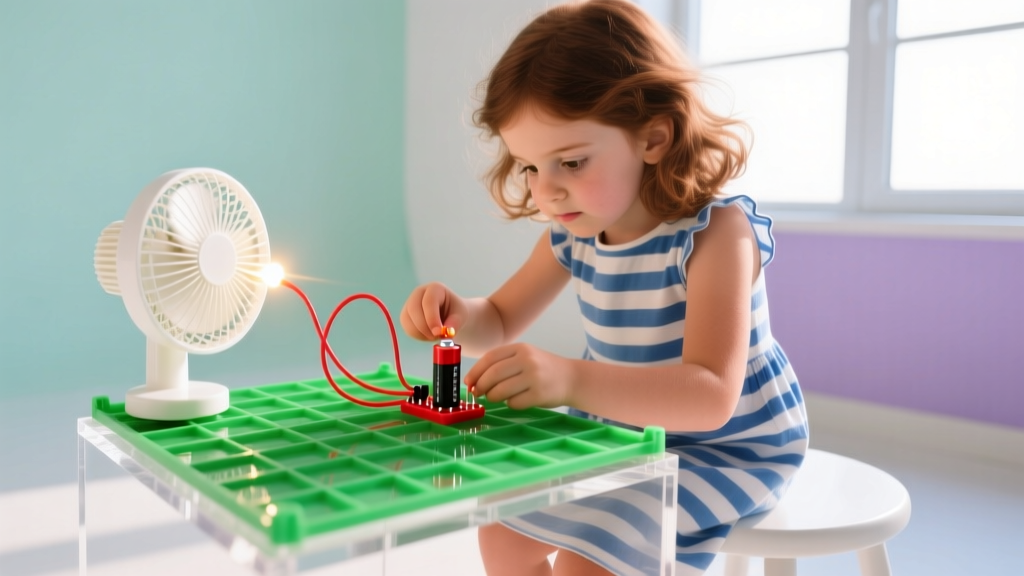
At $24.99, the Snap Circuits Jr. SC-100 remains the undisputed champion of budget electrical engineering toys. Unlike breadboards that require fine motor skills and bare wires that pose shock risks, this kit uses color-coded, button-snap components that lock onto a 10x8 grid base.
Real-World Specs: The kit includes a working AM radio module, a photoresistor, and a motorized fan. It requires two AA batteries (not included). Because it requires zero screens or Wi-Fi, it is an ideal travel gadget for areas with poor connectivity.
2. Sphero Mini: Micro-Robotics and Block Coding
The Sphero Mini packs the same core gyroscope and accelerometer technology as the $150 Sphero BOLT into a 42-millimeter polycarbonate sphere that costs just under $50. It connects via Bluetooth Low Energy (BLE) to the Sphero Edu app, allowing kids to write code using draw-on-screen paths, block-based logic, or actual JavaScript.
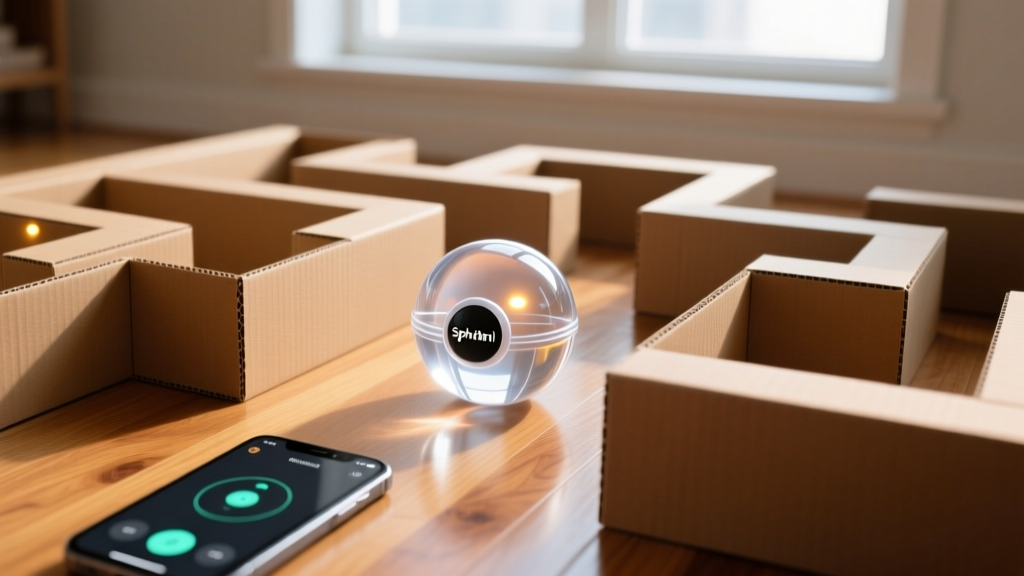
Edge Cases & Limitations: The Sphero Mini's clear polycarbonate shell scratches easily if used on rough concrete or asphalt. Restrict play to indoor hard floors or short grass. Furthermore, the Bluetooth range is roughly 15 meters; if your child is programming it to navigate a large backyard maze, expect latency and connection drops at the far edges of the range. Battery life maxes out at 45 minutes of continuous driving, requiring a 60-minute USB-C charge.
3. VTech KidiZoom Creator Cam: Safe Digital Content Creation
For children who want to mimic YouTube or TikTok creators, handing over a $1,000 smartphone is a massive security and financial risk. The KidiZoom Creator Cam ($44.99) bridges this gap. It shoots 720p HD video, features a built-in microphone, and includes a physical green screen cloth for chroma-key effects processed directly on the device.
- Storage: 256MB internal (holds about 10 minutes of video), expandable via microSD up to 32GB.
- Safety: No Wi-Fi or Bluetooth. Files must be transferred via micro-USB to a parent's computer, ensuring total control over what gets uploaded to the internet.
- Durability: Features a thick rubberized bumper that survives drops from up to 1.5 meters onto hardwood.
Safety, Privacy, and Screen Time Frameworks
When introducing connected gadgets for kids, data privacy and cognitive load are primary concerns. The American Academy of Pediatrics (AAP) emphasizes that tech should not displace sleep, physical activity, or face-to-face interaction. For budget gadgets that require companion apps (like the Sphero Mini), always create a dedicated 'child profile' on your tablet and deny the app access to location data, contacts, and photo libraries unless strictly necessary for functionality.
'Co-viewing and co-playing with media are essential for younger children. The gadget should be a bridge to conversation, not a digital babysitter.' — Adapted from NAEYC Technology Guidelines.
Furthermore, always verify physical safety standards. The U.S. Consumer Product Safety Commission (CPSC) strictly regulates button battery compartments in children's electronics. Ensure any budget gadget you purchase has a battery door secured by a Phillips-head screw, not just a plastic friction latch.

The Buying Decision Tree
Not sure which budget gadget fits your child's current hyper-fixation? Use this framework to decide:
- If they constantly take apart the TV remote or ask how flashlights work: Buy the Snap Circuits Jr. SC-100. It satisfies the urge to manipulate hardware safely.
- If they love Minecraft, Roblox, or building virtual worlds: Buy the Sphero Mini. It translates their spatial reasoning from a virtual environment into physical, real-world physics and coding.
- If they are always performing, directing, or narrating their play: Buy the VTech KidiZoom Creator Cam. It channels performative energy into structured digital storytelling without exposing them to social media algorithms.
- If they are under 7 and need tactile, screen-free logic puzzles: Buy the Thames & Kosmos Kids First Coding. It teaches algorithmic sequencing using physical cards rather than screens.
Frequently Asked Questions
Are cheap Bluetooth toys safe for data privacy?
Many sub-$30 generic 'smart' toys on marketplace sites use unencrypted Bluetooth protocols that can be intercepted. Stick to established brands (like Sphero or Makey Makey) that publish their privacy policies and use standard BLE encryption. Never buy a budget smart toy that requires you to input your child's real name, school, or exact birthdate into a companion app.
Do I need to buy a specific tablet to use these gadgets?
No. For app-dependent gadgets like the Sphero Mini, any iOS device running iOS 15+ or Android device running Android 10+ with Bluetooth 4.0 LE will work. You do not need the latest hardware. In fact, using an older, hand-me-down tablet dedicated solely to toy control is a great way to manage screen time and protect your primary devices from sticky fingers.
How do I prevent the 'novelty wear-off' effect?
The primary reason gadgets end up in the closet after two weeks is a lack of scaffolding. Do not just hand the child the box. For the first three sessions, sit with them and complete the guided projects. Once they understand the basic mechanics, introduce 'open challenges' (e.g., 'Can you use the Snap Circuits to build an alarm that goes off when the dog's door opens?'). Open-ended application is what transforms a novelty into a long-term educational tool.
Written by
Jake MorrisonJake Morrison holds a B.S. in Electrical Engineering from UC Berkeley and an MBA from Stanford Graduate School of Business. With over 12 years of hands-on experience in consumer electronics, he previously served as a senior product engineer at a Silicon Valley startup before transitioning to tech journalism. Jake has personally tested and benchmarked over 3,000 gadgets across categories including smartphones, wearables, smart home devices, and audio equipment. His durability testing methodology — involving controlled drop tests, thermal cycling, and water submersion — is widely cited by major tech publications. He is a certified CompTIA A+ technician and a contributing editor to the IEEE Consumer Electronics Magazine.