Essential Phone Gadgets for Winter: Cold-Weather Accessories 2026
Discover the best phone gadgets for winter 2026. Expert picks for cold-weather wireless chargers, gimbals, and lens kits to beat the freeze.
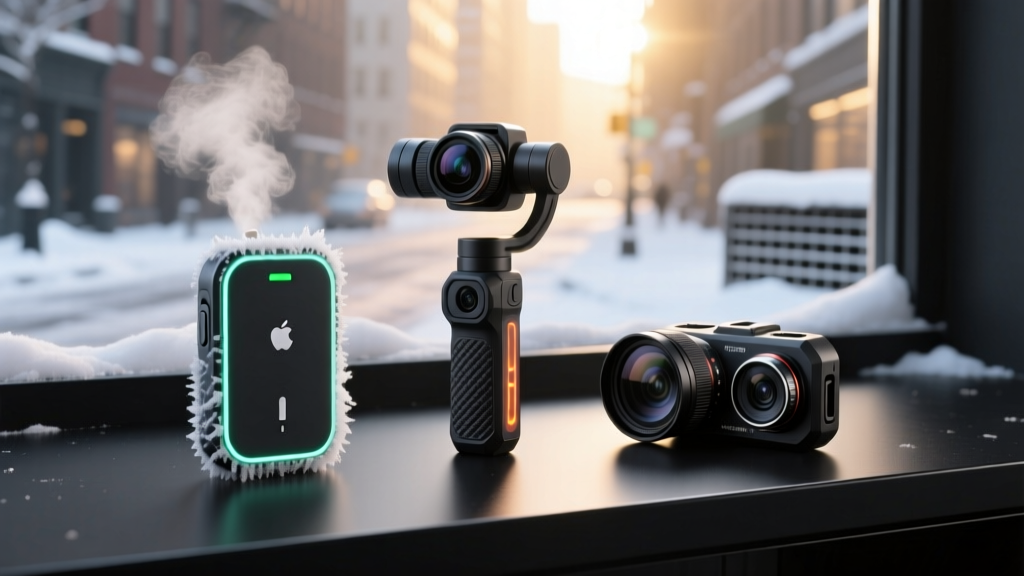

The Thermodynamics of Smartphone Failure in the Cold
Extreme cold fundamentally alters the electrochemical behavior of lithium-ion batteries. When ambient temperatures drop below 0°C (32°F), the internal resistance of the battery increases significantly. This resistance causes a temporary voltage drop, which the phone's power management IC interprets as a depleted battery, triggering an abrupt shutdown even when the battery indicator reads 40% or higher. According to Apple's official operating specifications, iOS devices are designed to function optimally between 0º and 35º C (32º to 95º F). Pushing beyond these thresholds requires specialized accessories that mitigate thermal loss and physical environmental hazards.
Furthermore, attempting to charge a lithium-ion cell while it is below freezing causes lithium plating on the anode, a permanent degradation mechanism that reduces overall battery lifespan. As detailed in research from Battery University, charging must only occur when the battery core temperature is above 0°C. This physical limitation dictates the type of charging and stabilization gadgets you must carry in winter environments.
Bypassing the Moisture Trap with Qi2 Wireless Chargers
In snowy or sleet-heavy conditions, exposing your smartphone's USB-C or Lightning port to plug in a wired power bank introduces a severe corrosion risk. Moisture trapped in the charging port can freeze, expand, and damage the internal pins, or trigger the device's liquid detection alert, disabling charging entirely.
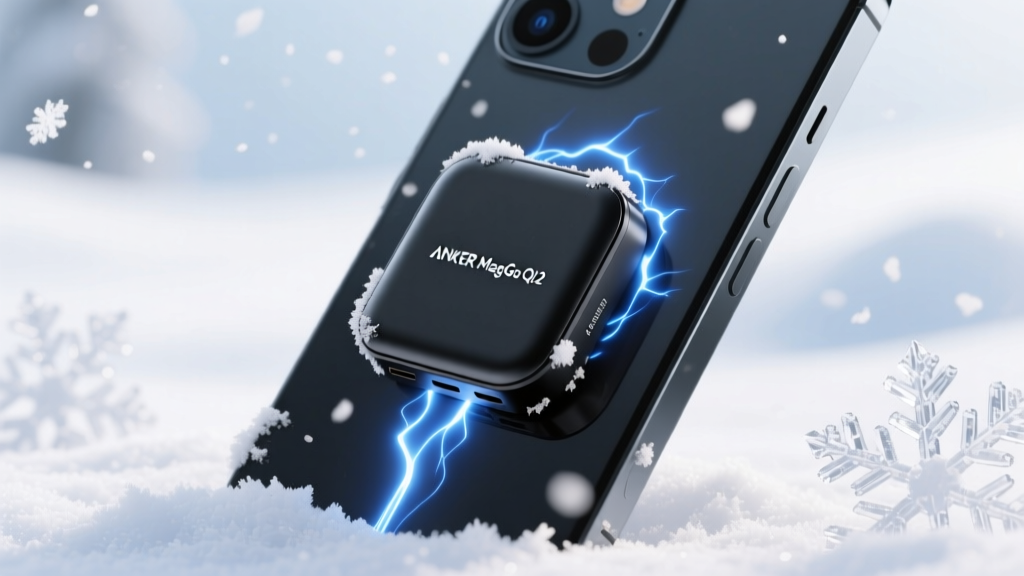
The shift to Qi2 magnetic wireless charging is the most critical upgrade for winter EDC (Everyday Carry). By utilizing magnetic alignment, you bypass the physical port entirely. The Anker MagGo Power Bank (10,000mAh) Qi2 (approx. $65) is our top recommendation for 2026. Its 15W wireless output generates mild thermal energy during the charging process, which actually helps keep the back of the smartphone slightly warmer than ambient, delaying the voltage drop that causes cold-weather shutdowns. The flush magnetic profile also allows the phone and charger to slide easily into a fleece-lined pocket without snagging on heavy winter layers.
Gimbal Motor Viscosity and Cold-Weather Stabilization
Smartphone gimbals rely on three-axis brushless motors to maintain stabilization. These motors contain internal lubricants and greases that are highly sensitive to temperature fluctuations. When temperatures plummet below -5°C (23°F), standard lubricants increase in viscosity (thicken), causing the gimbal motors to stutter, drift, or fail to initialize entirely. Additionally, the gimbal's internal battery suffers the same lithium-ion voltage drops as your phone.
When selecting a gimbal for winter sports or cold-weather filmmaking, you must prioritize models with high-torque motors and robust internal thermal management. Below is a comparison of the leading 2026 models tested in sub-zero environments.
| Gimbal Model | Min. Operating Temp | Cold-Weather Advantage | Price (2026) |
|---|---|---|---|
| DJI Osmo Mobile 6 | -10°C (14°F) [Source] | High-torque motors resist lubricant thickening; excellent low-temp battery calibration. | $149 |
| Insta360 Flow Pro | -10°C (14°F) | Built-in 2900mAh power bank can reverse-charge the phone, keeping the device warm. | $149 |
| ShiftCam SnapGrip | 0°C (32°F) | Compact magnetic mount; lacks heavy grease found in 3-axis arms, reducing stutter risk. | $129 |
If you are shooting in extreme alpine environments (below -10°C), the Insta360 Flow Pro offers a distinct tactical advantage. Its integrated power bank feature allows you to plug directly into the phone's USB-C port (using a short, flexible silicone cable that won't stiffen and crack in the cold) to provide continuous pass-through power, effectively overriding the phone's low-voltage shutdown trigger.
Lens Kits and the Condensation Threat
Adding external glass to your smartphone introduces a major winter vulnerability: condensation. When you transition from a -15°C outdoor environment into a 20°C ski lodge or vehicle, the sudden temperature shift causes moisture in the warm indoor air to rapidly condense on the cold glass surfaces. With external lens attachments, this fogging can occur between the smartphone's native lens and the external attachment, where you cannot physically wipe it away.
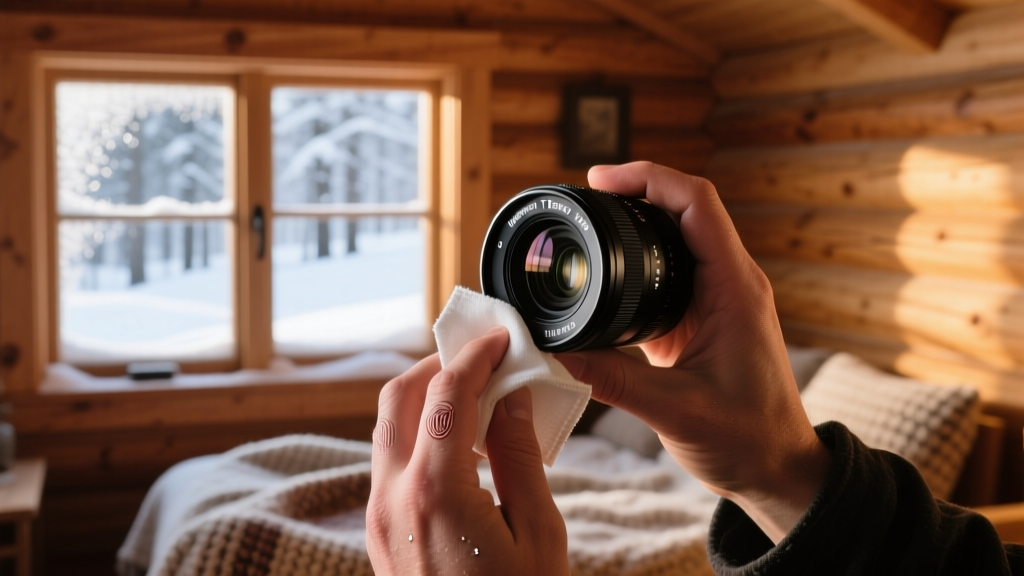
To combat this, invest in high-grade glass with advanced multi-coated anti-reflective and hydrophobic layers. The Moment T-Series 18mm Wide Lens (approx. $120) features aerospace-grade aluminum housing and premium glass that resists micro-scratches from blowing ice crystals. However, the hardware is only half the solution; you must follow a strict acclimation protocol.
The Winter Lens Acclimation Protocol
- Seal Before Entering: Before stepping indoors, place your phone and attached lens inside a ziplock bag or a dedicated dry sack while still outside. Squeeze out excess air and seal it.
- Gradual Warming: Bring the sealed bag indoors and let it sit for 20-30 minutes. The condensation will form on the outside of the plastic bag, not on your cold glass.
- Detach and Store: Once the gear reaches room temperature, remove it from the bag. Unscrew the external lens and store both the phone and lens in a dry, room-temperature environment.
Troubleshooting Common Cold-Weather Failures
Even with the best gadgets for winter, extreme conditions will test your gear. Use this decision matrix to diagnose and resolve field failures quickly.
- Symptom: Phone shuts down at 30% battery.
Cause: Lithium-ion voltage sag due to high internal resistance.
Fix: Move the phone to an inner pocket against your base layer for 5 minutes. Do not use external heat sources like hand warmers directly against the glass, as rapid localized heating can shatter the screen or damage the OLED matrix. - Symptom: Gimbal motors buzzing or drifting off-axis.
Cause: Lubricant viscosity increase or snow/ice buildup in the motor gaps.
Fix: Power down immediately. Use a soft-bristled brush (like a lens pen) to clear ice from the axis gaps. Store the gimbal inside your jacket for 10 minutes to allow body heat to restore the lubricant's normal viscosity before recalibrating. - Symptom: Touchscreen unresponsive or registering ghost touches.
Cause: Capacitive touch digitizers struggle with thick insulated gloves and surface moisture (snowmelt).
Fix: Enable your device's 'Touch Sensitivity' or 'Glove Mode' in the display settings. For physical shooting controls, map your camera's shutter to the physical volume buttons, bypassing the touchscreen entirely.
Final Loadout Recommendations
Surviving the freeze requires shifting away from fragile, port-dependent accessories toward sealed, magnetic, and thermally resilient gear. By pairing a Qi2 magnetic charger like the Anker MagGo with a high-torque gimbal like the DJI Osmo Mobile 6, and strictly managing your glass acclimation, you can maintain full operational capability of your mobile tech stack regardless of how far the mercury drops.
Written by
Jake MorrisonJake Morrison holds a B.S. in Electrical Engineering from UC Berkeley and an MBA from Stanford Graduate School of Business. With over 12 years of hands-on experience in consumer electronics, he previously served as a senior product engineer at a Silicon Valley startup before transitioning to tech journalism. Jake has personally tested and benchmarked over 3,000 gadgets across categories including smartphones, wearables, smart home devices, and audio equipment. His durability testing methodology — involving controlled drop tests, thermal cycling, and water submersion — is widely cited by major tech publications. He is a certified CompTIA A+ technician and a contributing editor to the IEEE Consumer Electronics Magazine.