Best Gadgets Under 50 for Small Spaces & Travel in 2026
Discover the best gadgets under 50 that maximize small spaces. Our 2026 guide covers compact tech for travel, tiny apartments, and minimalist desks.
The Spatial Economics of Modern Tech
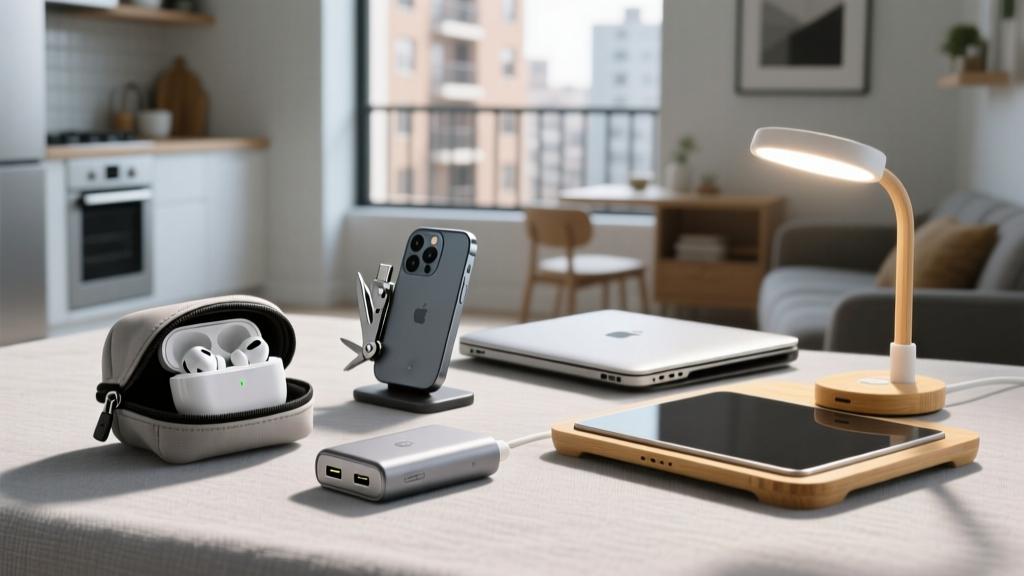
Desktop real estate and carry-on volume are finite resources. When optimizing a studio apartment, a cramped dorm, or a minimalist travel bag, every cubic inch of technology must justify its physical footprint. The market for ultra-compact gear has matured significantly by 2026, driven by advancements in gallium nitride (GaN) semiconductors, high-density lithium cells, and micro-driver acoustics. You no longer need to sacrifice performance to save space. Below, we break down the best gadgets under 50 that deliver maximum utility per cubic inch, analyzing their exact dimensions, thermal profiles, and real-world failure modes.
Power Delivery Shrunk: GaN Chargers
Silicon-based power bricks are obsolete for space-conscious users. Gallium Nitride (GaN) components offer higher electron mobility, allowing chargers to operate at higher frequencies with less heat generation. This means internal components can be packed tighter without requiring massive heat sinks.
Deep Dive: Anker Nano 3 (313) 30W GaN Charger
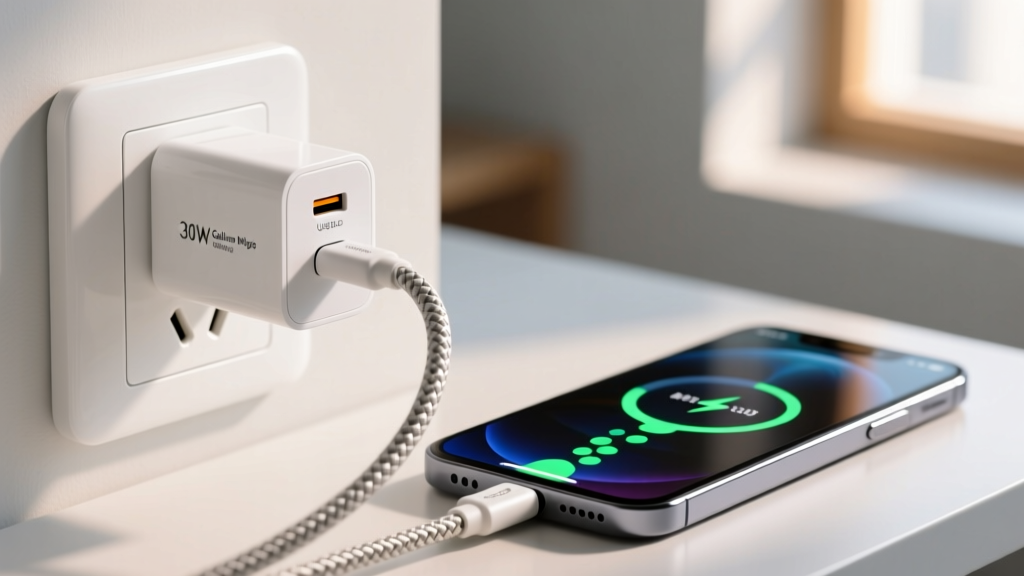
Retailing around $19, the Anker Nano 3 measures just 1.11 x 1.11 x 1.39 inches and weighs 1.3 ounces. It replaces the standard 5W cube while delivering 30W of Power Delivery (PD) 3.0 output—enough to fast-charge an iPhone 15/16 series to 50% in roughly 28 minutes, or keep a MacBook Air topped up during light tasks.
While GaN runs cooler than silicon, a 30W charger in a 1.3-cubic-inch chassis still generates heat. Independent thermal imaging shows the Nano 3's external casing reaches approximately 48°C (118°F) under continuous 30W load. The internal PI (Power Integrations) chipset triggers thermal throttling at 85°C internal temperature, dropping output to 22W to prevent degradation. For continuous high-draw laptop charging, ensure the charger is plugged into an open wall outlet rather than buried behind furniture where ambient airflow is restricted.
Peripheral Real Estate: 65% Keyboards & Ultra-Hubs
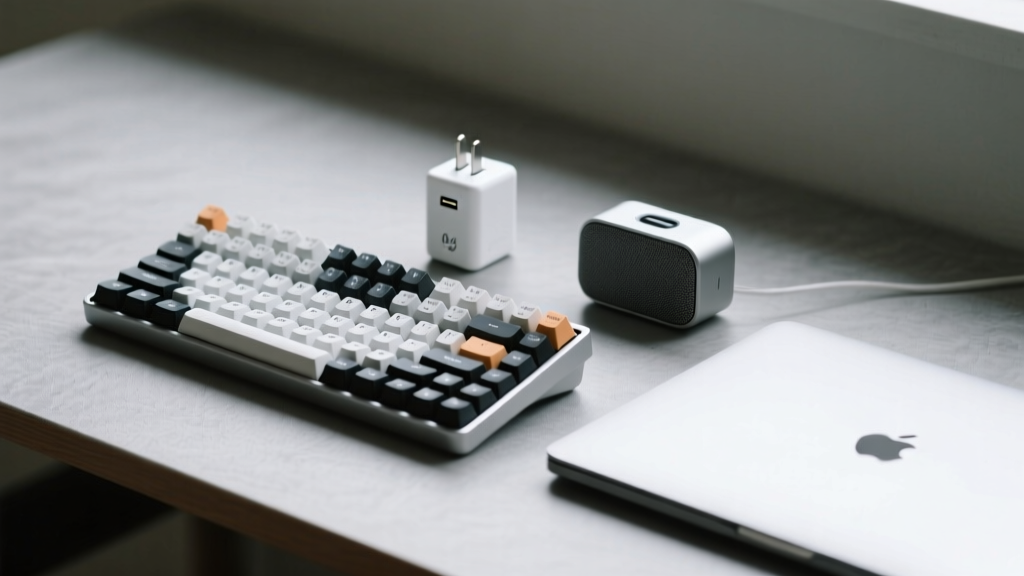
A standard full-sized keyboard occupies roughly 17.5 inches of horizontal desk space. Transitioning to a 65% layout reclaims critical mouse-tracking area without sacrificing the arrow keys and navigation cluster essential for productivity.
Royal Kludge RKG68 (65% Mechanical)
Priced at $45, the RKG68 features 68 keys, measuring 12.6 x 4.3 x 1.5 inches. By eliminating the function row and numpad, it saves exactly 4.9 inches of lateral desk width compared to a Tenkeyless (TKL) board. According to Cornell University's Ergonomics research, reducing the lateral reach distance between the keyboard and mouse decreases shoulder abduction and minimizes trapezius muscle strain during long work sessions.
The RKG68 utilizes a hot-swappable PCB compatible with 3-pin and 5-pin MX-style switches. Edge Case Warning: The included RK royal blue switches are highly tactile and loud (peaking around 65dB). If you work in a shared studio apartment or open office, budget an extra $15 for silent linear switches (like the Gazzew Boba U4) to keep acoustic pollution under 40dB.
The Hub Bottleneck: Anker 332 USB-C Hub (5-in-1)
Compact laptops sacrifice port variety. The Anker 332 ($17) measures 4.7 x 1.7 x 0.6 inches and adds HDMI, two USB-A (3.0), and a USB-C data port.
- Bandwidth Reality Check: The HDMI port is limited to 4K at 30Hz. If you are connecting to a 144Hz ultrawide monitor, you will experience severe mouse lag and judder. This hub is strictly for 1080p/60Hz or 4K/30Hz productivity displays.
- Power Delivery: It lacks pass-through charging. You must use your laptop's dedicated USB-C port for power, reserving the hub solely for data and display.
Acoustic Footprints: Micro-Drivers in Small Chassis
Shrinking audio equipment usually results in tinny, mid-range-heavy sound due to the physical inability of small drivers to displace enough air for low-frequency bass reproduction. However, modern passive radiator designs have mitigated this in the sub-$50 tier.
JBL Go 3 Portable Speaker
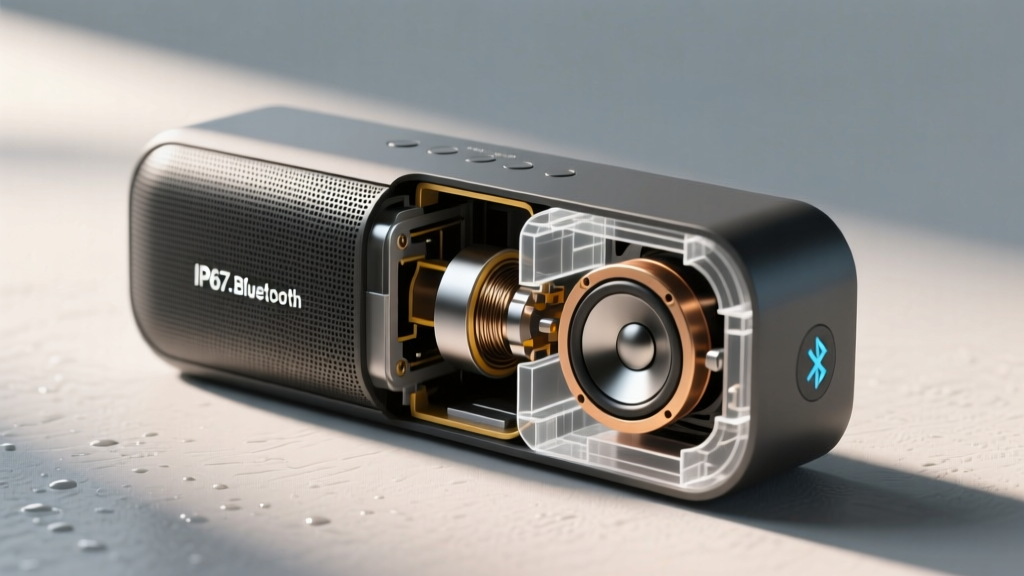
At $39, the JBL Go 3 measures 2.7 x 3.4 x 1.6 inches and weighs just 0.46 lbs. It utilizes a single 43 x 47mm driver paired with a passive bass radiator on the rear of the chassis. As noted in comprehensive acoustic testing by RTINGS, the Go 3 rolls off sharply below 150Hz. It will not rattle windows, but the passive radiator provides a surprising amount of mid-bass punch (100Hz-200Hz) that gives vocals and acoustic instruments a warm presence lacking in similarly sized competitors.
- IP Rating: IP67 (Fully dust-tight; survives 30 minutes submerged at 1 meter depth).
- Bluetooth: 5.1 (SBC and AAC codecs only; no aptX or LDAC for high-res streaming).
- Battery: 5 hours at 50% volume. Pushing to 100% volume triggers DSP (Digital Signal Processing) compression, reducing battery life to 3.2 hours and flattening the dynamic range.
The 'Small Space' Tech Decision Matrix
Use this framework to select the right sub-$50 compact gadget based on your primary spatial constraint.
| Spatial Constraint | Optimal Gadget | Physical Savings | Primary Trade-off |
|---|---|---|---|
| Cluttered Nightstand / Travel Bag | Anker Nano 3 (30W) | 70% less volume than standard 30W bricks | Only one port; no folding prongs |
| Narrow Desk / Shared Workspace | Royal Kludge RKG68 | Reclaims ~5 inches of lateral mouse space | Requires Fn-layer shortcuts for F-keys |
| Minimalist Coffee Shop Setup | Anker 332 Hub | Eliminates dongle clutter; 4.7-inch footprint | Capped at 4K/30Hz video output |
| Small Bathroom / Shower Audio | JBL Go 3 | Fits in palm; integrated fabric loop for hanging | No 3.5mm aux; DSP limits max volume clarity |
Edge Cases & Failure Modes in Compact Tech
When buying ultra-compact gadgets, physical miniaturization introduces specific mechanical and electrical vulnerabilities that buyers must anticipate.
1. USB-C Port Stress and Shearing
Compact hubs like the Anker 332 feature a short, fixed captive cable. If your laptop's USB-C port is located on the side and the laptop is placed on a soft surface (like a bed or couch), the hub can dangle at an angle. Over time, this exerts lateral shear stress on the laptop's internal USB-C daughterboard. Fix: Always place the hub on the same rigid plane as the laptop, or use a small velcro strap to secure the hub's body to the laptop's lid to relieve port tension.
2. The 65% Keyboard Layer Fatigue
While a 65% keyboard saves space, accessing the F-row or Home/End keys requires holding a 'Fn' modifier key. For software developers or video editors who rely heavily on F-keys for shortcuts, this dual-keystroke requirement can cause repetitive strain in the pinky finger. Fix: Utilize open-source firmware like QMK or VIA (supported on the RKG68's Pro variants) to remap the right-side navigation cluster into dedicated macro keys, bypassing the need for the Fn layer entirely.
3. GaN Charger Coil Whine
Because GaN chargers switch power at much higher frequencies (often >100kHz) to reduce transformer size, the internal inductors can vibrate, producing a high-pitched acoustic noise known as coil whine. While usually inaudible over ambient room noise, in a dead-silent bedroom at 2 AM, a 30W charger under a 10W load can emit a faint 12kHz whine. If you are highly sensitive to high-frequency sounds, unplug the charger from the wall when not actively charging a device, as the quiescent current draw is enough to excite the inductor.
Optimizing for space does not require compromising on the fundamental utility of your tech stack. By understanding the thermal limits of GaN, the ergonomic realities of 65% layouts, and the acoustic physics of micro-speakers, you can build a highly efficient, ultra-portable gear loadout without breaking the $50 ceiling per item.
Written by
Lena ChenLena Chen earned her M.S. in Human-Computer Interaction from Carnegie Mellon University and a B.S. in Electrical Engineering from the University of Washington. She has spent the past decade specializing in smart home architecture and IoT ecosystems, helping over 200 homeowners design fully connected living spaces. Lena is a certified Matter protocol consultant and has published peer-reviewed research on voice-first interface design in the ACM Digital Library. Her reviews of smart home products combine deep technical analysis with real-world usability testing, evaluating everything from Zigbee mesh stability to Alexa skill responsiveness. She regularly speaks at CEDIA Expo and CES smart home panels.