Beyond Cool Gadgets 2025: 2026 MacBook Accessory Gift Guide
Find the perfect 2026 gift for the MacBook user. We compare top Thunderbolt docks, USB-C hubs, ergonomic stands, and sleeves with exact specs and prices.
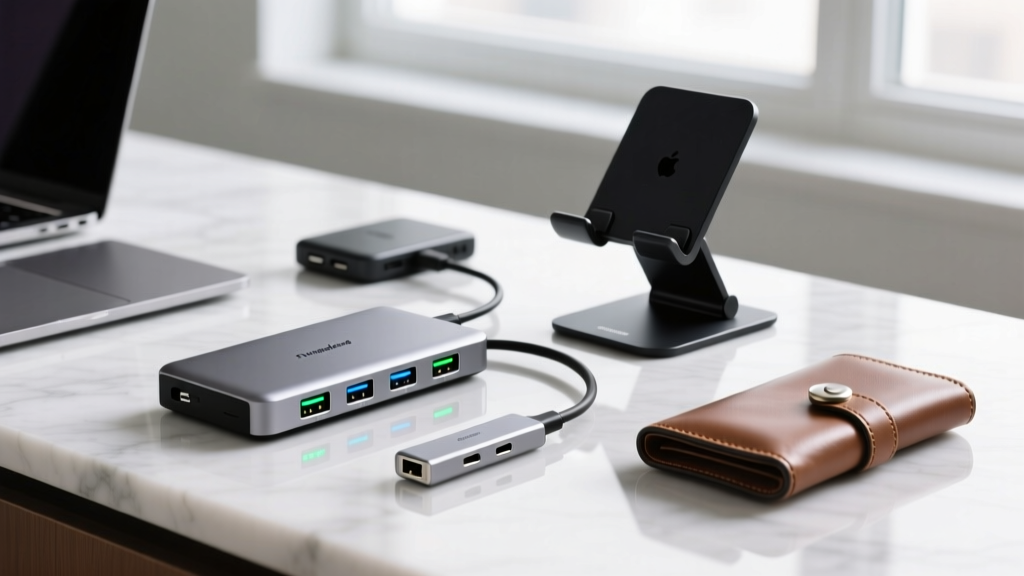
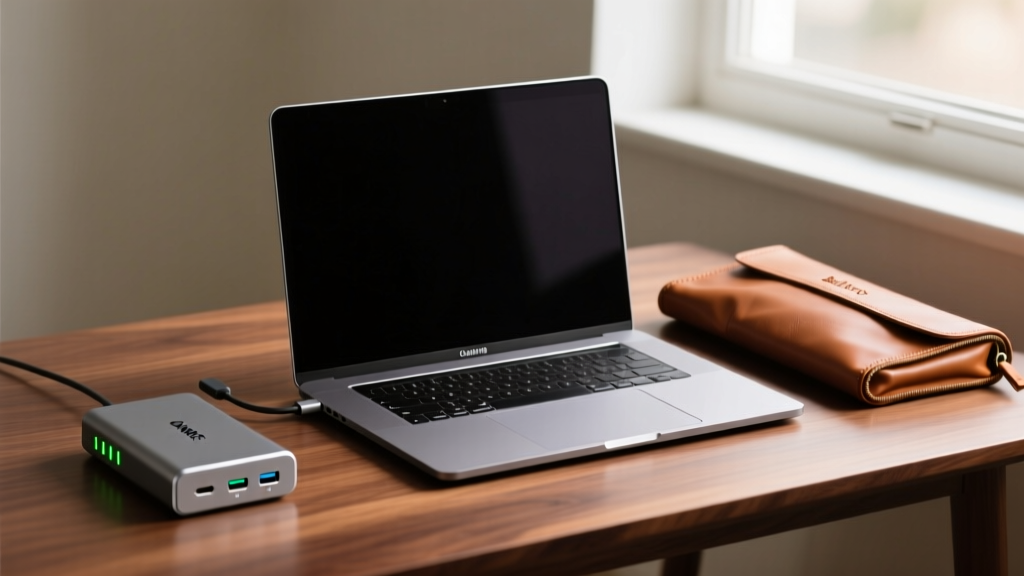
The Post-Novelty Era: Upgrading the MacBook Ecosystem
While holiday search trends for 'cool gadgets 2025' heavily favored novelty smart-home items and flashy RGB peripherals, the 2026 landscape for MacBook users demands high-utility, bandwidth-heavy tools. Apple’s M3 and M4 silicon architectures have fundamentally changed how professionals interact with their machines, shifting the bottleneck from internal processing power to external I/O limitations. Gifting a MacBook user in 2026 isn't about buying them a gimmick; it is about solving the 'dongle life' friction with precision-engineered docks, thermally optimized stands, and protective sleeves that respect the device's premium build.
This guide bypasses generic tech lists to provide a rigorous, spec-driven breakdown of the best MacBook accessories available today, complete with exact pricing, bandwidth limitations, and Apple Silicon edge cases that most gift guides ignore.
The Core Metric: Bandwidth and Power Delivery Demystified
Before purchasing any hub or dock, you must understand the pipeline. A common gifting mistake is buying a '4K-compatible' USB-C hub for a video editor, only to discover it lacks the bandwidth to drive high-refresh-rate external displays while simultaneously transferring files. According to the USB Implementers Forum (USB-IF), true Thunderbolt 4 guarantees 40Gbps of total bandwidth and strict wake-from-sleep protocols, whereas USB-C 3.2 Gen 2 caps at 10Gbps.
| Protocol | Max Bandwidth | Display Support (Typical) | Pass-Through Charging | 2026 Price Range |
|---|---|---|---|---|
| Thunderbolt 4 | 40 Gbps | Dual 4K @ 60Hz | Up to 100W+ | $250 - $450 |
| USB4 (20Gbps) | 20 Gbps | Single 4K @ 60Hz | Up to 85W | $120 - $180 |
| USB-C 3.2 Gen 2 | 10 Gbps | Single 4K @ 30Hz | Up to 60W | $40 - $90 |
Desktop Anchors: Thunderbolt 4 Docks for the Power User
For the recipient who treats their MacBook as a desktop replacement, a Thunderbolt 4 dock is the ultimate gift. The undisputed king of this category remains the CalDigit TS4 ($399). Featuring 18 ports—including three Thunderbolt 4 downstream ports, five USB-A (10Gbps), and a 2.5Gb Ethernet port—it eliminates the need for secondary adapters. Crucially, the TS4 provides 98W of power delivery, which is sufficient to charge a 16-inch MacBook Pro under heavy rendering loads without draining the battery.

⚠️ The Apple Silicon Display Limitation (Crucial Gifting Warning)
Base M1, M2, and M3 chips natively support only one external display via Thunderbolt, regardless of how many ports the dock has. If your gift recipient uses a base-chip MacBook and wants dual monitors, you must gift a dock featuring DisplayLink technology (like the Dell UD22 or Plugable TBT4-UDZ) and ensure they install the DisplayLink drivers. M3 Pro, M3 Max, and all M4 Pro/Max chips support multiple native displays without this workaround. Verify their exact chip before buying.
For a more budget-friendly desktop anchor, the Satechi Thunderbolt 4 Slim Dock ($199) offers a sleek, space-gray anodized aluminum finish that perfectly matches Apple’s aesthetic. While it sacrifices the sheer port density of the CalDigit (offering 12 ports), it comfortably handles dual 4K displays on Pro/Max chips and provides 96W pass-through charging, making it an ideal gift for minimalist setups.
The Nomad's Toolkit: Portable USB-C Hubs
Not every MacBook user wants a tethered desk setup. For the digital nomad or hybrid worker, a high-quality portable hub is essential. The Anker 341 USB-C Hub (7-in-1) ($49) is the benchmark for entry-level reliability. It utilizes GaN (Gallium Nitride) internal components to reduce thermal throttling during 100W pass-through charging, a common failure point in cheaper hubs that causes them to disconnect under load.
If the recipient deals with large video files on the go, the Satechi On-The-Go Multi-Card Adapter ($99) is a masterclass in functional design. Beyond standard HDMI and USB-A ports, it features a built-in M.2 NVMe SSD enclosure. This allows the user to slot in a bare 2280 SSD (up to 4TB) directly into the hub, creating a blazing-fast 10Gbps external boot drive or scratch disk without carrying a separate enclosure.
Ergonomics and Protection: Stands and Sleeves
Hardware protection and thermal management are often overlooked in tech gifting. Laying a MacBook flat on a desk restricts bottom-chassis airflow, forcing the internal fans to spin up earlier during sustained workloads.

Thermal Mass and Material Science
The Rain Design mStand ($49) is cut from a single piece of 4mm-thick anodized aluminum. This isn't just for aesthetics; the aluminum acts as a passive heat sink, absorbing and dissipating chassis heat. According to tests documented on Twelve South's engineering blog, elevating the laptop and exposing the bottom vent can reduce internal core temperatures by up to 4°C under sustained load, directly preventing thermal throttling.
For transit protection, avoid cheap neoprene. The Bellroy Laptop Sleeve ($129) uses a premium full-grain leather exterior that develops a unique patina over time, paired with a high-pile microfiber interior. The critical E-E-A-T detail here is the reinforced bumper zone at the base drop-point, which absorbs kinetic energy if the sleeve is accidentally dropped on its edge—a common failure scenario for rigid plastic-shell cases.
The 2026 Gifting Decision Matrix
Use this quick-match flowchart to select the exact accessory based on the recipient's primary workflow:
- The Studio Professional (Video/3D): Buy the CalDigit TS4 ($399). They need the 2.5Gb Ethernet for NAS access and the 98W charging to sustain M3 Max rendering sessions.
- The Hybrid Office Worker: Buy the Satechi Thunderbolt 4 Slim Dock ($199) paired with the Rain Design mStand ($49). Total cost: $248. Provides a clean, single-cable desk transition.
- The Traveling Photographer: Buy the Satechi On-The-Go Hub ($99) with a separate 2TB Samsung 990 Pro NVMe drive ($160). Total cost: $259. Solves on-location storage bottlenecks.
- The University Student: Buy the Anker 341 Hub ($49) and the Bellroy Laptop Sleeve ($129). Total cost: $178. Prioritizes portability, durability, and basic dongle needs.
By focusing on bandwidth specifications, thermal dynamics, and Apple Silicon display quirks, you can confidently select a MacBook accessory that transcends the typical 'cool gadgets 2025' novelty and delivers genuine, daily utility for years to come.
Written by
Lena ChenLena Chen earned her M.S. in Human-Computer Interaction from Carnegie Mellon University and a B.S. in Electrical Engineering from the University of Washington. She has spent the past decade specializing in smart home architecture and IoT ecosystems, helping over 200 homeowners design fully connected living spaces. Lena is a certified Matter protocol consultant and has published peer-reviewed research on voice-first interface design in the ACM Digital Library. Her reviews of smart home products combine deep technical analysis with real-world usability testing, evaluating everything from Zigbee mesh stability to Alexa skill responsiveness. She regularly speaks at CEDIA Expo and CES smart home panels.