Unique Tech Gadgets for MacBook Users: 2026 Laptop Accessory Gift Guide
Discover unique tech gadgets for MacBook and laptop users. Our 2026 gift guide covers premium stands, Thunderbolt docks, sleeves, and travel hubs.

The Anatomy of a Perfect Laptop Accessory Gift
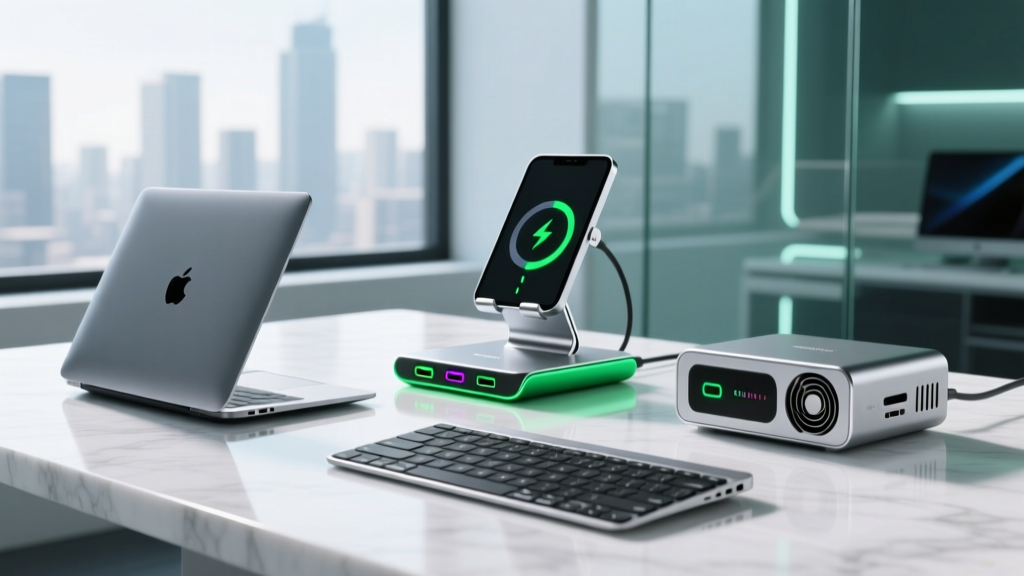
Finding the right gift for a MacBook or high-end Windows laptop user requires moving beyond generic mouse-and-keyboard combos. The modern mobile professional demands gear that solves specific friction points: thermal throttling, port scarcity, cable clutter, and transit damage. When hunting for unique tech gadgets that actually get used daily, the laptop accessory ecosystem offers the highest return on investment for both utility and aesthetic appeal.
This guide bypasses entry-level plastic peripherals and focuses strictly on premium, engineered accessories. We break down the exact specifications, material grades, and real-world pricing you need to know to select a gift that matches the recipient's specific workflow.
The Ergonomic Upgrade: CNC Aluminum Stands
Laptops are inherently unergonomic. The screen and keyboard are tethered together, forcing users to choose between neck strain and wrist strain. A premium laptop stand separates the display from the input zone, elevating the screen to eye level while pairing with an external keyboard.
Top Pick: Rain Design mStand (2026 Edition)
The Rain Design mStand remains the gold standard for desk-based MacBook users. Machined from a single piece of 6mm-thick anodized aluminum, it acts as a massive passive heatsink. Because MacBooks dissipate heat through their aluminum chassis, resting the device on a solid block of thermally conductive metal actively reduces internal fan spin-up during heavy rendering or compiling tasks.
- Height Clearance: Raises the screen exactly 5.9 inches, aligning with the ergonomic monitor-height recommendations published by Cornell University's Ergonomics Department.
- Cable Management: Features a precisely milled 2.25-inch rear cutout for routing braided Thunderbolt cables.
- Retail Price: ~$60 USD.
The Connectivity Command Center: Thunderbolt 4 Docks
For the desk jockey who connects to dual 4K monitors, external NVMe SSDs, and 10Gbps ethernet, a standard USB-C hub will bottleneck their workflow. A true Thunderbolt 4 dock offers 40Gbps of bidirectional bandwidth, ensuring zero latency for external displays and storage arrays.
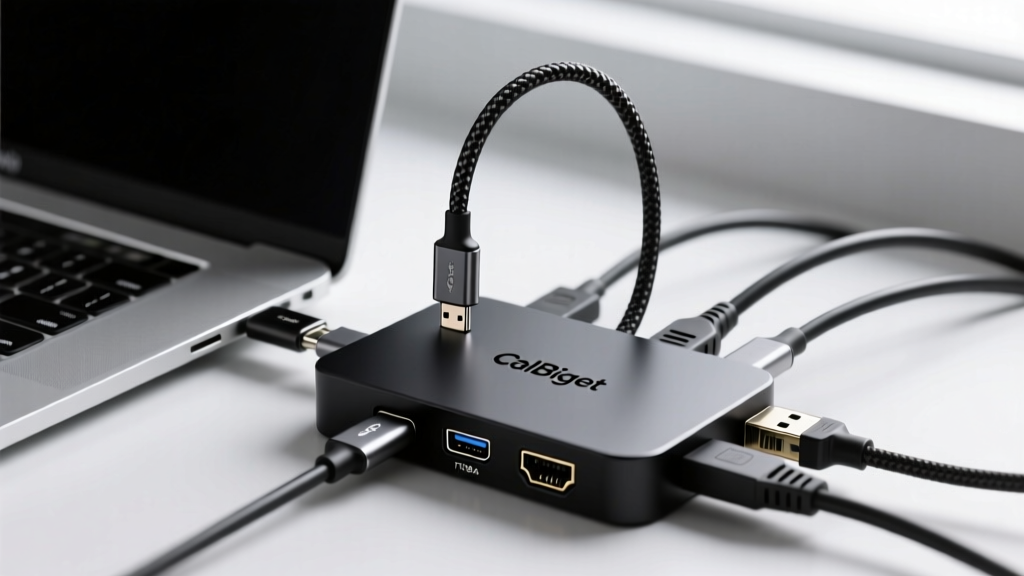
Top Pick: CalDigit TS4 Thunderbolt 4 Dock
The CalDigit TS4 is widely considered the apex of desktop docking. It provides 18 ports of connectivity, completely eliminating the need to plug individual cables into the laptop. According to the Thunderbolt Technology Authority, certified TB4 docks must support dual 4K displays at 60Hz and provide guaranteed power delivery; the TS4 exceeds this by pushing 98W of continuous power to the host laptop, enough to fast-charge a 16-inch MacBook Pro under full load.
2026 Thunderbolt Dock Comparison Matrix
| Feature | CalDigit TS4 | OWC Thunderbolt Go | Satechi TB4 Multimedia |
|---|---|---|---|
| Total Ports | 18 | 9 | 12 |
| Host Charging | 98W | 90W | 96W |
| Front SD Slot | UHS-II | None | UHS-II |
| Approx. Price | $399 | $299 | $249 |
The Nomad’s Shield: Premium Sleeves & Tech Pouches
A laptop sleeve is a highly personal gift. It must balance impact protection with material longevity. Neoprene degrades and pills over time; cheap polyurethane leather peels. For a gift that ages beautifully, you must look at full-grain leathers or high-denier technical canvas.
Top Pick: Bellroy Laptop Sleeve (Premium Edition)
Bellroy's premium sleeve utilizes eco-tanned leather that develops a rich patina with use, combined with a microfiber inner lining that prevents micro-scratches on the MacBook's aluminum lid. The standout feature is the magnetic latch mechanism, which allows for silent, one-handed opening in meetings or coffee shops—a subtle but highly appreciated detail for professionals.
- Impact Protection: High-density EVA foam bumper edges protect the laptop corners, which are the most common failure points during transit drops.
- Sizing Note: Apple's 14-inch and 16-inch MacBook Pro dimensions changed slightly in recent generations. Always verify the exact sleeve model year compatibility before purchasing.
- Retail Price: ~$119 USD.

The Pocket-Sized Powerhouse: Travel Hubs
For the user who works from airports, hotels, and client sites, a desktop dock is useless. They need a travel hub that supports high-wattage Power Delivery (PD) passthrough and modern display outputs without overheating.
Top Pick: Satechi On-The-Go Multiport Adapter
Many budget hubs throttle to 30Hz when outputting 4K video, resulting in a stuttering external monitor experience. The Satechi On-The-Go supports true 4K at 60Hz via HDMI while simultaneously routing up to 98W of PD charging to the host laptop. It also features a built-in slot for an M.2 NVMe SSD enclosure, allowing the recipient to carry terabytes of scratch-disk storage in their pocket.
Never gift a high-end hub or dock without including a certified 100W USB-C to USB-C cable. Many users accidentally use standard smartphone charging cables with their expensive hubs, which limits data transfer to USB 2.0 speeds (480Mbps) and blocks video output entirely. Including a $25 Anker or Cable Matters 10Gbps/100W cable in the gift box guarantees the hardware performs as intended.
Gift Selection Framework: Matching the Accessory to the User
Use this decision matrix to select the exact accessory based on the recipient's primary work environment:
- The Desk Jockey (90% Home/Office): Buy the CalDigit TS4 Dock and the Rain Design mStand. They need permanent cable management and ergonomic elevation. Avoid travel gear.
- The Digital Nomad (70% Travel/Cafes): Buy the Satechi On-The-Go Hub and the Bellroy Leather Sleeve. Weight and portability are their primary constraints.
- The Creative Pro (Video Editing/3D): Buy an external Thunderbolt 3 NVMe enclosure (like the OWC Envoy Pro) paired with a high-speed UHS-II SD card reader. Storage bandwidth is their biggest bottleneck.
Frequently Asked Questions
Will a Thunderbolt 4 dock work with an older USB-C MacBook?
Yes, but with caveats. Thunderbolt 4 docks are backward compatible with standard USB-C MacBooks, but the connection will fall back to the laptop's maximum supported USB protocol (usually 10Gbps USB 3.2 Gen 2). You will lose dual 4K display support and peak SSD transfer speeds, but charging and standard peripherals will function normally.
Do aluminum stands scratch the bottom of the laptop?
Premium stands like the Rain Design mStand feature integrated, flush silicone grip pads on the top surface. These prevent metal-on-metal contact and keep the laptop from sliding during aggressive typing. Never buy a bare-metal stand without pre-installed rubberized dampening pads.
Written by
Ryan TanakaRyan Tanaka holds a B.S. in Mechanical Engineering from Oregon State University and is a certified AWS Solutions Architect. He has built over 80 custom electronics projects ranging from CNC machines to IoT sensor networks, and has reviewed development boards, 3D printers, soldering equipment, and maker tools for the past 6 years. Ryan is an active contributor to 12 open-source hardware projects on GitHub and teaches monthly workshops at three hackerspaces across the Pacific Northwest. His reviews combine engineering rigor with accessibility — he evaluates products not just on specs but on documentation quality, community support, and learning curve for beginners. He has presented at Maker Faire Bay Area, Open Hardware Summit, and the Adafruit community showcase, and maintains a popular blog documenting his build processes.