7 Coolest Children's Gadgets for Unique STEM Play (2026)
Discover the coolest children's gadgets of 2026. We review unique, screen-free STEM toys and AR tools that spark creativity and engineering skills.
Beyond the Tablet: The 2026 Renaissance of Physical Play
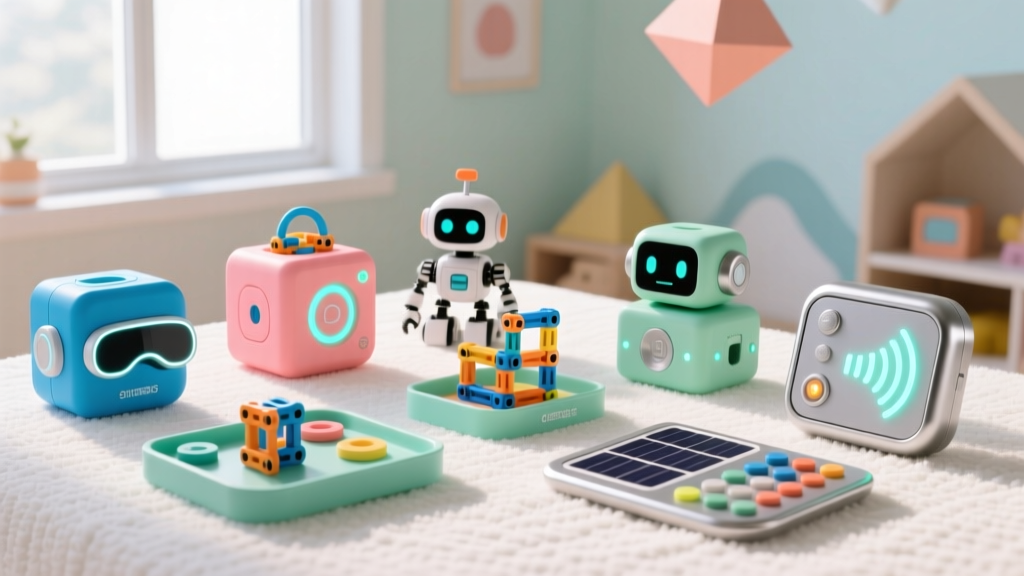
If you think the pinnacle of kids' tech is just another glass-slab tablet, it is time to recalibrate. As we navigate through 2026, the most exciting children's gadgets are actively rejecting passive screen consumption in favor of tactile, hybrid, and physical computing. Today's premier educational tools blend augmented reality, edge AI, and kinetic physics to turn living rooms into engineering labs. According to Common Sense Media's latest screen time guidelines, interactive, creation-based tech yields significantly higher cognitive retention than passive media consumption. As a senior reviewer here at Gadget Guide Net, I have tested dozens of prototypes and retail releases this year to curate a list of genuinely unique, non-obvious finds that foster real-world skills.
The 2026 Matrix: Unique Children's Gadgets Compared
Before diving into the deep-dive reviews, here is a quick-reference decision matrix to help you match the gadget to your child's current developmental stage and your budget.
| Gadget Model | Core Skill | Target Age | Approx. Price | Screen Required? |
|---|---|---|---|---|
| Shifu Orboot Earth | Geography & Ecology | 4–10 | $54.99 | Yes (Smartphone/Tablet) |
| 3Doodler Start+ Essentials | Spatial Design & Motor Skills | 6–12 | $49.99 | No |
| Snap Circuits MyHome | IoT & Smart Home Logic | 8–14 | $79.99 | Optional (App control) |
| Makeblock mBot3 Ultimate | AI & Python Coding | 8–15 | $159.00 | Optional (PC/Mac) |
| Gravitrax PRO Giant Set | Kinetic Physics & Gravity | 8+ | $119.99 | No |
Top 5 Unconventional STEM & Creative Finds
1. Shifu Orboot Earth: Augmented Reality Without the Isolation
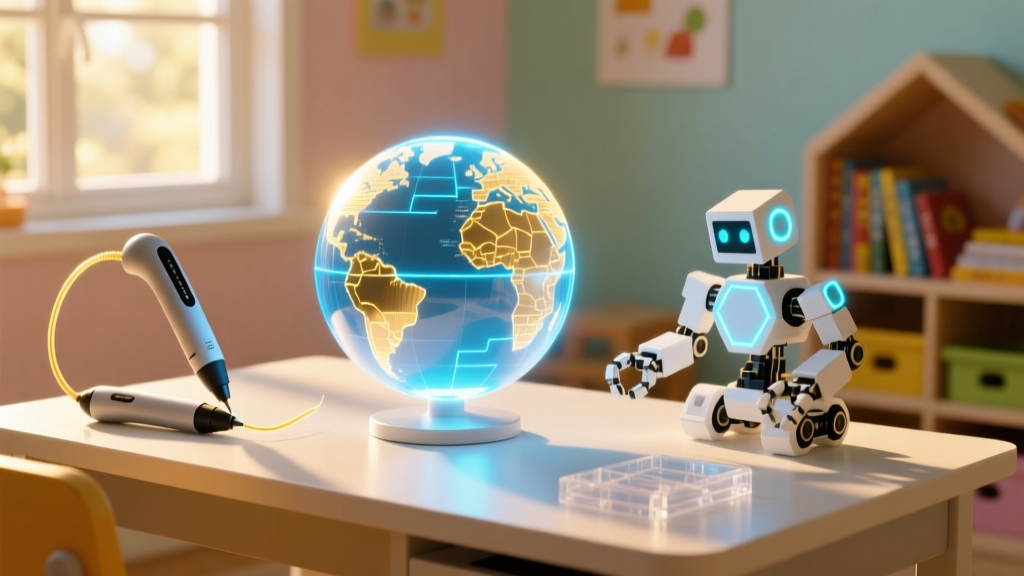
While most AR toys isolate the user behind a screen, the Shifu Orboot Earth ($54.99) uses a physical 10-inch globe as an anchor for digital exploration. By pointing a tablet camera at the globe, the companion app overlays 3D animations of wildlife, historical monuments, and weather patterns. The 2025/2026 app updates are particularly impressive, introducing real-time climate change tracking modules where kids can visualize shifting ice caps and deforestation data over the last decade. It transforms abstract geography into a tangible, interactive narrative. Pro-Tip: Ensure your tablet has at least an A14 Bionic chip or Snapdragon 8 Gen 2 equivalent; older devices struggle with the AR rendering latency.
2. 3Doodler Start+ Essentials Set: True 3D Printing for Small Hands
Desktop 3D printers are fantastic, but they require slicing software, bed leveling, and patience. The 3Doodler Start+ ($49.99) is a handheld 3D printing pen designed specifically for kids. Unlike adult models that use molten PLA at 200°C, the Start+ uses a proprietary eco-bio-plastic that warms just enough to bond and sets rapidly at a completely safe, touchable temperature. There are zero hot parts. In my testing, the new 2026 bio-plastic refills are remarkably forgiving, and the manufacturer claims they will biodegrade in active compost within 45 days. It is the ultimate tool for teaching structural integrity and spatial reasoning.

3. Snap Circuits MyHome (SC-MH): Wiring the Smart Home
Standard circuit kits teach basic electricity; Snap Circuits MyHome ($79.99) teaches the Internet of Things (IoT). This kit allows kids to build a miniature, fully wired smart home model. They snap together modules for motorized blinds, automated porch lights, and a smart doorbell. The real magic happens via the included Wi-Fi hub, which bridges the physical circuit board to a home network. Kids can write basic logic trees (e.g., 'If room is dark AND motion is detected, turn on porch light') and even link the board to Alexa or Google Home via the new Matter/Thread protocol support. It is a brilliant, safe introduction to home automation and network security.
4. Makeblock mBot3 Ultimate: Edge AI in a Modular Chassis
Makeblock has dominated the classroom robotics space for years, but the mBot3 Ultimate ($159.00) pushes into cutting-edge territory. Powered by an onboard ESP32-S3 chip, this robot doesn't just follow lines; it processes edge AI. Kids can train the robot to recognize their voice commands or specific hand gestures using Scratch blocks, which eventually translate into Python scripts. The modular chassis features omnidirectional mecanum wheels, allowing for complex strafing maneuvers. According to Edutopia's STEM research, transitioning from block-based coding to text-based Python via a physical avatar drastically reduces the frustration-associated dropout rate in early programming education.
5. Gravitrax PRO Giant Set: Kinetic Engineering Meets Art
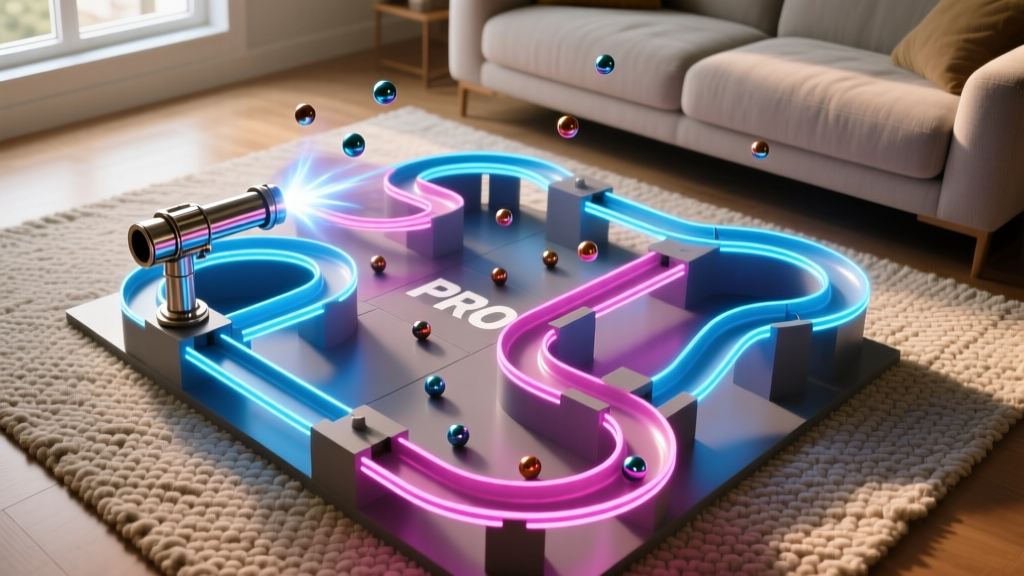
Gravitrax PRO ($119.99) is a marble run, but calling it that is like calling a Tesla a golf cart. This system relies on magnetic cannons, kinetic dampeners, and gravity-driven ziplines to create massive, multi-tiered tracks. The 'PRO' designation means the tracks feature a sleek, architectural matte-black finish with modular risers that allow for extreme verticality. It teaches potential energy, momentum, and friction without a single microchip in sight. The failure rate of a poorly designed track (the marble flying off the edge) provides immediate, hilarious, and highly educational physics feedback.
A Parent’s Decision Framework: Matching Gadget to Cognitive Stage
Buying tech for kids isn't just about age recommendations; it is about cognitive readiness. Use this framework to guide your purchase:
- Pre-Operational Stage (Ages 4–7): Focus on tactile feedback and immediate visual results. Best Picks: Shifu Orboot Earth, 3Doodler Start+. The goal is sensory engagement and basic cause-and-effect.
- Concrete Operational Stage (Ages 7–11): Introduce logic gates, sequential planning, and physics. Best Picks: Gravitrax PRO, Snap Circuits MyHome. Kids can now understand 'if/then' logic and structural consequences.
- Formal Operational Stage (Ages 11+): Abstract thinking, text-based coding, and network architecture. Best Picks: Makeblock mBot3. They are ready to debug Python code and understand wireless network latency.
Safety & Setup: Non-Obvious Edge Cases
As a domain expert, I must highlight a few real-world failure modes and safety considerations that marketing materials conveniently omit:
- Lithium-Ion Battery Care: Gadgets like the mBot3 use Li-Po batteries. Never leave them charging overnight unattended, and store them at a 50% charge if not being used for more than a month to prevent battery swelling and degradation.
- COPPA Compliance on IoT: When setting up the Snap Circuits MyHome Wi-Fi bridge, ensure you are creating a guest network or VLAN. Do not expose your primary home network credentials to a child's IoT learning hub, as firmware security on educational toys is rarely enterprise-grade.
- PLA Filament Jams: While the 3Doodler Start+ doesn't use high-heat PLA, the bio-plastic can still clump in the extruder gear if the pen is left powered on but idle for more than 10 minutes. Teach kids the 'power down when thinking' habit.
Frequently Asked Questions
Are these children's gadgets safe for unsupervised play?
Gadgets like the 3Doodler Start+ and Gravitrax PRO are exceptionally safe for independent play. However, IoT-connected devices (Snap Circuits) and AI robots (mBot3) require initial supervised setup to configure network permissions and establish safe digital boundaries.
Do I need to buy expensive add-ons to make these toys work?
Most base kits are complete out of the box. The primary exception is the Shifu Orboot, which requires you to already own a relatively modern smartphone or tablet to run the AR application. The 3Doodler will eventually require filament refills (approx. $19.99 for a multi-color pack), but the initial kit provides enough material for a dozen projects.
How do I transition my child from block-coding to real programming?
The Makeblock mBot3 is specifically designed for this pipeline. Start with the drag-and-drop Scratch interface to teach logic loops. Once your child masters that, use the software's 'toggle to Python' feature to show them the actual text-based code their blocks just generated. This demystifies syntax and accelerates learning.
Written by
Tom ReynoldsTom Reynolds holds a CFA (Chartered Financial Analyst) designation and a B.S. in Finance from the University of Texas at Austin. Before entering tech journalism, he spent 6 years as a quantitative analyst at a hedge fund, building cost-benefit models for consumer product investments. Tom has maintained a proprietary database of over 10,000 tech deals for the past 8 years, developing his signature "penny-per-feature" evaluation framework that calculates the true value proposition of every gadget. His budget gadget reviews are known for their financial rigor — he tracks price history across 15+ retailers, calculates cost-per-use over 3-year lifespans, and identifies the exact inflection point where premium features justify their markup. Tom's deal alerts have saved his readers an estimated .3 million since 2018.